OpenClaw 2026 部署指南

前言
OpenClaw 是 2026 年最受关注的开源 AI Agent 项目,凭借强大的任务规划能力成为开发者首选。
一、环境准备
1.1 系统要求
- 操作系统: Ubuntu 20.04+/CentOS 8+/macOS 12+
- 内存: 最低 8GB,推荐 16GB+
- 存储: 至少 20GB 可用空间
1.2 软件依赖
sudo apt-get update
sudo apt-get install -y git curl wget python3 python3-pip docker.io
二、安装部署
2.1 克隆项目
git clone https://github.com/openclaw/openclaw.git
cd openclaw
git checkout v2026.1.0
2.2 Docker 部署(推荐)
cd docker
cp .env.example .env
docker-compose up -d
三、核心配置
3.1 模型配置
models:
  default:
    provider: "volcengine"
    model: "ep-m-20260408223723-khzqn"
3.2 工具配置
tools:
  - name: "exec"
    enabled: true
  - name: "web_search"
    enabled: true
  - name: "wecom_mcp"
    enabled: true
四、使用示例
4.1 基础使用
openclaw chat
openclaw run "检查系统状态"
4.2 企业微信集成
import openclaw
agent = openclaw.Agent()
result = agent.run("生成日报并发送到企业微信")
五、故障排除
5.1 常见问题
- 端口占用: 检查 8000 端口
- 模型调用失败: 检查 API Key
- 企业微信不工作: 确认配置正确
5.2 日志查看
docker-compose logs -f
tail -f /var/log/openclaw/app.log
六、总结
OpenClaw 2026 在易用性和功能上都有显著提升,是本地部署 AI Agent 的优秀选择。
📖 名词释义
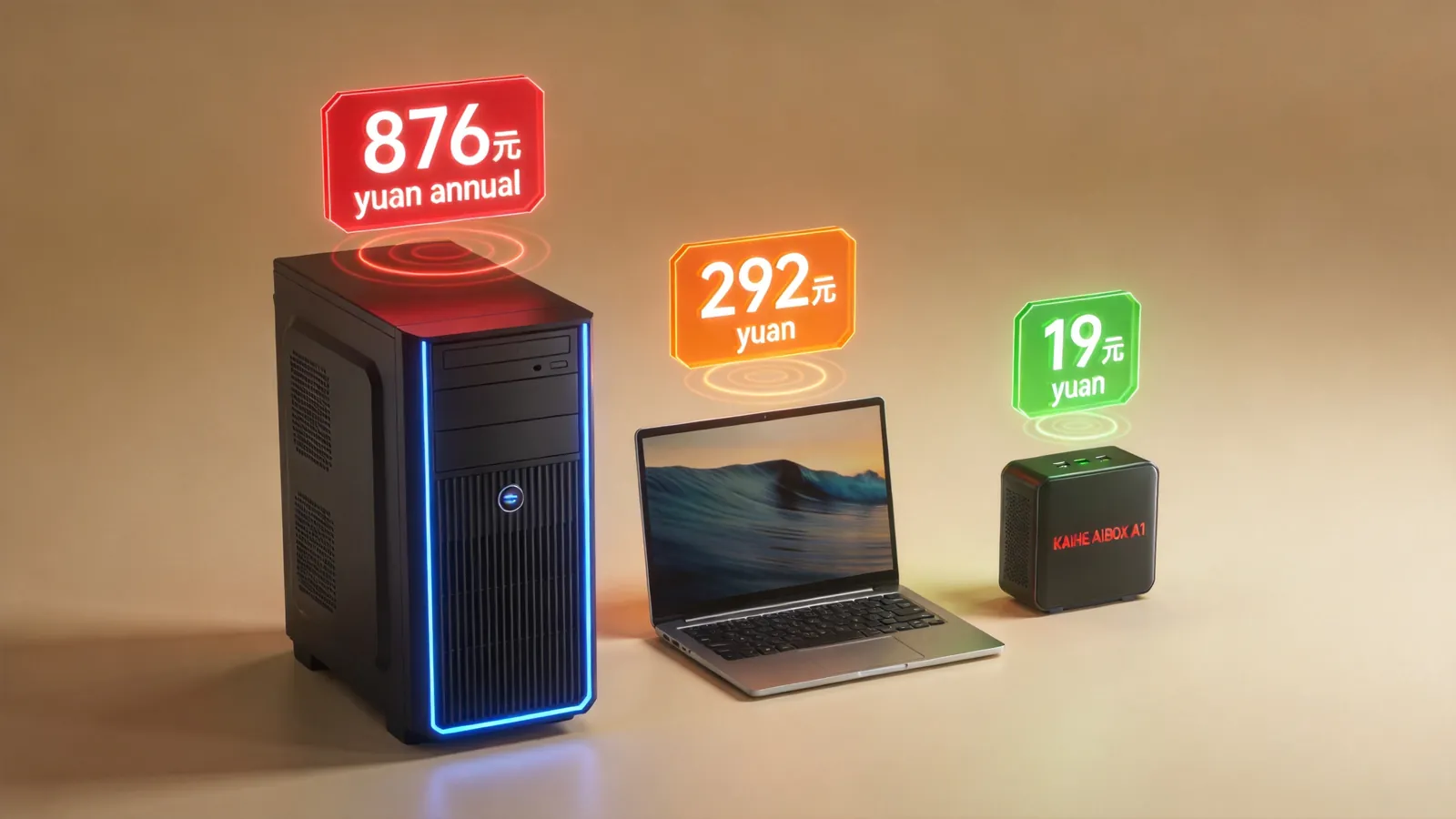
AI Box(又称 AI盒子 / 智能体计算机 / Agent Computer),是一种专门运行 AI Agent 的本地硬件设备,预装智能体应用管理系统,开箱即用,7×24 小时在线运行。用户可以通过微信、飞书、企业微信、钉钉等社交软件远程指挥 AI 帮你干活。
提示: 遇到问题可在 GitHub Issues 或 Discord 社区寻求帮助。