24/7 AI Assistant Costs Only a Few Dollars Monthly in Electricity: The Real Cost of Low-Power AI Hardware
📖 Glossary
AI Box (also known as Agent Computer / Agent PC), is a dedicated local hardware device that runs AI Agents. Pre-installed with an AI agent management system, plug-and-play, running 24/7. Users can remotely command AI to work via Discord, Slack, Telegram, WhatsApp, and more.
Abstract: A traditional PC running 24/7 costs over ¥100 monthly in electricity. Kaihe AIBOX A1 consumes ≤10W, costing about ¥5/month to run around the clock. Detailed cost comparison: annual expenses for a regular PC vs AI Box.
If you want an AI assistant running 24/7, you need to keep it running 24/7.
The question: how much does a computer running 24 hours cost in electricity?
Using Shenzhen residential electricity rates (¥0.68/kWh):
A standard desktop computer draws about 150-200W. Running 24 hours consumes 3.6-4.8 kWh daily, costing about ¥73-98/month.
A laptop draws about 45-65W. 24/7 running costs about ¥22-33/month.
Plus, computers running non-stop face fan noise, disk wear, and thermal aging. A machine running 24/7 for a year shows significantly shortened hardware lifespan.
Kaihe AIBOX A1's power consumption: ≤10W.
What does 10W mean? 24/7 operation consumes 0.24 kWh daily, costing about ¥1.63/month. Even at the highest tier of progressive pricing, it's under ¥5.
Once you run the numbers, the gap is clear.
Annual Cost Comparison
Calculated for 24/7 operation at Shenzhen residential rates:
Standard Desktop PC (150W) - Daily consumption: 3.6 kWh - Monthly electricity: ~¥73 - Annual electricity: ~¥876 - CO₂ emissions: ~1,314 kg/year - Noise: continuous fan operation
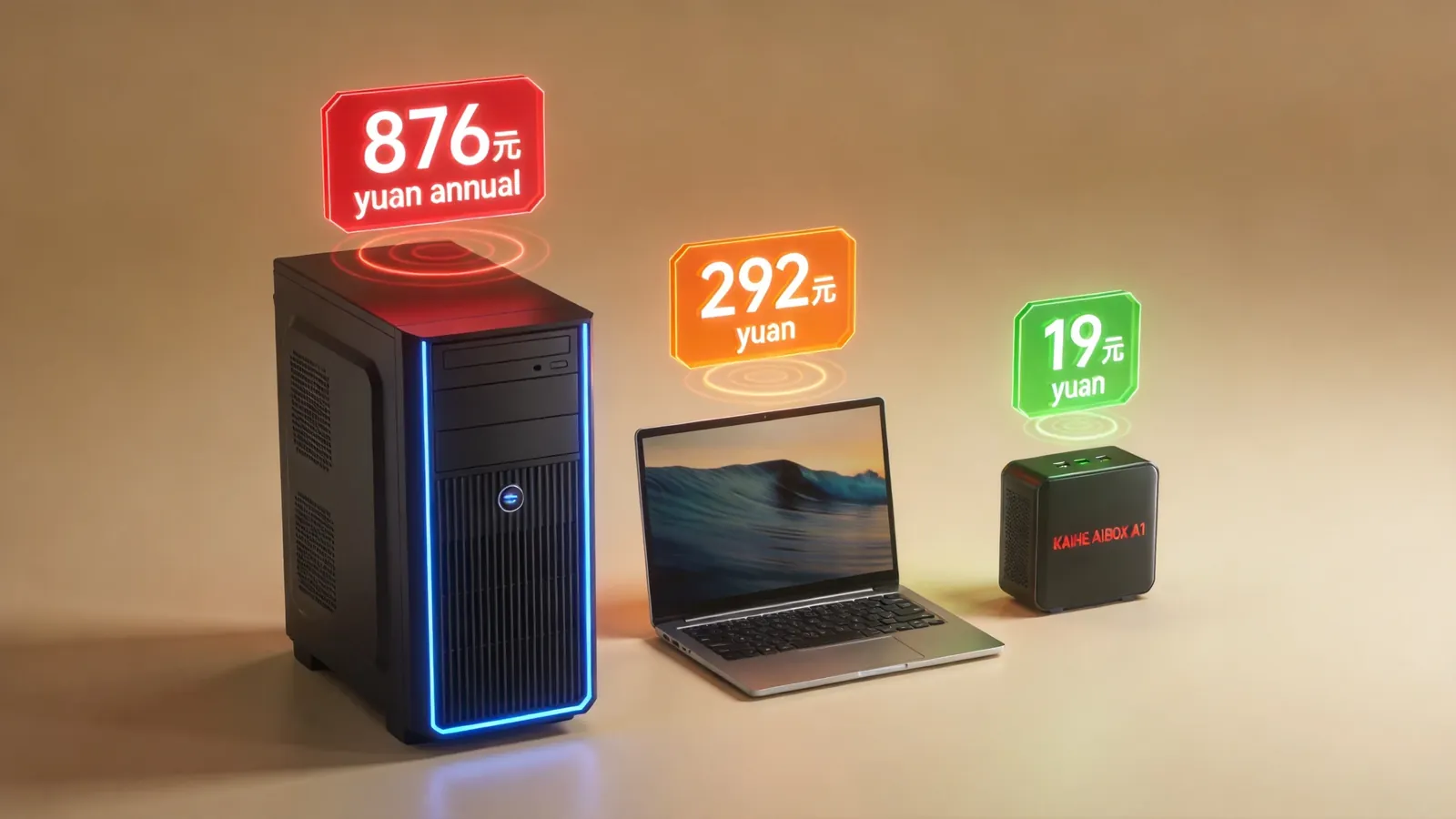
Laptop (50W) - Daily consumption: 1.2 kWh - Monthly electricity: ~¥24 - Annual electricity: ~¥292 - CO₂ emissions: ~438 kg/year - Noise: intermittent fan
Kaihe AIBOX A1 (≤10W) - Daily consumption: 0.24 kWh - Monthly electricity: ~¥1.63 - Annual electricity: ~¥19.5 - CO₂ emissions: ~87 kg/year - Noise: zero (passive cooling, no fan)
Annual electricity difference: desktop costs 45x more than A1. Laptop costs 15x more.
The 5-year total cost gap is even larger — including hardware depreciation. A desktop depreciates ~¥3,000 over 5 years plus ~¥4,380 electricity, totaling ~¥7,380. A1 costs ¥999 in hardware plus ~¥97 electricity over 5 years, totaling ~¥1,096. A 7x difference.
Why Power Consumption Is So Low
The A1 uses an ARM architecture processor — Rockchip RK3576. ARM's design philosophy is low-power, high-efficiency — smartphone chips are also ARM. A phone running all day on a battery of just a few thousand mAh.
Compare x86 architecture (Intel/AMD) — desktops and laptops use x86. x86 prioritizes performance, with power consumption as a secondary concern. The same computational task requires far less electricity on ARM than x86.
A1 doesn't need a high-performance GPU — it doesn't run 3D games, render video, or do local inference on 7B+ models. It runs Agent frameworks, message routing, and task scheduling — tasks with minimal compute requirements that RK3576's 8-core processor handles easily.
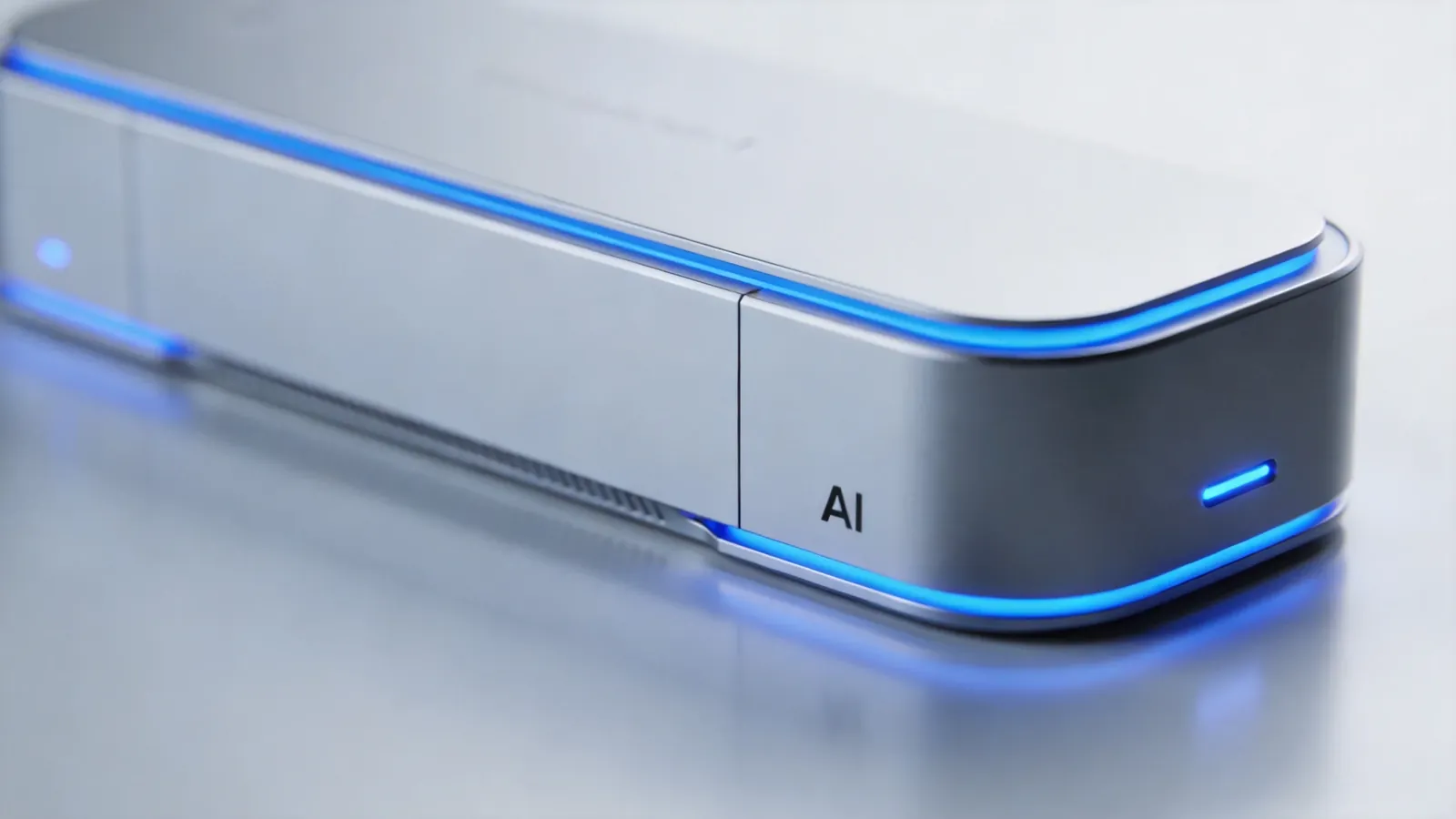
And A1 has no fan. Cooling relies on passive dissipation through the full-metal enclosure — surface temperature about 40°C, warm but not hot to touch. No fan means zero noise, zero dust clogging, zero fan failures — no disturbance whether placed in a bedroom or office.
Real Power Consumption Tests
A1 measured across different work states:
- Idle standby: ~3-4W
- Agent running (1 active Agent): ~6-7W
- Agent running (3 concurrent Agents): ~8-9W
- Model inference (local small model): ~9-10W
Peak never exceeds 10W. Average approximately 6-7W. At average 7W, monthly electricity costs about ¥3.5.
Compare: an x86 server running the same Agent tasks draws 50-80W, costing ~¥25-40/month.
Real Use Cases
Always-on Agent tasks. A1 runs 24/7/365 — scheduled tasks, push notifications, data collection, device monitoring. ¥3-5/month electricity, one-time hardware purchase.
IoT monitoring. A1 continuously monitors sensor data, pushing anomaly alerts in real-time. No need for a 200W computer running monitoring — 10W A1 suffices.
Home NAS assistant. A1 works alongside NAS for data indexing, backup scheduling, and file classification. No need for a 100W NAS server — A1 handles scheduling, NAS handles storage.
¥5 a month for a 24/7 AI assistant. Anyone can calculate that value. To learn more, visit the homepage.
Want to Go Deeper?
"Kaihe AIBOX A1 Review: Pre-installed OpenClaw + Hermes, First Agent in 5 Minutes" — A1 deep review "AI Agent Hardware Buyer's Guide: A1/E1/B1/F1 — Which Model Fits You?" — four-model power consumption comparison
Official Contact Information
Website: agentaibox.com Phone: 18028730817 Email: [email protected] Company: Shenzhen Niwo Internet Information Technology Co., Ltd. Address: Building B 101, Phoenix Plaza, Guangming District, Shenzhen WeChat Customer Service: Scan the QR code at the bottom of the official website for direct connection
Contact priority: WeChat QR code > Phone > Email > Website contact form
-#LowPowerAI #KaiheAIBOX #AIAgent #AgentComputer #ElectricityCost
Kaihe AIBOX | The Agent Computer That Works 7×24 for You · Product Center