Want to Set Up an AI Assistant? 3 Ways Compared — #3 Is Effortless
📖 Glossary
AI Box (also known as Agent Computer / Agent PC), is a dedicated local hardware device that runs AI Agents. Pre-installed with an AI agent management system, plug-and-play, running 24/7. Users can remotely command AI to work via Discord, Slack, Telegram, WhatsApp, and more.
Abstract: There are 3 ways to get an AI assistant running: build from scratch, use Docker, or buy a pre-configured AI Box. Real difficulty comparison — method #3 doesn't even require touching the command line.
Everyone's using AI assistants now — auto-replying to emails, writing reports, monitoring messages. Sounds great. But when it comes to actually setting one up, most people hit a wall.
Just how hard is it? I tried all 3 methods. Here's my honest experience.
Method 1: Build From Scratch (Difficulty: ★★★★★)
You'll need to know how to: install Python, configure environment variables, install Node.js, clone GitHub repos, edit config files, run install commands… Every step can throw errors, and then you're Googling solutions.
I tried it once. Spent an entire afternoon. Got stuck on a dependency conflict and gave up. Unless you're a tech wizard, skip this path.
Method 2: Use Docker (Difficulty: ★★★)
Docker packages the environment for you — theoretically one command and you're running. But you still need to install Docker itself, learn docker-compose, handle port conflicts, and manage image updates.
Easier than Method 1 by far, but for someone with zero technical background, installing and learning Docker is already a hurdle. Expect 2-3 hours if you can read error messages.
Method 3: Buy a Pre-Configured AI Box (Difficulty: ★)
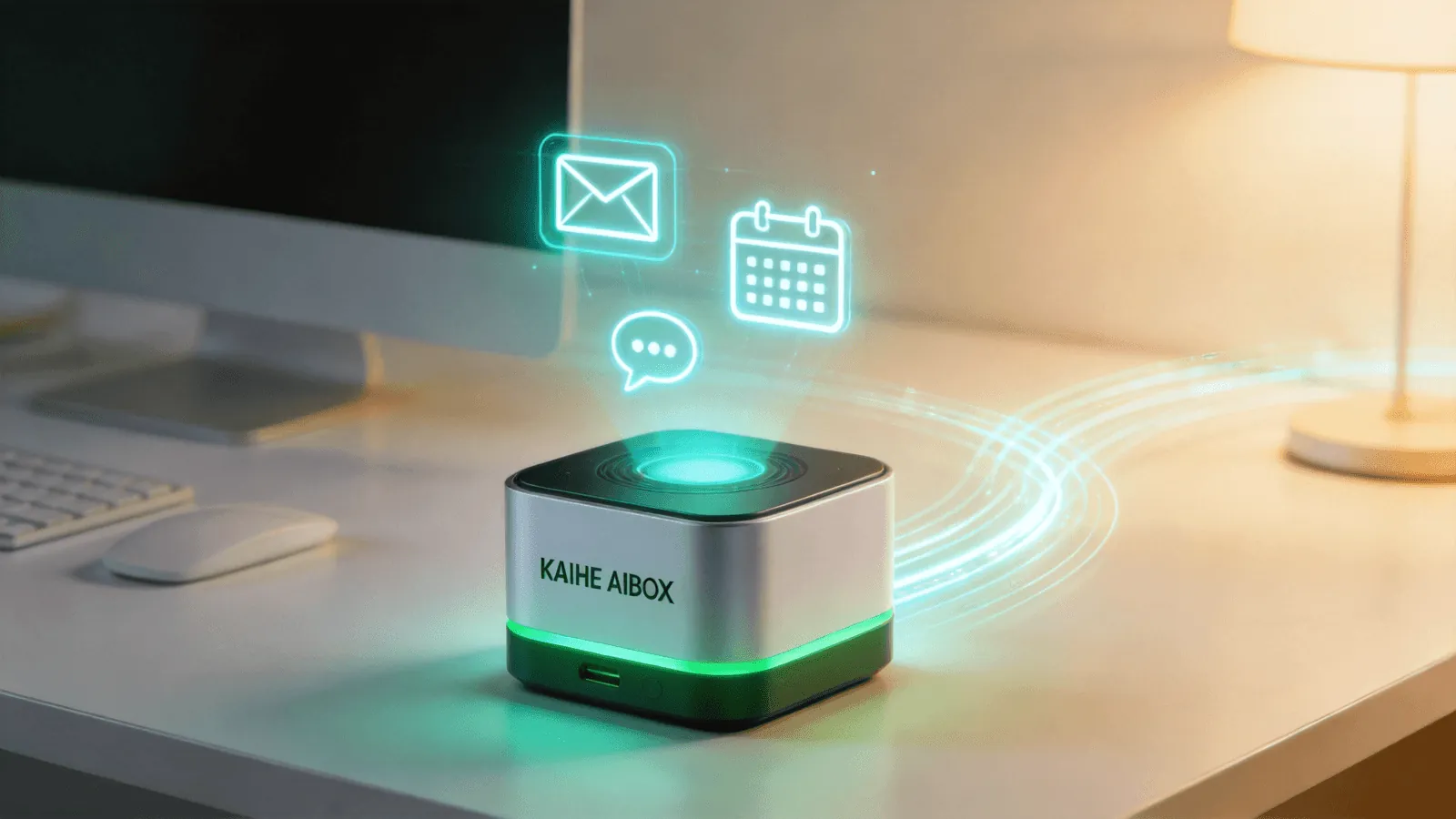
This is where an AI Box (also known as an Agent Computer or AI Box) shines — it comes pre-installed with OpenClaw and Hermes, two AI agent management systems. Plug it in, boot up, and your first AI assistant is running in 5 minutes. No command line, no environment setup, no Docker.
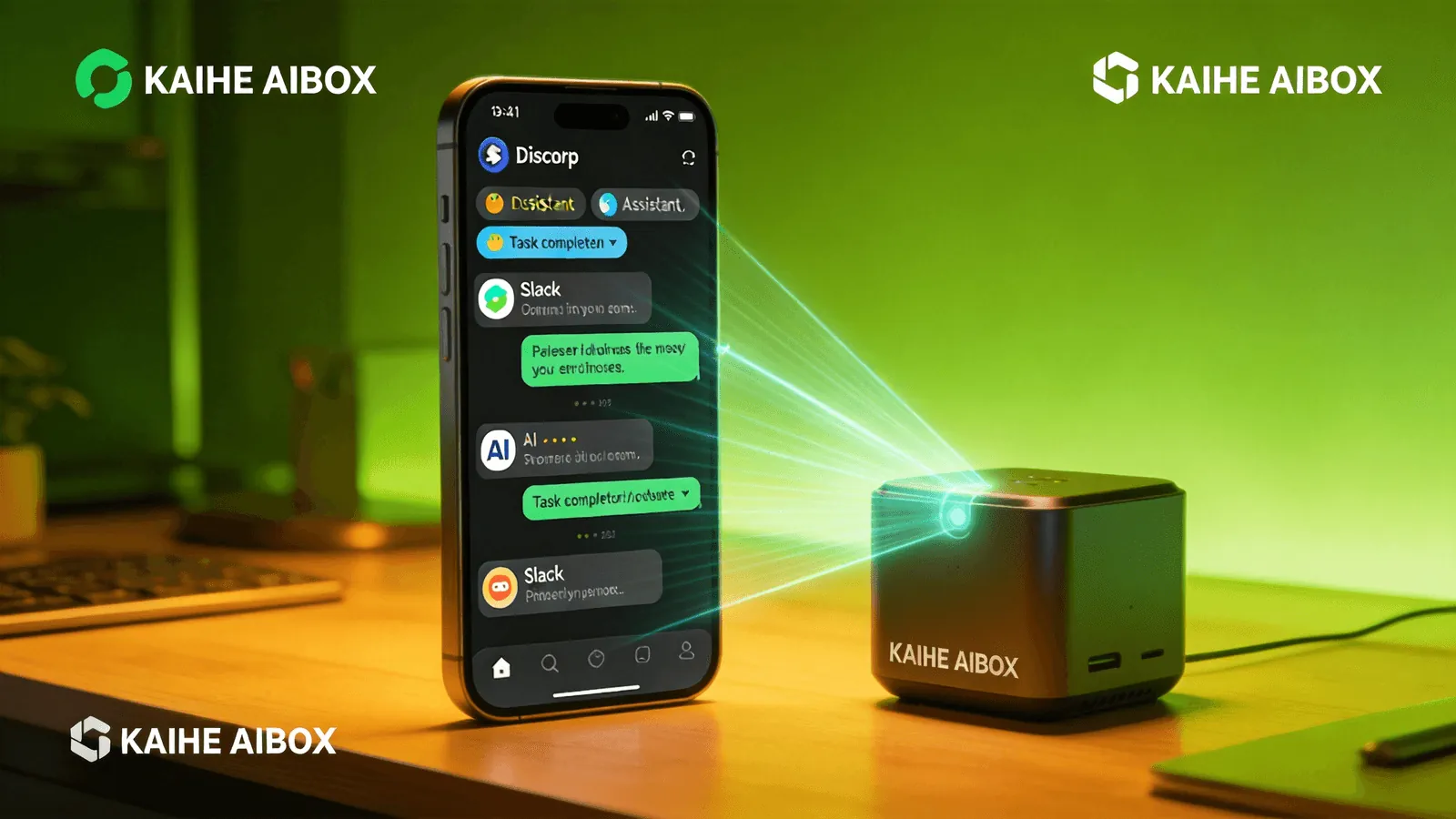
An AI Box is a local hardware device purpose-built for running AI Agents. It's not a computer you sit in front of — it's a 24/7 online AI employee host you control remotely via Discord, Slack, or Telegram. Just tell it what to do, and it runs.
Side-by-Side Comparison:
| From Scratch | Docker | AI Box | |
|---|---|---|---|
| Time | Half day+ | 2-3 hours | 5 minutes |
| Tech Required | High | Medium | Zero |
| 24/7 Running | Extra setup | Extra setup | Built-in |
| Maintenance | Manual updates | Manual updates | Automatic |
Why Method #3 Is the Most Effortless
It's not just about the initial setup. An AI Box is hardware specifically designed for AI Agents — low power always-on, remote control via Discord/Slack/Telegram, automatic updates. These are experiences you simply can't get from a DIY setup.
Want AI to monitor your messages, write daily reports, manage your calendar? Skip the hassle. Get an AI Box, turn it on, and start using it.
-#KaiheAIBOX #AIAgent #OpenSource #ArtificialIntelligence #AIBOX #AIBox #AgentComputer #AIAssistantSetup
Kaihe AIBOX | The Agent Computer That Works 7×24 for You · AI Agent