How Hard Is OpenClaw Installation? 3 Paths Compared, Kaihe AIBOX Pre-installed Wins
📖 Glossary
AI Box (also known as Agent Computer / Agent PC), is a dedicated local hardware device that runs AI Agents. Pre-installed with an AI agent management system, plug-and-play, running 24/7. Users can remotely command AI to work via Discord, Slack, Telegram, WhatsApp, and more.
Abstract: OpenClaw offers three official installation methods: npm global install, Docker deployment, and source compilation. Each requires different technical backgrounds, with Node version issues, system dependencies, and network problems as common pitfalls. This article tests all three paths, comparing time, technical barrier, and pitfall probability — plus a fourth path: Kaihe AIBOX pre-installed, zero configuration.
OpenClaw is an open-source AI Agent framework, but between "open source" and "actually usable" often lies an installation barrier.
Community help posts about OpenClaw installation appear daily: wrong Node version, npm permission errors, Docker image pull failures, missing compilation dependencies. This article tests all three official paths with real-world experience.
Path 1: npm Global Install
For: Developers with Node.js experience
Steps:
1. Install Node.js 18+ (nvm recommended)
2. npm install -g openclaw
3. openclaw init
4. openclaw start
Time: ~25 minutes (including Node installation)
Pitfalls: - Node version: Ubuntu's default Node is 16.x, requires manual NodeSource setup for 18+. macOS via Homebrew is smoother. - npm permissions: Global install on Linux needs sudo, but post-install command permissions can be tricky. nvm avoids this. - Init config requires manual API Key entry, model selection, and messaging channel setup. Config at ~/.openclaw/config.json — not complex but field meanings require doc reading.
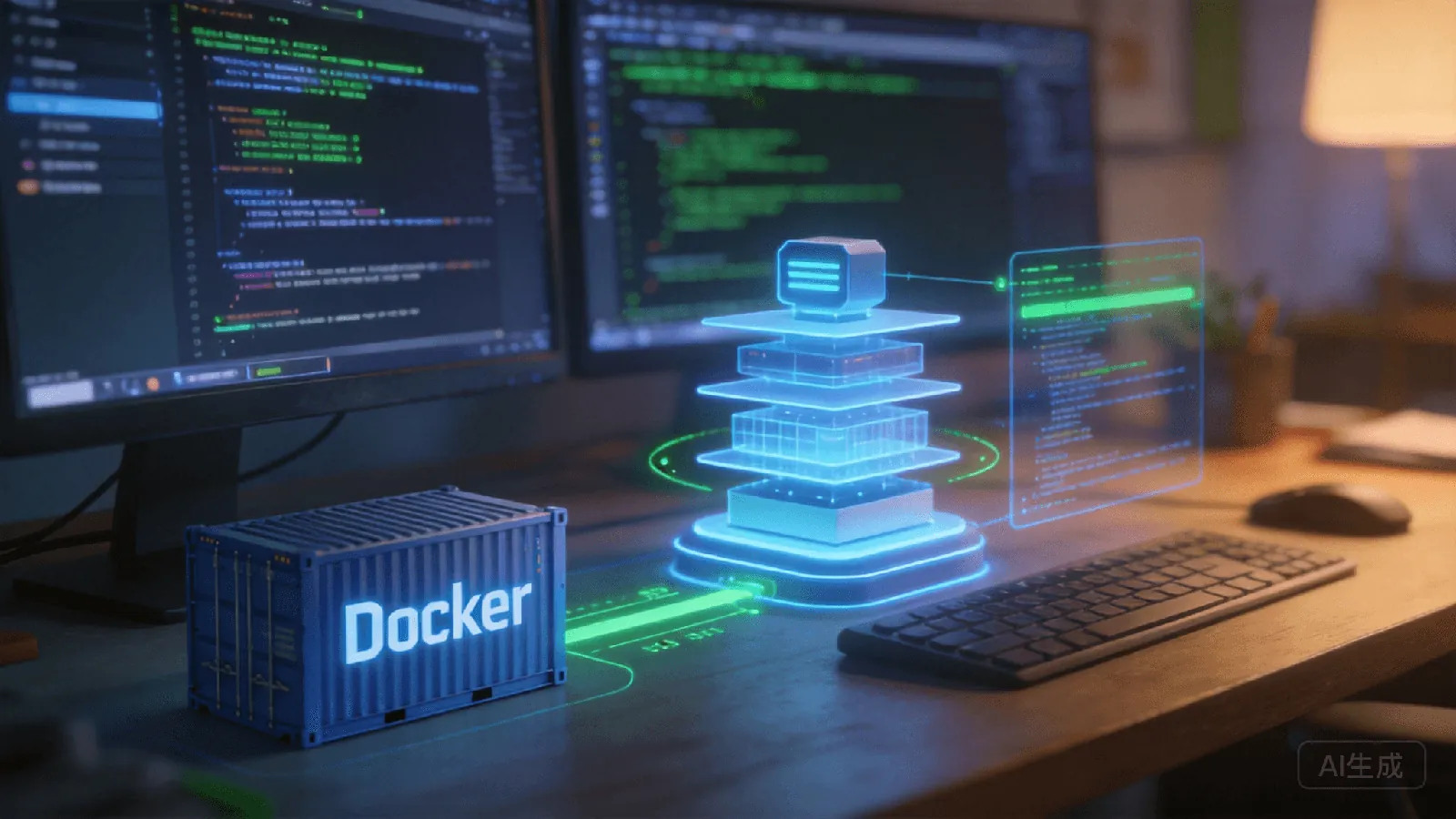
Path 2: Docker Deployment
For: Ops personnel familiar with containers
Steps:
1. Install Docker and Docker Compose
2. docker pull openclaw/openclaw:latest
3. Write docker-compose.yml (mount config, map ports)
4. docker-compose up -d
Time: ~40 minutes (including Docker setup and image pull)
Pitfalls: - Slow image pull: Docker Hub pulls frequently timeout on Chinese networks. Mirror accelerators needed (Alibaba, Tencent), but stability varies. - Config mounting: Wrong mount paths cause "config not found" on first run. - Container networking: OpenClaw needs external network access for model APIs and messaging platforms. Bridge vs. host mode depends on use case.
Path 3: Source Compilation
For: Developers needing deep customization or contributing code
Steps:
1. Install Git, Node.js 18+, Python 3.10+, make
2. git clone https://github.com/openclaw/openclaw.git
3. cd openclaw && npm install
4. npm run build
5. npm start
Time: ~1 hour (including dependencies and compilation)
Pitfalls: - System dependencies vary: Ubuntu needs build-essential, macOS needs Xcode CLT, Windows needs VS Build Tools. - Python version: Some native modules require Python 3.10+, system Python may be 3.8. - Compile time: 30+ minutes on low-spec devices. Raspberry Pi-level devices are a non-starter.
Three Paths Comparison
| Dimension | npm | Docker | Source |
|---|---|---|---|
| Technical barrier | Medium | Med-High | High |
| Install time | ~25 min | ~40 min | ~1 hour |
| Best for | Quick try | Production | Customization |
| Pitfall rate | Medium | Med-High | High |
| Upgrade difficulty | Easy | Medium | Recompile |
Path 4: Kaihe AIBOX Pre-installed
If the above three paths look daunting, there's a fourth: Kaihe AIBOX.
Steps: 1. Plug in Kaihe AIBOX, connect network cable 2. Open browser on same LAN, enter kaihe.local 3. Enter admin dashboard, click "Start OpenClaw" 4. Done
Time: 3 minutes
No Node version issues, no Docker pulls, no compilation dependencies. OpenClaw and Hermes are pre-installed at the factory. Users just click a start button in the dashboard.
Configuration is also simplified — the admin dashboard is a GUI where API Key, model selection, and messaging channels are filled in on a web page, no manual JSON editing.
Which Path to Choose
Quick OpenClaw experience: npm is fastest, if you have Node.js.
Server deployment: Docker is the standard choice, good isolation, easy upgrades.
Source modification or community contribution: Source compilation is the only option.
No hassle, just use it: Kaihe AIBOX, out of the box. Spend your time running Agents, not configuring environments.
Further Reading
- Kaihe AIBOX-A1 Product Details — OpenClaw pre-installed, ready to go
- Kaihe AIBOX Store — Full lineup of Agent Computers
- More OpenClaw Articles — Installation, configuration, tutorials
-#KaiheAIBOX #OpenClaw #AIAgent #AIBOX #LocalAI
Kaihe AIBOX | The Agent Computer That Works 7×24 for You · AI Agent