Hermes Agent Desktop Deep Dive: Workspace, AI Notes, Multi-Agent Collaboration
📖 Glossary
AI Box (also known as Agent Computer / Agent PC), is a dedicated local hardware device that runs AI Agents. Pre-installed with an AI agent management system, plug-and-play, running 24/7. Users can remotely command AI to work via Discord, Slack, Telegram, WhatsApp, and more.
Abstract: Hermes Agent Desktop public beta supports Windows and macOS with visual workspace, AI notes, and multi-agent collaboration panel. Compared to CLI, the desktop version turns Agent management from command-writing to drag-and-drop configuration. Full installation-to-operation review with analysis of who it's for and its limitations.
Hermes Agent previously had only a CLI version — great for developers, but essentially a wall for non-technical users.
The June 2026 desktop beta changes this. Native apps for Windows and macOS, GUI operation, from installation to first running Agent without touching a single command line.
Installation: 5 Minutes to Go
Windows: Download .exe installer, double-click. Requires Windows 10+, supports winget (winget install hermes-agent). ~180MB with runtime.
macOS: Download .dmg, drag to Applications. Requires macOS 12+. Both Apple Silicon and Intel supported.
First launch offers mode selection: Local or Remote Connection. Local mode auto-detects and installs Hermes Agent core. Remote connects to an existing Hermes instance (like one on Kaihe AIBOX).
I chose Remote, connecting to my office Kaihe AIBOX A1. Entered device IP and port, connected in 3 seconds.
Core Feature 1: Visual Workspace
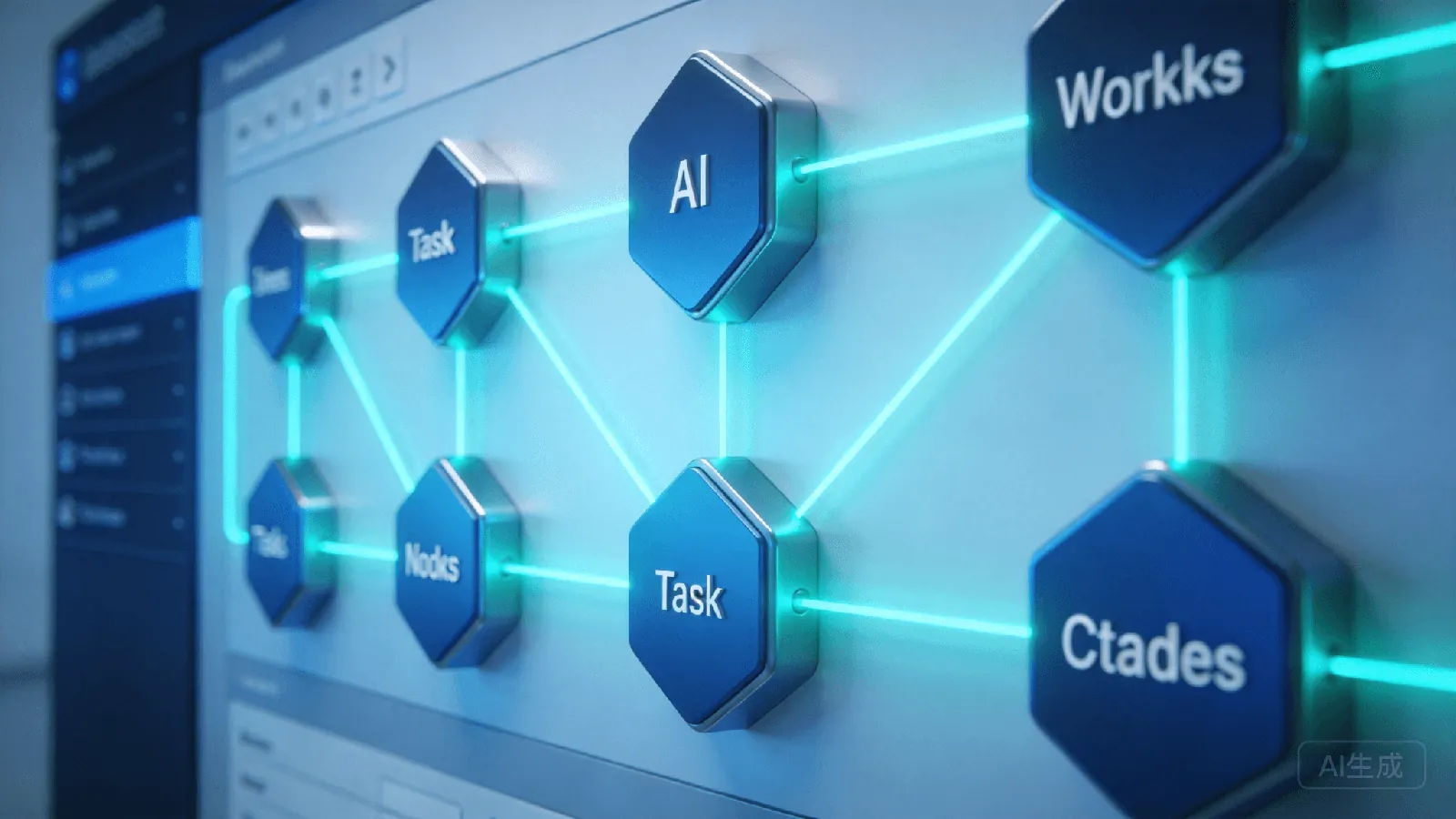
The workspace is the desktop's main interface. Agent list on the left, task editor in the center, runtime logs on the right.
Agent Management: Create, edit, start/stop agents entirely through GUI. Each agent's configuration (model selection, tool permissions, memory policy) uses form fields instead of YAML. A significant improvement for users unfamiliar with config syntax.
Task Orchestration: Visual task flow — drag nodes, connect lines to define execution order. A node can be "call model," "run script," or "send notification." Multiple nodes chain into automated workflows.
Real-time Logs: Every agent action displays in the right-side log panel. Click any log entry to expand details — much faster than scrolling CLI output for debugging.
Core Feature 2: AI Notes
This is the most surprising feature. AI Notes isn't a simple text editor — it connects to your Agent, letting AI help organize and expand content.
Auto Summary: Paste meeting transcripts, one-click generates structured summary with action items and assignees.
Knowledge Graph: Note relationships auto-visualized. When writing about "frontend architecture," it suggests your previous "React Performance" note and draws connection lines.
Agent Q&A: @mention your Agent directly in notes. Writing a technical plan? @Agent asks "How does this compare to microservices?" — answers based on your note history and knowledge base, insertable with one click.
Core Feature 3: Multi-Agent Collaboration Panel
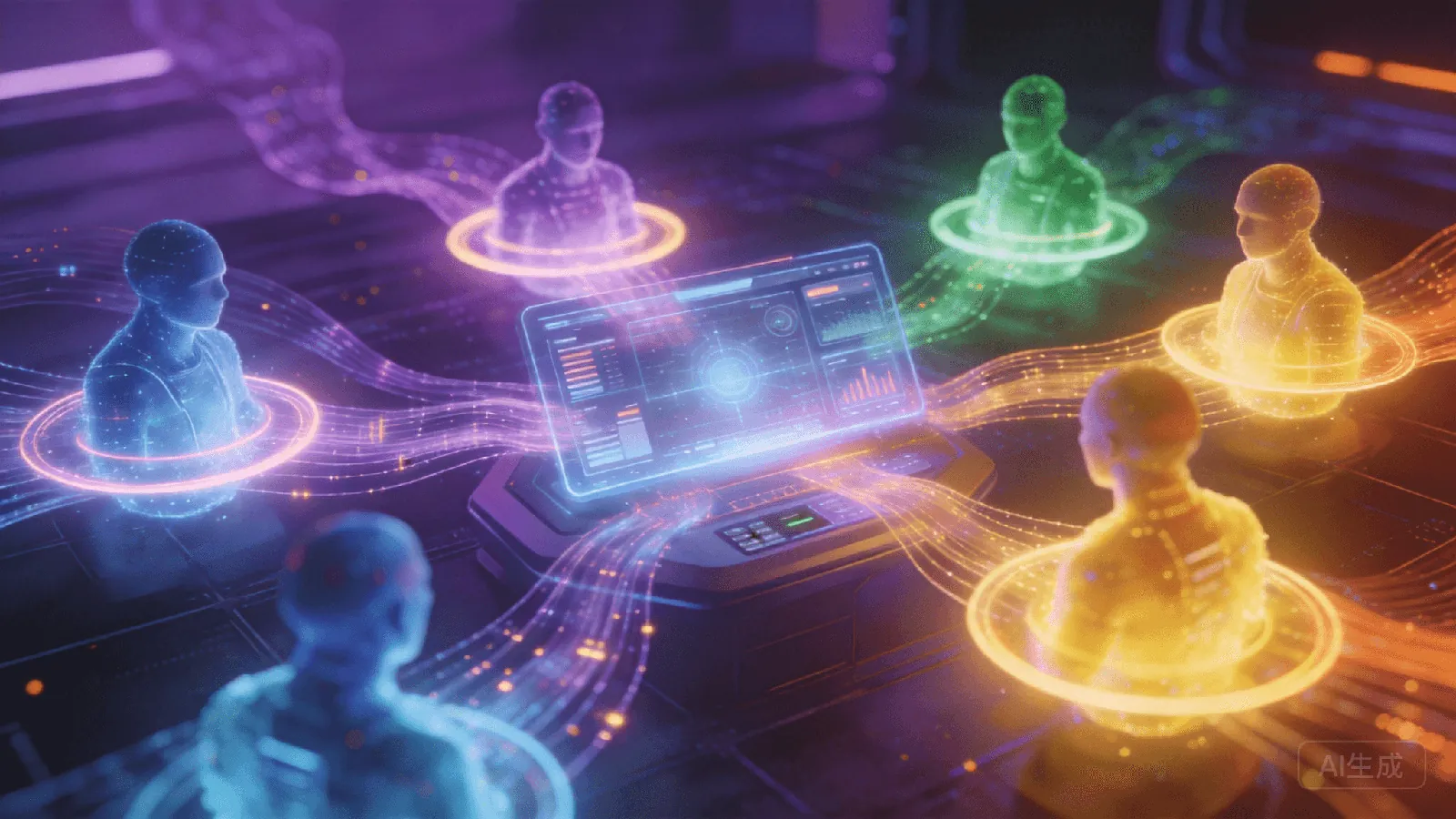
CLI managed multiple agents through commands and process lists. Desktop finally has a graphical collaboration panel.
Agent Status Overview: All running agents at a glance — status (running/waiting/error), last activity time, resource usage. Instantly spot which agent is stuck.
Task Assignment: Drag tasks to specific agents. Multiple parallel agents show progress bars and output previews.
Conflict Detection: When two agents operate the same resource, the panel highlights the conflict for priority resolution. This feature doesn't exist in CLI — conflicts there are post-mortem only.
CLI vs. Desktop: How to Choose
| Dimension | CLI | Desktop |
|---|---|---|
| Entry barrier | High | Low |
| Resource usage | Minimal | ~300MB RAM |
| Remote management | SSH + terminal | Native remote |
| Automation | Script pipelines | Visual workspace |
| Target users | Developers, ops | Everyone |
They're complementary. Use desktop for daily management and monitoring, switch to CLI for batch automation. Both share the same config files (~/.hermes/), seamless switching.
Limitations
High memory usage: ~300MB on macOS, ~350MB on Windows. Not ideal for low-spec devices.
Limited custom workflows: Visual orchestration currently supports linear flows only. Branching and loops still need CLI.
Remote stability: Occasional disconnects over cross-network connections. Stable on LAN; VPN recommended for internet connections.
Verdict
Hermes Agent Desktop's greatest value is lowering the barrier. CLI was for developers; desktop is for everyone. If you've been watching Hermes but felt deterred by command lines, the desktop beta is worth trying.
For Kaihe AIBOX users, desktop is the ideal remote management tool — AIBOX runs 24/7 in the corner, you manage and monitor from your computer. Much better experience than SSH.
Further Reading
- Kaihe AIBOX-A1 Product Details — Local AI Agent Computer, pairs with Hermes Desktop
- Kaihe AIBOX Store — Full lineup of Agent Computers
- More Hermes Articles — Hermes deployment, Agent config, tutorials
-#KaiheAIBOX #Hermes #AIAgent #AIBOX #LocalAI
Kaihe AIBOX | The Agent Computer That Works 7×24 for You · AI Agent