Doubao and Qianwen Are Killing Agents? Don't Panic: 3 Migration Options Tested
📖 Glossary
AI Box (also known as Agent Computer / Agent PC), is a dedicated local hardware device that runs AI Agents. Pre-installed with an AI agent management system, plug-and-play, running 24/7. Users can remotely command AI to work via Discord, Slack, Telegram, WhatsApp, and more.
Abstract: Doubao kills agents on July 15, Qianwen on July 10. Where does your agent go? I tested all three migration paths: ① move to Tencent Yuanbao or Kimi — zero effort but same landlord problem, ② self-host on cloud server — high technical barrier with recurring monthly costs, ③ put AI on your own hardware box — one-time investment with permanent data ownership. I personally migrated my agent from Doubao to Kaihe AIBOX in under an hour. Here's the full breakdown of every option, what works, and what doesn't.
When Doubao and Qianwen dropped their agent shutdown announcements, the question everyone asked was the same: where does my agent go?
Not "oh well, I'll figure it out." This is about an AI that you've spent half a year tuning — its character settings, its conversation memory, its understanding of how you work. That's not a chatbot. That's a digital assistant you've trained. And it's about to be deleted unless you find it a new home.
So where? I tested every viable option on the market. Here's what I found.
Option 1: Move to Tencent Yuanbao or Kimi — easiest, but nothing changed
This is the path of least resistance. Yuanbao supports custom agents. Kimi has similar functionality. Sign up, paste your exported prompt templates, and you're running again. Zero technical skill required.
I tried it for a week. Two problems emerged immediately.
First — the migration doesn't truly carry over. My Doubao agent had months of conversation history baked into its behavior. On a new platform, that nuance was gone. It felt like briefing a new employee who's technically qualified but doesn't know any of your habits yet.
Second and more important — you're just switching landlords. Today you move from Doubao to Yuanbao. What guarantees Yuanbao won't pull the same thing next year? Or start charging? You're trading one rented room for another rented room. The floor is different, but you still don't own the house.
Option 2: Self-host on a cloud server — technically possible but heavy
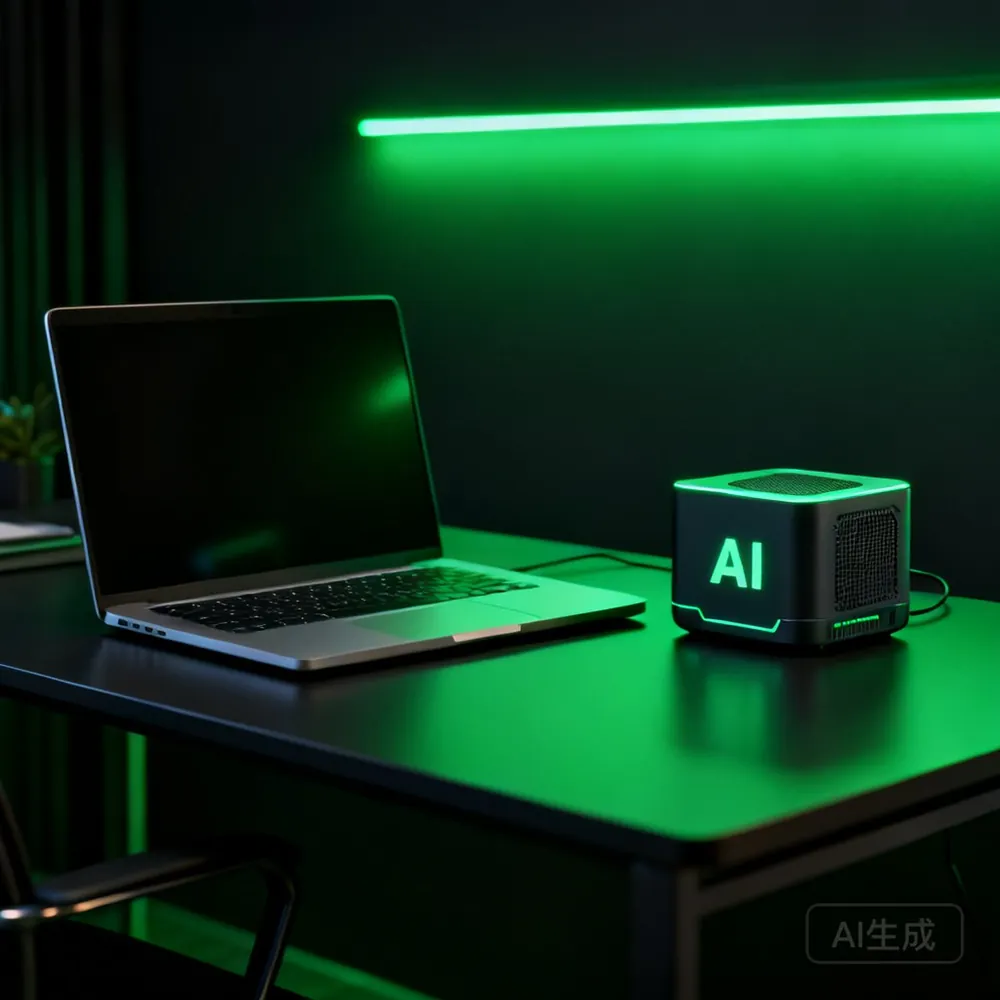
If you have some technical chops, you might think: "I'll just rent a cloud server and deploy an open-source agent framework."
Technically, yes. Spin up a basic instance on Alibaba Cloud or Tencent Cloud for a few dozen yuan a month. Install something like Dify or FastGPT. Set up a database. Configure your API keys. Your agent is running on your own server.
The reality is messier. You now own server maintenance — system updates, security patches, database backups. Domain registration, HTTPS certificates, API key rotation. None of it is "deploy and forget."
Plus, agent workloads need continuous inference. Cloud servers bill by usage. Even at idle, the meter is running. At moderate usage levels, you're looking at 100-200 yuan per month minimum.
It's a viable path if you enjoy this kind of tinkering. For most normal users, it's not worth the headache.
Option 3: Put AI on your own hardware — one-time cost, zero anxiety
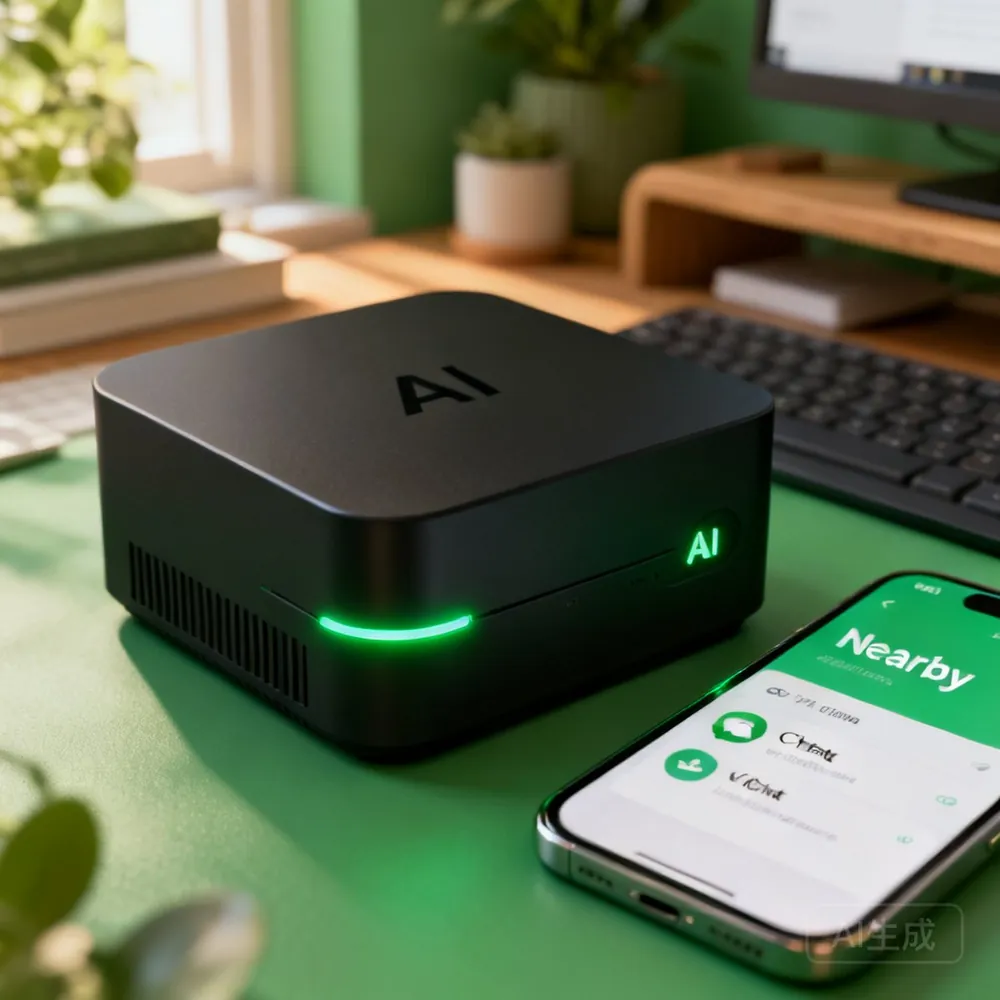
This is the path I ultimately chose, and after testing it, I'm convinced it's the most sensible option for anyone who actually depends on their agent.
Kaihe AIBOX is a palm-sized AI computer. Plug in power and Ethernet, and it initializes itself. OpenClaw and Hermes agent frameworks come pre-installed. No server deployment, no database configuration. Scan a QR code to connect via WeChat, and you're talking to your agent immediately.
I tested the full Doubao-to-AIBOX migration: exported my conversation history and role settings from Doubao in JSON format, then sent everything to the AIBOX via WeChat. No code required — I just told it in plain language: "Here's my writing style," "These are my common workflows," "Here's my past conversations, learn my habits."
About 40 minutes later, I asked it to write a piece in my usual style. The fidelity was around 80-90%. That's the closest any migration option got to preserving the original personality.
The core difference? Data ownership. In Option 1 and Option 2, your agent data still lives on someone else's infrastructure. With Option 3, every conversation log, every config file, every piece of your knowledge base lives on your own hard drive. Platforms change policies? Models change pricing? Services shut down? None of it touches you. Your AI is yours, permanently.
There's also a benefit I didn't anticipate: no laptop required. The device sits at home, and I control it with WeChat voice messages. Walking between meetings and suddenly need an analysis? Pull out your phone, say a few words, done.
Comparison at a Glance
| Dimension | Switch Platforms | Self-Host Server | Kaihe AIBOX |
|---|---|---|---|
| Entry barrier | Zero | Technical required | Scan QR code |
| Data ownership | Their server | Your rented server | Your hard drive |
| Shutdown risk | High | Medium | None |
| Monthly cost | Free (for now) | $15-$30/month | One-time purchase |
| Migration quality | Most nuance lost | Manual config needed | Direct conversation import |
| Remote control | Open app | Needs setup | WeChat voice |
Which one should you pick?
If you only dabble with agents and don't have deep conversation history built up — just switch platforms. It's free and sufficient.
If you have technical skills and enjoy tinkering — cloud self-hosting works, just expect ongoing maintenance.
But if you're like me — someone who spent half a year building an AI that truly knows you, with accumulated work memories, style preferences, and knowledge patterns — there's really only one option worth serious consideration. Once you realize your data should live with you, there's no going back.
Further Reading
- Kaihe AIBOX-A1 Product Details — Hardware for local agents
- Kaihe AIBOX Store — Full lineup
- Doubao & Qianwen Kill Agents: Your AI Could Disappear
- I Built My First Private Agent on Kaihe AIBOX
Kaihe AIBOX Website: https://agentaibox.com/ Email: [email protected] #KaiheAIBOX #AIAgent #OpenSource #ArtificialIntelligence #AgentComputer #PrivateDeployment #Doubao
Kaihe AIBOX | The Agent Computer That Works 7x24 for You · AI Agent