AI agents are starting to use the browser you are already signed into. Which step still needs your click?
Your browser has your email, your bank, your shopping accounts, and a row of tabs where you clicked "remember me". Until recently an AI could only hand you text and let you do the clicking yourself. Three things happened in the past week that changed that premise.
One week, three releases
📖 Glossary
AI Box (also known as Agent Computer / Agent PC), is a dedicated local hardware device that runs AI Agents. Pre-installed with an AI agent management system, plug-and-play, running 24/7. Users can remotely command AI to work via Discord, Slack, Telegram, WhatsApp, and more.
On November 7, OpenCode shipped Browse. Its product page describes it without hedging: an MCP server plus a Chromium extension that lets agents use "your real browser, with your tabs, your logins and your extensions". It opens and drives tabs with Playwright in collapsed background groups, takes screenshots, records the screen, and captures network traffic as a HAR. When it is your turn - a login, a 2FA prompt or a payment - it hands the tab back and continues only after you click Continue. An allowlist limits a session to the sites you name. The supported list runs from Chrome, Edge, Brave and Arc on the browser side to OpenCode, Claude Code, Cursor, Codex and Zed on the client side.
On November 10, n8n Labs released Nod as a research preview. It is a standalone app that runs on your computer, with its own local sandbox and its own browser. It needs no n8n account and no server to set up first. The jobs on its own blog are unusually concrete: cancel a subscription and refuse the retention offers, watch a price and tell you when it drops, find a hotel and book it once you say go, sign in to supplier portals each month and file the invoices, pull last week's numbers out of a dashboard with no export button. It also remembers months of conversation and scored 93.2% on LongMemEval, a public long-term memory benchmark.
The same week, someone closed the door. The Verge reported on November 11-12 that United Airlines will not let personal AI assistants buy tickets: an agent may still show you flights, but it cannot complete the transaction. The reasons given were privacy and regulation - possible exposure of customer information, purchases made without correctly understanding intent, and the disclosures and confirmations an airline must obtain from the passenger, such as attesting that checked bags contain no prohibited items. The CEO put it more bluntly at an event: "To be honest, I don't want to create another middleman." The same report noted that eBay appears to block such agents from browsing and that several major banks have restrictions too.
They are the same story
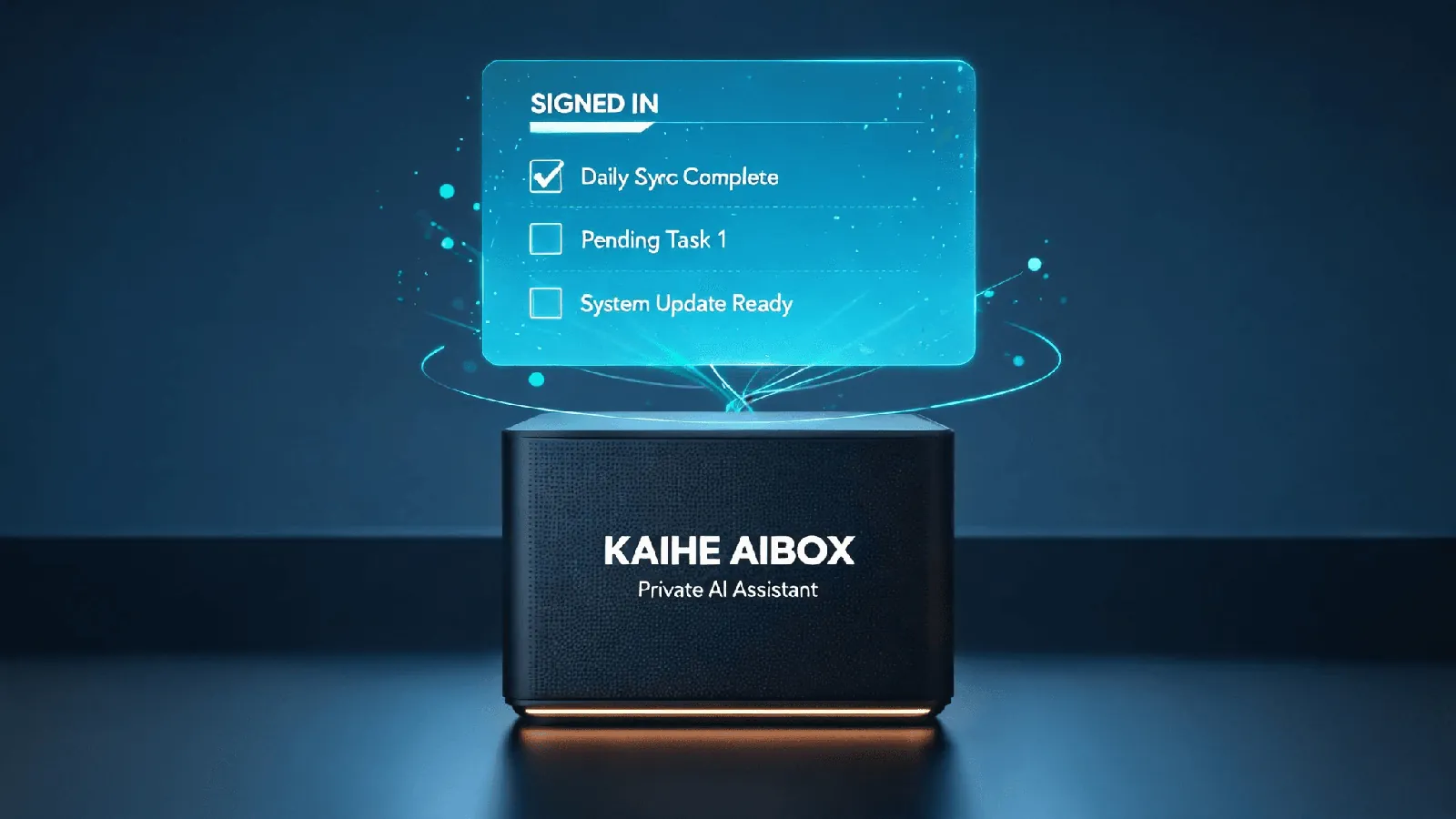
These are not one launch, and two of them push in the opposite direction from the third. But all three describe the same shift: agents moving from answering questions to acting with your identity.
The old question was whether an AI answered correctly. Once it can open a page carrying your login state, the questions that matter are plainer: what exactly can it see, which step must you click yourself, and is there a record to look at afterwards?
What is striking is how similar the answers are. Everyone serious about this keeps the last click with the human. Browse hands the tab back for logins, verification and payments. Nod adds a separate check before sending, paying, posting or deleting - and its own documentation notes that this check is itself a model, can make mistakes, and therefore asks again when your words do not cover an action. United simply keeps the whole category of "completing a transaction" on the platform side. Capability can be delegated. That last confirmation cannot.
Two more boundaries from Nod are worth copying: saved logins and cards are encrypted on your machine and entered through private forms the model cannot read, and a web page or an email cannot give the agent orders. Those say more about whether it deserves trust than a list of things it can do.
Local is not the same as safe
Here is the layer that is easiest to miss. Two of these run on your own hardware, yet the platform's restriction does not disappear because of that. United is blocking a behaviour - a third-party agent completing a purchase - not a location where the agent runs. A machine that stays on at home faces the same rule.
The reverse matters just as much. Reusing your login state means that, to a website, the agent is you. The confirmations it clicks, the forms it fills and the messages it sends are attributed to your account. Keeping data local answers "whose hands does the file sit in". It does not answer "what did it do on my behalf, and can I reconstruct that afterwards". Those are two separate things and they need two separate kinds of care.
Three questions before you hand anything over
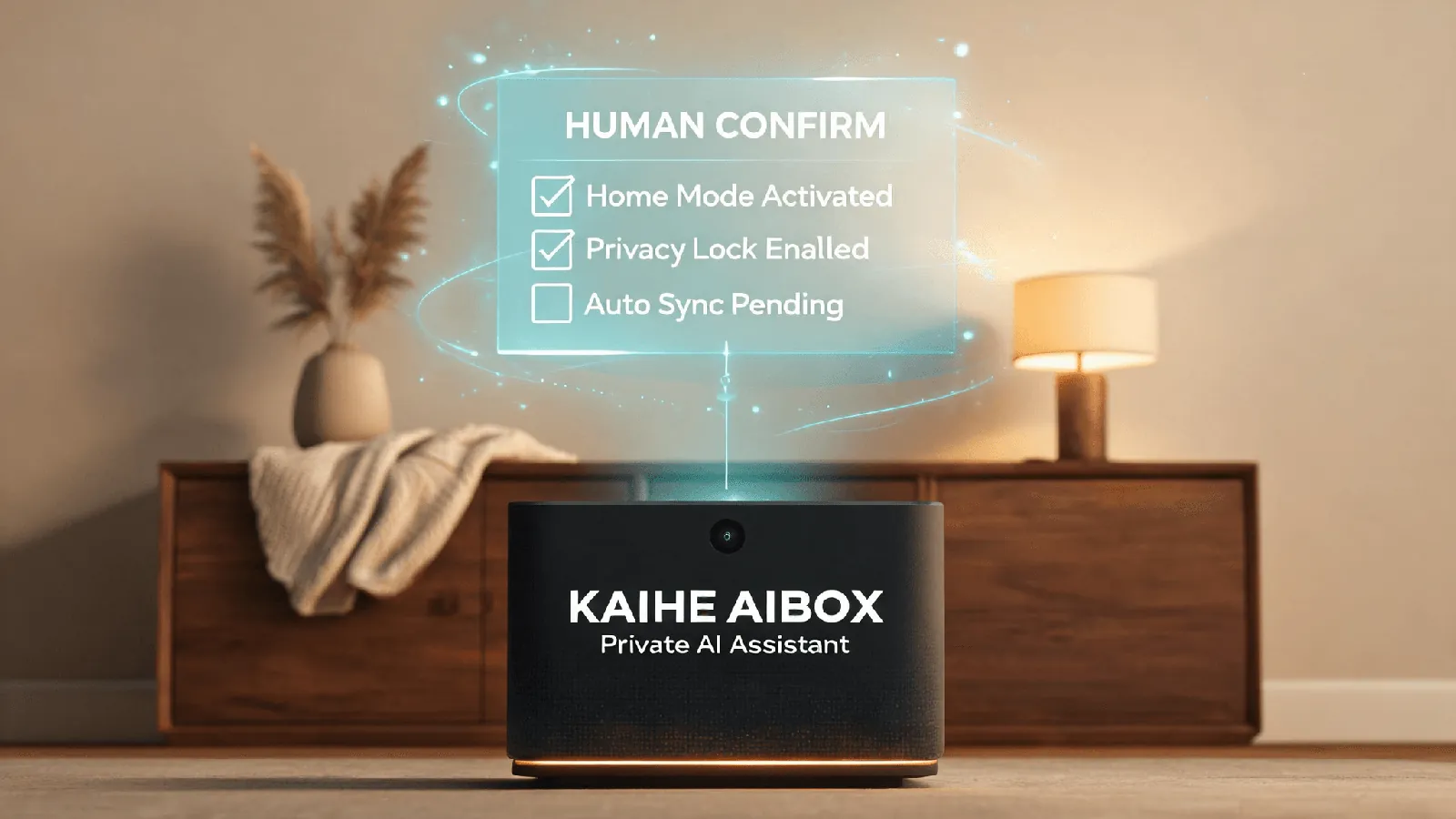
Whether or not you ever use tools like these, these three are usable today.
- What can it see? Only the single tab you hand over, or the entire browser's login state, passwords and cards? Nod keeps credentials out of the model's reach; Browse assumes the sites you are already signed into. The difference is large enough to ask about first.
- Which actions require my click? Logins, 2FA, payments, deletion and sending should each keep a human confirmation. Do not set them to "don't ask again".
- Is there a record? Every sign-in, every card use, every action and what each task cost. Without a log, you are left with memory.
One more habit is cheaper than all three: separate read-only from transaction. Let the agent search flights, compare prices and read dashboards. Take back the final step yourself when it is time to buy, pay or change an account. That is not distrust of AI; those actions should not have that step removed in the first place.
So who clicks
That is also why KAIHE AIBOX(铠盒AIBOX) makes private, on-device storage the default rather than an option: files and conversation history stay on the device, and you decide who can touch them and when they are deleted. It does not decide whether you should click, and it does not promise that a platform will relax its rules. It simply makes "my things stay in my hands" the state you get when you switch the machine on.
The set of things an agent can do will keep growing. The last confirmation is the part that stays with you.