What Can an AI Assistant Actually Do? 10 Things I Use Every Day
📖 Glossary
AI Box (also known as Agent Computer / Agent PC), is a dedicated local hardware device that runs AI Agents. Pre-installed with an AI agent management system, plug-and-play, running 24/7. Users can remotely command AI to work via Discord, Slack, Telegram, WhatsApp, and more.
Abstract: Most people install an AI assistant and only use it to chat. It can do way more than that — here are 10 tasks I automate daily, and the time savings are real.
Plenty of people have installed AI assistants. But most still use them like "write me an email" or "translate this paragraph."
Honestly, that's like buying a computer just to type.
I've been running OpenClaw AI Agents since last year, powered by Kaihe AIBOX — an AI Box that stays online 24/7. Here are 10 things I now automate every single day.
1. Daily Work Chat Summaries
Every morning at 9 AM, my AI Agent automatically compiles yesterday's discussions from 3 work group chats into a summary and pushes it to my Slack. No more scrolling through hundreds of messages to find key points.
2. Email Auto-Classification and Draft Replies
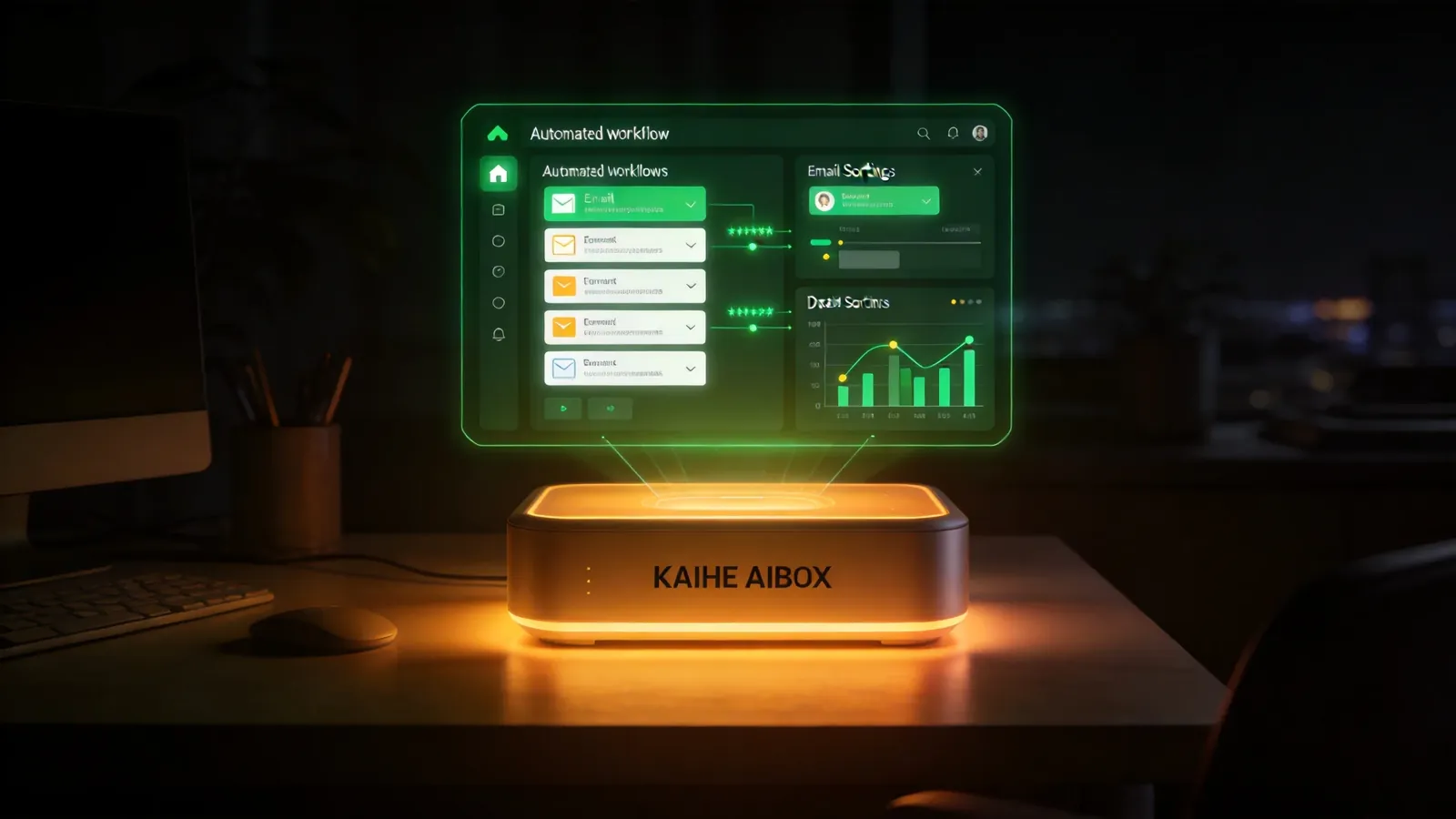
Client emails come in, and the Agent sorts them automatically: inquiries in one folder, support issues in another. For inquiries, it drafts a reply in the right language. I review and send — done.
3. Weekly Report Generation
Every Friday at 4 PM, the Agent pulls together all my work logs for the week and generates a draft report in Slack Docs. Used to take 30 minutes to write. Now it's 5 minutes of reviewing.
4. Competitor Monitoring
Every morning the Agent scans competitor websites and social accounts. New product launch or price change? I get a Discord notification. No more manual checking.
5. Reminders and Task Management
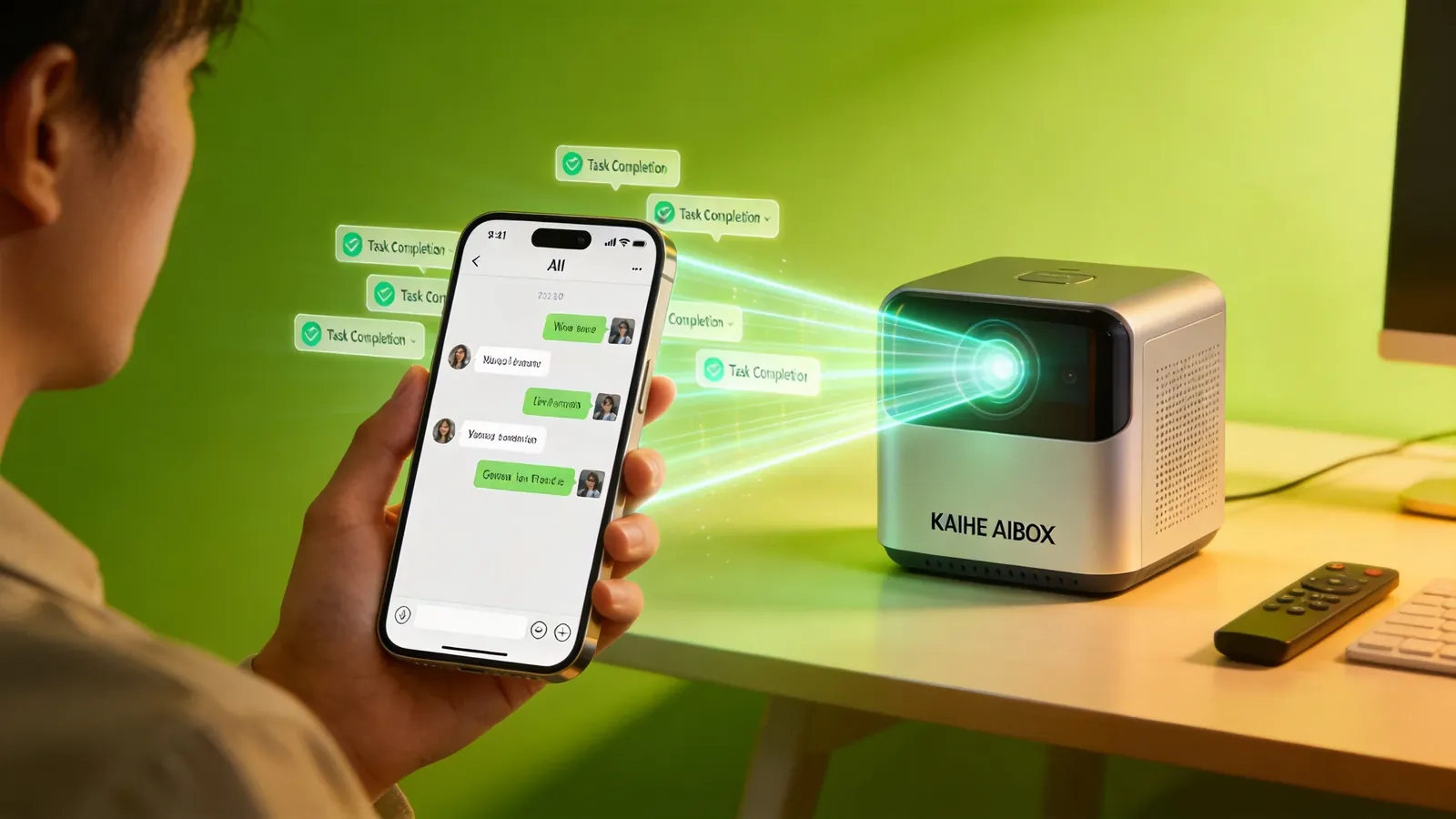
"Remind me to call the VP at 2 PM" or "Submit expense report by Wednesday" — I dump all these micro-tasks to the Agent. It pings me on Telegram right on time.
6. Data Compilation and Reports
Daily sales data gets exported from our backend. The Agent cleans it up, calculates week-over-week changes, and pushes a brief report. This used to take an assistant an hour.
7. Meeting Notes
After a meeting, I drop the recording to the Agent. It transcribes it, extracts action items with owners, and shares the notes to Slack. Done in minutes.
8. Multi-Language Translation
E-commerce customer inquiries come in different languages. The Agent detects the language and drafts a reply in the same language. I don't speak Japanese, but I can handle Japanese customers now.
9. File Organization
All the files I download daily get automatically sorted into the right folders with consistent naming. No more hunting for that one document for 20 minutes.
10. Scheduled Content Publishing
Articles are queued with publish times. The Agent posts them across platforms right on schedule. No clock-watching needed.
Why These Tasks Need an AI Box
You might think a laptop can handle all this. The problem — your laptop can't stay on 24/7.
An AI Box (also known as Agent Computer or Agent PC), is a dedicated local hardware device that runs AI Agents. Pre-installed with an AI agent management system, plug-and-play, running 24/7. Users can remotely command AI to work via Discord, Slack, or Telegram — whether you're at your desk or not.
Kaihe AIBOX is exactly this kind of AI Box. Plug it in, and your Agents start running. Low power consumption, just a few dollars a month in electricity. Data stays local, never uploaded to the cloud.
Those 10 tasks above? I don't watch any of them anymore. The Agent runs them automatically and messages me if something needs attention. That's what an AI assistant should do — not wait for you to ask, but proactively get things done.
-#KaiheAIBOX #AIAgent #OpenSource #ArtificialIntelligence #AIBOX #AIBox #AgentComputer #Automation
Kaihe AIBOX | The AI Box That Works for You 24/7 · OpenClaw