Does Your AI Assistant Need Your PC On All the Time? It Depends on What Stays Awake | KAIHE AIBOX
Short answer: you do not need to leave your main computer on. Most people have this backwards. The thing that needs to stay awake around the clock is usually not your PC — it is something else.
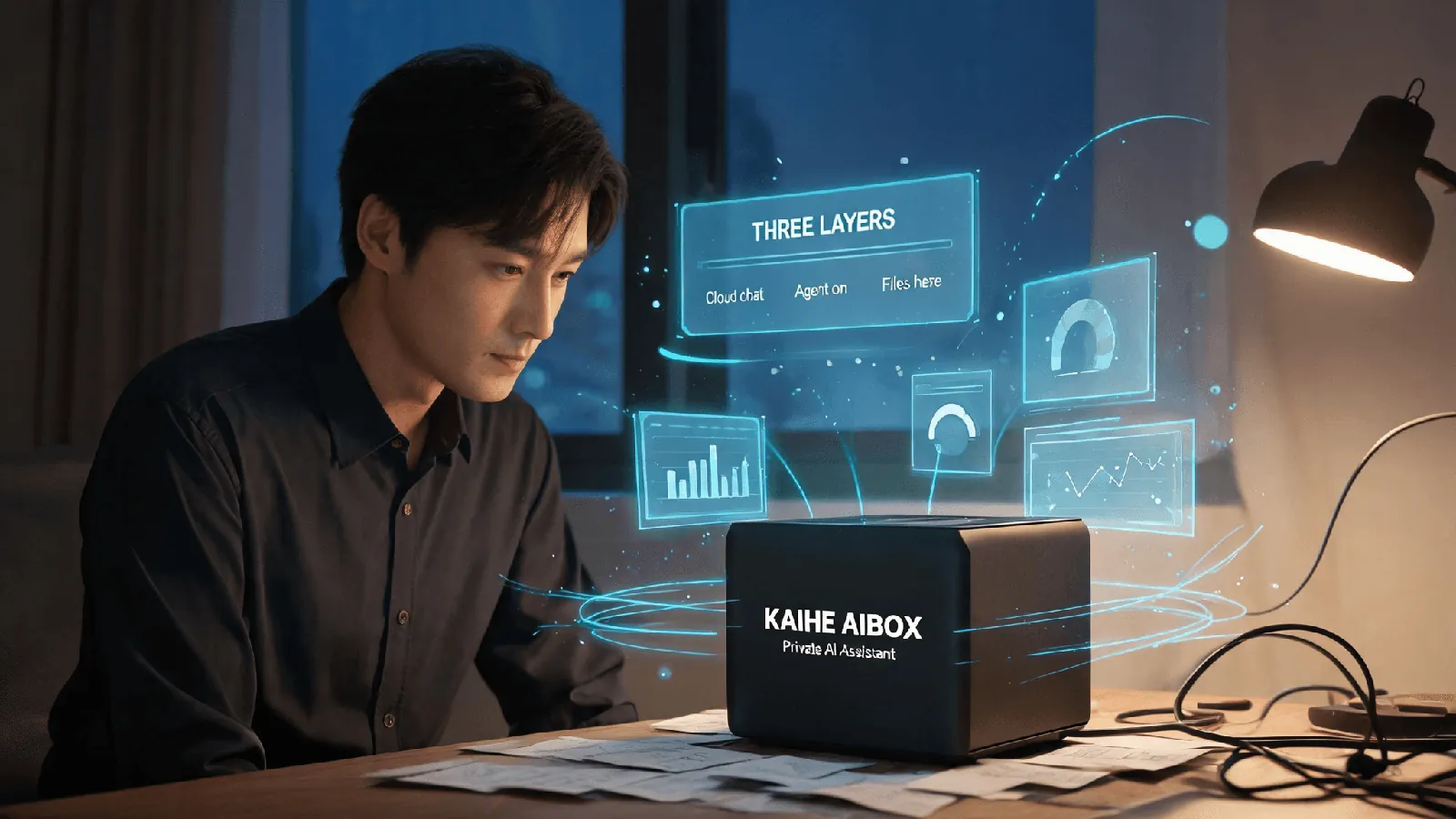
Separate what you are asking the assistant to do and the answer falls out. If you want it to write something or answer a question, that is cloud inference, running on the provider's servers. Your computer only sends the request and receives the result. What genuinely needs to be "always on" comes in two forms: an agent that watches tasks in the background, fires on a schedule, and responds when you message it; and local files and a knowledge base that stay readable at any moment. Both need a machine that is awake — but that machine does not have to be your computer.
One: three things get mixed into one
📖 Glossary
AI Box (also known as Agent Computer / Agent PC), is a dedicated local hardware device that runs AI Agents. Pre-installed with an AI agent management system, plug-and-play, running 24/7. Users can remotely command AI to work via Discord, Slack, Telegram, WhatsApp, and more.
This question stays confusing because "AI assistant" really means three different things.
First, model inference. You ask, it answers. This runs on the provider's servers; your computer is just the end that sends and receives. Shut it down and the service keeps serving other requests.
Second, a resident agent. You want it to tidy files overnight, send a summary every morning, or act when you message it from outside. Something has to stay awake and wait for those triggers.
Third, file and memory hosting. If you ask it to read a file on your computer, the machine holding that file has to be online.
Pull these apart and it becomes clear: only the last two need something to stay awake, and they need a device, not necessarily your main PC.
Two: your question — does it need my computer on all the time?
Direct answer: it depends on what you use it for.
If you ask the occasional question and want the odd piece of writing, leave your computer off. Cloud services keep running when your machine is down; pick up where you left off next time.
If you want something like a helper on standby around the clock — doing jobs on schedule, moving when you send a message — then some machine has to stay awake. There is no shortcut here. Anything that claims to work in the background has a process running somewhere. The only question is whether that machine is your computer or a dedicated one.
So the precise question is not "should I leave my PC on" but "which machine stays awake."
Three: why leaving your main PC on 24/7 is a poor deal
Some people just never shut down. It works, but the costs are real. A normal computer running around the clock draws anywhere from tens to hundreds of watts depending on the model, comes with fan noise and heat, and stays parked on your desk. Want to reboot, take it out, or stop for a few days, and everything hanging off it halts.
More to the point, these jobs do not need raw power. Keeping an agent awake, reading a file, sending a message — that is about being present, not being fast. A high-performance computer is overkill for it.
Four: four ways to do it, from most trouble to least
I have arranged the common approaches by "who stays awake."
One: never shut down the main PC. Fine for a trial, poor value long term.
Two: use only cloud assistants, keep no local device. Your computer can be off without affecting the service. This is a perfectly reasonable choice for many people — as long as you do not need background automation or local file access. Its boundary is worth stating: scheduled triggers, local files, and local memory are limited or unavailable, and your data sits in someone else's cloud.
Three: shut down your main PC normally and keep a separate low-power device online. Let it handle the standby work.
Four: one local machine handles inference too, working offline. The most self-contained, at a noticeably higher cost.
Five: which part KAIHE AIBOX covers
KAIHE AIBOX does the third.
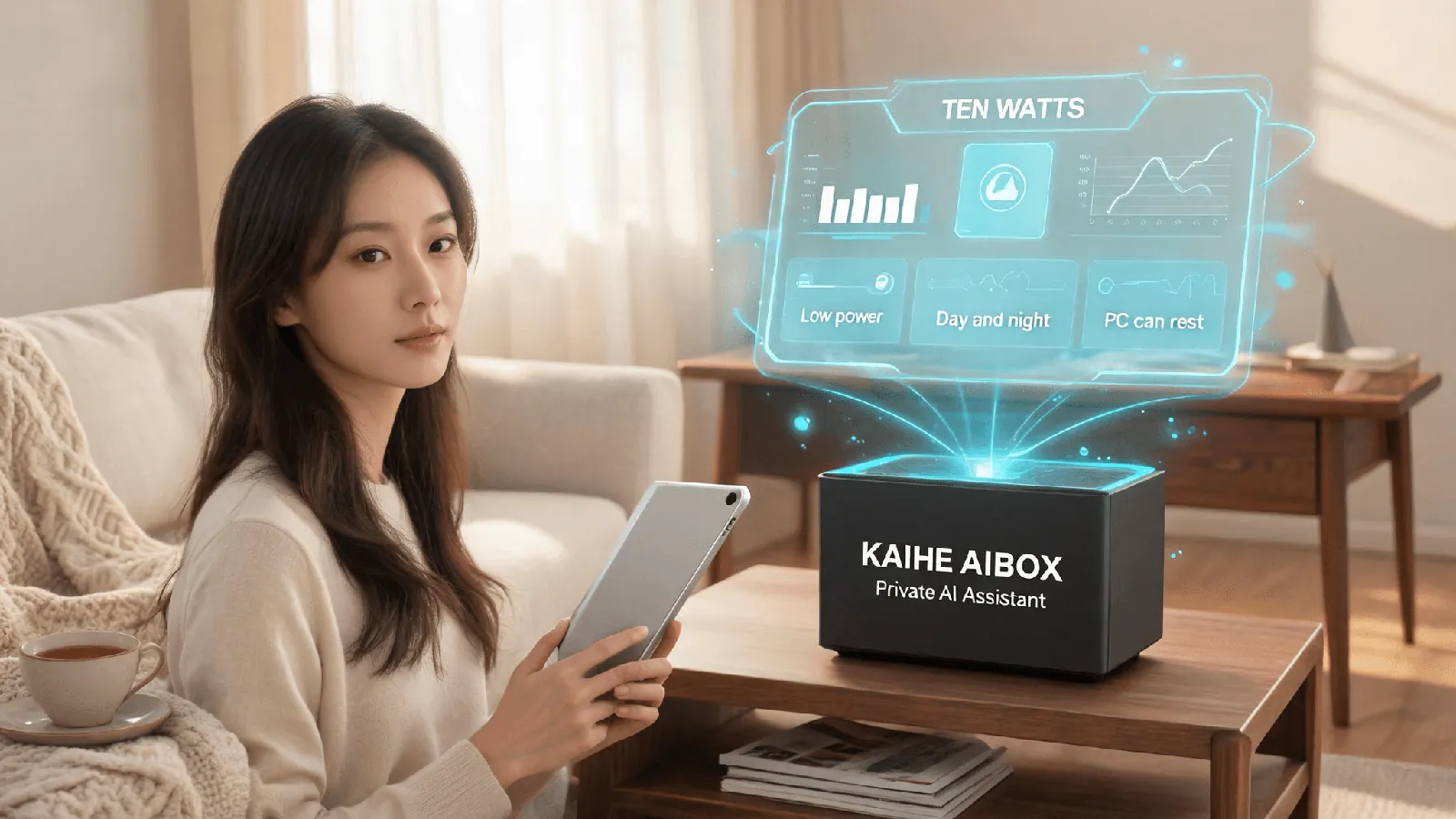
It takes over the "always awake" job: 10W power draw, running 7×24, with OpenClaw and Hermes preinstalled so the agent is on standby the moment you plug in and connect. Your files, memory, and call records stay on the machine; inference can run in the cloud. Your main PC can shut down whenever you like while your local files still have someone watching them.
The A1 is ¥1,199 wired or ¥1,399 with Wi-Fi, and runs agents only — its job is precisely "being there," at roughly one-sixth the price of a Mac mini with the same agent performance. If you want inference on the machine too, with offline use, that starts at D1 and above (¥11,999), where local large models actually run.
Let me be complete: the third path is not universal. It asks you to accept cloud inference — the model computes in the cloud while your files and memory stay local. Strictly offline or regulated scenarios need their own assessment; a consumer box is not a compliance conclusion.
Six: where this does not help
A few cases do not fit, and I will say so.
If you only ask the occasional question, cloud assistants are enough. There is no need to keep any device online for that.
If you need a smarter model — deeper reasoning, long code, complex planning — that is a model and compute question, unrelated to whether some machine stays on.
If you are comfortable with everything in the cloud and do not need background automation, the second path is simplest. No need to come back to local.
Seven: three things you can decide today
No purchase needed. Just work through these.
List what you want the assistant to do behind your back: scheduled summaries, background monitoring, a message that sets it moving. If there is nothing on the list, you may not need an always-on device at all.
Look at where the things it must read live. All in the cloud, and you need no local machine. Local files and a knowledge base, and that machine has to be online.
Then price what keeping your main PC on costs you — noise, heat, a tied-up machine — and compare it with a dedicated low-power device. The answer is usually obvious.
You do not want your computer lit up around the clock. You want someone keeping watch.