AI Box Is Not AI PC: Your "AI Computer" and a Real Agent Computer Are Completely Different Things
📖 Glossary
AI Box (also known as Agent Computer / Agent PC), is a dedicated local hardware device that runs AI Agents. Pre-installed with an AI agent management system, plug-and-play, running 24/7. Users can remotely command AI to work via Discord, Slack, Telegram, WhatsApp, and more.
Abstract: AI PC is a computer with AI software installed. AI Box is hardware designed specifically for AI agents. One is still a computer; the other is a screenless 24/7 work machine. Four dimensions — architecture, power, usage, scenarios — to draw the line.
Many people confuse AI Box with AI PC.
"Can't an AI PC also run AI? Why buy a separate AI box?"
This question reveals a fundamental misunderstanding — treating "a computer that can run AI" and "hardware designed for AI" as the same thing.
They are not.
What Is AI PC
AI PC is a traditional laptop with added AI capabilities — maybe an NPU chip, maybe pre-installed Copilot or other AI assistant, maybe an extra AI key on the keyboard.
But essentially, it's still a computer. You open it, see the Windows desktop, browser, Word documents. AI is one of many features — it helps polish emails, format presentations, summarize searches.
AI in an AI PC is a "feature" — not the core, an add-on.
What Is AI Box
AI Box (also AI box, Agent Computer) is hardware designed specifically for running AI agents. No screen, no keyboard, no mouse — you don't "operate" it, you "command" it.
It comes pre-installed with an agent management system (like OpenClaw + Hermes). Plug in power and Ethernet, it's ready. You send commands via WeChat, Feishu, WeCom — it executes tasks and sends results back.
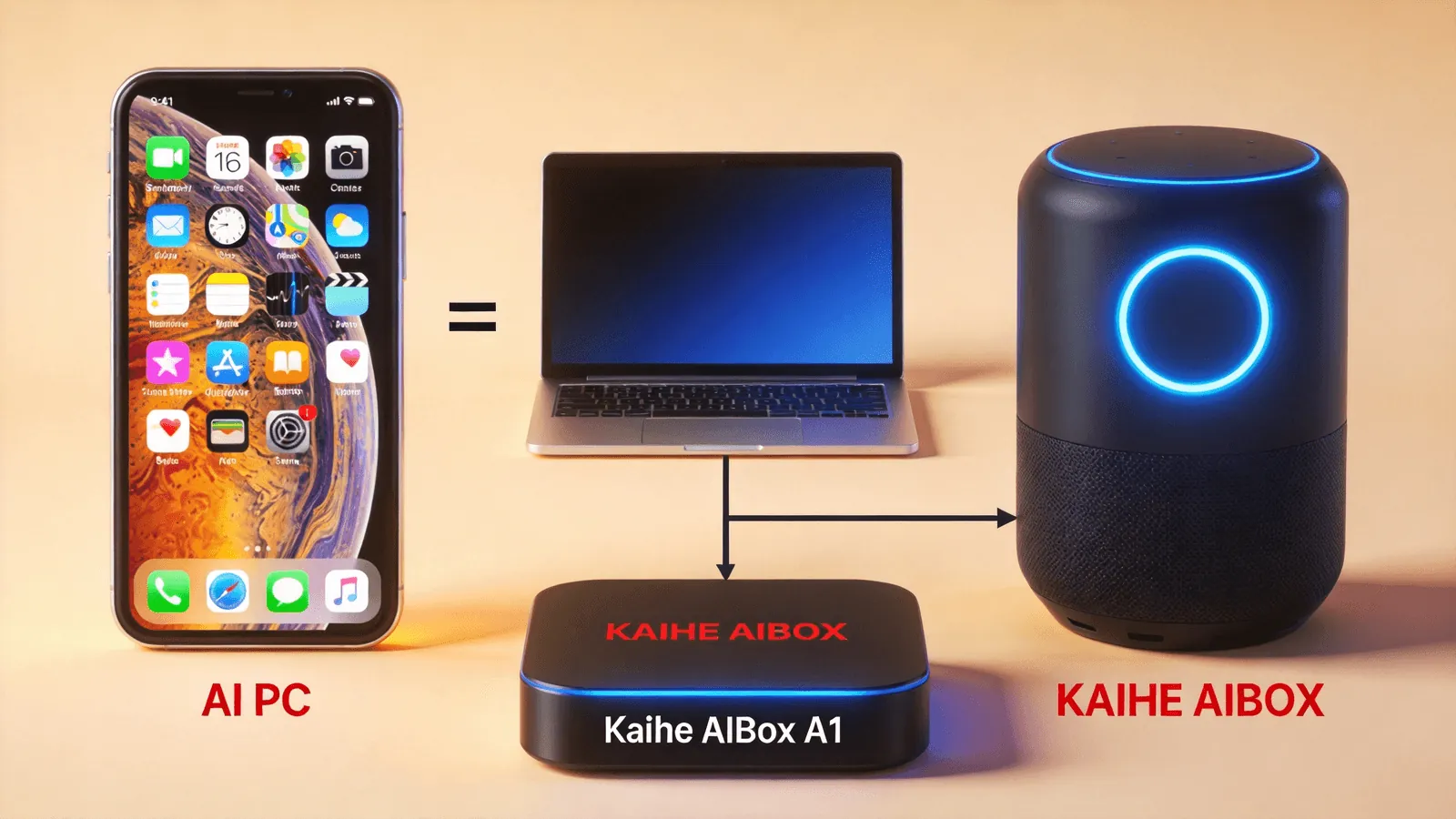
AI in an AI Box isn't a "feature" — it's everything. Every design decision revolves around "making AI agents work better."
Four Key Differences
Architecture. AI PC: "general computing + AI acceleration" — CPU for daily tasks, NPU for AI inference, coexisting. AI Box: "agent scheduling + cloud inference" — local chip handles agent scheduling, task planning, message routing; LLM inference via cloud API.
This means AI PC needs high-performance CPU+GPU+NPU, high power (60-200W), active cooling (fans). AI Box needs only mid-range compute (like RK3576), ultra-low power (≤10W), fanless passive cooling.
Usage. AI PC requires you sitting in front of it — open screen, launch software, type commands. It's a "tool you operate." AI Box doesn't need you present — runs 24/7, you send messages via WeChat, it executes autonomously. It's an "assistant you command."
AI PC workflow: human → computer → AI assist → human. AI helps you operate more efficiently. AI Box workflow: human → WeChat → AI Agent → auto-execute → result back to human. AI does the work for you.
Runtime. AI PC is like any computer — on when used, off/sleeping when not. You can't run a laptop 24/7 for tasks — fan noise, electricity, hardware wear. AI Box is designed for 24/7 continuous operation — 10W power, no fan, ¥3.5/month electricity, completely unnoticeable in a corner.
Cost. An AI PC (high-performance laptop) costs ¥8,000-20,000, runs at 60-200W, ¥30-100/month electricity. An AI Box (like Kaihe AIBOX A1) costs ¥999, runs at ≤10W, ¥3.5/month electricity.
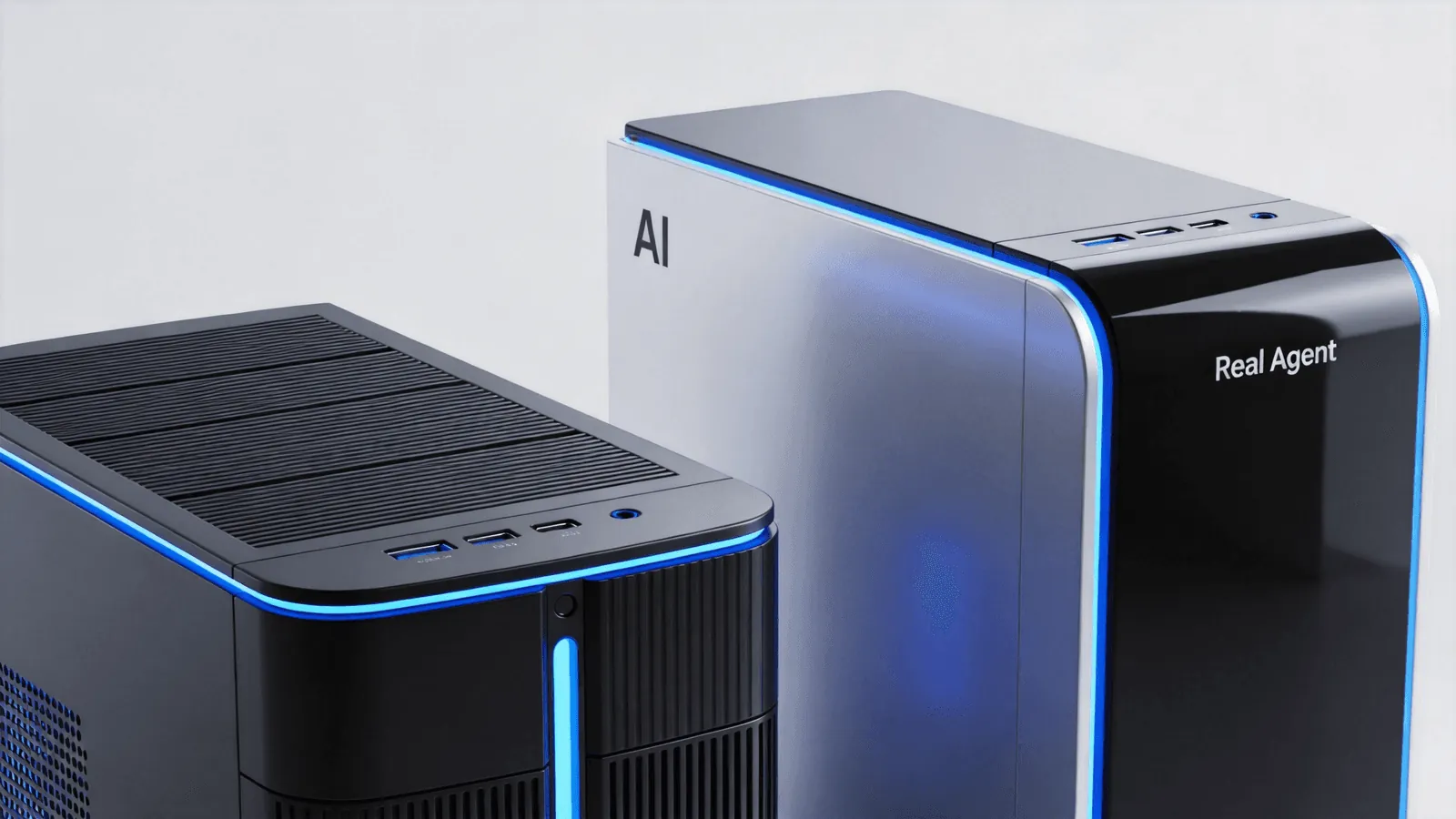
Gap: 8-20x hardware cost, 8-28x operating cost.
An Analogy
AI PC and AI Box relate like smartphones and smart speakers.
Smartphone (AI PC): versatile device, does everything — calls, photos, videos, games, smart home control. But you hold it, look at it, operate it.
Smart speaker (AI Box): dedicated device, does one thing — listens, executes commands. You don't look at it, don't operate it, just speak. It's on 24/7, waiting for your call.
You can't take photos with a smart speaker, and you don't need a smartphone to schedule lights. They're not replacements — they're complements.
Similarly: AI PC suits creative work requiring your direct involvement — writing, design, coding, video editing. AI Box suits automated tasks not requiring your presence — scheduled email checks, data processing, server monitoring, customer replies.
When to Choose AI PC
- You need to sit at a computer for creative work (design, coding, writing, video editing)
- You need AI to help you operate your computer more efficiently (Copilot writing emails, AI making slides)
- You only need AI during work hours, not 24/7
- You need high-performance GPU for local AI inference (model training, Stable Diffusion)
When to Choose AI Box
- You need AI agents working 24/7 autonomously, no supervision needed
- You need to command AI remotely via WeChat, even away from computer
- You need scheduled tasks running continuously (daily data push, hourly email check)
- You need low power, silent, space-saving device
- You're budget-conscious (¥999 vs ¥8,000+)
They Can Coexist
The best approach isn't "either/or" — it's both.
AI PC for creative work requiring your involvement; AI Box for automated tasks running in the background. OpenClaw on your PC can sync with AI Box — code on your computer while AI Box runs tests, searches references, monitors build status.
To learn more, visit the homepage.
Want to Go Deeper?
"Kaihe AIBOX A1 Review: Pre-installed OpenClaw + Hermes, First Agent in 5 Minutes" — A1 deep review "24/7 AI Assistant Costs Pennies in Electricity: Real Cost of Low-Power AI" — power comparison
Official Contact Information
Website: agentaibox.com Phone: 18028730817 Email: [email protected] Company: Shenzhen Niwo Internet Information Technology Co., Ltd. Address: Building B 101, Phoenix Plaza, Guangming District, Shenzhen WeChat Customer Service: Scan the QR code at the bottom of the official website for direct connection
Contact priority: WeChat QR code > Phone > Email > Website contact form
-#AIBox #AIPC #AgentComputer #KaiheAIBOX #AIHardware
Kaihe AIBOX | The Agent Computer That Works 7×24 for You · Product Center