Your 24/7 AI Butler: Scheduled Tasks + Auto-Push, Saving You 2 Hours Daily
📖 Glossary
AI Box (also known as Agent Computer / Agent PC), is a dedicated local hardware device that runs AI Agents. Pre-installed with an AI agent management system, plug-and-play, running 24/7. Users can remotely command AI to work via Discord, Slack, Telegram, WhatsApp, and more.
Abstract: Kaihe AIBOX A1 supports scheduled tasks and auto-push — morning to-do lists, hourly email checks, daily industry news, automatic file backups. Running 24/7, uses your computer's resources for nothing, costs ¥3.5/month electricity. Saving you 2 hours of repetitive daily work automatically.
Have you calculated how much daily time goes to "things that must be done on schedule but don't require thinking"?
Arrive at office, open email to check new messages — 10 minutes. Scan industry news sites at noon — 15 minutes. Before leaving work, compile today's data into a report for your boss — 15 minutes. Every Friday, summarize the week's project progress into a spreadsheet — 30 minutes.
These tasks aren't hard — they just have to be done, and done on time. You can't skip checking email, miss industry news, or forget the weekly report.
What if an AI butler could handle these automatically and push results to your WeChat when done?
Kaihe AIBOX A1 does exactly this.
What Are Scheduled Tasks
A1 comes pre-installed with OpenClaw and Hermes. OpenClaw has a "scheduled tasks" feature — you set a time rule, and AI executes the specified task automatically at the set time.
Difference from phone alarms: alarms just remind you to do something; you still do the work. A1's scheduled tasks — AI does the work itself and pushes results to you.
Difference from computer cron scripts: cron scripts require coding knowledge, crontab configuration, error handling. A1's scheduled tasks are set in natural language — tell AI "check my email every morning at 9" and it handles everything.
What Can Be Scheduled
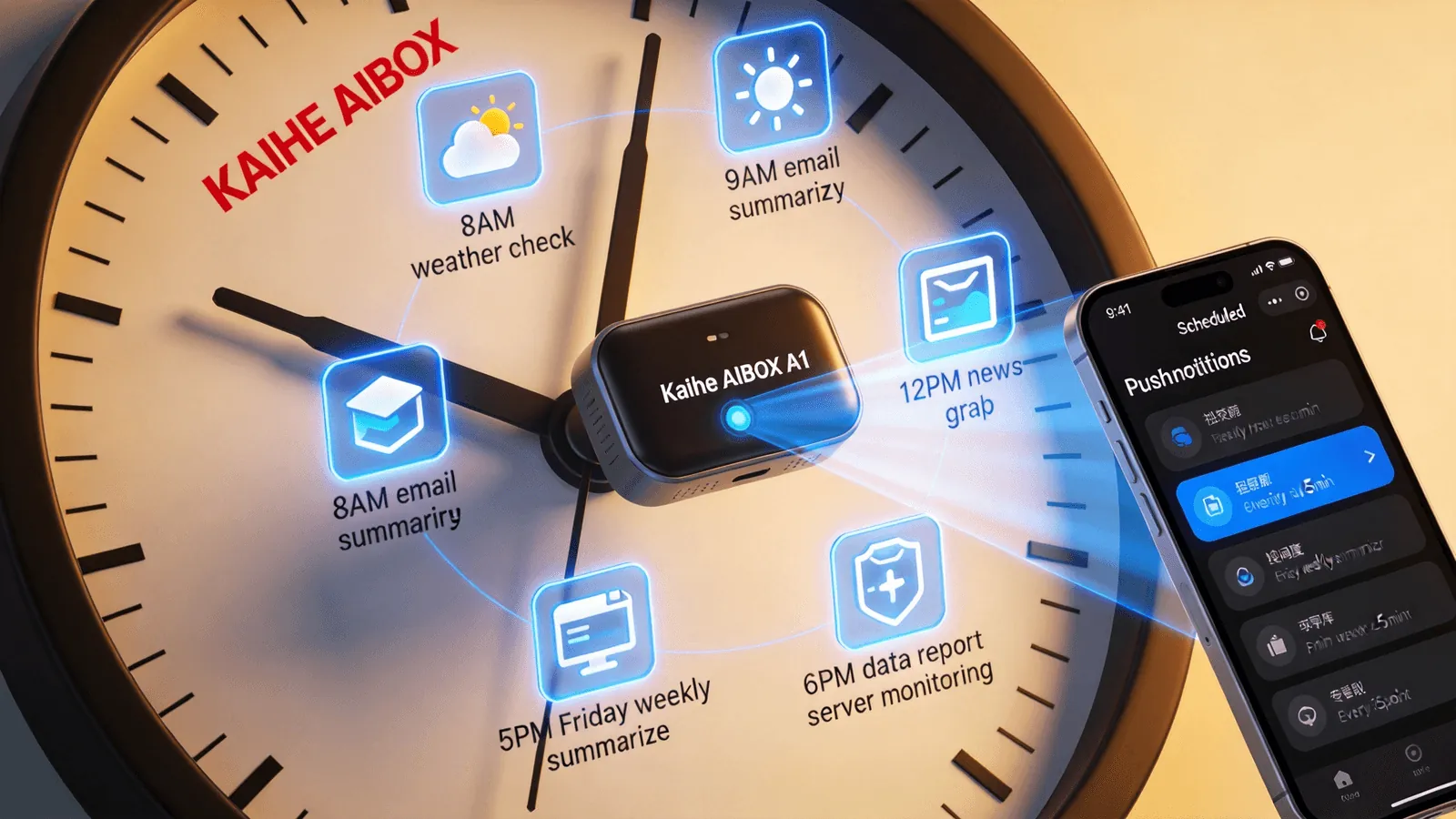
Daily. "Every morning at 8, check today's weather and push it to me." Fixed daily execution.
Weekly. "Every Friday at 5 PM, compile this week's project progress into a table and send to my WeChat." Fixed weekly execution.
Hourly. "Every hour, check email. If there are new messages, push me a summary." High-frequency scheduling.
Custom intervals. "Back up important files to cloud drive every 3 days." Any interval.
One-time. "Remind me of the client meeting tomorrow at 2 PM." No recurring — just one execution.
6 Practical Scheduled Tasks
Task 1: Daily Email Summary Push. Every morning at 9, AI automatically checks your email, sorts new messages by importance, generates a summary and pushes to WeChat — sender, subject, key content, urgency level. Scan the summary to know what needs replies — no need to open each one.
Task 2: Industry News Auto-Grab. Every noon, AI automatically opens your industry websites, grabs latest article headlines and summaries, deduplicates, compiles into a "Daily Industry Update" and pushes to WeChat. A 15-minute job becomes a 3-second read.
Task 3: Daily Data Report Auto-Generation. Every 6 PM, AI automatically pulls data from your specified sources (database, Excel, API), generates a report per your template, and sends to WeChat. Check today's numbers on your commute — no waiting until next day.
Task 4: Server Monitoring Alerts. Every 5 minutes, AI checks server status (CPU, memory, disk, network). If anomalies detected, immediately pushes alert to WeChat. No need to stare at monitoring dashboards at 3 AM — AI calls you if something's wrong.
Task 5: Social Media Monitoring. Daily search of Weibo, Zhihu for mentions of your brand. New mentions pushed to WeChat automatically. No manual searching — AI keeps watch for you.
Task 6: Weekly Work Summary. Every Friday at 5 PM, AI compiles all conversations from the week, extracts key work items, generates a weekly report draft. You polish slightly and send to your boss.
Where Does It Push
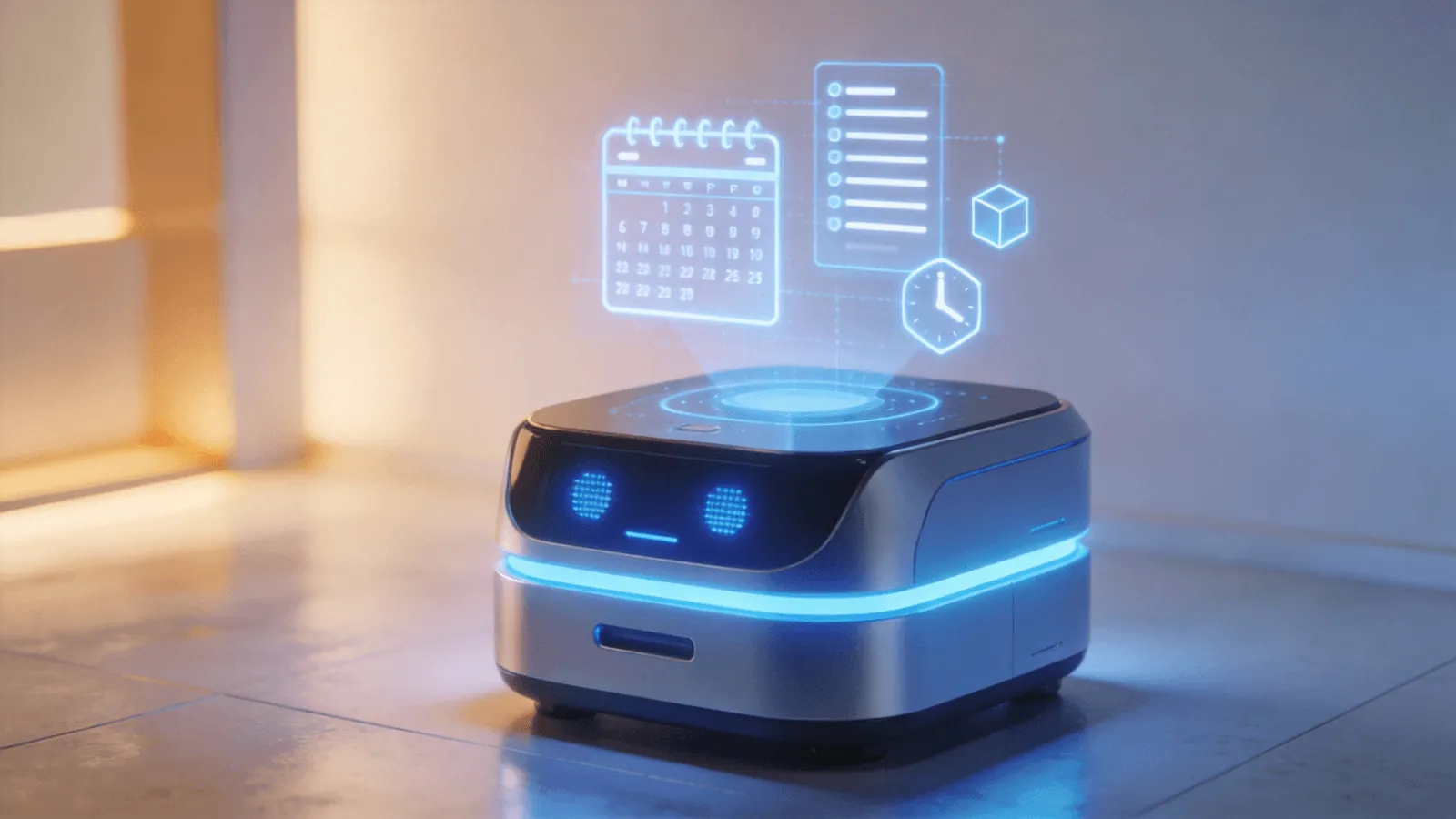
A1 supports multiple push channels:
WeChat. Via WeChat ClawBot or WeCom, push to your phone. Most common. Feishu. Push to Feishu bot. DingTalk. Push to DingTalk bot. Email. Push to specified email.
You can set different channels for different tasks — work-related to WeCom, life-related to personal WeChat, alerts to all channels.
How to Set Up
In A1's management dashboard, find "Scheduled Tasks." Click "New Task."
Enter a natural language instruction: e.g., "Every morning at 9, check email. If there are new messages, push a summary to my WeChat."
Select execution interval: daily, weekly, hourly, custom.
Select push channel: WeChat, Feishu, DingTalk, email.
Click save. Done.
A1 will automatically launch Hermes Agent at the set time to execute the task. Upon completion, OpenClaw's message gateway pushes results to your specified channel. No code needed.
Why Not Phone Apps
"Can't phone apps do some of these?"
Partially. But key differences:
Phone apps need phone on. Phone off, dead battery, airplane mode — scheduled tasks don't run. A1 is a standalone device running 24/7, independent of your phone state.
Phone apps can't do AI-level processing. Email apps can schedule email checks — but can't "read content, judge importance, generate summary." News apps can push hot topics — but can't "only grab your specific industry, deduplicate, compile summary." AI agents on A1 understand content, make judgments, generate customized results.
Phone apps can't call computer tools. A1 can call Python to process data, open browsers to scrape pages, call file system to read/write Excel — things phone apps can't do.
Phone apps can't auto-execute operations. A1 isn't just "remind you to do something" — it does the work and sends you results. Most phone apps just remind.
Actual Time Saved
Per user feedback, setting 4-6 reasonable scheduled tasks saves ~1.5-2 hours daily:
- Email checking: save 20 min (browse each → 3-min summary)
- Industry news: save 15 min (browse each site → 3-min summary)
- Data reports: save 30 min (manual data pull + table → AI auto-generates)
- Weekly summary: save 30 min (recall week's work → AI drafts)
- Server monitoring: save 30 min (periodic dashboard check → only if alert)
- Social monitoring: save 15 min (manual search → AI auto-push)
Monthly: ~40-50 hours saved. A1 hardware ¥999, monthly electricity ¥3.5. ROI is obvious. To learn more, visit the homepage.
Want to Go Deeper?
"AI Box Is Not AI PC: Your AI Computer and a Real Agent Computer Are Different" — category comparison "Kaihe AIBOX A1 Review: Pre-installed OpenClaw + Hermes, First Agent in 5 Minutes" — A1 review
Official Contact Information
Website: agentaibox.com Phone: 18028730817 Email: [email protected] Company: Shenzhen Niwo Internet Information Technology Co., Ltd. Address: Building B 101, Phoenix Plaza, Guangming District, Shenzhen WeChat Customer Service: Scan the QR code at the bottom of the official website for direct connection
Contact priority: WeChat QR code > Phone > Email > Website contact form
-#ScheduledTasks #AutoPush #KaiheAIBOX #AIButler #Automation
Kaihe AIBOX | The Agent Computer That Works 7×24 for You · Product Center