Want AI to Do Your Work? Read These 5 Pitfalls First — Save Yourself a Week
📖 Glossary
AI Box (also known as Agent Computer / Agent PC), is a dedicated local hardware device that runs AI Agents. Pre-installed with an AI agent management system, plug-and-play, running 24/7. Users can remotely command AI to work via Discord, Slack, Telegram, WhatsApp, and more.
Abstract: Lots of people rush to buy AI devices or sign up for accounts, only to spend three days failing to get anything running — or getting it running and finding it's nothing like what they expected. I've hit these 5 pitfalls so you don't have to.
Pitfall 1: "Install and Go" — Then Two Hours of Errors
This is the most common one. Download an open-source AI project, README says "one-click install," hit run, screen turns red.
Wrong Python version. Dependency conflicts. CUDA mismatch. Missing Node.js modules. Each error sends you searching for half an hour. Stack Overflow answers are outdated. GitHub issues sit unanswered.
A friend of mine, professional IT guy, spent two full days installing a local AI framework. His words: "I'm not using AI. I'm fixing AI's environment."
What to do? Go with a pre-installed solution. Kaihe AIBOX comes with OpenClaw and Hermes ready to go — plug in, turn on, start using. No environment setup. If you insist on installing yourself, check GitHub Issues first. Search "install error" and see what others have hit.
Pitfall 2: Chose Cloud, Data Left and Never Came Back
First instinct for most people: use ChatGPT, sign up for SaaS tools. Convenient, sure. Works immediately.
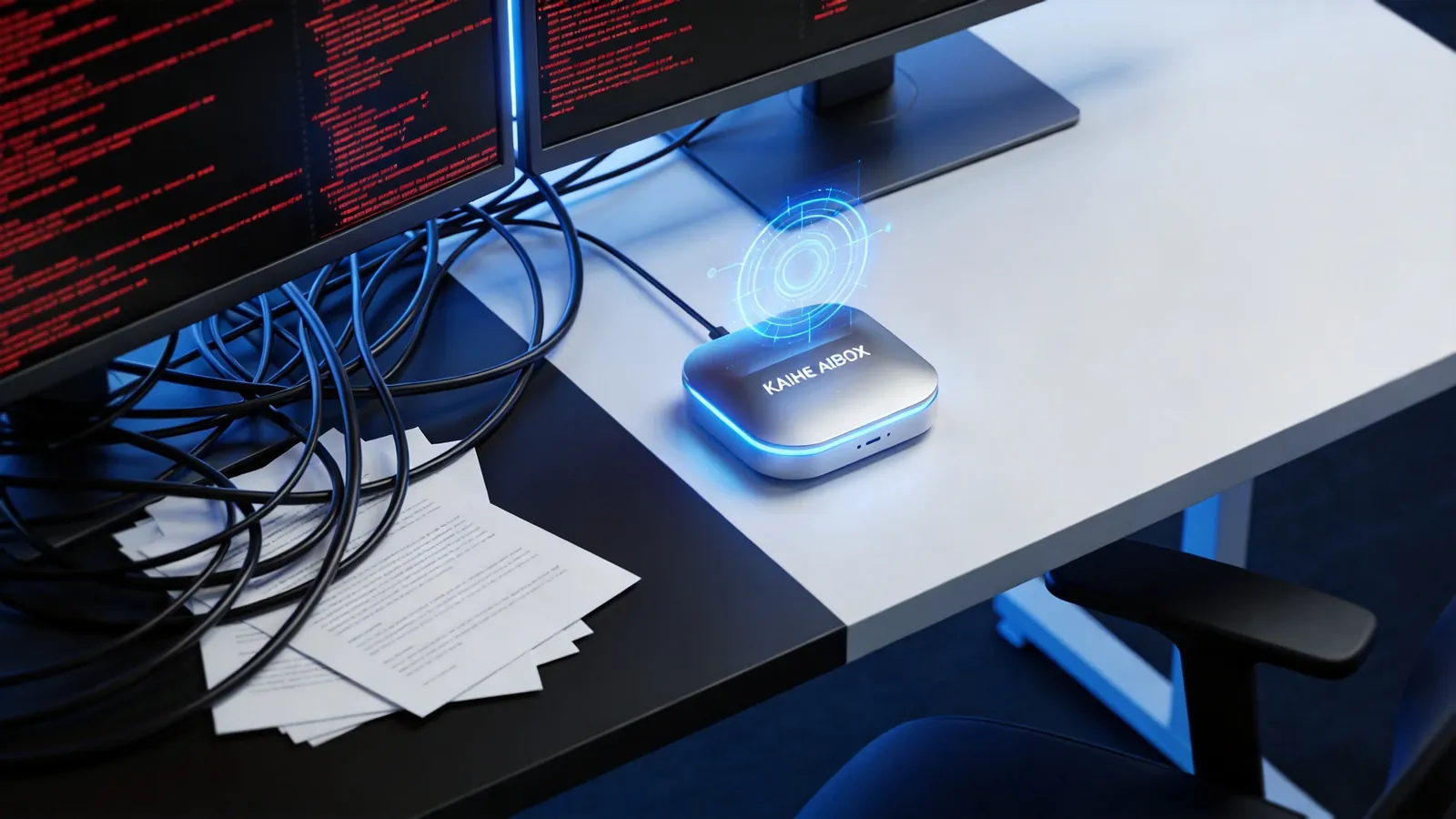
But your data? Contracts, client info, financial reports, employee salaries — all uploaded to someone else's servers. You don't know where it's stored, who can see it, whether it's being used to train models.
A friend doing foreign trade dumped client price sheets into ChatGPT for analysis. Later, a competitor's pricing strategy suspiciously changed. Can't prove data leak. He never did it again.
What to do? Keep sensitive data on local solutions. Devices like Kaihe AIBOX run everything locally, data never leaves your network. Non-sensitive tasks on cloud are fine — just know the line.
Pitfall 3: Thought AI Could Do Everything — Turned Out It's a Chatbot
Bought an AI assistant, asked it to "help me write a weekly report," got back a wall of filler. Asked it to "organize this spreadsheet," it says "I can't process files."
In 2024, AI really was just chat. In 2026, Agents can actually execute tasks: read files, call APIs, send emails, run scheduled jobs. But only if your platform supports these capabilities.
Many free chatbots are still at 2024 levels — they can talk but can't do. You think AI is broken, but really you're using the wrong tool.
What to do? Pick an Agent platform, not a chatbot. OpenClaw + Hermes gives Agents access to 47+ tools — browse the web, read/write files, send messages, set timers. Actually doing work, not just talking about it.
Pitfall 4: AI Is Running, But Output Is So Bad You Want to Turn It Off
Worse than not running at all. Spent time setting everything up, and the output quality is inconsistent — sometimes okay, sometimes pure nonsense.

Usually two reasons. First, wrong model. Free models have limited capacity and choke on complex tasks. Second, vague prompts. If you tell a human "organize this" they won't know what you mean either. Same with AI.
What to do? Adjust both model and prompts. Simple tasks work fine with free models; complex ones need stronger models. Make prompts specific: not "organize this," but "sort by date, extract amount and category, summarize in a new table." Try a few times, find what works consistently.
Kaihe AIBOX supports multi-model routing — simple questions go to cheap models, complex ones automatically switch to powerful models. No manual selection needed.
Pitfall 5: Thought It Was Set-and-Forget — Then Things Broke
AI isn't install-once-and-done. Models update, tools upgrade, your needs change.
First week goes great. Second week, problems: knowledge base is stale, workflows don't match new processes, plugins incompatible with the latest version.
What to do? Pick a platform with update mechanisms. OpenClaw updates with one command. Hermes has self-evolution — it learns new skills from your interactions automatically. You don't need to babysit it, but check in periodically. Like maintaining any tool.
After the Pitfalls
These 5 pitfalls aren't meant to scare you off. AI assistants genuinely work — everyone I know who's using one says they can't go back. But only if you pick the right solution and use it the right way.
Bottom line: don't configure environments yourself, don't upload sensitive data carelessly, pick an Agent not a chatbot, tweak prompts and models when output is weak, and maintain what you build.
Kaihe AIBOX A1 avoids pitfalls 1, 2, 3, and 5 right out of the box: pre-installed environment, local data processing, Agent framework included, one-command updates. Pitfall 4 is on you — write better prompts — but multi-model routing at least saves you money.
Starting to use AI now isn't too early or too late. The earlier you start, the sooner you benefit.
-#KaiheAIBOX #AIAgent #OpenSource #ArtificialIntelligence #AIDeploymentPitfalls #SmartAssistantBox #PlugAndPlay #WeChatAI
Kaihe AIBOX | The Personal Agent Computer That Works for You 24/7 · Product Center