Does AI Leak Your Private Files? Local vs Cloud Knowledge Bases | KAIHE AIBOX
Whether your files leak depends on three things: which machine holds the original file, which machine holds the index, and which machine does the reasoning.
Get those three answers and the exposure surface becomes concrete. With a fully cloud-based setup, both the original files and the index sit on the provider's servers. With a local index and cloud inference, the original file never leaves your machine — only the few chunks that retrieval matched are sent out. With everything local, not even those chunks leave, and the cost is that your machine has to be able to run the model.
So "will AI leak my files" is too coarse a question. The same assistant, pointed at the same folder, can differ by an order of magnitude in exposure depending on how it is wired up.
One: leakage is three locations, not one
📖 Glossary
AI Box (also known as Agent Computer / Agent PC), is a dedicated local hardware device that runs AI Agents. Pre-installed with an AI agent management system, plug-and-play, running 24/7. Users can remotely command AI to work via Discord, Slack, Telegram, WhatsApp, and more.
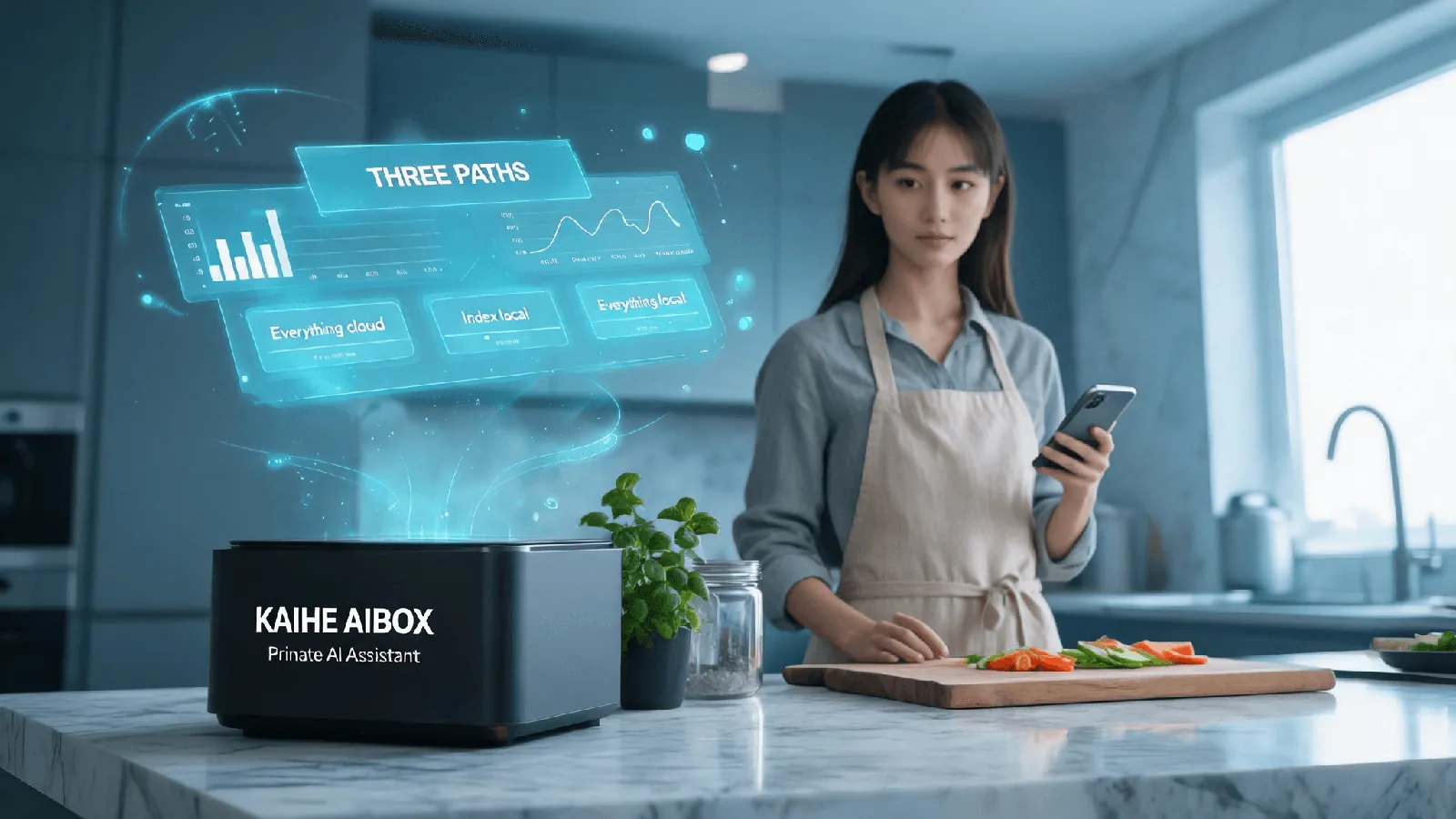
To reason about this properly, separate "the file" into three things, because they can end up in different places.
The original file. The contract, the price list, the notebook.
The index, sometimes called the knowledge base. No assistant can paste an entire folder into a conversation, so the file gets split into chunks, each chunk gets a fingerprint, and those fingerprints become a table you can search. That table and those chunks are themselves copies of your content. Delete the original and the index still holds the substance.
The reasoning. You ask a question, the system retrieves the most relevant chunks, and sends those chunks together with the question to generate an answer.
Where those three live is where the exposure lives. From that split, three common paths fall out.
Path A, fully cloud. You upload. The provider chunks, fingerprints, indexes and stores it. Retrieval happens on their hardware. The original file is on their side, and they hold an index from which the content can be reconstructed.
Path B, local index with cloud inference. The file sits on your disk. Chunking, fingerprinting, indexing and retrieval all happen on your machine. Only the matched chunks are sent to the cloud to produce the answer. What leaves is fragments, not the file.
Path C, fully local. File, index and inference all on your own hardware. Nothing leaves, and the requirement is that the machine can actually run the model.
Two: local and cloud knowledge bases differ at exactly one step
It is common to read the local-versus-cloud distinction as a feature comparison. It is not. It is about where retrieval happens, and that single fact decides whether the original file leaves your machine.
Cloud: you upload, the provider chunks and indexes on its own servers, retrieval runs there, and the matched chunks come back with your question to the model.
Local: the file is on your drive, chunking and indexing run on your machine, retrieval runs on your machine, and only the matched chunks are sent out.
The direct consequence: with a cloud knowledge base, the original file sits with the provider. With a local one, the original file sits with you.
One point is easy to miss. A local knowledge base is not the same as nothing leaving your machine. The matched chunks still have to enter the model's context, otherwise the model has nothing to answer from. What a local knowledge base guarantees is that the original file does not leave — not that no bytes move at all.
To close that last gap, inference has to be local too. That is Path C, and it is the expensive one.
Three: three ways to let an assistant read local files
There are only three common approaches, and the exposure surface shrinks in order.
Copy and paste. The content becomes the message, sent verbatim. Fine for a paragraph, identical to uploading the file if the file is a contract.
Mount a directory. You authorize a folder and the assistant reads it. Convenient, but read the scope carefully: authorizing a folder means the contents of that folder can be read, chunked and retrieved.
Read through a tool. The assistant pulls what it needs via an interface, one piece at a time, and only the result travels back. This is the most controllable of the three, because you decide which piece gets fetched.
There is also a common case that gets confused with the third one: uploading to a cloud knowledge base and then querying it. That is not "letting AI read my local file", it is moving the file to the cloud and reading it there. The exposure is close to copy-and-paste, just less visible, because the user thinks they are merely searching something they already uploaded.
Four: where a dedicated local box fits
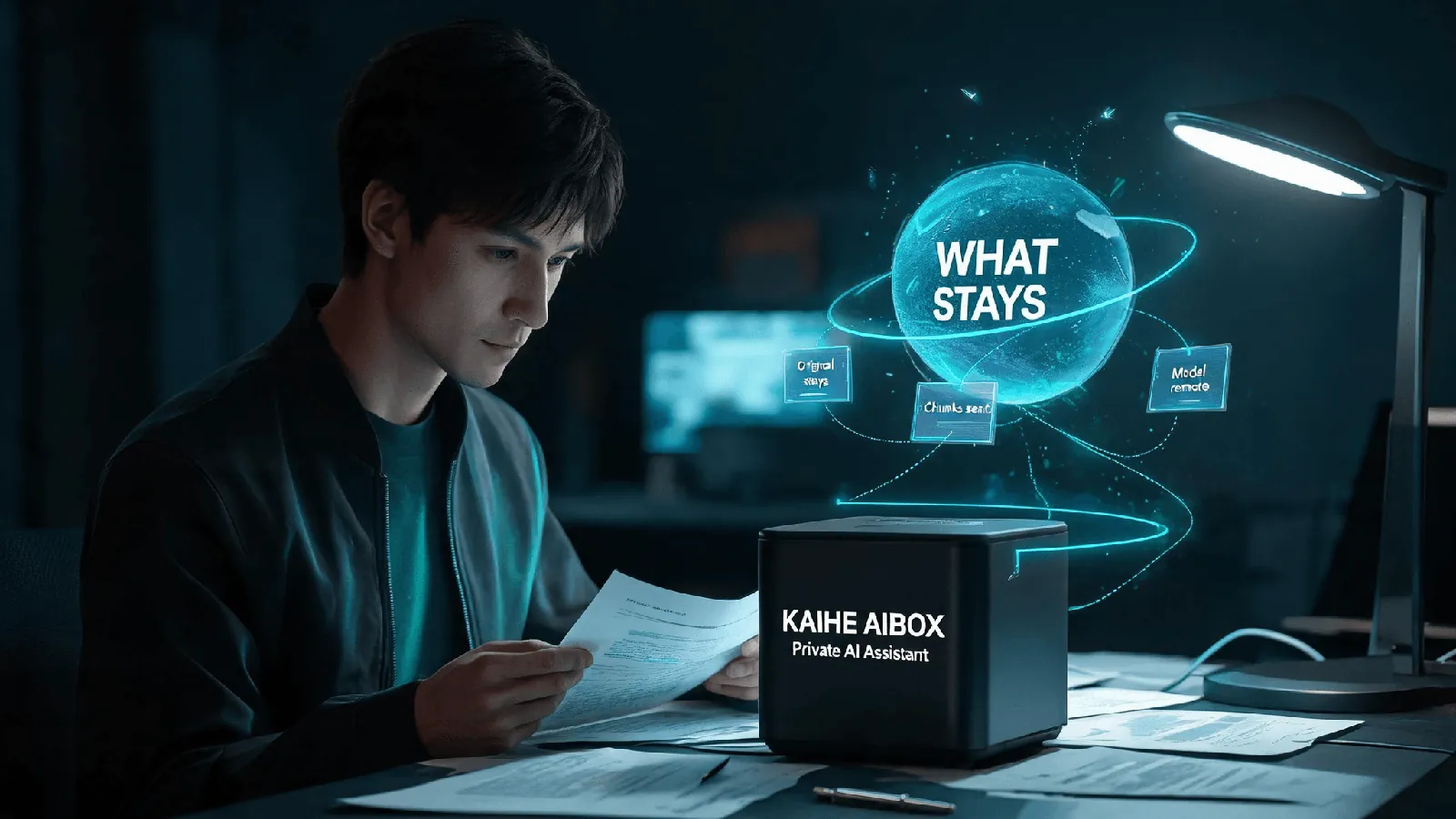
State the fit and the non-fit first, then the product.
Good fit: files an assistant needs to read repeatedly and often, over time, but which you would rather not send elsewhere — client contracts, price lists, internal documents, interview notes, bookkeeping records.
KAIHE AIBOX covers Path B, in three concrete parts.
The drive is a local private cloud drive plus a local private knowledge base. The interface says it plainly: "Kaipan · Smart File Space", "Files are saved in this box". It holds My Files, Shared Space, To Sort and Recycle Bin, plus agent authorization and app information. Chunking and retrieval happen on the machine.
The organizing assistant does not send files anywhere. It proposes categories from filenames and formats, updates only after you confirm, and keeps the original file untouched. That step currently runs on local rules without calling a model — so "tidy up this folder" does not require the contents to leave the machine.
The machine stays on, and it is not your computer. 10W, running 24/7, from ¥1,199 wired or ¥1,399 Wi-Fi, with OpenClaw and Hermes preinstalled. You do not have to keep a desktop powered up for the assistant to be available.
Path C sits above that. To keep even the matched chunks local, inference has to run locally too — the D1 tier and up, from ¥11,999, where a local model runs on the device.
The boundary, stated plainly: the box keeps the original file local; the chunks that retrieval matched still travel to a cloud model to generate the answer. It solves "the whole file does not have to be sent", not "nothing is sent". And where there are formal compliance requirements, evaluate those separately — a consumer device is not a compliance conclusion.
Five: three things to do without buying anything
Ask the three questions in order. Where is the original file? Where is the index? Where does the reasoning happen? Answer those and the exposure surface is mostly settled.
Ask whether chunks are enough. If you can search locally, do not upload the folder. If one passage is enough, do not send the directory.
Do not confuse switching models with switching storage. A stronger or cheaper model changes nothing about which machine holds your files.
One misconception deserves dismantling: "runs locally" does not mean "offline". On the A1 tier the agent runs locally while inference can still go to the cloud. "Data stays local" refers to your files, memory and call records — not to cutting the network.
Where your files live matters more than which model you picked.