Do you lose your memory when you switch AI models?|KAIHE AIBOX
Short answer: your memory is not inside the model. Whether you lose it when you switch depends on where that memory is stored, not on whose model you pick.
That sounds like a dodge, but it falls apart into three layers pretty quickly. Swapping in a new model is one thing. Whether it knows you, whether it remembers what you told it last month, is a different thing. People keep collapsing these into one question, which is why you hear both "switching wipes your memory" and "a smarter model remembers more." Neither is right.
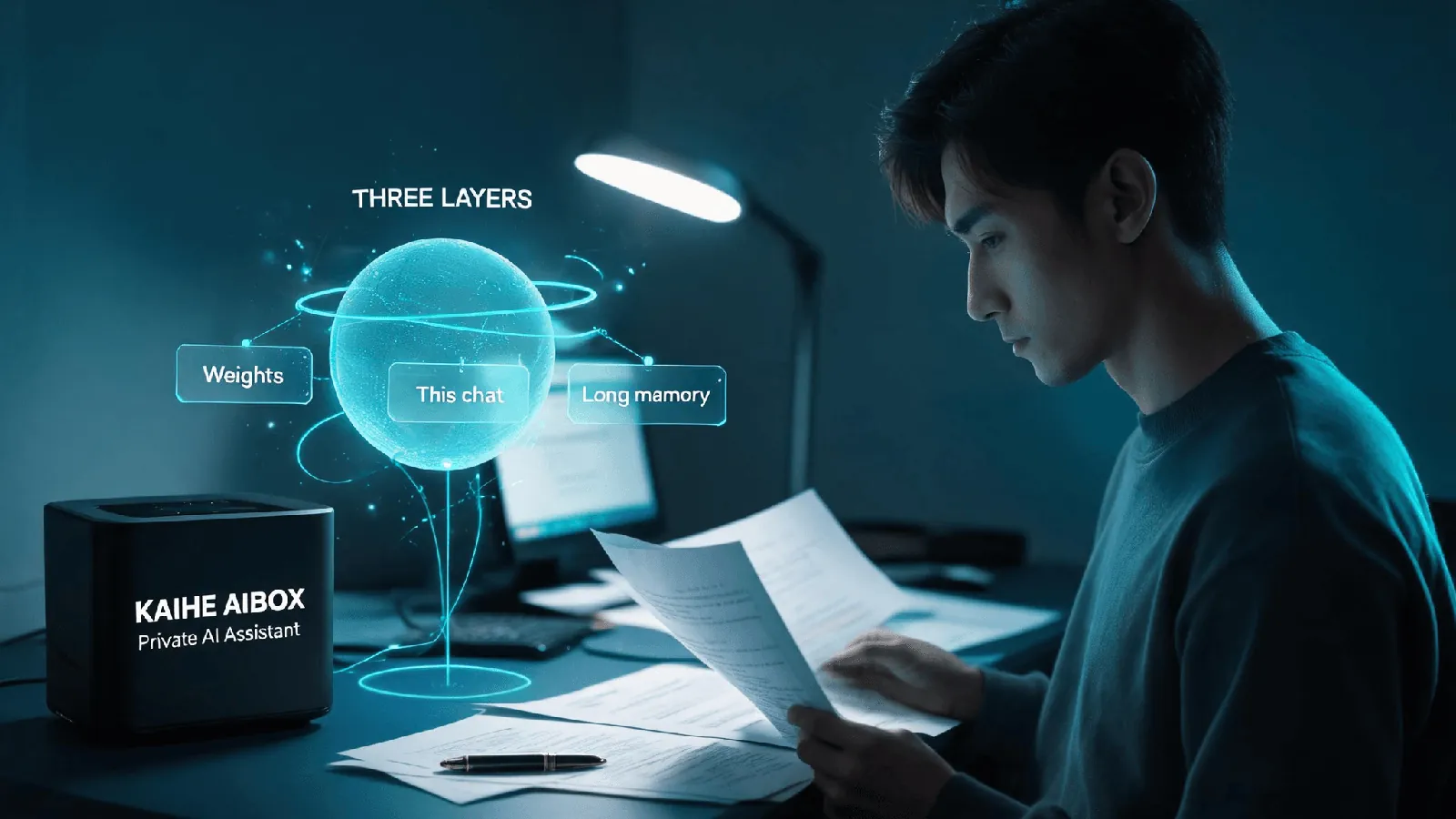
One: split "memory" into three layers
📖 Glossary
AI Box (also known as Agent Computer / Agent PC), is a dedicated local hardware device that runs AI Agents. Pre-installed with an AI agent management system, plug-and-play, running 24/7. Users can remotely command AI to work via Discord, Slack, Telegram, WhatsApp, and more.
I keep coming back to this, because until you separate the layers, the question never gets a clean answer.
The first layer is the model's weights. That is what it learned during training — grammar, general knowledge, how to reason. You can talk to it for a hundred turns and it still will not write you into its weights. Inference is read-only; your conversation does not rewrite its parameters. So the idea that "the model remembered me" is not really accurate.
The second layer is the context window. This is the scratch space for the current conversation. It can see everything you have said in this thread; close the thread and the space clears. That stays true no matter how big the window is. Leading models now run windows around a million tokens — Qwen4-Max and Hy4 flash, both released in November, are at that scale — but that just means you can chat longer before it forgets. It is not permanent memory. When the conversation exceeds the window, the oldest parts get pushed out.
The third layer is long-term memory. This is something the application does separately: it writes your preferences and key facts out to storage, then reads them back into the next conversation. This is the real reason an assistant still knows you months later.
Once you see the three layers, the original question gets easier. Switching models changes the first layer. The second never sticks around anyway. The one worth asking about is the third — and where it lives.
Two: your question — do I keep my memory when I switch models
Direct answer: it depends on where you stored it.
If your memory only lives in the conversation, then you do not even need to switch models. Close and reopen and it is gone. Nobody can carry that layer over.
If it lives in one vendor's cloud account, switching models within that vendor usually keeps it, because memory follows the account rather than the model. The catch is that moving to a different vendor often leaves it behind. You export by hand or start over, and some vendors do not let you export at all. Convenient, but you are locked in.
If it lives in a local file or a knowledge base you control, this is the best case. Model and memory come apart — you replace the reasoning layer, the memory file stays on your machine, and as long as the new model can read the same place with the right permissions, it picks up where things left off. That is memory you can actually take with you.
So the answer is not a clean yes or no. It hinges on who is holding onto your memory.
Three: why it feels like the assistant lost its memory after a switch
There is a misunderstanding here worth pulling apart.
In most assistants, memory is bound to the account and the model together. You click "switch model" and it looks like a dropdown changed, but the memory system behind it changed too. The new model reads its own storage and cannot see the old one, so it feels like it forgot you.
That is not the model's fault, and the memory was not deleted. It was locked in the previous system. Switching was like moving house without taking the furniture.
There is a subtler version too: some assistants "remember" by stuffing the whole conversation history back into the context. That looks fine until the thread gets long and the early parts get pushed out. You think it remembers; really it only remembers the last few exchanges. This kind of memory is always lost on a switch, because it was never stored independently in the first place.
Four: four ways to set this up, from least to most portable
I sorted the common approaches by whether the memory can travel, so you can find your own case.
One, rely on the conversation alone. Ask, leave, nothing kept. Fine for one-off questions; there is no memory to speak of.
Two, store it in the vendor's cloud account. It survives across sessions and is convenient, but it is effectively locked to that vendor. Moving ecosystems means starting over.
Three, store it locally and let the model read it on demand. Switching models only replaces the reasoning layer; the local memory stays put. The cost is a machine that stays on and can host that memory.
Four, keep both the model and the memory on your own machine. The most independent option, and noticeably more expensive, because your hardware has to run the model.
Five: which part KAIHE AIBOX handles
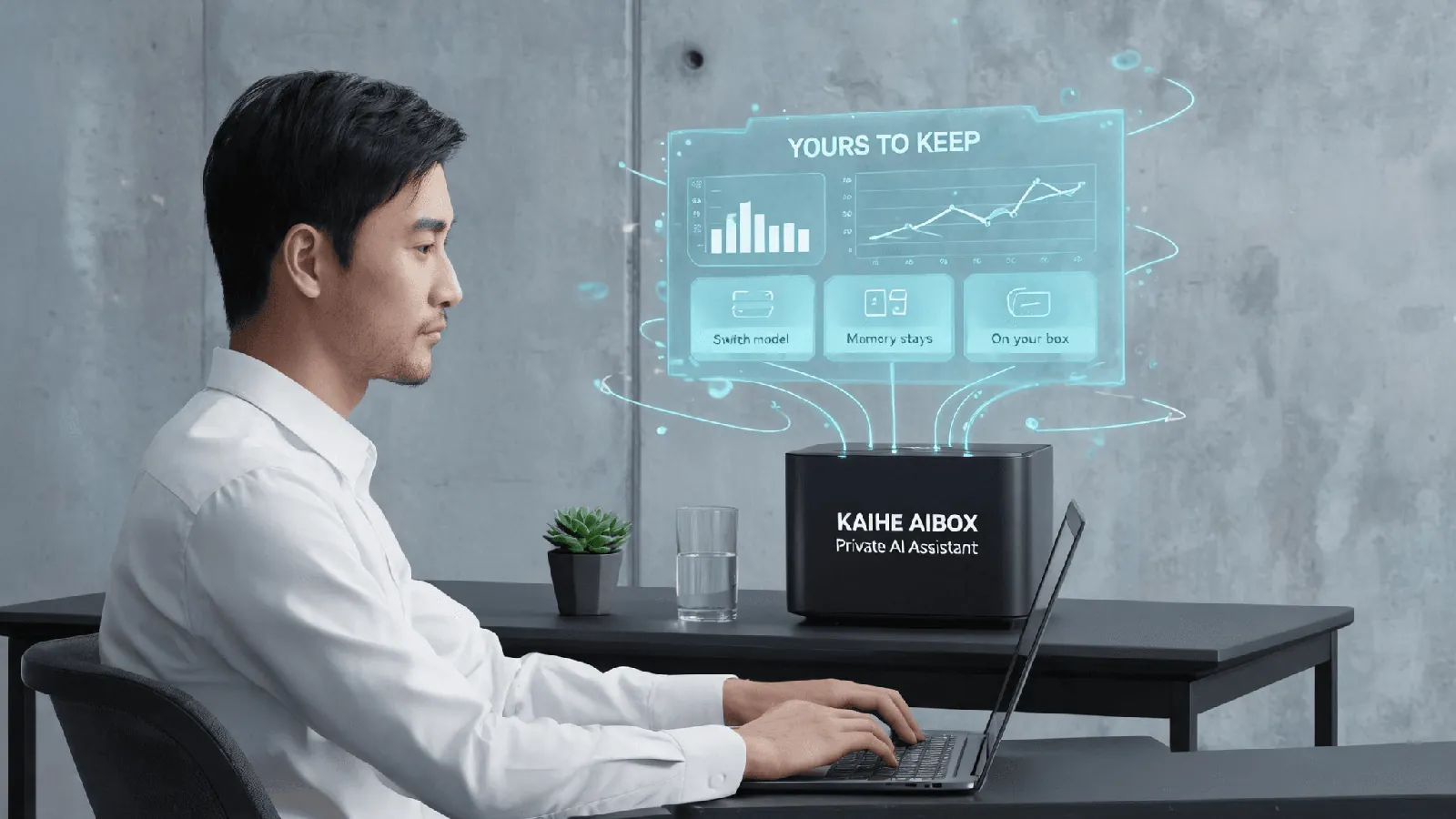
KAIHE AIBOX(铠盒AIBOX)does the third approach.
It keeps your memory and files on your own machine. When you switch cloud models, what changes is the reasoning layer; the local memory stays where it was. OpenClaw and Hermes come installed to run this, so it is on standby once powered and online — no rebuilding the environment each time. The box draws 10W and runs 7×24, with A1 starting at ¥1,199 wired or ¥1,399 Wi-Fi, so that local memory has something always awake to look after it.
One step up, if you want inference local too, is the D1 tier and above (from ¥11,999), where a local model actually runs. There, both model and memory sit on your machine; the tradeoff is cost.
I want to be straight about the limits. Approach three is not universal. For a new model to read your local memory there has to be a reading and permission mechanism in place — you cannot swap in any model and expect it to work. And where there are real compliance requirements, those need their own assessment; a consumer box is not a compliance conclusion.
Six: where this does not help
A few cases where none of this matters, stated plainly.
If you want one-off answers and nothing more, there is no memory to preserve and no device worth setting up for it.
If you trust one vendor completely and never plan to leave, its built-in cloud memory is the simplest route. No reason to route through local storage.
If what you actually want is a smarter model — better reasoning, better code, better long-horizon planning — that is a model problem, separate from where memory lives. Do not expect a new box to make the model smarter.
Seven: three things you can do today
No purchase needed. These work now.
First, open the settings of the assistant you use most and find the "memory" or "personalization" section. See where it keeps your information and whether you can export it. Plenty of people use a service for six months without ever looking.
Second, keep your own copy of anything important that should last, in a local file. Even a plain Markdown file beats relying entirely on an assistant's memory.
Third, before you switch models next time, ask one question: is this memory tied to the account, or stored somewhere I can actually get at? Ask first and you skip the whole "why did it forget me" surprise.
Who holds your memory matters more than which model you switched to.