My Coworker Spent 3 Hours on a PPT. My AI Finished It in 3 Minutes — And I Never Even Opened My Laptop
📖 Glossary
AI Box (also known as Agent Computer / Agent PC), is a dedicated local hardware device that runs AI Agents. Pre-installed with an AI agent management system, plug-and-play, running 24/7. Users can remotely command AI to work via Discord, Slack, Telegram, WhatsApp, and more.
Abstract: Last Friday at 5 PM, my coworker got an urgent task: deliver a 15-slide product launch deck by Monday morning. He sighed and fired up PowerPoint. I pulled out my phone, sent a WeChat message, and three minutes later had a complete outline with layout suggestions. He stared at me: "You didn't even touch your computer." Here's what it actually looks like to use Kaihe AIBOX for remote AI-powered work — and no, you don't need to learn to code.
Here's what happened.
Last Friday, end of day. A group message from the boss: "Product launch Monday morning. Everyone prepare a presentation deck. At least 15 slides." Groans across the office. I didn't panic. My Kaihe AIBOX was at home on my desk, running 24/7.
I pulled out my phone, opened WeChat, and sent my AI robot a message:
"Help me make a presentation deck for an AI agent computer product launch. Target audience: business owners and entrepreneurs. Key selling points: 24/7 unattended AI assistant, one-time hardware purchase no monthly subscription, remote control via WeChat. Draft the outline, write key points for each slide, recommend visual styles. 15 slides."
Then I packed up to leave. By the time I reached the elevator, my phone buzzed — the AI had sent back the complete outline.
Fifteen slides, from title to closing. Every slide had a headline, bullet points, data support, and visual direction. The title slide read "Your AI Doesn't Need to Sleep" with recommended visual treatment. The data slides included market size figures and growth rates, all sourced. The AI had done the research too.
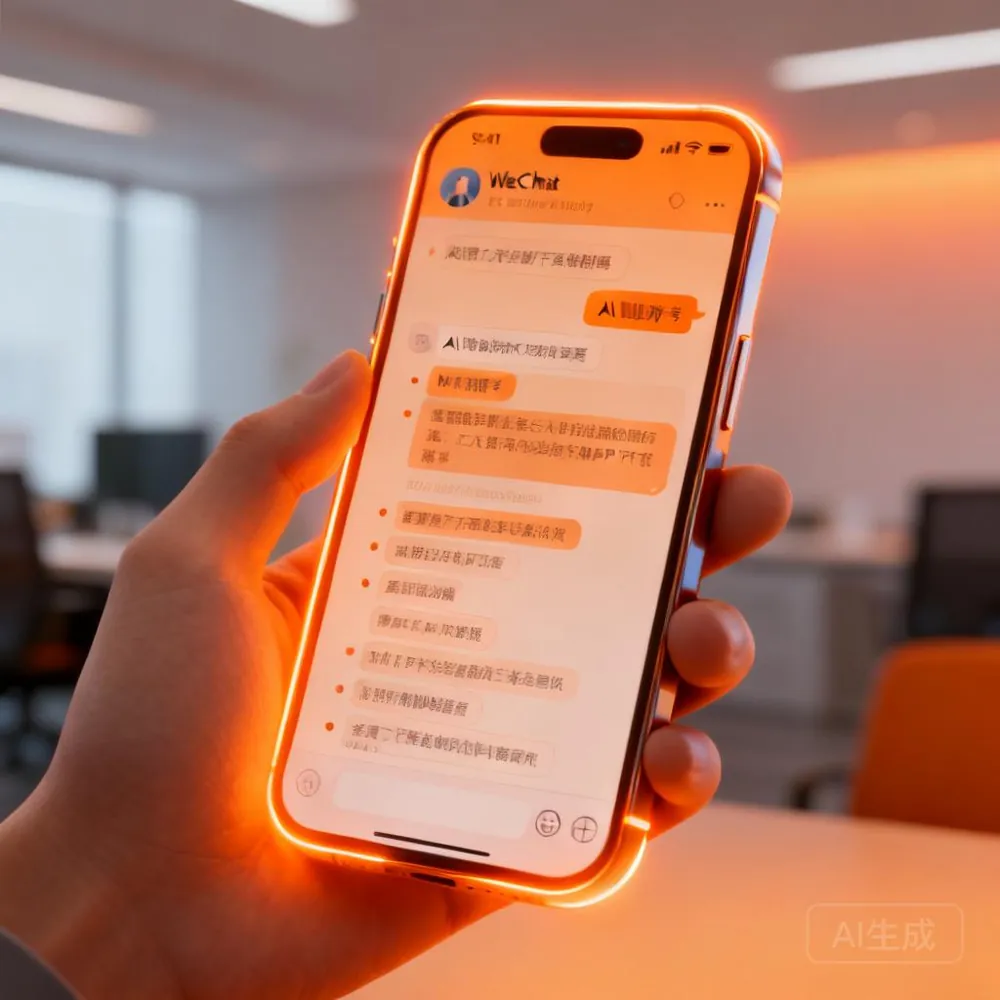
I realized: making a 15-slide deck used to take 2-3 hours — find a template, brainstorm structure, search for stats, format. Now? One WeChat message, three minutes, complete framework delivered. Meanwhile, my coworker next to me had barely opened PowerPoint, still staring at a blank title slide.

To be clear: the AI gives you a detailed outline and content framework, not a fully formatted .pptx file. But that's actually the valuable part — it handles the hardest work: ideation, research, and logical organization. With the outline ready, you drop it into any presentation tool, add visuals, and you're done in 10 minutes.
And here's the bigger point: I did this entirely through WeChat. No computer. No browser tab. No app. Sent a message, the AI did the work on the box at home, results pushed to my phone. This is a fundamentally different experience from traditional AI usage. Before: "I need to go use this tool." Now: "I tell it what to do, it tells me when it's done."
You might wonder: how is this different from ChatGPT?
Big difference. With ChatGPT, you open a webpage → type → wait → close. Session over. On Kaihe AIBOX, the agent is always running. You can iteratively refine the same deck: "Update slide 3 with this year's data." "Add a competitor comparison to slide 8." "Insert a Q&A slide at the end." It remembers all prior context and continuously improves the output.
And you don't need to be at your computer. I sent the initial request, left the office, sent three follow-up edits during my commute, and by the time I got home everything was consolidated. The next morning, I exported the outline to PowerPoint, spent 30 minutes on formatting, and had a polished deck. At least two hours faster than my coworkers.
This is what "24/7 AI that works for you" actually means. Not a slogan. You dump the work. You go live your life. You fire off a WeChat update when you think of it. It doesn't need breaks, doesn't forget, doesn't complain.
A few pro tips I've discovered: give the AI a clear role ("you're a presentation designer with 5 years of experience") and output quality jumps dramatically. Specify a style reference ("Apple keynote minimalism") and the AI auto-adjusts tone and structure. When iterating, send 1-2 edits at a time — the AI understands your intent more precisely than dumping a list of 10 changes.
One time I went back and forth 5 rounds on a single deck — refining headlines, data citations, slide order — each round was one WeChat message. After exporting to PowerPoint, 20 minutes of formatting, done. My coworker asked if I'd been preparing for days. Truth is, my total "active effort" time was under 30 minutes. The rest of the time, the AI was grinding and I was doing something else.
This is the fundamental difference between an agent computer and a regular AI tool. Regular AI tools are things you go to, use, and close — each session starts fresh. On Kaihe AIBOX, the AI stays connected to your context — it remembers your preferences, tracks previous edits, and accepts new instructions anytime. You're not "using a tool." You're managing an assistant. The distinction matters.
Further Reading
- Kaihe AIBOX-A1 Product Details - Best price-performance for local AI deployment
- Kaihe AIBOX Store - Full lineup of agent computers
- Control Your AI from Anywhere: 3 Remote Methods Tested - WeChat, voice, and scheduled tasks
- The Truth About AI Hardware: It's Not About Free LLMs - One-time hardware ≠ free models
Website: https://agentaibox.com/ Email: [email protected] #KaiheAIBOX #AIAgent #OpenSource #Productivity #RemoteWork #24x7
Kaihe AIBOX | The Agent Computer That Works 7×24 for You · User Case Study