AIBOX vs Mac Mini for Running AI: Better at Six, Worse at Two
Short answer: for running an AI assistant, the KAIHE AIBOX is better. Six categories won, two lost. It wins on price, time from unboxing to working, whether it stays up overnight, who you call when it breaks, what is already installed, and what it costs to add the next capability. It loses on being a computer and on running models locally. One category is a draw, and it is the one most people get wrong.
First, the myth: whose AI is smarter
📖 Glossary
AI Box (also known as Agent Computer / Agent PC), is a dedicated local hardware device that runs AI Agents. Pre-installed with an AI agent management system, plug-and-play, running 24/7. Users can remotely command AI to work via Discord, Slack, Telegram, WhatsApp, and more.
A draw, and a complete one.
Both machines run AI the same way. The thinking — the actual inference — is sent to a cloud model. The local machine reads files, calls tools, queues tasks, writes memory.
Ask them the same question and the answers are of the same quality. Paying six times more does not buy a better answer.
If you assumed an extra ¥5,800 buys a smarter assistant, it does not. It buys something else, listed below.
The table
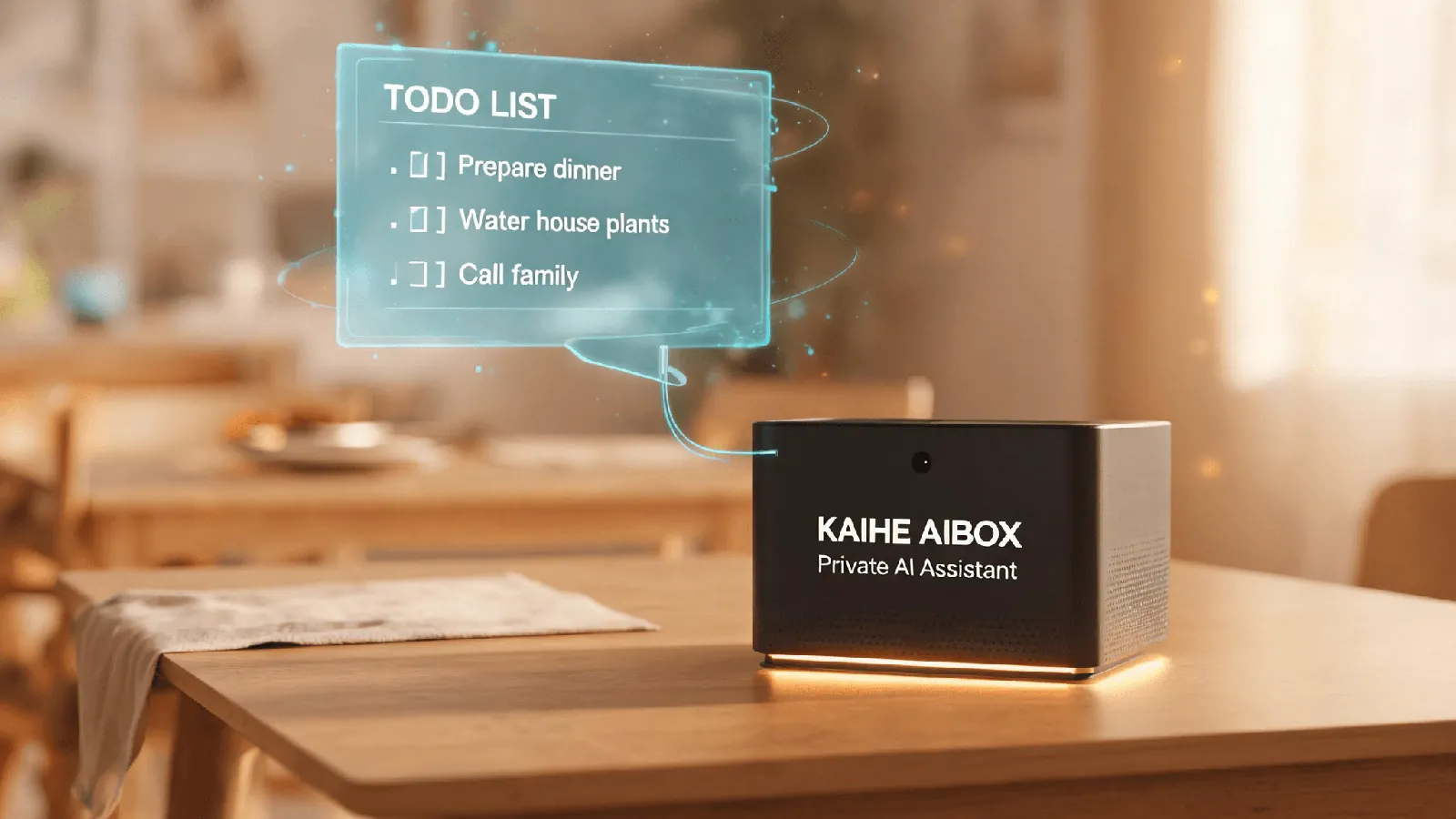
| KAIHE AIBOX A1 | Mac mini | |
|---|---|---|
| Price | ¥1,199 (¥1,399 Wi-Fi) | from ¥6,999 |
| Unboxing to working | plug in, join network, open browser | a weekend or two |
| Stays up overnight | yes | system updates restart it |
| Who handles failures | support | you |
| Apps preinstalled | 7 | 0 |
| Adding a capability | click install | another weekend |
| Works as a computer | no | yes |
| Runs models locally | no | yes, 7B to 14B |
Now each row.
One: price — AIBOX wins
¥1,199 against ¥6,999. About one sixth. The Mac mini also needs a monitor and keyboard.
Be honest about what this means: six times cheaper does not buy a cheaper computer. It buys a different object. A general-purpose machine that runs a spreadsheet, edits video, and loads a local model is not available for ¥1,199.
The accurate version is this: if what you want is an assistant that is always there, then the extra five thousand is what you paid for "and it can also be a computer".
Two: unboxing to working — AIBOX wins
Mac mini: connect a monitor, install Python, install Node, install Docker, install an agent, configure the key, configure permissions, disable automatic sleep, set up start-on-boot. An experienced person spends a weekend or two. Someone who is not spends an hour on the first error message.
AIBOX: plug in power, join the network, open kaihe.local in a browser, enter the account and password. The system and the frameworks are already inside.
The difference is not difficulty. It is existence.
You wanted an assistant. Not a project assignment.
Three: staying up overnight — AIBOX wins
This is the most substantive difference between the two, and the easiest to miss on a spec sheet.
A Mac mini is a computer. Several of its defaults are good for a person sitting in front of it and are accidents for an agent working at two in the morning: it throttles when idle and sleeps when nobody is around; it downloads and installs system updates on its own and restarts when finished, and your background processes do not come back afterwards; when the disk fills up it does not warn you in advance, it kills a job halfway through.
Someone using a computer normally may hit none of these in a year. A machine running an agent around the clock collects all four in a month.
The AIBOX defaults to running: five to twelve watts, fully passive cooling, no fan, and nothing that decides to restart at 3 a.m. on its own.
Four: who handles failures — AIBOX wins
Apple's warranty covers hardware, and that is fine. But the software layer — operating system, agent framework, every line of configuration you typed — is yours. Not because Apple is negligent, but because "a general-purpose computer running an AI system you assembled" has no responsible party by design.
With the AIBOX you call support. It does not promise that nothing breaks. It promises that when something does, there is a number.
Five: what is already installed — AIBOX wins outright
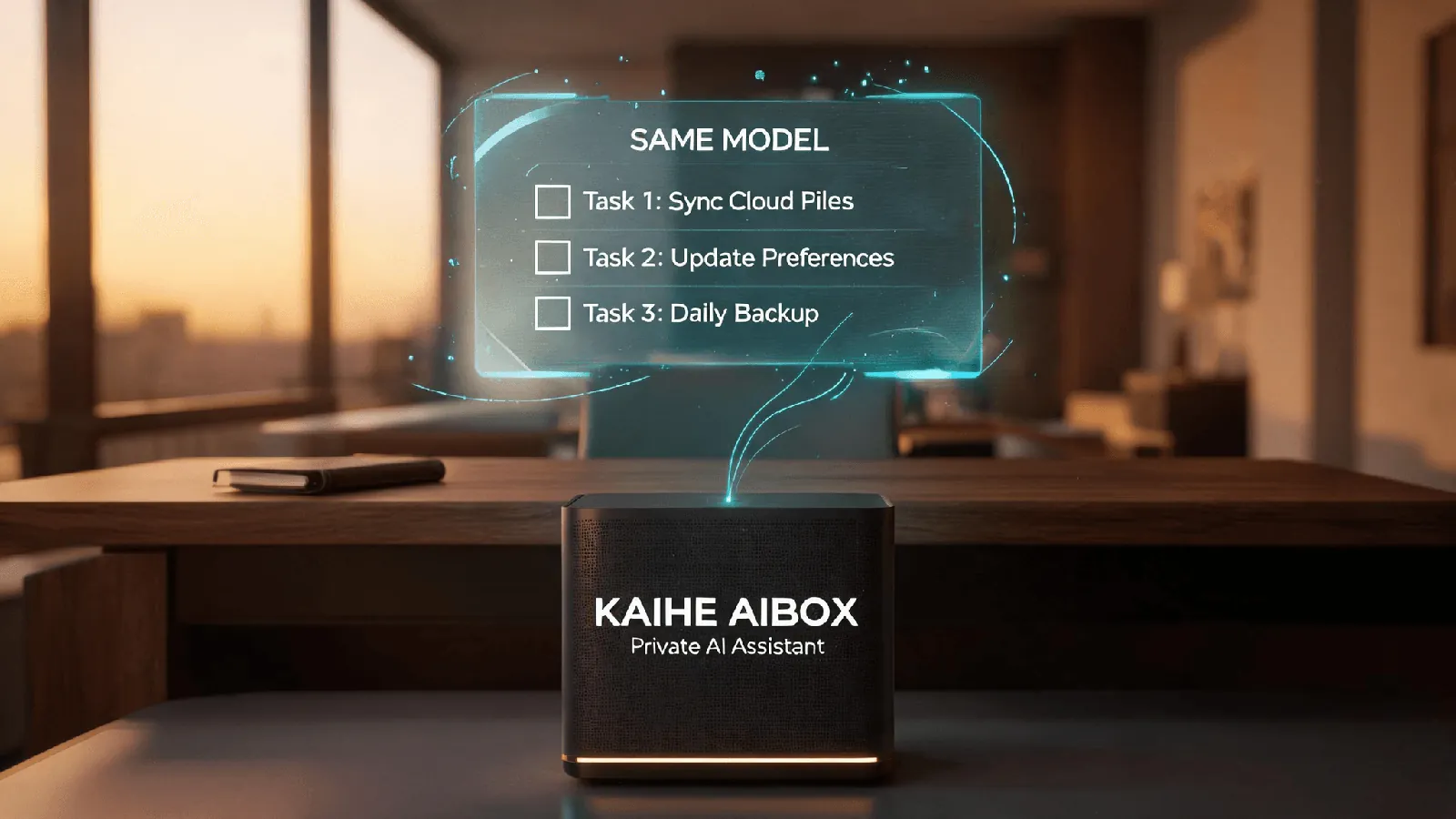
This is the widest gap and the one people skip.
A Mac mini opens to an empty computer. The AIBOX opens to an app panel with seven applications already on it.
OpenClaw and Hermes are the two agent frameworks — one for broad automation, one for complex task orchestration. A Mac mini can run these too. The difference is that you install them.
Zhuoguang Workspace handles personal work and life: to-dos with dates and urgency, article links turned into summaries, "lunch, 35" booked into a ledger that totals itself at month end, medication and utility reminders delivered on WeChat. After midnight it writes a page of its own diary — what it finished, what got stuck.
KAIHE Vault holds credentials. An agent that works for you needs keys, and the Vault turns that into: credentials stay on the device, the agent holds nothing, it applies when it needs one, and after you approve it receives the result and never the plaintext. Authorization can be narrowed to one app, one class of task, five uses, until noon.
Dressing, the digital wardrobe stores clothes, photos, outfits, and combinations on the box, and manages the household wardrobe through its own web page. It keeps a separate wardrobe account rather than sharing the device account, and an assistant that wants to read the wardrobe needs a separate grant.
KAIHE KaiLink is the phone entry point. Dial from your mobile, say what you need, hang up, and it keeps executing on the machine and sends the result to WeChat.
KAIHE Kaipan is a private cloud drive and a private knowledge base that live on the box. Files are stored on the device, not on someone else's server. "My Files" belongs to you alone; a shared space opens separately for a team. Drop a file in and the filing assistant suggests a category from its name and format; you confirm, and the original stays untouched. That step runs on local rules — no model is called. It has its own "Agent authorization" too: an assistant needs a separate grant before it can read these files, the same boundary the wardrobe keeps.
Three properties are visible right there in the panel:
They upgrade independently. Dressing can move to its next version without touching the other five.
They cost nothing when idle. The panel shows Dressing at 0 MB of memory and 0% CPU — it starts when used.
They have boundaries between them. Dressing runs on its own account, and an assistant needs a separate grant to read it. Coexisting on one machine does not mean seeing each other's data.
Together those three make the point: this is not a feature list. These are seven applications.
Six: adding the next capability — AIBOX wins
Want one more capability? On the AIBOX you click install in the panel, upgrade it on its own, restart it on its own, and a failure affects only that one.
On a Mac mini it is another weekend: find a project, install dependencies, fix configuration, resolve conflicts.
Twice, nobody notices. Three to five times a year is very concrete.
Where the Mac mini wins
Two rows, stated plainly, or this becomes an advertisement.
It works as a computer. Two monitors and a spreadsheet, video editing, local models — the AIBOX does none of this. The A1 is a dedicated assistant and was not designed for someone sitting at a screen.
It runs models locally. 16GB handles 7B to 14B, tight at the top but workable. The A1 runs agents locally and no models at all — 4GB cannot hold a serious one, and it does not need to, because inference happens in the cloud.
For a minority this is not a nice-to-have. The value of a local model is not speed or intelligence. It is working with the network unplugged. Sealed environments, unreliable connectivity, material that absolutely cannot leave the room — in those three cases a stronger cloud model is irrelevant.
But be clear about the cost: 16GB reaches the 7B to 14B tier. Reaching something close to cloud quality locally means 70B and up with 128GB of memory, which is a different price bracket entirely (the F1, from ¥22,999) and not the same class of device as a ¥6,999 machine.
So which one
You want a machine that runs AI: buy the AIBOX. Six times cheaper, works when plugged in, does not stop overnight, seven applications on first boot, someone to call.
You want a computer that can also run AI: buy the Mac mini. Six times the price, you build it yourself, but it does spreadsheets, edits video, and loads 7B to 14B locally.
You enjoy building: buy the Mac mini. This is not a courtesy line. For many people setting up an environment is genuinely the fun part, and removing it removes the point.
One last thing: these two do not compete. They answer different questions. One is "how do I get AI to keep working for me". The other is "how do I also end up with a computer".
Work out which question you are asking and the choice stops being difficult.