AutoGLM Goes Open Source: Your Phone AI Agent Can Now Order Food and Reply WeChat
📖 Glossary
AI Box (also known as Agent Computer / Agent PC), is a dedicated local hardware device that runs AI Agents. Pre-installed with an AI agent management system, plug-and-play, running 24/7. Users can remotely command AI to work via Discord, Slack, Telegram, WhatsApp, and more.
Summary: Zhipu AI's AutoGLM — a mobile AI agent that understands phone screens and simulates human tap operations — has been open-sourced. This changes everything. Developers can now customize agent behavior, enterprises can deploy private versions, and the global AI agent community gets a powerful new building block. The key insight: AutoGLM doesn't just "run on your phone" — it makes your phone an intelligent, autonomous worker. And when paired with a KaiheAiBox A1 running 24/7, your phone doesn't even need to stay awake for the agent to keep working.
The Announcement That Quietly Changed the Game
On March 18, 2026, Zhipu AI (清华系AI独角兽) open-sourced AutoGLM on GitHub. Almost no one outside China's AI circle noticed. That was a mistake.
AutoGLM is not a chatbot. It's a mobile AI agent framework that can:
- See your phone screen (via screenshot + visual understanding)
- Understand what's on it ("This is a WeChat message from 妈妈, asking if I'm eating well")
- Plan multi-step actions ("Open WeChat → Find 妈妈's chat → Type 'Eating well, don't worry' → Send")
- Execute them (simulated tap coordinates, text input, swipe gestures)
- Handle errors ("WeChat crashed → Reopen → Navigate to chat → Retry")
This is fundamentally different from every AI assistant you've ever used. Siri, Google Assistant, and even the much-hyped Apple Intelligence can't do multi-step, cross-app tasks with visual understanding. They operate within pre-defined intent schemas. AutoGLM operates with semantic understanding of the screen.
The open-source release includes: - Core agent framework (Python) - Pre-built task templates (food ordering, ride hailing, message replying, calendar management) - Visual understanding module (connects to GLM-4V / GPT-4V / Claude) - Safety guardrails (permission controls, action confirmation, rollback)
AutoGLM going open source is the mobile agent equivalent of Android going open source in 2007. It democratizes access to a capability that was previously locked inside closed products.
How AutoGLM Actually Works
To understand why open-sourcing AutoGLM matters, you need to understand how it works technically. The architecture has three layers:
Layer 1: Visual Understanding
AutoGLM takes a screenshot of the phone screen, sends it to a vision-language model (VLM) — by default GLM-4V, but it supports GPT-4V, Claude, and Qwen-VL — and gets back a structured understanding:
{
  "screen_elements": [
    {"type": "button", "text": "Allow", "coordinates": [850, 1200]},
    {"type": "text_field", "label": "Search", "coordinates": [200, 300]},
    {"type": "message", "sender": "Mom", "text": "Have you eaten?", "coordinates": [100, 600]}
  ],
  "current_app": "WeChat",
  "task_progress": "message_received",
  "next_action_suggestion": "tap_message_then_reply"
}
This is the key differentiator from RPA (Robotic Process Automation). RPA works by recording exact coordinates and replaying them. If the screen layout changes by even one pixel, RPA breaks. AutoGLM understands what it's looking at, not just where things are.
Layer 2: Action Planning
Given the visual understanding, AutoGLM's planning module breaks down a high-level goal into executable steps.
Example task: "Order me a large iced latte from Luckin Coffee"
Planned steps: 1. Open Luckin Coffee app 2. Wait for home page to load 3. Tap "Order" button 4. Select "Large" 5. Select "Iced" 6. Tap "Add to Cart" 7. Tap "Checkout" 8. Confirm payment
Each step includes: action type (tap / type / swipe), target element (from visual understanding), and verification criteria (did the expected screen change happen?).
Layer 3: Execution Loop
AutoGLM executes the planned actions in a loop:
while task not complete:
    screenshot = take_screenshot()
    understanding = VLM(screenshot)
    next_action = planner(understanding, task_goal)
    execute(next_action)
    verify(execution_result)
    if error_detected:
        recovery_strategy = diagnose(understanding)
        execute(recovery_strategy)
The execution loop runs on the phone itself (Android) or via ADB (iOS, with limitations). The VLM calls are made to a cloud API (GLM-4V by default, customizable).
Why Open Sourcing AutoGLM Matters
For Developers: Customization Without Permission
Before open-sourcing, if you wanted AutoGLM to support a new app (say, a niche food delivery app), you had to wait for Zhipu AI to add support. Now, developers can:
- Write custom task templates for any app
- Fine-tune the VLM on domain-specific screenshots
- Add safety guardrails specific to their use case
- Deploy private versions inside enterprise firewalls
This is the standard open-source playbook, but applied to a category (mobile AI agents) that didn't have a standard open-source baseline until now.
For Enterprises: Private Deployment
The biggest barrier to enterprise adoption of AI agents is data sovereignty. Most enterprises won't send screenshots of internal apps to a third-party cloud API.
With AutoGLM open-sourced, enterprises can: - Deploy the entire stack on-premise - Use their own VLM (fine-tuned on internal app screenshots) - Audit every line of agent code - Customize workflows for internal apps (ERP, CRM, HR systems)
One large Chinese bank has already deployed a private AutoGLM instance for automating mobile banking tasks (balance checks, transfer confirmations, transaction categorization) — all running on internal servers with no external API calls.
For the Global Community: A Baseline to Build On
Before AutoGLM's open-source release, if you wanted to build a mobile AI agent, you started from zero. You had to figure out screen understanding, action planning, error recovery, and safety — all from scratch.
AutoGLM gives the global developer community a working baseline. Fork it, modify it, improve it. The pace of mobile agent development will accelerate dramatically now that there's a shared foundation.
AutoGLM vs. RPA: The Critical Difference
A lot of people hear "automates phone tasks" and think "that's just RPA." It's not. Here's the difference:
| Dimension | RPA (e.g., UiPath, Automation Anywhere) | AutoGLM |
|---|---|---|
| Screen understanding | Coordinate-based (brittle) | Semantics-based (robust) |
| App changes | Breaks easily | Adapts automatically |
| New apps | Needs re-recording | Generalizes to unseen apps |
| Setup | Record-and-replay | Natural language task description |
| Error handling | Rule-based | VLM-powered diagnosis |
| Cross-app tasks | Hard (siloed) | Native (plans across apps) |
The RPA analogy is useful for explaining what AutoGLM does ("it automates your phone") but misleading for how it works. AutoGLM is to RPA what a self-driving car is to a train on rails. One follows a fixed path; the other understands where it is and navigates dynamically.
The difference between RPA and AutoGLM is the difference between a player piano and a musician. One replays a fixed sequence; the other understands the music.
Use Cases That Actually Make Sense
AutoGLM is powerful, but it's not magic. Here are the use cases where it delivers today:
Use Case 1: Elderly Assistance
Set up AutoGLM on an elderly parent's phone. When they say (via voice input): "Reply to my sister's WeChat asking about the hospital appointment," AutoGLM: 1. Opens WeChat 2. Finds the message from "Sister" 3. Drafts a reply: "Appointment confirmed for Tuesday 2pm" 4. Asks for confirmation 5. Sends
This is genuinely useful for elderly users who struggle with smartphone interfaces.
Use Case 2: Accessibility
For users with motor impairments, AutoGLM can execute complex multi-step tasks via voice commands. "Post this photo to WeChat Moments with caption 'Beautiful sunset'" — AutoGLM handles the entire flow.
Use Case 3: Enterprise Mobile Workflows
Field workers, delivery drivers, and sales reps spend significant time on repetitive mobile tasks (updating CRM, submitting expense reports, checking inventory). AutoGLM can automate these workflows, triggered by voice or scheduled time.
Use Case 4: Testing and QA
Mobile app developers can use AutoGLM to automate UI testing across different devices and screen sizes. Since AutoGLM understands screen semantics (not coordinates), the same test script works across devices.
The KaiheAiBox A1 Connection
Here's where AutoGLM meets KaiheAiBox A1 — and why this combination is more powerful than either alone.
The problem with phone-based agents: AutoGLM runs on your phone. Which means: - Your phone battery drains faster - Your phone can't be turned off or locked (some tasks need the screen on) - AutoGLM stops working when your phone restarts, updates, or runs out of battery
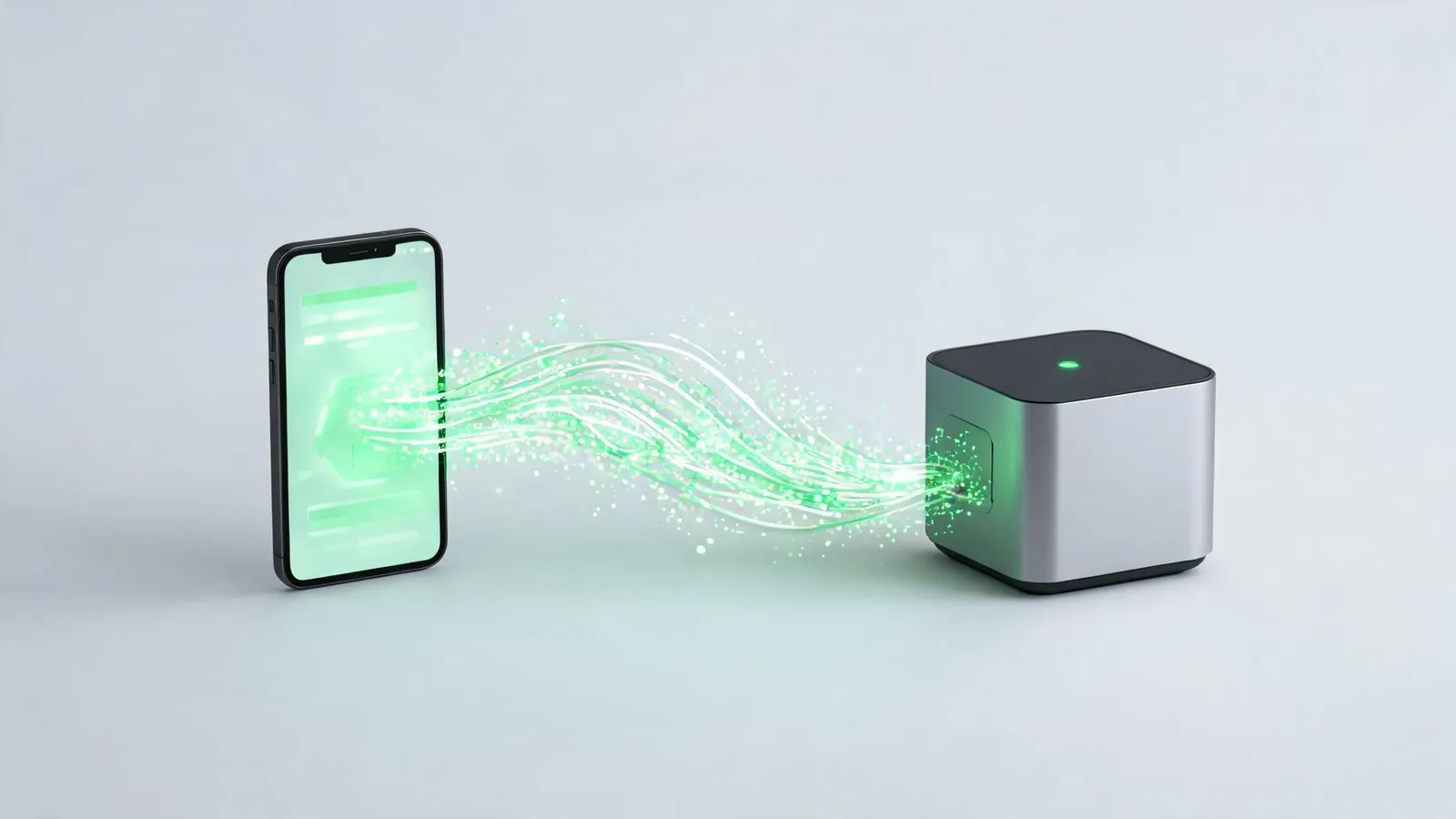
The A1 solution: Run AutoGLM's orchestration on KaiheAiBox A1, and use the phone only for execution.
The architecture becomes: 1. KaiheAiBox A1 runs the AutoGLM agent 24/7 2. When a task needs phone execution, A1 sends a command to the phone (via ADB or API) 3. The phone executes the action and returns the result to A1 4. A1 continues the agent workflow
This means: - ✅ Your phone doesn't need to stay awake - ✅ The agent runs even if your phone is off (A1 queues tasks and executes when the phone reconnects) - ✅ Battery life is preserved - ✅ 24/7 automation without keeping a phone plugged in permanently
Think of it as the difference between a self-driving car that needs a human sitting in the driver's seat vs. one that can drive to you on its own. AutoGLM alone is the first; AutoGLM + KaiheAiBox A1 is the second.
What's Next for Mobile AI Agents
AutoGLM going open source is the start, not the finish. Three things will happen over the next 12-18 months:
1. Explosion of custom agents. Developers will build AutoGLM derivatives for every niche: food ordering agents, ride-hailing agents, shopping agents, enterprise workflow agents. The ecosystem will look like the early Android app store.
2. Platform pushback. App makers whose business models depend on keeping users inside their apps (Douyin, Xiaohongshu, Taobao) will try to detect and block AutoGLM-style automation. This will trigger an arms race between agent developers and app makers.
3. Hardware agents. The next step beyond phone agents: agents that control smart home devices, IoT sensors, and — yes — Agent Computers like KaiheAiBox A1. AutoGLM proved that agents can control a phone. The same architecture can control any device with a screen or API.
The Bottom Line
AutoGLM going open source is the most important mobile AI agent news of 2026 — and almost no one noticed.
It matters because it democratizes a powerful capability, gives enterprises a path to private deployment, and creates a shared baseline for the global developer community to build on.
And when you pair it with KaiheAiBox A1? You get a 24/7 mobile agent that doesn't need your phone to stay awake, doesn't drain your battery, and doesn't stop working when you restart your phone.
That's not just a technical achievement. That's the moment mobile AI agents go from "cool demo" to "actually useful."
KaiheAiBox · AI Agents