On August 14, at Baidu's AI Day event, Baidu Wenku and Wangpan's general-purpose agent GenFlow officially announced its Chinese name: "Kuku AI." The numbers are striking: over 25 million AI office monthly active users, ranking first in the general AI office track. More importantly, it simultaneously launched the standalone "Kuku AI" office client, covering four forms — PC client, web, mini-program, and enterprise edition. For those of us building KAIHE AIBOX, a local AI box, this trajectory is worth watching closely: the office AI track now has all the giants in the ring, going toe-to-toe.
Let's be clear about the numbers first. Back in April, GenFlow's total MAU already surpassed 100 million, with office users growing exponentially. Today, its AI office MAU exceeds 25 million — a commanding lead in the general AI office space. A product that started as an "AI bolted into a cloud drive" reached a 4.x iteration in a year and hit this scale, which tells you "AI doing your office work" has moved from novelty to necessity.
Kuku AI's most substantive move this time is turning AI from a "feature embedded" into a "product standalone." In the past you used AI inside Baidu Wangpan or Wenku and had to enter the drive first. Now it has its own PC client, web, and mini-program — you no longer have to open the drive to use it. With the four ends connected, you use it wherever you are, and pick up across devices and time.
On capabilities, several points stand out. First, it completes complex office tasks like the Office trio in one place — one sentence produces a Word research report, an Excel financial model, and a PPT pitch deck, without hopping between apps. Second, it supports cross-modal generation like AI video and AI posters, letting one source asset grow into different forms. Third, the office mode is first optimized for finance scenarios — research reports and financial workflows work out of the box, not just generic templates. Fourth, it pitches "end-cloud task relay" — even with your PC off, you can still process tasks in the mini-program, and even remotely operate multiple PCs and folders in parallel.
That fourth point hits a real pain point for many office workers. Doing reports and writing research, the hard part was never the task — it was being chained to the PC. Lock the screen, shut down, the pipeline breaks; leaving work means work stops. Kuku AI routes around this limit by "relaying to the cloud": when you leave, the cloud agent keeps running. On that alone, it's more thoughtful than a purely local tool.
Here's the contradiction to flag. When Kuku AI says "process tasks in the mini-program even with the PC off," the task is relayed to the cloud — your documents, your data, your work habits still live in Baidu's cloud. Its cross-device relay works precisely because of that cloud line. This runs opposite to the KAIHE AIBOX idea.

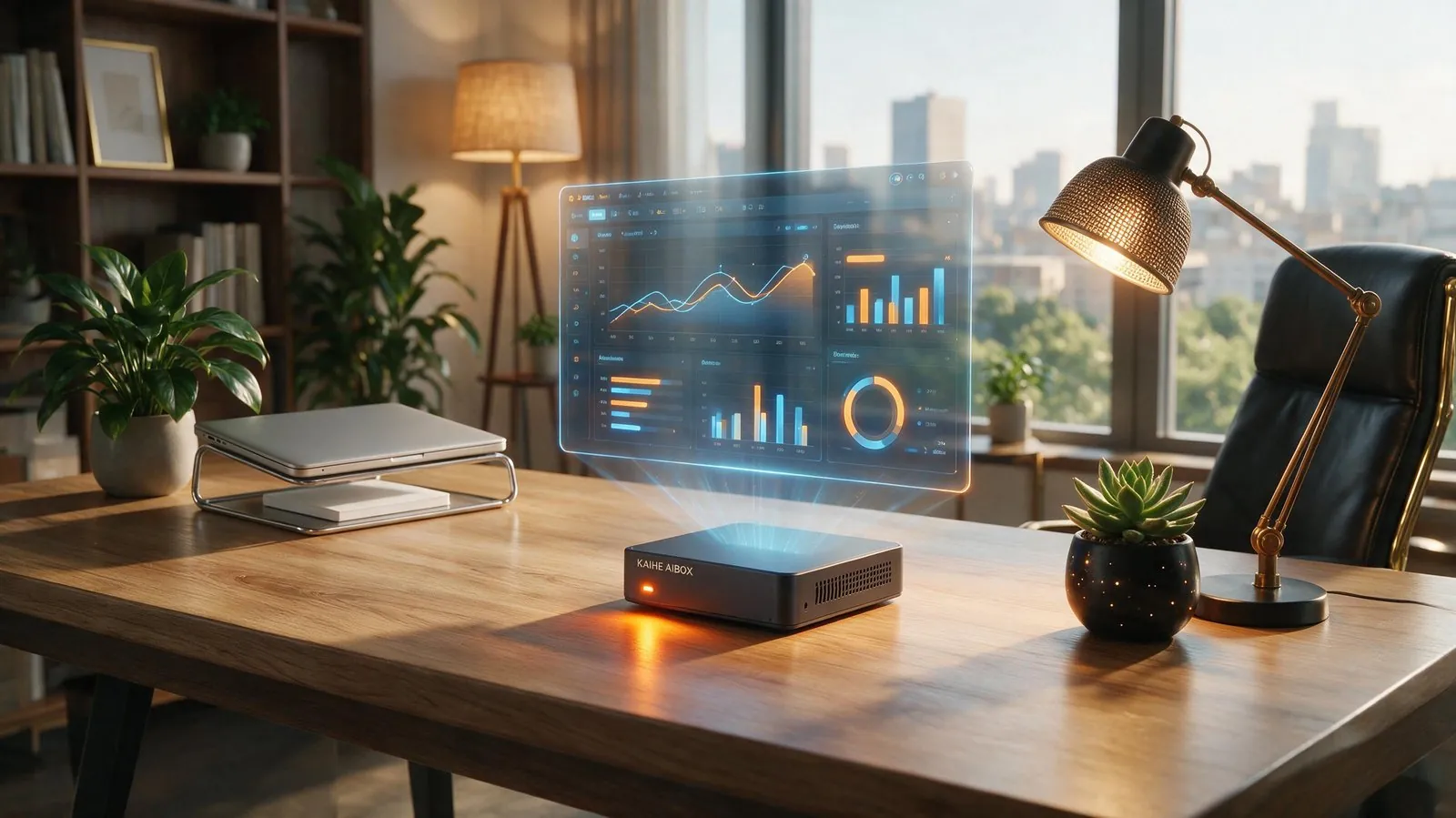
KAIHE AIBOX takes a different path. It is not a cloud office product but an always-on local AI base — running local agent orchestration, treating models as schedulable resources, with workflows local and data never leaving home. Kuku AI makes office tasks slicker; KAIHE AIBOX solves "data in your own hands, AI in your own home, still working after the PC is off." They are not substitutes but complements: cloud is flexible, local is solid.
A concrete example: you use Kuku AI to build a report framework and draft, which may contain company financials, client lists, unreleased results. Left in the cloud, you accept the cloud's security boundary and terms. But placing "continuous task running, model scheduling, workflow accumulation" on KAIHE AIBOX keeps data at home, in no one's cloud. Use Kuku for agile front-end, KAIHE for local back-end — that's the usage where ordinary people keep control of their data.
To be blunt, Tencent has WorkBuddy, Baidu has Kuku AI, Huawei has WorkSwarm — the office AI track is packed with giants. For ordinary users that's good news: more tools, better tools. But a second problem surfaces: almost all these office AIs are cloud products, and the more you use them, the more your documents and data scatter across vendors' clouds. Tools multiply while control of data moves outward. For long-term use, you must decide what goes to the cloud and what stays local. To learn how a local AI box keeps data sovereignty, see why an AI box beats installing it on your PC, or go straight to the product page and official store.
The spread of office AI is irreversible, but the question "who owns the data" is best answered sooner rather than later.
Further Reading
📖 Glossary
AI Box (also known as Agent Computer / Agent PC), is a dedicated local hardware device that runs AI Agents. Pre-installed with an AI agent management system, plug-and-play, running 24/7. Users can remotely command AI to work via Discord, Slack, Telegram, WhatsApp, and more.
- Alibaba Open-Sources Qwen3.8-27B: 27B Parameters, Runs on a Home GPU, Reads Images and Video — More locally runnable open-source models mean stronger alternatives to cloud office
- Why an AI Box Beats Installing It on Your PC — Tools multiply; don't let data control drift outward with them
Baidu #KukuAI #GenFlow #OfficeAI #LocalAI #KAIHEAIBOX
Learn More — search【铠盒AIBOX】
Contact: [email protected]
—— KAIHE AIBOX · Your 24/7 Personal AI Assistant | AI Frontier