Shut Down Your PC and Your AI Goes to Sleep — But Not This Local AI Box
📖 Glossary
AI Box (also known as Agent Computer / Agent PC), is a dedicated local hardware device that runs AI Agents. Pre-installed with an AI agent management system, plug-and-play, running 24/7. Users can remotely command AI to work via Discord, Slack, Telegram, WhatsApp, and more.
Abstract: Doubao, ChatGPT, Qwen — every free cloud AI shares one trait: the moment you close your laptop, they clock out. A local AI box doesn't. Screen goes dark, the box keeps running. This article walks through three real-world scenarios that show exactly how different AI becomes when your computer is off.
Have you ever had this moment: you're packing up to leave the office, close your laptop, and suddenly remember — "Right, that AI task I set up. It needs my computer awake to finish."
So you open the laptop again. Or cancel the task before the screen goes black.
This is not your fault. It's the default design of every free cloud AI.
Doubao, ChatGPT, Qwen, Kimi — they all run on distant server clusters. Your phone or laptop is just a remote control. Turn off the remote, does the TV keep playing? No. Same with AI.
But if you have a local AI box, the answer flips completely.
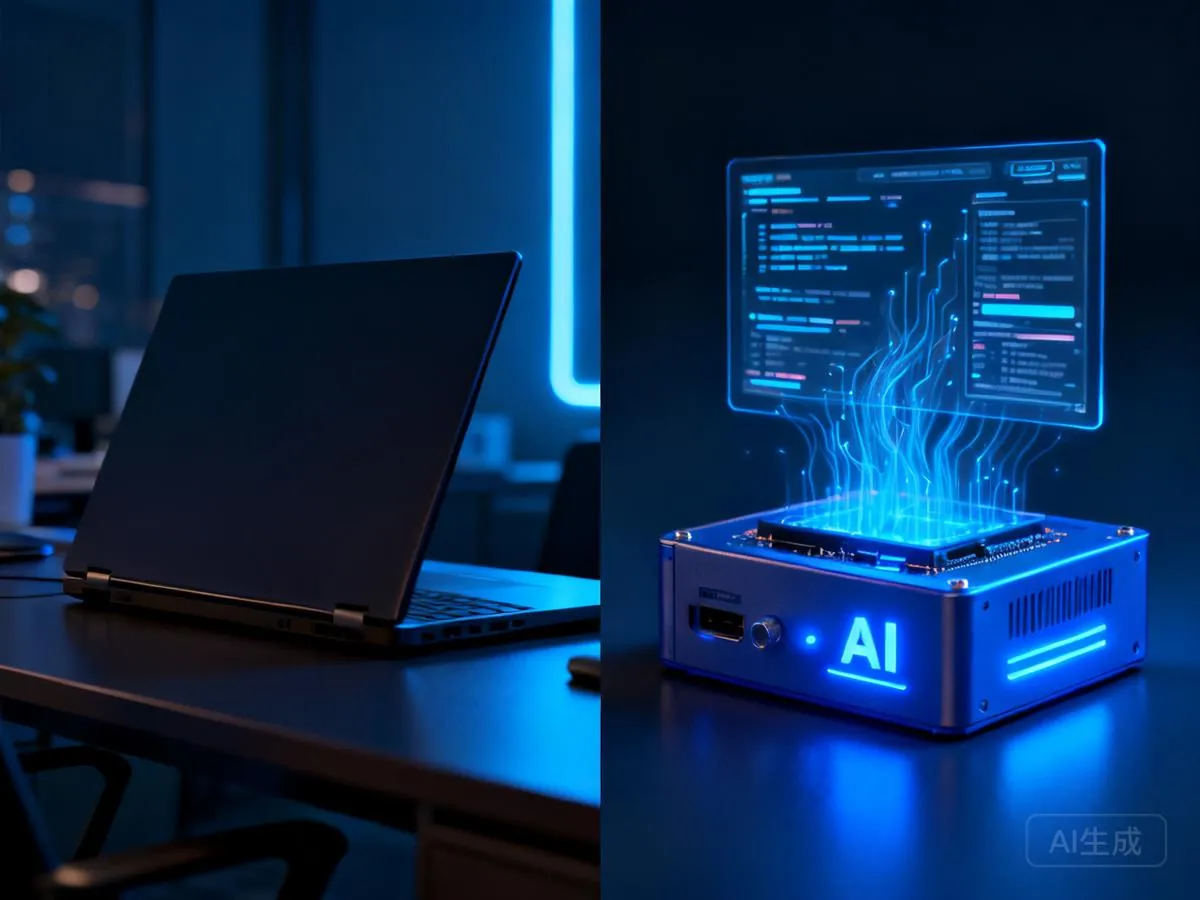
What AI Does After You Close Your Laptop
Let's nail the architecture first, because it determines whether the rest makes sense.
Kaihe AIBOX is not "putting a big model on a local device." It's an independently running small computer built on a "local agent + cloud model" edge-cloud architecture. Agent programs run on the local box. When they need reasoning, they call cloud models like DeepSeek or Kimi over the network. You still pay API fees. But the box doesn't need your laptop to be powered on.
That's the key difference. Let's walk through three scenarios.
Scenario 1: Off the clock — who writes tonight's news brief?
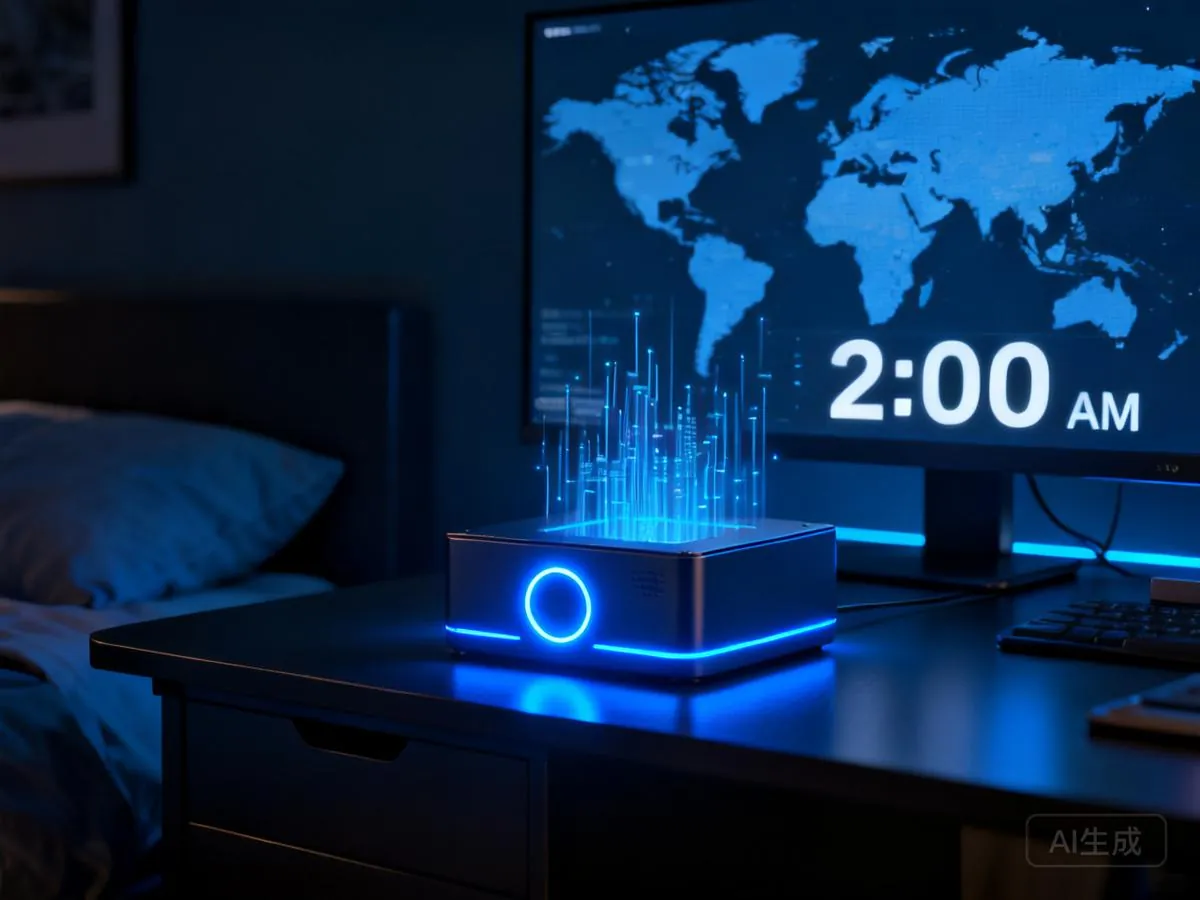
You shut down your office PC at 6 PM, head home, grab dinner, shower, sleep. Your laptop stays closed the entire time.
Doubao? Asleep. Because you never opened it.
But the agent running on the local box wakes up. It waits until 10 PM — off-peak pricing on DeepSeek makes API calls cheaper — then starts automatically pulling the day's AI industry headlines, filtering and ranking them, generating a 500-word brief. When you open your phone the next morning, the brief is already in your messages.
You never saw it working. The screen was off. A small LED on the box was blinking. That's all.
Scenario 2: Weekend getaway — and Monday's report still gets delivered
Friday afternoon, your boss drops an Excel file: "Analysis for Monday's meeting." You spend ten minutes feeding it into your local Agent and schedule a task — run automatically Sunday at 8 PM.
Then you drive to the beach Friday night, hike all day Saturday, and sit in a café drinking a latte Sunday evening. Your phone has no AI app installed. Your laptop is locked in your office drawer. At 8 PM Sunday, the box in the corner of your living room fires up, calls cloud models to crunch the data, generates charts and conclusions, and saves it to your shared folder.
Monday morning, you open your laptop. The report is already there. You had forgotten about it entirely.
This is something cloud AI physically cannot do — it needs you to be present for it to be present.
Scenario 3: Network drops mid-task — and nothing is lost
3 AM. Your scheduled automation is pulling external data through DeepSeek. WiFi drops. If it's a local Agent — it auto-retries, switches to a backup network, or waits for recovery and continues. Data is intact.
If this was a browser tab running cloud AI — it's just gone. Tomorrow morning you'll see a red "Network connection failed" banner. Progress: zero.
Why Free AI Can't Do Any of This
Doubao is free. Qwen is free. ChatGPT basic tier is free. But their business model guarantees one thing: free means you share someone else's compute. You don't own any.
Every question you ask Doubao runs on ByteDance's GPU cluster. ByteDance pays for the electricity, GPU depreciation, and data center cooling for that call. In exchange, your query data stays on their servers.
The math works out: ByteDance's user acquisition cost through a free AI entry point is far lower than traditional marketing channels. But the user experience has one hard boundary: no 7×24 offline agent capability. Because that's not Doubao's business objective — it wants daily active users and retention, not users who close the app.
So you get a strange reality: every free cloud AI desperately wants you to "stay in the app." Push notifications, daily recommendations, feature popups. A local AI box wants the opposite — it wants you to close your phone, go live your life, go to sleep. It'll do the work.
A Daily Opportunity You're Missing: Off-Peak API Pricing
The previous article covered DeepSeek's surge pricing — peak hours doubled, off-peak unchanged or lower. What does that have to do with shutting down your computer?
Everything. Off-peak hours are nights and early mornings. These are the hours when your computer is off and you're scrolling in bed.
If you only use AI with your computer open during the day, you are forever paying peak prices. Every single API call on your bill is at the most expensive tier.
A local box is different. It can run your backlog during your sleep — the same call that costs ¥6 at noon costs ¥3 at 3 AM. Same task, half the price. You don't need to learn "scheduling tricks" or write code. Set "run non-urgent tasks after 10 PM" once, and the box handles the rest. This is the most tangible economic value behind "shutting down ≠ AI stops."
One Last Thing You Probably Haven't Thought Of: Data That Never Powers Off
When you close cloud AI, it's not just tasks that stop. Conversation history, personal preferences, six months of fine-tuning — all wiped.
Doubao doesn't remember the report style you settled on last week. ChatGPT doesn't remember the 30 rounds of corrections you made to nail that specialized terminology translation. Every session is a "fresh introduction." You invest massive tuning effort. It forgets every time.
Your local box stores agent memory on your own hard drive. That industry term you corrected back in September — it still remembers. Your mom's medical checkup date. Your preferred report format. Your "make it less formal" tone preference. All these fragments combined make an AI that is truly yours. Swap to a new box, just migrate the data. No starting over.
This isn't "good" vs "better." It's the difference between "your AI" and "someone else's AI."
Let me close with an analogy.
Free cloud AI is like a shared bike. Open the app, scan, ride, lock and walk away. Convenient, free, but you can't modify it, can't take it on a long trip, can't write your name on the seat.
A local AI box is like your own car. You pay for it, you pay for fuel (API fees), but it sits in your garage 24/7. Keys are in your hand. You drive whenever you want. It remembers your seat position, your playlist, your navigation favorites.
If your AI needs are occasional questions, a shared bike works fine. But if you want AI to do your work, save your money, and win back your time — you need your own car.
And this car — long after you turn off the ignition — still has an engine running under the hood. Not because you forgot to turn it off. Because it was never designed to need you in the driver's seat.
Further Reading
- The Stronger Cloud AI Gets, the More Your Local AI Box Is Worth
- 8 Million AI Agents Deleted Overnight — The Deeper Logic Behind Doubao & Qwen's Shutdown
- Stop Paying AI Monthly Fees — Buy Once, Use Forever
- Kaihe AIBOX Store — Full Range of AI Agent Computers
Learn more, search for "Kaihe AIBOX" | Email: [email protected]
KaiheAIBOX #LocalAI #7x24AI #AgentComputer #EdgeCloud #OfflineAI
Kaihe AIBOX · Your Private AI Assistant Working 7×24 | Product Center