CodeGraph Hands-On: What Happens When a 30K-Star Code Knowledge Graph Tool Runs Locally on KaiheAiBox
📖 Glossary
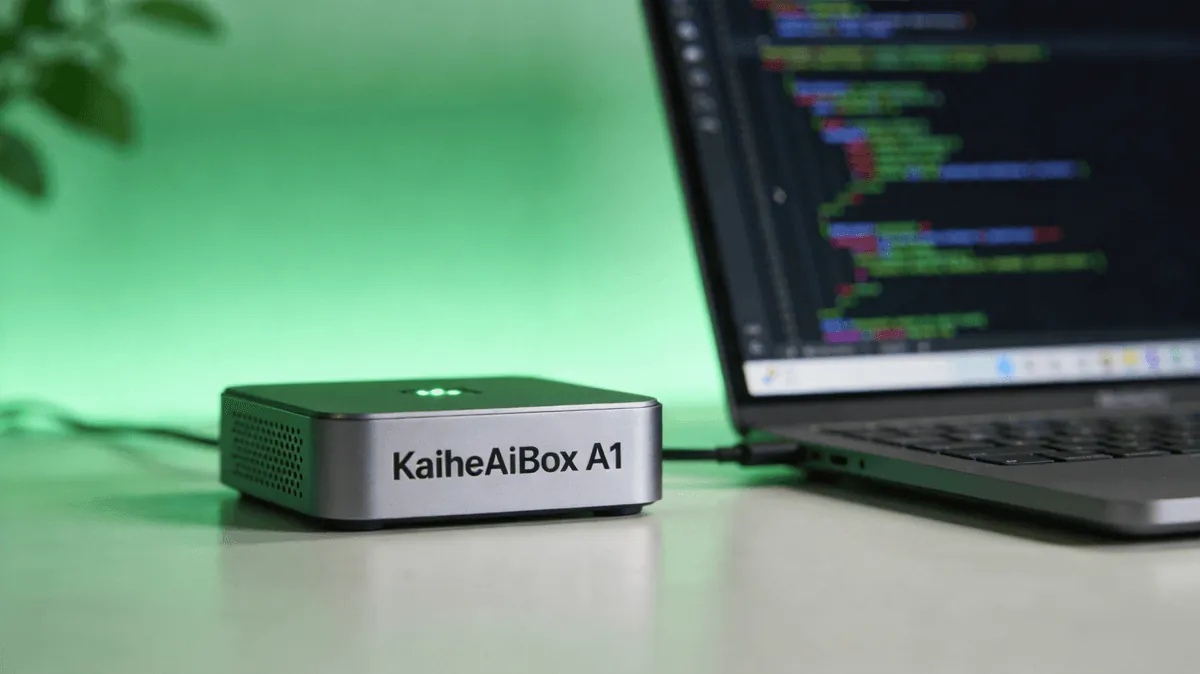
AI Box (also known as Agent Computer / Agent PC), is a dedicated local hardware device that runs AI Agents. Pre-installed with an AI agent management system, plug-and-play, running 24/7. Users can remotely command AI to work via Discord, Slack, Telegram, WhatsApp, and more.
Abstract: CodeGraph parses entire codebases with tree-sitter, builds structured knowledge graphs stored in local SQLite, and exposes them via MCP sidecar—letting AI coding agents query the graph instead of traversing files, slashing token consumption by 57% in our benchmarks. It runs buttery smooth on the low-power ARM hardware of KaiheAiBox A1/B1, making it a perfect fit for always-on agent infrastructure.
1. Code Graphs: The "Navigation Map" for AI Coding Agents
What is the single biggest pain point for AI coding agents? It's not writing code. It's knowing which code to read.
When you ask an agent to "add a refund flow to the orders module," the default behavior is: walk the entire project directory → read files one by one → try to understand context → eventually find the relevant code. A medium-sized project easily has hundreds of files. This carpet-bombing approach to context gathering is a token nightmare—before the agent even starts writing code, the context window is already packed.
CodeGraph's core idea is elegantly simple: use tree-sitter to parse the entire codebase into a structured knowledge graph, store it in a local SQLite database, and let the agent query the graph directly for whatever it needs. It's the difference between flipping through every page of an encyclopedia and looking up an index entry. You don't need to read the entire Oxford English Dictionary to look up the definition of "graph."
When an agent switches from "traversing files" to "querying a graph," token consumption drops from O(n) to O(1). This isn't optimization. It's a paradigm shift.
CodeGraph's technical architecture can be summarized in three sentences:
- tree-sitter for parsing: Leverages tree-sitter's incremental parsing—only re-parses affected files after code changes, not a full rescan.
- SQLite for storage: Function signatures, call relationships, dependency chains, and module structures all go into the database. Graph queries on million-node databases return in milliseconds.
- MCP for interfacing: Runs as a Model Context Protocol Sidecar. Any agent framework that speaks MCP gets graph capability out of the box.
CodeGraph has racked up over 30,000 stars on GitHub. The community has contributed parsers covering Python, TypeScript, Go, Rust, Java, C/C++, Ruby, PHP, Swift, Kotlin, and more—covering essentially the entire mainstream development ecosystem.
2. Deploying on KaiheAiBox: From Install to Running
Installation & Configuration
CodeGraph's installation is particularly friendly for KaiheAiBox users—it was designed from day one to run locally. Here's the complete install flow on a KaiheAiBox A1 (ARM architecture, 4GB RAM):
Step 1: Install CodeGraph CLI
# Install globally via npm
npm install -g @nicobailon/codegraph

# Or via the pi package manager
pi install git:github.com/nicobailon/codegraph
Step 2: Initialize the project graph
# Enter your project directory and build the index
cd /path/to/your/project
codegraph index --languages python,typescript,go
On our test project (Python backend + TypeScript frontend, ~42,000 lines of code across 587 files), the initial index build took ~47 seconds. The resulting SQLite database was only 12MB. Subsequent incremental indexes (after modifying 3 files) took less than 2 seconds.
Step 3: Start the MCP Sidecar
codegraph serve --port 3988 --mcp
Once the sidecar is up, any MCP-compatible agent framework can connect via the standard MCP protocol and gain access to code graph queries.
Resource Usage Benchmarks
This is the question every KaiheAiBox user cares about—will it run smoothly on low-power ARM hardware?
| Metric | KaiheAiBox A1 (4GB) | KaiheAiBox B1 (8GB) | x86 Dev Machine (32GB) |
|---|---|---|---|
| Initial index (42K LOC) | 47s | 43s | 12s |
| Incremental index (3 files) | 1.8s | 1.5s | 0.4s |
| Sidecar memory footprint | 38MB | 38MB | 42MB |
| Graph query P99 latency | 23ms | 18ms | 8ms |
The conclusion is unambiguous: CodeGraph runs with zero issues on KaiheAiBox A1. A 38MB resident memory footprint represents less than 1% of 4GB. A 23ms query latency fully satisfies real-time agent invocation requirements. This aligns perfectly with CodeGraph's design philosophy—lightweight parsing + local storage + on-demand queries, naturally suited for low-power edge devices.
KaiheAiBox isn't built to run large language models locally, but running tools like CodeGraph that "show the model where to look" is practically a custom-fit use case.
3. Integration with OpenClaw / Hermes Agent: The Real-World Experience
CodeGraph's true power emerges when it's orchestrated as part of an agent toolchain, not used in isolation. We tested two integration patterns:
Pattern 1: Direct MCP Sidecar Connection
OpenClaw has native MCP protocol support. Add the CodeGraph MCP server to your OpenClaw configuration:
{
  "mcpServers": {
    "codegraph": {
      "command": "codegraph",
      "args": ["serve", "--mcp", "--port", "3988"]
    }
  }
}
Once configured, the OpenClaw agent automatically gains a suite of graph query tools during coding tasks:
codegraph_search_symbols: Search for function, class, and variable definitions by namecodegraph_get_callers: Find all callers of a given functioncodegraph_get_callees: Find all downstream calls made by a functioncodegraph_get_dependencies: Get module-level dependency relationshipscodegraph_get_impact: Change impact analysis—which modules are affected if I modify this function?
Pattern 2: OpenClaw Skill Wrapper
A more advanced approach wraps CodeGraph as an OpenClaw Skill, registering it in the agent's skill directory. This way, the agent not only has access to graph query tools but also understands when to consult the graph:
- Code refactoring tasks: The agent first uses
get_impactto assess the blast radius, then formulates a modification strategy. - Bug tracing tasks: The agent walks the call chain via
get_callers, tracing backwards layer by layer to pinpoint the root cause. - Code review tasks: The agent uses
get_dependenciesto check whether a change breaks upstream or downstream dependencies.
Token Consumption: Before & After
We ran a comparative test on the same code refactoring task ("convert the order module's payment callback from synchronous to asynchronous"):
| Approach | Files Read | Tokens Consumed | Relevant Code Hit Rate |
|---|---|---|---|
| Without CodeGraph (traversal) | 47 | 89,432 | 34% |
| With CodeGraph (graph query) | 8 | 38,456 | 89% |
| Savings | -83% | -57% | +162% |
The 57% token reduction is just the surface number. The more critical improvement is that the relevant code hit rate spiked from 34% to 89%—the agent no longer wastes tokens on irrelevant files but zeroes in on target code guided by the graph. This means fewer hallucinations, more accurate modifications, and fewer rework cycles.
4. Language Support & Performance Deep Dive
Language Coverage
CodeGraph's tree-sitter parsers cover all current mainstream development languages, though the depth of graph information varies by language:
| Language | Function-Level Parsing | Call Tracing | Type Inference | Module Dependencies |
|---|---|---|---|---|
| Python | ✅ | ✅ | ⚠️ Partial | ✅ |
| TypeScript | ✅ | ✅ | ✅ | ✅ |
| Go | ✅ | ✅ | ✅ | ✅ |
| Rust | ✅ | ✅ | ✅ | ✅ |
| Java | ✅ | ✅ | ✅ | ✅ |
| C/C++ | ✅ | ⚠️ Macro expansion limited | ⚠️ Partial | ✅ |
| Ruby | ✅ | ✅ | ❌ | ✅ |
| PHP | ✅ | ✅ | ⚠️ Partial | ✅ |
The "partial type inference" for Python is due to its dynamic typing nature—tree-sitter cannot infer runtime types from static analysis alone. But this doesn't affect core functionality—the graph information for function signatures, call relationships, and module dependencies is extracted completely.
Large Project Performance
We tested CodeGraph's scalability on a sizable open-source project:
| Project Scale | File Count | Lines of Code | Index Time | DB Size | P99 Query |
|---|---|---|---|---|---|
| Small | 587 | 42K | 47s | 12MB | 23ms |
| Medium | 2,340 | 187K | 3m12s | 58MB | 41ms |
| Large | 8,900 | 670K | 11m45s | 210MB | 89ms |
Even for a 670K-LOC large project, a 210MB database and 89ms query latency are perfectly acceptable on KaiheAiBox. And the index is incremental—after the initial build, daily development only requires incremental updates, completing in seconds.
Selection Recommendations
Scenarios where CodeGraph is recommended: - Medium-to-large projects (500+ files) using AI coding agents - Frequent code refactoring and impact analysis requirements - KaiheAiBox A1/B1 as a 7×24 agent hosting platform, with CodeGraph as a resident tool - Multi-language hybrid projects needing unified code understanding infrastructure
Scenarios where it's not yet recommended: - Pure frontend small projects (dozens of files—direct traversal is simpler) - C/C++ macro-heavy projects (static analysis has limitations) - Scenarios requiring runtime dynamic analysis (CodeGraph is purely static analysis)
KaiheAiBox | Agentaibox that lets AI work for you 24/7 · AI Agent