Building a Complete Project with Codex in 30 Minutes: Full Process Record from Requirements to Deployment
📖 Glossary
AI Box (also known as Agent Computer / Agent PC), is a dedicated local hardware device that runs AI Agents. Pre-installed with an AI agent management system, plug-and-play, running 24/7. Users can remotely command AI to work via Discord, Slack, Telegram, WhatsApp, and more.
Abstract: A real case study: using OpenAI Codex to build a complete Web application from scratch in 30 minutes. Full process record from requirements description → code generation → debugging → deployment, showcasing AI coding Agent productivity, with pitfalls and best practices included.
Yesterday I tried something: using OpenAI Codex to write a complete Web application from scratch, without manually writing a single line of code.
30 minutes. From an empty folder to a live, accessible web service.
Here's the complete record.
Project Goal
Build a Todo Web application. Requirements: - Users can add, complete, and delete todos - Data stored in SQLite - Clean web interface - Runs on local port 3000
That's it. No extra features, no fancy design. A basic CRUD application.
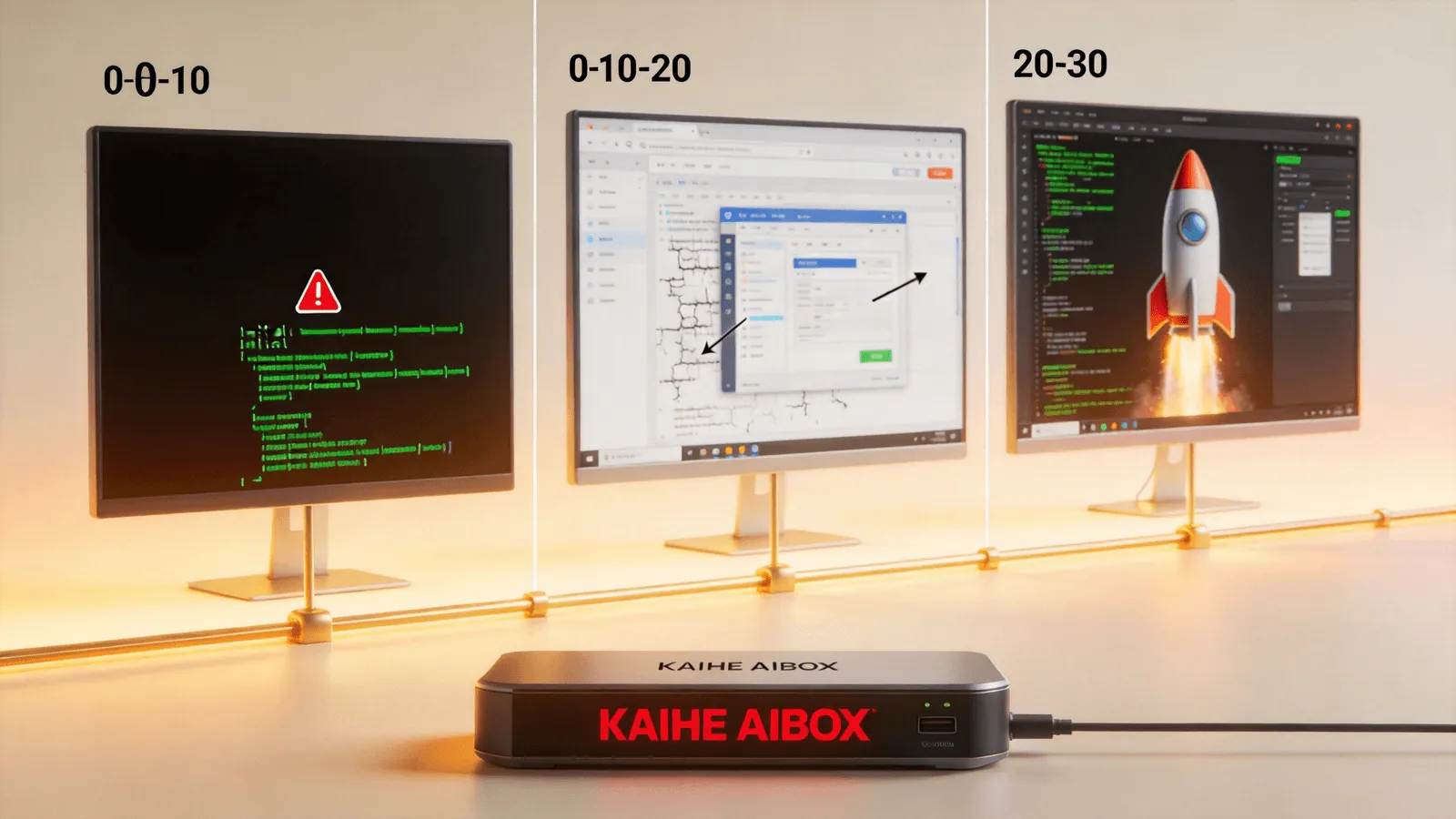
Minutes 0-5: Describe Requirements
Open Codex, type:
"Create a Todo Web application using Python Flask backend + SQLite database + HTML frontend. Features: add todo, mark complete, delete todo. Clean frontend design. Run on localhost:3000."
Codex thought for about 40 seconds, then started outputting.
It didn't write piece by piece. It gave the complete directory structure at once:
todo-app/
├── app.py
├── requirements.txt
├── templates/
│   └── index.html
└── static/
    └── style.css
Then output complete code for each file in sequence.
Minutes 5-10: First Run
I executed pip install -r requirements.txt && python app.py.
Error. ModuleNotFoundError: No module named 'flask_cors'.
Codex included flask-cors in requirements.txt and imported it in app.py. But this app doesn't need CORS at all — it's a standalone application.
I pasted the error to Codex: "Error, flask_cors isn't needed, remove it."
Codex output the modified app.py 3 seconds later, with CORS-related code removed.
Ran it again. This time it started successfully. Opened localhost:3000 in the browser — the interface appeared.
Minutes 10-20: UI Debugging
All features worked, but it was ugly. Font too large, buttons misaligned, completed todos had no strikethrough effect.
I sent a screenshot to Codex: "UI needs improvement: 1. Smaller font 2. Align buttons 3. Add strikethrough to completed todos"
Codex rewrote style.css. Refreshed the page — all three issues fixed.
But a new problem appeared: after deleting a todo, the page didn't refresh. Had to manually press F5.
"Page doesn't refresh after delete, change to AJAX."
Codex replaced the frontend delete logic with fetch API calls, auto-updating the list after deletion. Done.
Minutes 20-25: Adding Features
I got greedy: "Add a search feature to filter todos by keyword."
Codex added a search box to the frontend and a /search route to the backend. Code output in 10 seconds.
Test: typed "buy", list showed only todos containing "buy". Worked.
"Add one more: todos can have priority levels, high priority marked in red."
Another 10 seconds. Frontend got a priority selector, backend database got a priority column, display logic added a red marker.
Minutes 25-30: Deploy Online
"Deploy this project to Vercel."
Codex told me it wouldn't work — Flask applications aren't suitable for Vercel. Suggested switching to a pure frontend approach or using Railway.
"Switch to Railway deployment."
Codex generated a Dockerfile and railway.json configuration, told me to log into Railway and run railway up.
I did. 3 minutes later, the app was live. A real accessible URL.
Pitfalls Summary
- Codex over-engineers: Standalone apps don't need CORS, but it added it. First run will likely have minor errors — be prepared.
- Screenshots beat descriptions: For UI alignment issues, pasting a screenshot to Codex is 10x more efficient than describing in text.
- Be specific with requirements: "Clean and beautiful" is too vague — Codex will interpret it its own way. Better to provide reference images or specific requirements.
- Don't bite off too much: Submit one requirement at a time, wait for the fix before the next. Changing three things simultaneously invites errors.
- Think about deployment early: If the goal is a live service, state the deployment target upfront. Flask and Vercel incompatibility is better known early than late.
What 30 Minutes Really Means
Previously, a developer writing this app from scratch would need about 2-3 hours (including debugging). Now it's 30 minutes.
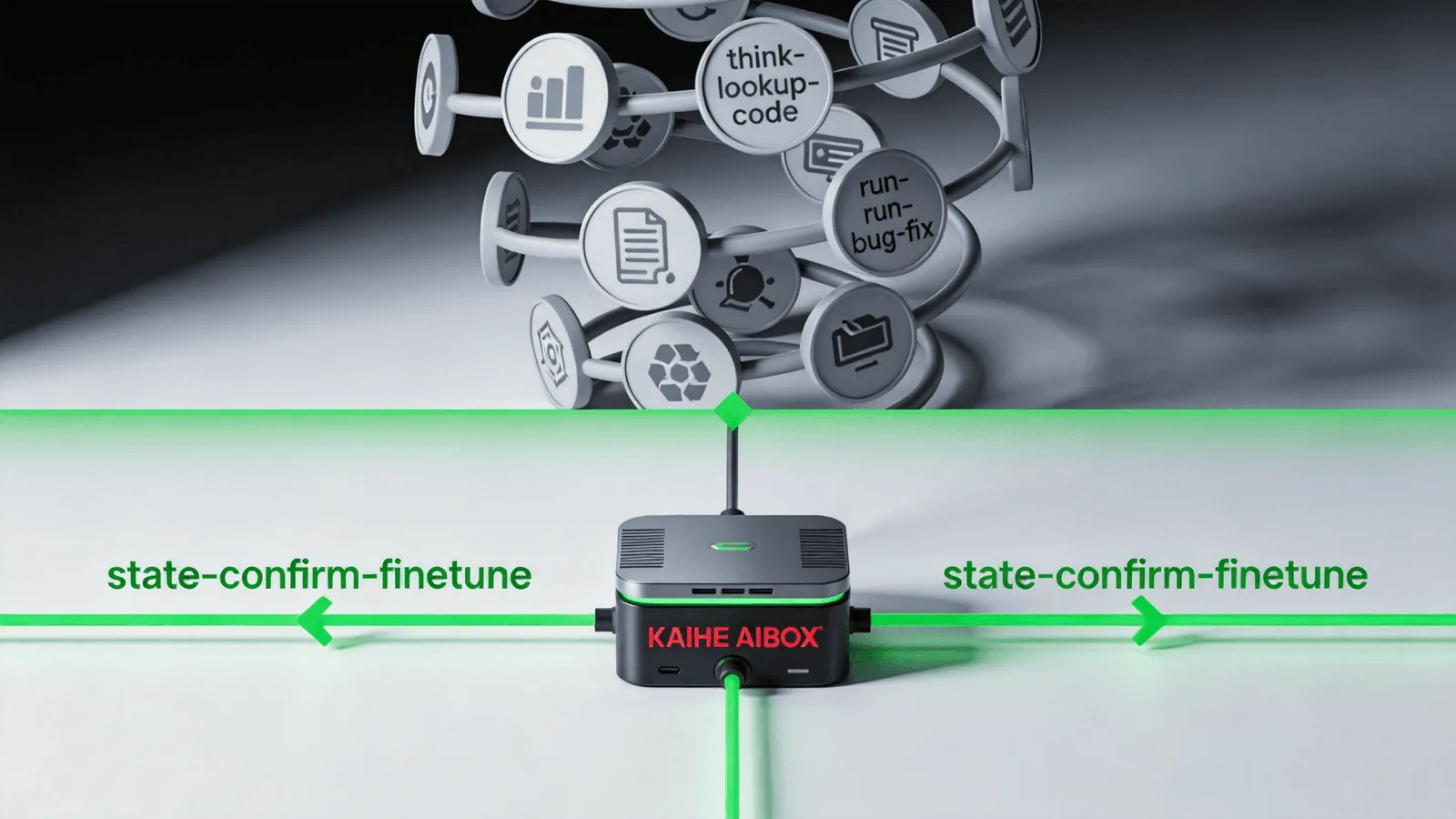
What's saved isn't typing time. It's the time in the loop of "think of what to write → look up API → write code → run it → find bug → fix bug." Codex compresses the entire loop into "state requirement → confirm result → fine-tune."
Want to Go Deeper?
Search "Kaihe AIBOX" to learn more "Claude Code Complete Guide: Your AI Programming Partner in the Terminal" — another coding Agent "Claude Opus 4.8 Leads in Coding" — the coding model king
-#KaiheAIBOX #AIAgent #AITool #AIBOX #AIBox
Kaihe AIBOX | The Agent Computer That Works 7×24 for You · AI Agent