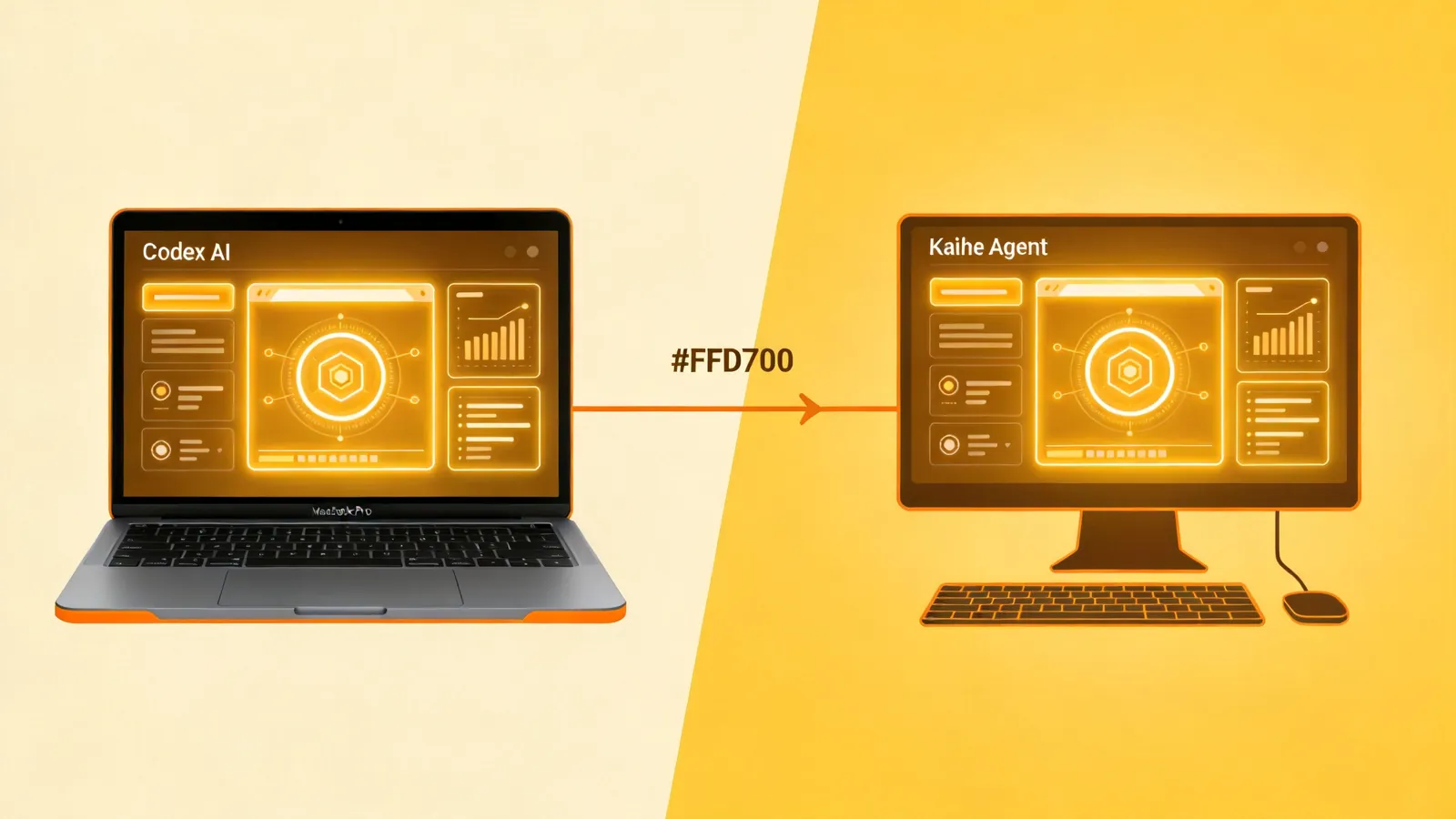
Codex's Major Update: Why Mac's Value Just Skyrocketed
📖 Glossary
AI Box (also known as Agent Computer / Agent PC), is a dedicated local hardware device that runs AI Agents. Pre-installed with an AI agent management system, plug-and-play, running 24/7. Users can remotely command AI to work via Discord, Slack, Telegram, WhatsApp, and more.
Summary: In May 2026, OpenAI pushed a major update to Codex: lock-screen remote control, Appshots application screenshots, and goal mode officially launched. The core implication of these features is that AI Agents need a stable, secure, and efficient computer as their "body" — and Mac is proving to be the ideal choice. This article breaks down Codex's new capabilities and why Mac's value proposition is strengthening in this AI wave.
1. What's New in Codex's Latest Update?
On May 22, 2026, OpenAI pushed 6 major updates to Codex for Mac, each pointing toward the goal of "letting AI truly operate your computer":
1. Lock-Screen Remote Control (The Most Explosive Feature)
Scenario: You leave work, lock your screen, and Codex keeps working.
Implementation: - After enabling "Lock Screen Control," Codex can continue working while your Mac is locked - Not traditional remote unlocking — Codex directly calls Mac's applications while in locked state - You can use your phone to remotely monitor progress, approve operations, and issue commands
Significance: AI Agents have truly achieved 7×24 hour operation — humans leave, but the work continues.
2. Appshots: Double-Tap Command, AI Instantly "Sees Through" the Screen
Scenario: You encounter a UI bug. No need to take screenshots or describe it — double-tap Command + Command, and Codex automatically captures the current application window and recognizes its content (including visible and hidden text).
Technical Details: - Calls macOS Accessibility API to capture interface elements - Recognizes UI components like buttons, input fields, and labels - Directly sends interface structure to Codex, eliminating manual description
Significance: AI evolves from "listening to your descriptions" to "seeing the interface itself," improving communication efficiency by 10x.
3. /goal Command Officially Launched: Long-Term Goal Execution Across Hours/Days
Scenario: You give Codex an instruction: "Help me refactor this project's database layer in 3 days, and give me a progress report before leaving each day."
Capabilities: - Codex breaks down large goals into subtasks - Persists goal state across sessions (stored in local SQLite) - Even after you shut down and restart, Codex remembers "where we left off yesterday"
Significance: AI evolves from a "single-session conversation tool" to a "long-term project collaboration partner."
4. Built-in Browser + Annotation Capabilities
Codex now has its own browser (based on WebKit) that can: - Open web pages, fill forms, click buttons - Make annotations on web pages (similar to humans "highlighting key points") - Pass annotated content to the code generation module (e.g., "convert this API documentation into TypeScript type definitions")
5. Team Plugin Sharing + Enterprise Analytics Dashboard
- Team Plugin Sharing: Business/Enterprise users can share their Codex plugins with the team
- Multi-dimensional Analytics Dashboard: View data like active users, Token usage, lines of code, etc.
2. Why Mac?
You might ask: Can't Windows do these things?
Technically yes, but Mac has 3 irreplaceable advantages:
1. UNIX DNA: The Natural Choice for Developers
macOS is based on UNIX, nearly identical to Linux servers:
- Command-line tools (bash / zsh / grep / awk) work out of the box
- Development tools like Docker, Kubernetes, and Homebrew have native support
- High consistency with production environments (Linux servers), avoiding the "it works on my machine" problem
Codex needs to operate terminals, run scripts, and manage processes — Mac's UNIX environment lets it work like a fish in water.
2. Security Architecture: AI Agents Need "Sandboxes"
The biggest risk of AI Agents operating computers is losing control — what if the Agent deletes system files or leaks private data?
Mac's App Sandbox and System Integrity Protection (SIP) provide natural isolation: - Codex can only access files and directories you explicitly authorize - Cannot modify core system files - Sensitive operations (like accessing Contacts or Photos) require explicit user approval
Windows' permission management is relatively loose — running AI Agents on it carries higher risks.
3. Ecosystem Integration: iPhone + Mac + iCloud = Seamless Collaboration
Codex's "lock-screen remote control" feature depends on iCloud sync + Handoff: - You approve Codex's operations on your iPhone, and the Mac executes them immediately - Code generated by Codex automatically syncs to all devices - You can monitor Codex's running status with Apple Watch (and pause it if your heart rate gets too high 😄)
This level of ecosystem integration is something Windows + Android cannot achieve.
3. The Bigger Trend: AI Agents Need a "Body"
Codex's updates reveal a bigger trend:
AI Agents are no longer just "cloud brains" — they need a "local body," a stable, secure, and efficient computer on 7×24 hour standby.
Why Not Cloud Virtual Machines?
| Solution | Advantages | Disadvantages |
|---|---|---|
| Cloud VM (AWS/GCP) | Elastic scaling, pay-as-you-go | Cannot operate local files, cannot access intranet, high latency |
| Local Computer (Mac/Windows) | Can operate local files, access intranet, low latency | Requires hardware investment, electricity costs, maintenance |
Codex chose the "local computer" route because it needs to: - Operate your local project files (Git repos, databases, config files) - Access intranet resources (company GitLab, internal APIs, local databases) - Interact with low latency (real-time web preview, frontend debugging)
4. The Opportunity for Kaihe (Nizwo)
Codex's updates validate Kaihe (Nizwo)'s product direction: Agent Computer.
Kaihe vs Mac
| Dimension | Mac | Kaihe (Nizwo) |
|---|---|---|
| Positioning | General-purpose computer | Computer designed specifically for AI Agents |
| Price | Expensive (MacBook Pro starts at ¥14,999) | Affordable (A1 home model expected at ¥2,999) |
| Pre-installed Software | Need to install Codex / OpenClaw yourself | Pre-installed OpenClaw + Hermes Agent, ready out of the box |
| 7×24 Operation | Laptops aren't suitable (battery aging, heat issues) | Desktop design, low power consumption, suitable for long-term operation |
| Beginner-Friendliness | Need to know CLI, need to configure environment | WeChat scan to bind, input API Key and you're ready to use |
Conclusion: Mac is suitable for professional developers; Kaihe is suitable for non-IT industry beginner users — they want to use AI Agents but don't want to learn CLI or configure environments.
5. Summary: Why Has Mac's Value Increased?
- Codex's updates prove that "local computer + AI Agent" is the future trend
-
Cloud LLM + local execution = best experience
-
Mac's UNIX DNA, security architecture, and ecosystem integration make it the best "body" for AI Agents
-
Windows can do it, but Mac does it better
-
Kaihe (Nizwo) has captured the market gap for "beginner users"
- Mac is too expensive, configuration is too complex
- Kaihe is affordable, foolproof, designed specifically for AI Agents
Codex's updates aren't about "Mac winning" — they're about the "local computer + AI Agent" direction winning.
And Kaihe is exactly the civilian version of this direction.