Codex Releases Record and Replay: Do It Once, AI Learns to Do It Forever
📖 Glossary
AI Box (also known as Agent Computer / Agent PC), is a dedicated local hardware device that runs AI Agents. Pre-installed with an AI agent management system, plug-and-play, running 24/7. Users can remotely command AI to work via Discord, Slack, Telegram, WhatsApp, and more.
Abstract: On June 19, OpenAI Codex released a major feature: Record and Replay. The core logic: you perform an operation on your computer, Codex observes and learns the entire workflow, then packages it into a reusable skill. Next time, AI executes it autonomously. AI has evolved from "helping you work" to "learning how you work."
There's a feature many people have been waiting for: can you teach AI to do something once, and then have it do it automatically from then on?
On June 19, OpenAI Codex delivered — Record and Replay.
What Is Record and Replay?
One sentence: You do it once, AI learns, and does it itself next time.
The workflow:
-
Record: You turn on Codex's Computer Use feature and perform the workflow you want to automate on your computer — for example, filing an expense report: open the OA system → fill the form → upload receipt → submit for approval. Codex observes every step, recording where you clicked, what you typed, and what you did on each screen.
-
Replay: Codex understands, abstracts, and packages your workflow into a skill. Next time you say "file my expense report," it follows the learned flow — opens OA, fills the form, uploads, submits. No manual work needed.
This isn't simple "screen recording playback." Codex doesn't mechanically repeat your mouse clicks — it understands the intent behind each step. When the page changes slightly (button moved, dropdown has new options), it adapts. That's what makes it powerful.
How Is This Different From Previous Automation?
| Approach | How It Works | Drawback |
|---|---|---|
| Macro recording | Records and replays mouse/keyboard actions | Rigid — breaks when UI changes |
| RPA tools | Drag-and-drop workflow builder | Steep learning curve, complex setup |
| Custom scripts | Write Python/Selenium yourself | Requires programming skills |
| Codex Record & Replay | Do it once, AI learns | macOS only for now |
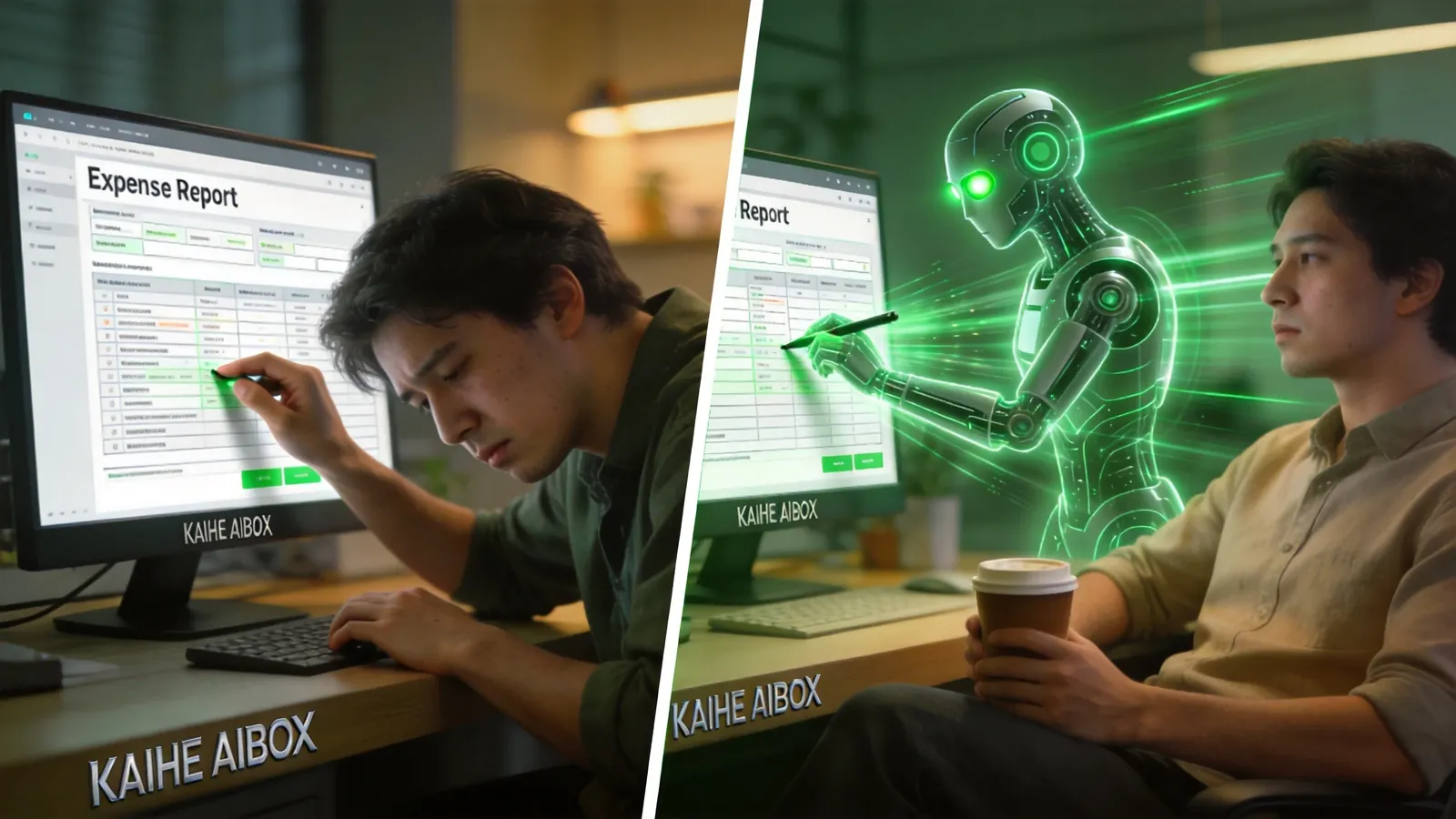
The key difference is intent understanding. Macro recording can only mechanically replay — if a button moves, it errors out. RPA requires you to manually define the logic of each step. Codex Record & Replay understands why you're doing something — it knows you're "submitting an expense report," not "clicking the third button." So when the page changes, it knows to find the "Submit" button wherever it is, rather than waiting at the old coordinates.
5 Most Practical Use Cases
1. Expense Reporting
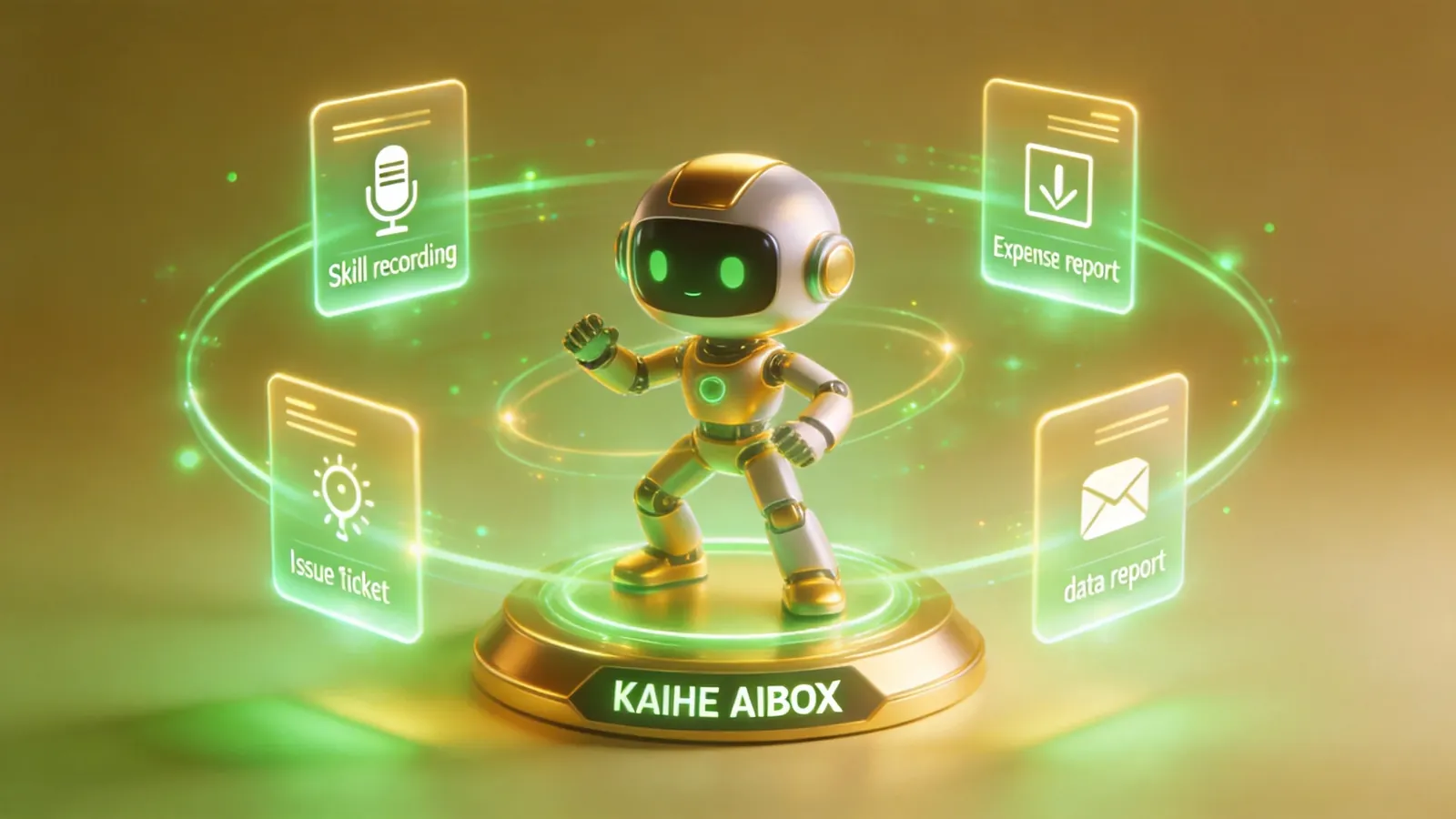
Every company's reimbursement process is tedious. Open the system → select category → enter amount → upload receipt → choose approver → submit. Repeat every month, 5-10 minutes each time. Teach Codex once, then just say "file my expense, meals $320, receipt on desktop."
2. Multi-Platform Video Upload
Content creators know the drill: one video needs to go to Douyin, Bilibili, XiaoHongShu, and YouTube. Each platform has different title formats, tags, and cover images. Manually uploading one video takes 20 minutes. Teach Codex once, then say "publish this video to all platforms."
3. Creating Issues and Tickets
Dev teams create Issues daily: select project → choose label → fill title → write description → assign → set priority. Repetitive work. Teach Codex once, then "create a bug ticket, login page white screen" does it automatically.
4. Pulling Weekly/Monthly Reports
Open the data dashboard → select date range → choose metrics → export → format → send email. Once a month, 15 minutes each time. Teach Codex once, then "pull this month's data report" handles it.
5. Customer Information Entry
Sales gets a new lead: open CRM → create contact → fill company name, title, phone → link to opportunity → set follow-up reminder. Teach Codex once, then give a name and phone number and it enters everything.
Current Limitations
- macOS only. No timeline for Windows or Linux yet. Codex's Computer Use relies on macOS accessibility APIs for screen reading and input control.
- Requires Computer Use enabled. This is an experimental Codex feature, disabled by default.
- Complex workflows may need tuning. For workflows with many steps (20+) or requiring human judgment (approval nodes), manual intervention may still be needed.
- Cannot handle facial recognition or SMS verification. These security steps can't be automated by Codex.
The Real Significance
Record and Replay isn't just "another feature." It represents AI Agents evolving from "helping you work" to "learning how you work."
Previously, every time you used an AI Agent, you had to describe the task clearly — "open this website, click here, fill this, then click submit." The description itself is a burden, especially for repetitive tasks.
With Record and Replay, you teach once. Your operational experience becomes an AI skill. Isn't this exactly how employee training works? A veteran shows a new hire once, and the new hire can do it independently from then on. Except this "new hire" is AI.
Kaihe AIBOX users can imagine: your AI assistant is online 24×7, and now it can learn your operational habits. Teach it once how to submit approvals in OA, and from then on, just say "submit an approval for me" on WeChat. The local Agent leverages Codex's Record & Replay capability via edge-cloud collaboration, automating all repetitive operations.
Human experience with software is becoming AI skills. This is the shift from "people adapt to software" to "software adapts to people."
How To Use
- Open the Codex client on macOS
- Enable Computer Use (Settings → Experimental Features)
- Click "Record" to start recording
- Perform the workflow you want to automate on your computer
- Click "Stop" to end recording, name the skill
- Next time, tell Codex "execute [skill name]" and it runs automatically
Windows users need to wait for now. Kaihe AIBOX's OpenClaw platform will also support similar workflow recording capabilities in the future — stay tuned.
Bottom Line
At its core, Record and Replay solves one of AI Agent's biggest pain points: automating repetitive operations. No coding, no flowcharts, no RPA configuration — just do it once.
The feature is new and has limitations, but the direction is right. AI shouldn't just be a Q&A tool — it should learn your work patterns and free you from repetitive labor.
-#KaiheAIBOX #AITutorial #AINews #AIBOX #AIAgent
Kaihe AIBOX | The Agent Computer That Works 7×24 for You · AI Agent