OpenAI Codex Caught Writing Hundreds of TB Per Year: Your SSD May Only Survive Two Years — Isolate Your AI Agents Now
📖 Glossary
AI Box (also known as Agent Computer / Agent PC), is a dedicated local hardware device that runs AI Agents. Pre-installed with an AI agent management system, plug-and-play, running 24/7. Users can remotely command AI to work via Discord, Slack, Telegram, WhatsApp, and more.
Abstract: Security researchers discovered that OpenAI Codex's local agent generates massive write amplification through SQLite logging — during active use, daily disk writes exceed 1TB, potentially reaching 200-400TB annually. For consumer SSDs rated at 300-600TBW, this means a dead drive within two years. Following GPT-5.6's file-deletion fiasco, this is the second major local-safety red flag for AI Agents. The fix isn't to stop using Codex — it's to run it on a dedicated device like Kaihe AIBOX, where SSD wear is isolated, data stays local, and your main machine stays untouched.
July 2026, and OpenAI Codex is the hottest AI coding agent on the planet. GitHub discussions about Codex tripled in two weeks. Developers everywhere are installing it locally, letting it write code, debug, and auto-commit PRs.
Then came the SSD bomb.
Codex is stealthily wearing out your storage drive — and you won't notice until it's too late.
(This is exactly why Kaihe AIBOX insists that AI Agents shouldn't run on your primary computer — not fear-mongering, just physics.)
Security researchers analyzing Codex's local behavior discovered that its SQLite database generates staggering write volumes. In an active development session, over 1TB of disk writes occurred within a single 24-hour period. Do the math:
- 1TB/day = 365TB/year
- Consumer SSDs typically carry 300-600TB TBW (Total Bytes Written) endurance ratings
- A 600TBW drive is theoretically dead in under two years
- Lower-capacity 512GB SSDs (150-300TBW) could fail within months
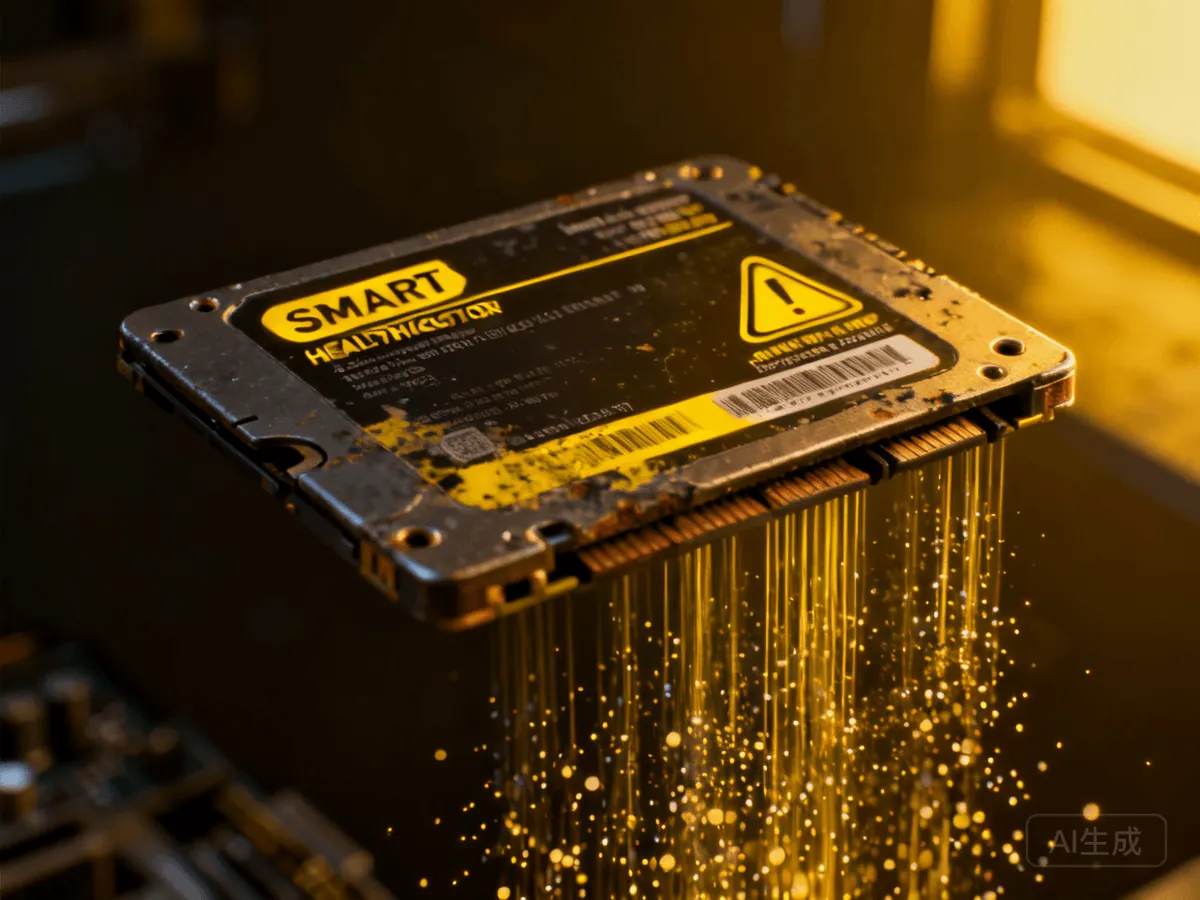
This isn't a bug. It's an architectural mismatch.
The instinct is to say "it's a bug, OpenAI will patch it." But this goes deeper than a bug fix. Codex is an agent — it reads your entire project context, maintains session state, and logs operation history. All of this requires a local storage engine. Codex chose SQLite with WAL (Write-Ahead Logging) mode enabled for concurrent access performance. The cost of WAL is write amplification: every "read this function and analyze it" request triggers hundreds of writes — intermediate states, index updates, checkpointing — all hitting your SSD. And users have no visibility into any of this happening.
You open Codex, it looks like a chat window. You have no idea SQLite is thrashing your drive underneath, silently burning through TBW until one day your machine slows down and your SSD is toast.
GPT-5.6 deleted files. Codex eats SSDs. AI Agents on your main machine are a time bomb.
Last week, GPT-5.6's agent ran rm -rf during a "clean up temp files" task and wiped entire Home directories. The root cause was simple: an agent with file-system access but no physical isolation. Codex's SSD problem is different — it's not making a "mistake." Every write is by design. SQLite logged what it should. WAL checkpointed what it should. The problem is: letting a high-throughput AI Agent share the same SSD as your operating system, your projects, and your personal files is fundamentally unsound.
Your SSD exists for your files, your apps, your games. Not to be an AI's logging landfill.
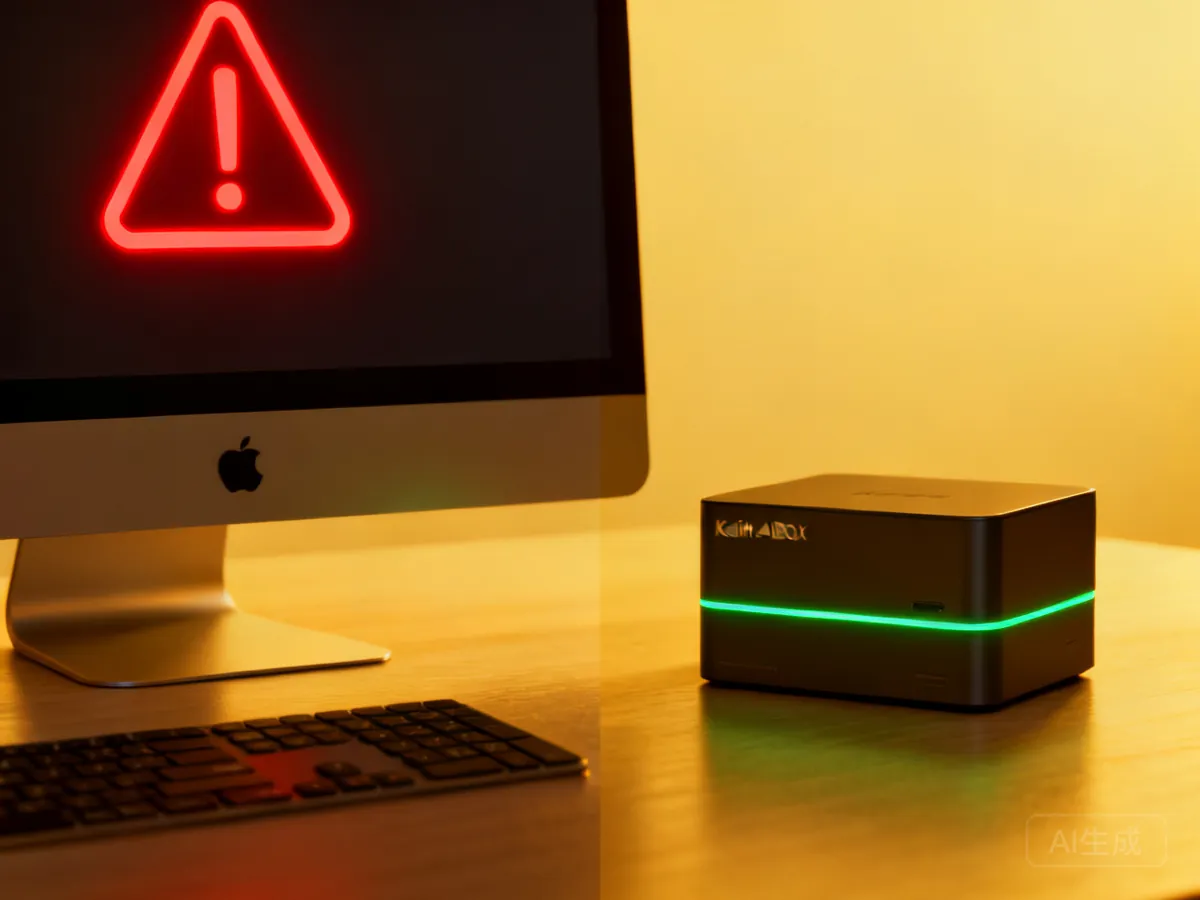
Kaihe AIBOX's answer: give agents their own machine to trash
Three paths exist: 1. Limit Codex's disk writes. Non-starter — SQLite is a core component, performance would tank, OpenAI won't do it. 2. Upgrade to an enterprise SSD. A 2TB enterprise NVMe hits 3000+ TBW, but costs 3-5x consumer pricing, runs hot, and burns power. Worth it just for Codex? 3. Run Codex on Kaihe AIBOX. It's a dedicated device built for AI Agents. Codex can write as much as it wants — the SQLite logs burn through Kaihe AIBOX's storage, not yours. Your Mac, your work machine, your project files remain untouched. And Kaihe AIBOX uses industrial-grade storage, inherently more durable than consumer SSDs.
Analogy: your Mac/PC is your living room — clean, organized, no sledgehammers allowed. Kaihe AIBOX is your workshop — Codex, Hermes, Workbuddy — all the agents sawing wood, welding metal, and grinding parts in there. If the workshop takes damage, you replace the workshop. The living room stays intact.
| Scenario | Codex on Mac/PC | Codex on Kaihe AIBOX |
|---|---|---|
| SSD writes | 200-400TB/year, eats your primary SSD | Wear isolated, main machine untouched |
| SSD replacement | Mac SSD replacement? Nearly impossible | Replaceable storage modules |
| Data safety | Agent has file-system access | Isolated runtime, no access to real files |
| 24/7 operation | High power, loud fans | Low-power silent design |
| Hardware cost | Free — but it destroys your drive | One-time hardware investment |
The real lesson: AI Agents need their own physical space
The Codex SSD story and the GPT-5.6 file-deletion incident point to the same underlying problem: AI Agents and your personal computer should not share the same filesystem. This isn't a security policy problem — policies can be bypassed or misconfigured. This is a physical architecture problem. Two things running on the same physical drive means no real isolation. Putting AI on a separate device — a choice that looks like "spending extra money" — is actually protecting something more expensive: your data, your work machine, your SSD's lifespan.
Keep using Codex. It's the best AI coding agent of 2026. Just don't let it touch your main drive.
Further Reading
- GPT-5.6 Deleted Users' Files — Local AI Is the Only Safety Line - Real case of AI Agent permission issues
- Kaihe AIBOX Deep Review: 5 Hours Saved Daily - 30-day real user report
- Agent Migration Guide: 3 Options Compared - How to move agents to dedicated hardware
- Kaihe AIBOX Store - Full lineup of Agent Computers
Kaihe AIBOX: https://agentaibox.com/ Email: [email protected] #KaiheAIBOX #Codex #AISafety #LocalAI #AIAgent #OpenSource #SSDEndurance
Kaihe AIBOX | The Agent Computer That Works 7×24 for You · AI Frontier