📖 Glossary
AI Box (also known as Agent Computer / Agent PC), is a dedicated local hardware device that runs AI Agents. Pre-installed with an AI agent management system, plug-and-play, running 24/7. Users can remotely command AI to work via Discord, Slack, Telegram, WhatsApp, and more.
Abstract: Both Codex and Hermes are among the hottest AI agents in 2026, but many people don't understand the difference between them or which one to choose. This article breaks down the differences from four dimensions: product positioning, technical architecture, usage patterns, and target audience. We help you decide through three real scenarios: which one for coding, which one for automation, and which one for 24/7 task running. After reading this, you won't need to hesitate anymore.
First Things First: Codex and Hermes Are Not the Same Type of Thing
Many people see "AI agent" and assume they're all similar products. In reality, Codex and Hermes are fundamentally different from the ground up. One is an AI coding companion from OpenAI, the other is a community-driven general-purpose AI agent framework—their positioning is completely different.
Codex is OpenAI's official AI programming assistant that runs in your computer's terminal. Its core capabilities are writing code, modifying code, reviewing code, and running projects. Its advantage is deep integration with GPT models, strong coding abilities, and seamless integration with VS Code and the terminal—programmers find it extremely convenient. But it's essentially a "coding tool"—you have to be at your computer to use it, and when you turn off your computer, it stops.
Hermes is an open-source general AI agent framework. You can think of it as a "base for an AI brain"—it doesn't just handle code, it can do everything: process emails, organize files, run scheduled tasks, connect to WeChat, manage schedules, perform data analysis. Its core features are self-evolution and persistent memory—the more you use it, the better it understands you, and it can run 24/7 in the background even when your computer is off (as long as it's running on a server or AI box).
Comparison Across Four Dimensions: The Differences Are Clear
Concepts alone are too abstract. Let's break down the comparison across four dimensions, and you'll see they're not even in the same race.
1. Product Positioning: Coding Tool vs General Agent
Codex's positioning is very focused: helping programmers write code. It understands your project structure, can read your entire codebase, and can help you implement features step by step. But outside the coding circle, what it can do is very limited—ask it to help you organize emails, schedule reports, or reply to WeChat messages, and it either can't do it or feels very awkward.
Hermes's positioning is your personal AI assistant. Code is just one of its many capabilities. It's more like an all-around assistant living in your computer or server—it can chat, do work, remember things, and evolve its own skills. You can install different Skills for it to handle various types of tasks.
2. Technical Architecture: Closed-Source Centralized vs Open-Source Extensible
Codex is a closed-source product. The model is OpenAI's own, the architecture is fixed, and you can only use the features it provides—you can't modify the underlying layer. The advantages are that it works out of the box, has a unified experience, and updates quickly. The disadvantages are that data lives on OpenAI's side, features are limited, and you're not in control.
Hermes is completely open-source. All the code is on GitHub, and anyone can view, modify, and extend it. You can swap models (GPT, Claude, DeepSeek, Kimi—pick whichever you want), add skills, and connect to various platforms (WeChat, Feishu, DingTalk, email). The advantages are flexibility, control, and the ability to keep data local. The disadvantage is that you need to set it up yourself (though there are now one-click deployments and pre-installed versions).
3. Usage Pattern: Sitting and Using vs Running in Background
Codex's typical usage scenario: you're sitting at your computer writing code, and when you run into a problem, you call on Codex to help you write a section, debug it, or explain it. It's interactive—you ask a question, it answers. You're there for it to work; when you leave, it rests.
Hermes's typical usage scenario: you assign it a task, then go about your business while it runs in the background, and it notifies you when it's done. It can run 24 hours a day, 7 days a week—scraping data on schedule, automatically processing emails, monitoring anomalies, generating reports at regular intervals. You don't have to keep watching; it works on its own schedule.
4. Target Audience: Programmers vs Everyone
The people Codex suits best are programmers and development teams. If your main job every day is writing code, Codex's code understanding and programming efficiency are still top-tier. But if you don't write code, Codex becomes very limited in usefulness.
Hermes suits a much broader range of people—as long as you have things you want to automate, it can help. Whether you're in operations, product, design, sales, administration, or you're a freelancer, small business owner, or parent, you can have Hermes handle all kinds of miscellaneous tasks for you. You don't need to know how to code either—there are many ready-made Skills you can install and use immediately.

Three Scenarios to Help You Choose—No More Hesitation
After all this comparison, you might still not know which one to choose. Don't worry—look at these three most common scenarios and find what matches you.
Scenario 1: I'm a programmer and I write code every day
Choose Codex. If 90% of your work is writing code, Codex's code understanding and programming efficiency are still among the best. It can read your entire project structure, help you write complex features, find bugs, do refactoring, and integrates exceptionally well with editors—it's very smooth to use.
But also consider Hermes. Why? Because Codex only helps you write code, but Hermes can handle everything else around coding: automatically writing weekly reports, organizing PRs, running tests on schedule, monitoring production anomalies, sending notifications to the team. These are things Codex can't do, but Hermes can. Many programmers use both together—Codex for writing code, Hermes for all the other stuff.
Scenario 2: I want AI to handle my daily work without me watching
Choose Hermes. If what you want is an "AI assistant that does work for me" rather than a "coding AI tool," Hermes is the better choice. It can help you process emails, organize files, generate reports, set reminders, connect to WeChat messages, do data analysis—and it can run 24/7 in the background without you sitting at your computer watching.
Especially if you often encounter these scenarios—"I don't want to work overtime tonight, but this task has to finish tonight"—"I'm on a business trip but customer emails need timely responses"—"I want AI to automatically send me a daily summary of yesterday's data every morning"—these are all Hermes's strengths. Codex can't do them.
Scenario 3: I want an AI that's completely mine with local data
Choose Hermes. If you care about data privacy and don't want to store your work content, customer information, or personal data on someone else's server, Hermes is the better choice. It can be deployed completely locally, all data lives on your own hard drive, and you can even use local models without needing API calls at all.
Codex simply can't do this. Its data must go through OpenAI's servers—all the code you chat about, all your project information, is theoretically visible to OpenAI. For scenarios involving trade secrets, customer privacy, or compliance requirements, this is a dealbreaker.
Final Truth: It's Not Either/Or—It's Using Both Together
Many people ask "Codex or Hermes, which one?" but it's actually not an either/or question. They have different positions and complementary abilities. Many productive people use both: Codex handles writing code, Hermes handles everything else—automatically writing weekly reports, organizing emails, scheduled tasks, WeChat notifications, monitoring all kinds of things.
If you can only choose one, here's the simplest decision criterion: - 90% of your time is writing code → Choose Codex - You need AI to handle all kinds of miscellaneous tasks → Choose Hermes - You want an AI that works 24/7 without stopping → Choose Hermes
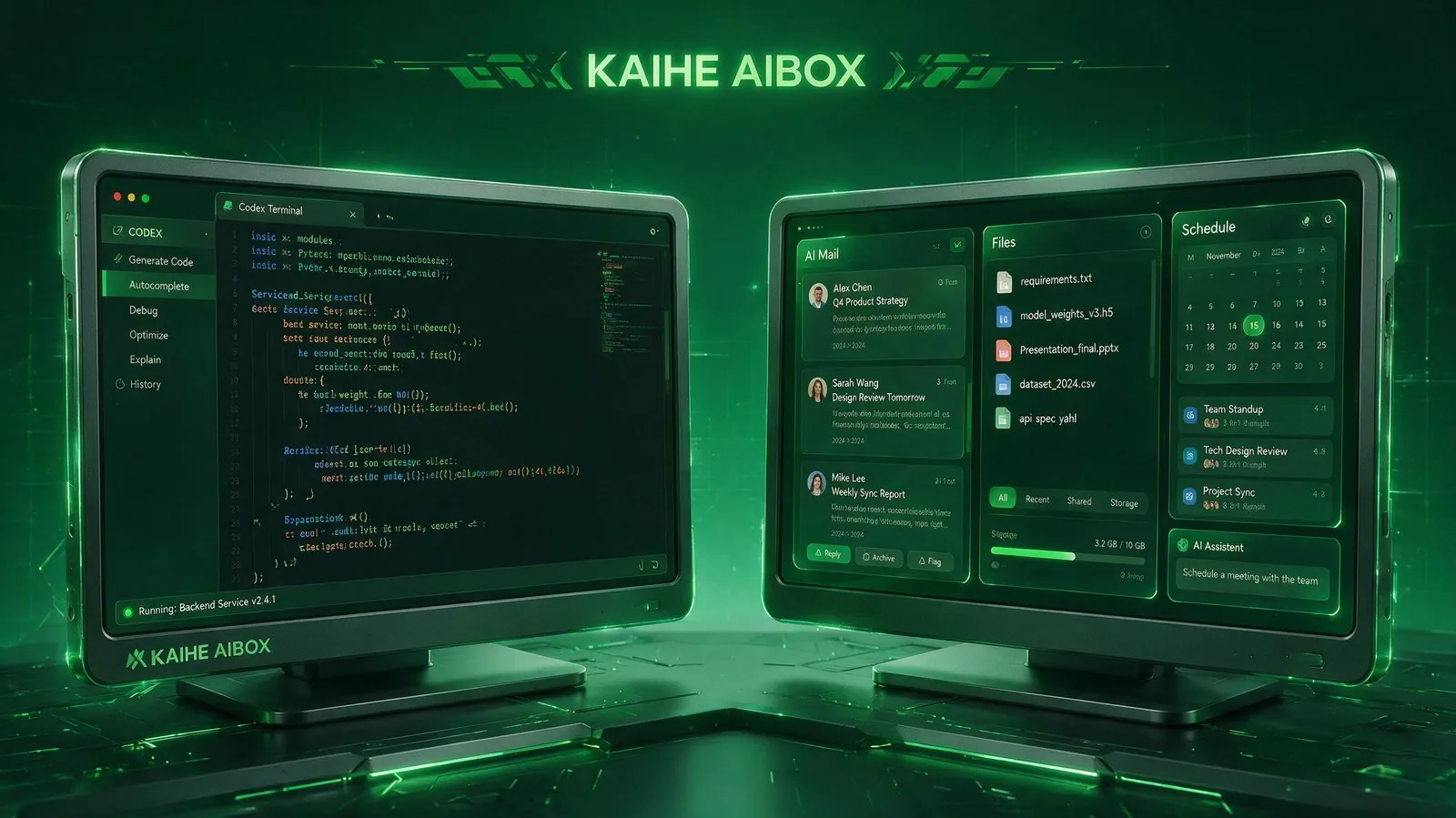
The most hassle-free approach is to get a KAIHE AIBOX, which comes pre-installed with Hermes right out of the box. Plug it in and it works, no deployment hassle. Use Codex on your computer for writing code, and hand off all the miscellaneous work to Hermes running on the box. Together, they're the most efficient combination.
Further Reading: - Codex vs Claude Code for Regular People: Stop Overthinking—Look at These 3 Dimensions of Choice Logic First - Hermes Agent Complete Guide: SOUL.md + Three-Layer Memory + GEPA Deep Dive - KAIHE A1 Review: Pre-installed OpenClaw + Hermes, Running Your First AI Agent in 5 Minutes Out of the Box
CodexVsHermes #AIAgents #LocalAI #EfficiencyTools #ProgrammingAI #KAIHEAIBOX
For more information, search [KAIHE AIBOX] or contact: [email protected]
KAIHE AIBOX · 7x24 Personal AI Assistant | AI Agent