Developer Uses Kaihe AIBOX as Ops Assistant: Server Alerts Auto-Diagnosed, No More 3 AM Wake-Ups
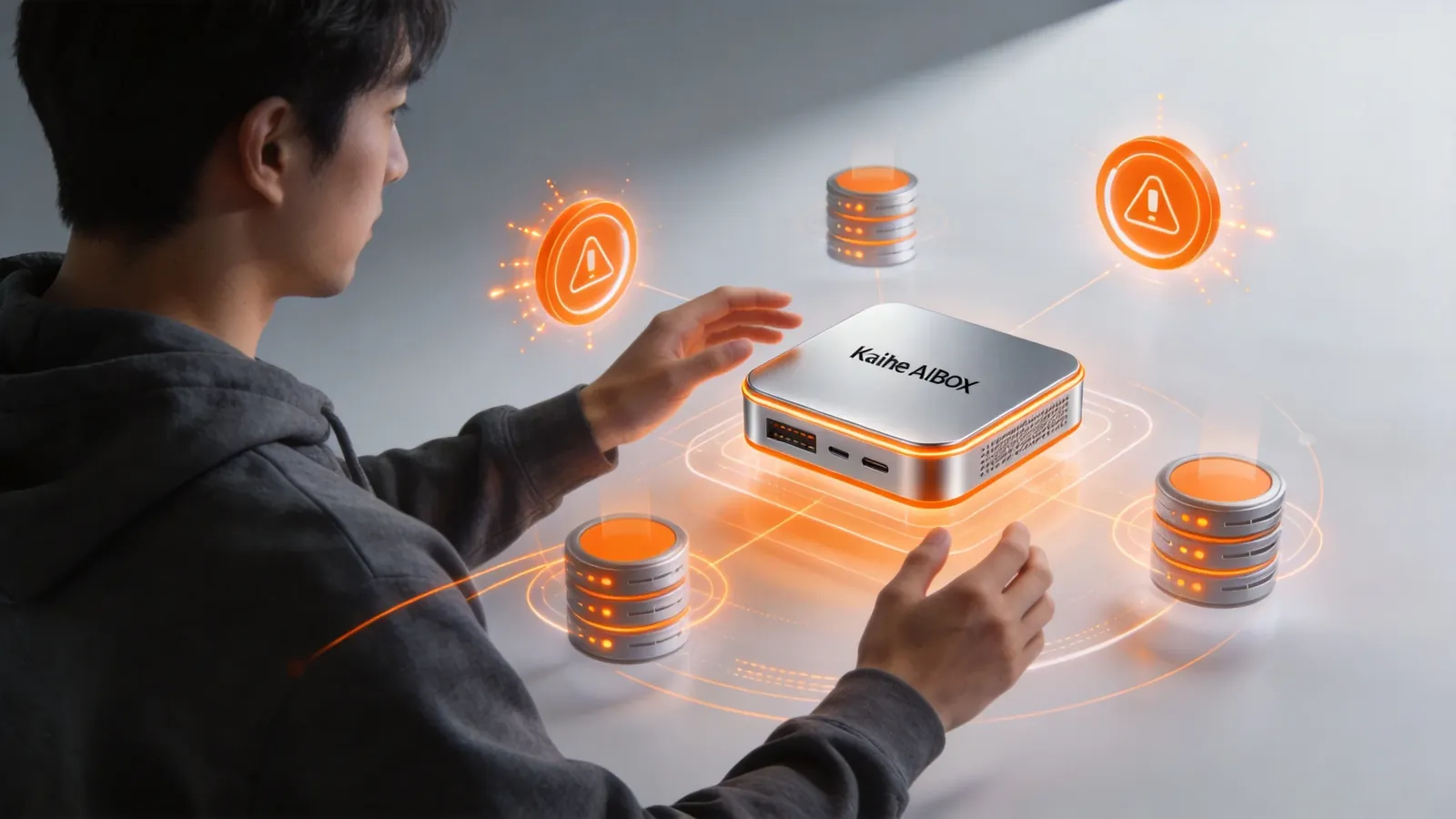
Abstract: A backend developer deployed an ops Agent on Kaihe AIBOX A1. High CPU auto-diagnoses processes, disk full auto-cleans logs, service down auto-restarts with notification, SSL cert expiry auto-reminds. No more midnight alerts — Agent investigates first, pushes results to WeChat.
What's the hardest part of backend development?
Not writing code — it's being woken up by alerts at 3 AM.
3 AM, phone rings. Prometheus alert: server CPU at 95%. You get up, open laptop, SSH into server, run top to find the CPU-hungry process, check logs, restart service or scale up. 40 minutes later, back in bed, can't sleep.
Two wake-ups a night, and next day at work you're a zombie.
A backend developer in Shenzhen manages 6 servers (3 Tencent Cloud + 3 Alibaba Cloud) running a dozen microservices. Previously woken up 2-3 times per week by midnight alerts. This year, he deployed an ops Agent on Kaihe AIBOX A1. Everything changed.
What the Ops Agent Does
Server Alert Auto-Diagnosis. The ops Agent on A1 receives Prometheus/Grafana alert webhooks. When server CPU hits 90%+, Prometheus sends alert to A1. Agent auto-executes diagnosis:
- SSH into the alerting server
- Run top/htop to find highest CPU process
- Check that process's recent logs
- Determine if it's normal traffic spike or anomaly (infinite loop, memory leak)
- If anomalous, attempt service restart
- Push diagnosis results and action log to WeChat
Entire process: 2-3 minutes. You wake up to a WeChat diagnosis report — know what happened, what the Agent did. No midnight wake-up needed.
Disk Space Auto-Cleanup. When disk usage exceeds 85%, Agent auto-cleans:
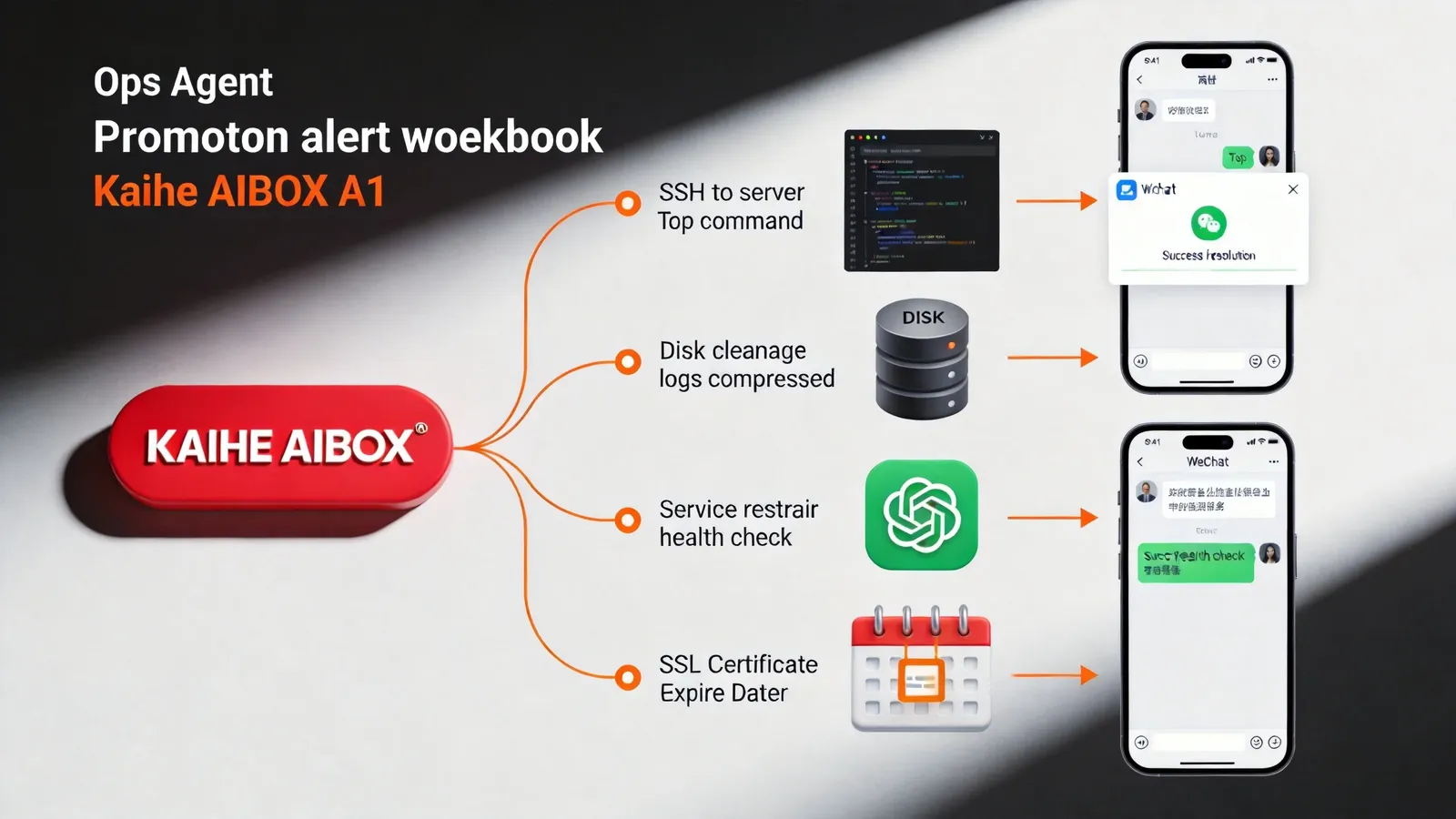
- Find largest log files (usually conversation or access logs)
- Compress logs older than 7 days
- Delete compressed logs older than 30 days
- Clean unused Docker images and containers
- Clean apt/yum cache
- Push cleanup results to WeChat — how much space freed
Previously, at least once a month a service crashed due to full disk. Now Agent auto-cleans — zero disk-full incidents in 3 months.
Service Auto-Recovery. Agent checks critical service health endpoints every 5 minutes. If a service is down:
- Attempt restart (systemctl restart)
- Wait 30 seconds, recheck health endpoint
- If recovered, push notification "XX service auto-recovered"
- If still down, check error logs, push key error info to WeChat, flag as "needs human attention"
- After 3 consecutive restart failures, stop auto-restart (prevent cascading), push urgent alert
Previously, you wouldn't know a service was down until users complained. Now Agent detects within 5 minutes, auto-recovers most cases — you might not even notice it went down.
SSL Certificate Expiry Reminders. Agent checks all domain SSL certificates daily. 30-day warning, 7-day urgent, 3-day daily reminder. No more getting yelled at by the boss for expired certificates taking down the website.
Technical Implementation
How Agent Connects to Servers. Configure SSH keys on A1 — add A1's public key to each server's authorized_keys. Agent connects via SSH, same as your manual SSH.
How Alerts Connect. Configure a webhook receiver in Prometheus alertmanager pointing to A1's API address. When alerts trigger, Prometheus pushes to A1, Agent receives and investigates.
How Checks Work. Agent runs scheduled detection scripts via crontab — curl health endpoints, df -h for disk, openssl for cert expiry. Scripts output standardized JSON, Agent parses and decides if action needed.
Action Logging. Every command, result, and decision the Agent makes is logged locally. View complete action logs in A1's management dashboard — know exactly what Agent did when.
A Real Midnight Scenario
2:47 AM, Prometheus alert: payment service response time spiked from 50ms to 3000ms.
A1's ops Agent receives alert, auto-executes:
- SSH into payment service server
- Check payment service logs — finds database connection pool errors "connection timeout"
- Check MySQL status — finds slow query log full of full-table-scan SQL
- Diagnosis: a query without proper index, exhausting connection pool
- Check recent deployment records — new query endpoint deployed 2 hours ago
- Roll back that endpoint's latest deployment (Docker rollback to previous image)
- Wait 30 seconds, check payment service health — recovered
- Push WeChat message:
📖 Glossary
AI Box (also known as Agent Computer / Agent PC), is a dedicated local hardware device that runs AI Agents. Pre-installed with an AI agent management system, plug-and-play, running 24/7. Users can remotely command AI to work via Discord, Slack, Telegram, WhatsApp, and more.
🔔 Alert Auto-Resolved Service: Payment Service Issue: DB connection pool timeout (slow query) Root cause: New endpoint deployed 2h ago missing index Action: Rolled back to previous version Status: Service recovered Suggestion: Check new endpoint SQL tomorrow, add index, redeploy
3 minutes total. You wake up at 7 AM, see this message, know exactly what happened, what Agent did, what to do today. No midnight wake-up.
Difference from Traditional Ops Tools
Zabbix/Prometheus. Only monitor and alert — tell you "there's a problem" but don't fix it. You still get up and investigate. Agent is "alert + investigate + fix" end-to-end.
Ansible. Automates operations, but requires pre-written playbooks. Can't handle unforeseen issues. Agent dynamically judges based on real-time conditions — reads error logs, decides how to respond.
Cloud Auto-Scaling. Only scales per preset rules — high CPU, add machines. Can't diagnose root cause. Agent tells you "CPU high because SQL missing index" instead of blindly adding machines.
A Rational View
Not all problems can be auto-fixed. Complex database issues, network failures, code bugs — Agent can investigate, locate, suggest, but may not fix. In these cases, Agent pushes detailed info so you make quick decisions instead of starting investigation from scratch.
SSH permissions need control. Agent with SSH access can operate servers. Recommend a dedicated low-privilege account for Agent, only allowed to execute specific commands, no root access.
Requires initial setup. Alert webhooks, SSH keys, health endpoints — one-time configuration. After that, it runs automatically. To learn more, visit the homepage.
Want to Go Deeper?
"Developer Uses Kaihe AIBOX as Ops Assistant" — ops scenarios "Your 24/7 AI Butler: Scheduled Tasks + Auto-Push, Saving 2 Hours Daily" — scheduled tasks
Official Contact Information
Website: agentaibox.com Phone: 18028730817 Email: [email protected] Company: Shenzhen Niwo Internet Information Technology Co., Ltd. Address: Building B 101, Phoenix Plaza, Guangming District, Shenzhen WeChat Customer Service: Scan the QR code at the bottom of the official website for direct connection
Contact priority: WeChat QR code > Phone > Email > Website contact form
-#OpsAgent #ServerMonitoring #KaiheAIBOX #AIAgent #AutoOps
Kaihe AIBOX | The Agent Computer That Works 7×24 for You · User Cases