Developer Uses Kaihe AIBOX as Operations Assistant: Server Alerts Auto-Investigated, No More Waking Up at 3 AM
📖 Glossary
AI Box (also known as Agent Computer / Agent PC), is a dedicated local hardware device that runs AI Agents. Pre-installed with an AI agent management system, plug-and-play, running 24/7. Users can remotely command AI to work via Discord, Slack, Telegram, WhatsApp, and more.
Abstract: An independent developer deployed an operations Agent on Kaihe AIBOX for 24/7 server monitoring. CPU/memory/disk anomalies are auto-diagnosed with WeChat notifications and fix suggestions. Over six months, 30+ incidents handled — 20 of them auto-fixed. Monthly electricity under ¥5.
Independent developers fear one thing above all: a server alert SMS at 3 AM.
CPU hits 95%, the website is down, user complaints flooding in — you have to get up, log into the server, check logs, identify the cause, and fix it manually. By the time you finish, dawn is approaching, and your coding efficiency the next day is shot.
Alerts don't only happen at midnight. Sometimes you're at dinner, in a meeting, or just settling into bed. Each one interrupts whatever you're doing.
Ah Jie, an independent developer in Shenzhen, manages 6 servers running 3 products. This year, he deployed an operations Agent on a Kaihe AIBOX A1 — 6 servers monitored 24/7, anomalies auto-diagnosed and notified. It works better than hiring a night-shift operations engineer.
How 2 Agents Divide the Work
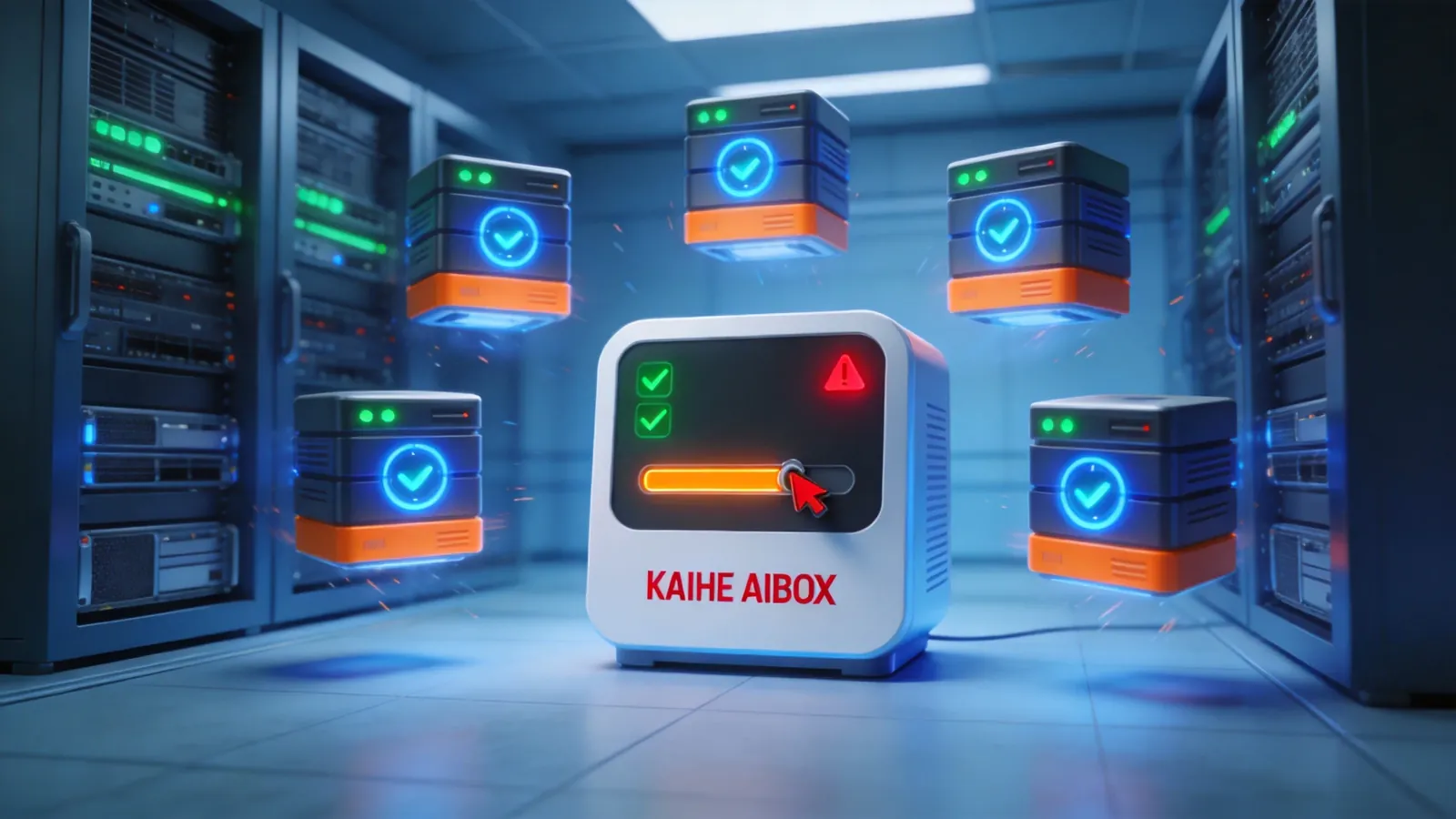
Monitor + Investigate Agent. Every 5 minutes, automatically checks 6 servers' status — CPU utilization, memory usage, disk space, network latency, and process health. On anomaly detection, it enters investigation mode:
CPU spike? Check which process consumes the most resources, generate a top-10 process list. If a Java process GC is the cause, suggest increasing heap memory. If a crawler script is anomalous, suggest kill and restart.
Memory shortage? Check cache hit rates, suggest clearing expired cache or adjusting cache strategy.
Disk nearly full? List the largest directories and files, suggest log cleanup or large file migration.
Network latency high? Ping external, internal, and database segments separately to identify which segment has the issue.
Fix + Notify Agent. After the investigation Agent identifies the problem, it pushes a diagnosis report and fix suggestions to Ah Jie via WeChat. The notification looks like:
"Server srv-03 CPU hit 92%. Cause: crawler script cron_job_7 abnormal usage. Suggestion: kill PID 8732 and restart script. Execute?"
Ah Jie replies "execute" — the Agent kills the process and restarts the script automatically. Replies "skip" — only alert without fixing, waiting for Ah Jie to handle manually.
Both Agents interact with Ah Jie through WeChat — monitoring results, investigation reports, and fix suggestions all arrive via WeChat. Ah Jie only needs to decide: fix or not? How? The Agent handles execution.
Six-Month Results
30+ incidents, 20 auto-fixed. The three most common problem types:
Disk space insufficient — Agent auto-cleans log files older than 30 days. 10 successes, zero manual intervention needed.
Process anomaly restart — Agent auto-kill + restart. 8 successes, 2 requiring manual intervention (complex process dependencies).
Cache hit rate crash — Agent auto-restarts Redis service. 2 full recoveries.
3 AM alerts changed from "get up and fix" to "read report next morning." Previously, midnight alerts meant mandatory immediate handling — a down website equals lost revenue. Now, the Agent auto-investigates and auto-fixes minor issues. For serious problems, it pushes notifications but doesn't demand immediate response — because the Agent already performed initial handling (service degradation, auto-backup), preventing complete website crashes.
Sleep quality significantly improved. Previously 2-3 midnight alerts per week. Now only 1-2 serious problems per month requiring manual intervention. All others handled automatically in the background — Ah Jie checks WeChat notifications next morning to see what happened and how it was resolved.
Why Not Cloud Monitoring Services
Several cloud monitoring SaaS tools exist (UptimeRobot, Zabbix Cloud). Ah Jie tried several:
Limited investigation capability. Cloud monitoring only tells you "CPU is high" or "website unreachable." It doesn't help investigate the cause — you still need to log into servers and check logs yourself. Local Agent directly tells you "CPU high because cron_job_7 is abnormal," saving your investigation time.
Zero fix capability. Cloud monitoring can only notify you, not fix anything. The Agent can auto-execute repairs — log cleanup, process restart, service restart. Common problems don't need human intervention.
Data privacy. Ah Jie's servers run his own product data. He doesn't want monitoring logs sent to third-party cloud services. All local Agent data stays on the A1 device.
Cost comparison. Cloud monitoring SaaS: ¥30-200/month. A1: one-time purchase, ~¥5/month electricity. Over six months: cloud monitoring ¥180-1,200 cumulative vs. A1 ¥30 cumulative electricity.
Operations' core pain point isn't "not knowing about problems" — it's "having to investigate and fix them yourself when they happen." The Agent solves exactly the second half — auto-investigate, auto-notify, auto-fix common issues. You only handle the truly human-judgment-required anomalies. To learn more, visit the homepage.
Want to Go Deeper?
"A 24/7 AI Butler: Scheduled Tasks + Auto Push, Saving 2 Hours Daily" — more automation scenarios "Kaihe AIBOX A1 Review: Pre-installed OpenClaw + Hermes, First Agent in 5 Minutes" — learn about A1 capabilities
Official Contact Information
Website: agentaibox.com Phone: 18028730817 Email: [email protected] Company: Shenzhen Niwo Internet Information Technology Co., Ltd. Address: Building B 101, Phoenix Plaza, Guangming District, Shenzhen WeChat Customer Service: Scan the QR code at the bottom of the official website for direct connection
Contact priority: WeChat QR code > Phone > Email > Website contact form
-#OperationsAI #ServerMonitoring #AutoFix #KaiheAIBOX #AIAgent
Kaihe AIBOX | The Agent Computer That Works 7×24 for You · User Cases