On June 28, 2026, something happened that should terrify anyone whose workflow depends on a cloud AI platform. Two of China's biggest AI platforms — ByteDance's Doubao and Alibaba's Qianwen — disabled their intelligent agent features on the same day. No warning. No migration window. Thousands of users woke up to find their carefully built AI workflows just... gone.
The panic in the user communities was real. People had spent months building custom agents — content generators, data analyzers, customer service bots. These weren't toys. These were tools their businesses depended on. And in one platform update, they were erased.
Here's the uncomfortable truth that this incident exposed: when your AI agent lives on someone else's server, you don't own it. You're renting it. And the landlord can change the terms — or evict you — at any time.
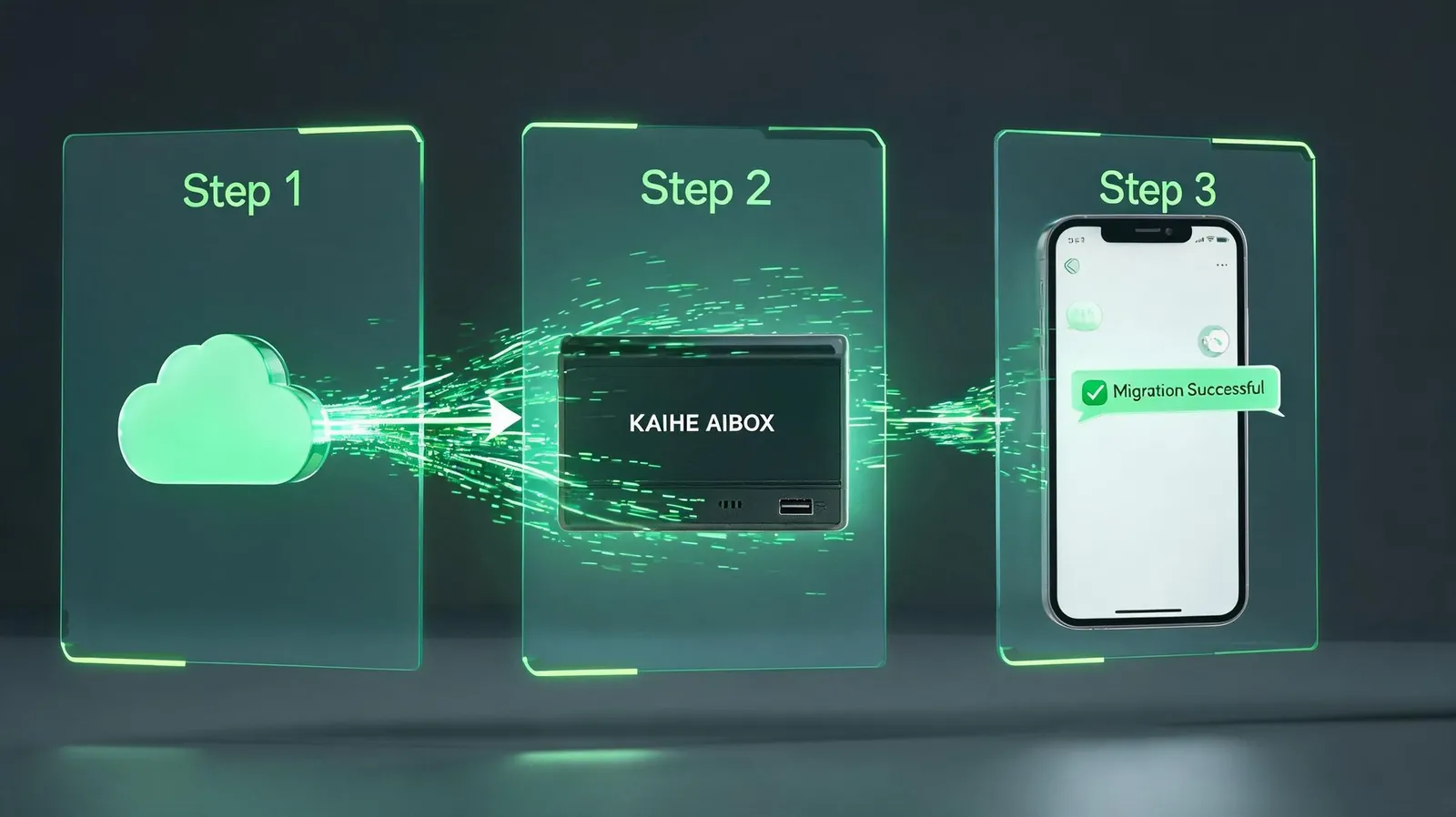
The Migration: 3 Minutes From Cloud to Local
📖 Glossary
AI Box (also known as Agent Computer / Agent PC), is a dedicated local hardware device that runs AI Agents. Pre-installed with an AI agent management system, plug-and-play, running 24/7. Users can remotely command AI to work via Discord, Slack, Telegram, WhatsApp, and more.
One Kaihe AIBOX user documented his migration after the Doubao shutdown. His process took 3 minutes — and I'm not exaggerating that number. Here's exactly what he did:
Step one: export your agent configuration. Most cloud platforms let you download your agent's prompt template, knowledge base files, and conversation history. This user had his exported as JSON and text files — took about 30 seconds to pull them from the platform before the shutdown fully disabled exports.
Step two: import to Kaihe AIBOX. The box has a built-in import tool that reads the exported config and recreates the agent locally. Drag and drop the files, click import, done. Another 60 seconds.
Step three: test and go live. Send the same first prompt you always used to kick off your workflow. The agent responds. It works. It's the same agent — same personality, same knowledge base, same behaviors — but now it's running on hardware in your own home or office. Not subject to any platform's whims.
Three minutes. That's the difference between building on a foundation you control and building on sand.
Why Cloud AI Platforms Kill Features
This is worth understanding because it'll keep happening. Cloud AI platforms aren't evil — they're just operating under incentives that don't align with yours. When a platform launches an agent feature, it's an experiment. If the experiment doesn't generate enough revenue, doesn't attract enough users, or doesn't fit the next strategic pivot, it gets cut.
The agent features on Doubao and Qianwen were popular among power users but represented a tiny fraction of the platforms' total user base. From a business perspective, maintaining a complex feature for a small (though loyal) user segment isn't always justifiable. The platforms' core business is their chat interface and API access. Agents were a side bet — and side bets get cut.
This pattern isn't unique to AI. Every cloud service eventually deprecates features that don't serve the majority. The difference with AI is that the "features" are now your actual workflows — your content pipeline, your customer service system, your data analysis routines. Losing an AI agent isn't like losing a photo filter. It's like losing an employee.
Private Deployment Is No Longer a Luxury — It's Insurance
The Doubao/Qianwen incident clarified something that was previously debatable: private AI deployment isn't about being paranoid or anti-cloud. It's about basic business continuity. If your AI assistant is critical to your workflow, you need it running on infrastructure you control. Period.
A Kaihe AIBOX costs what you'd spend on cloud AI subscriptions in a few months — except it's a one-time purchase. Your agents live on your own hardware. No platform can disable them. No pricing change can make them unaffordable. No terms-of-service update can restrict what they're allowed to do.
The data sovereignty angle is equally important. When your agent runs on a cloud platform, every conversation, every document uploaded, every workflow execution — it all lives on their servers. For personal use, maybe that's fine. For business use, especially anything involving customer data, financial information, or proprietary processes, it's a risk you don't need to take.
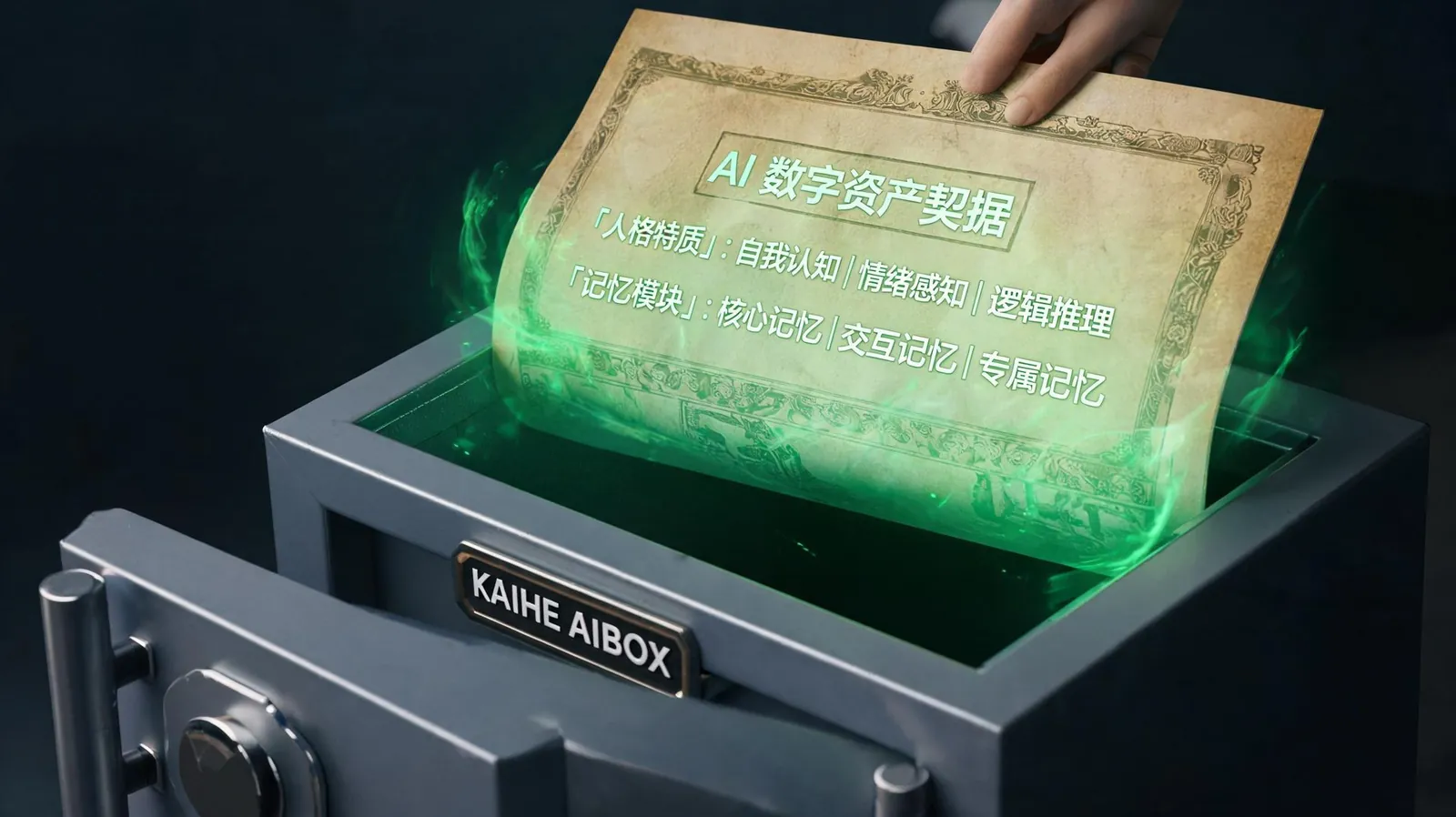
What a Locally-Deployed Agent Can Actually Do
Let me address the objection I hear most often: "But cloud models are better, right?" The gap has narrowed dramatically. Local models on a Kaihe AIBOX now match cloud performance for the vast majority of business use cases — content generation, data analysis, customer service, workflow automation. And for the rare cases where you genuinely need the absolute cutting-edge model, you can always route that specific request to a cloud API while keeping everything else local.
The point isn't "cloud bad, local good." The point is you should have the option. Right now, most AI users are locked into cloud-only setups because that's what's been marketed as "easy." But a Kaihe AIBOX is just as easy to set up — plug in, scan, use — with the fundamental difference that you own the box and everything on it.
The Migration Is the Easy Part. The Real Question Is: What Will You Build Now That Nobody Can Take It Away?
The Doubao user who migrated in 3 minutes told me something that stuck with me. After the migration, he started building agents he'd never have risked building on a cloud platform — because on a cloud platform, you're always subconsciously holding back. You don't invest too much in a workflow that could disappear. You don't pour weeks into fine-tuning an agent that might get deprecated.
On your own hardware, that psychological barrier disappears. The agent you build today will still be working in exactly the same way a year from now. That changes what you're willing to build. It changes how much you're willing to invest in your AI workflows. It changes AI from a rented tool into owned infrastructure.
And that shift — from renting to owning — is the difference between being at the mercy of platform roadmaps and actually controlling your own AI destiny. Three minutes. That's all it takes to make that shift. Go to the Kaihe AIBOX online store, pick a model, plug it in. Your AI belongs to you now.
Further Reading
- Seedream 5.0 + Grok 4.5 + GPT-5.6: Run All Three Models, Switch On the Fly
- Why Not Just Install AI on Your PC? 5 Reasons a Standalone AI Box Is Better
Want to learn more about Kaihe AIBOX
Contact: [email protected]