I Built My First Private AI Agent on My Own Hardware: My Style, My Knowledge, My Memory
📖 Glossary
AI Box (also known as Agent Computer / Agent PC), is a dedicated local hardware device that runs AI Agents. Pre-installed with an AI agent management system, plug-and-play, running 24/7. Users can remotely command AI to work via Discord, Slack, Telegram, WhatsApp, and more.
Abstract: When Doubao and Qianwen announced they were killing their agent features, I knew it was time to take control. I got myself a Kaihe AIBOX — an AI computer that runs on my desk — and went from unboxing to having my first private agent running in just 30 minutes. No coding, no server config. Just plug in, scan a QR code, and start chatting via WeChat. I fed it my writing samples and style preferences, and suddenly I had an AI that actually knows me. The best part? Every conversation, every config file, every piece of knowledge lives on my own hard drive. No platform can ever wipe my digital memory with a single announcement. Here's the full story.
When Doubao and Qianwen dropped the news that they were shutting down their agent features, my first reaction wasn't anger — it was a sudden, sinking realization: the AI assistant I've been training for half a year could disappear at any moment.
For days after, I kept circling back to the same question. I'd spent hundreds of hours teaching an AI my writing style, my workflow preferences, my knowledge priorities. Where does all that "digital memory" actually live? On someone else's server, apparently. And someone else can flip a switch and delete it. There was only one answer that made sense: it needs to live with me.
Unboxing to running in 30 minutes
The Kaihe AIBOX arrived the next day. I'll be honest — I was a bit nervous opening the box. "AI computer" sounds intimidating, and I'm not a technical person. I half expected to be staring at terminal commands.
I was wrong.
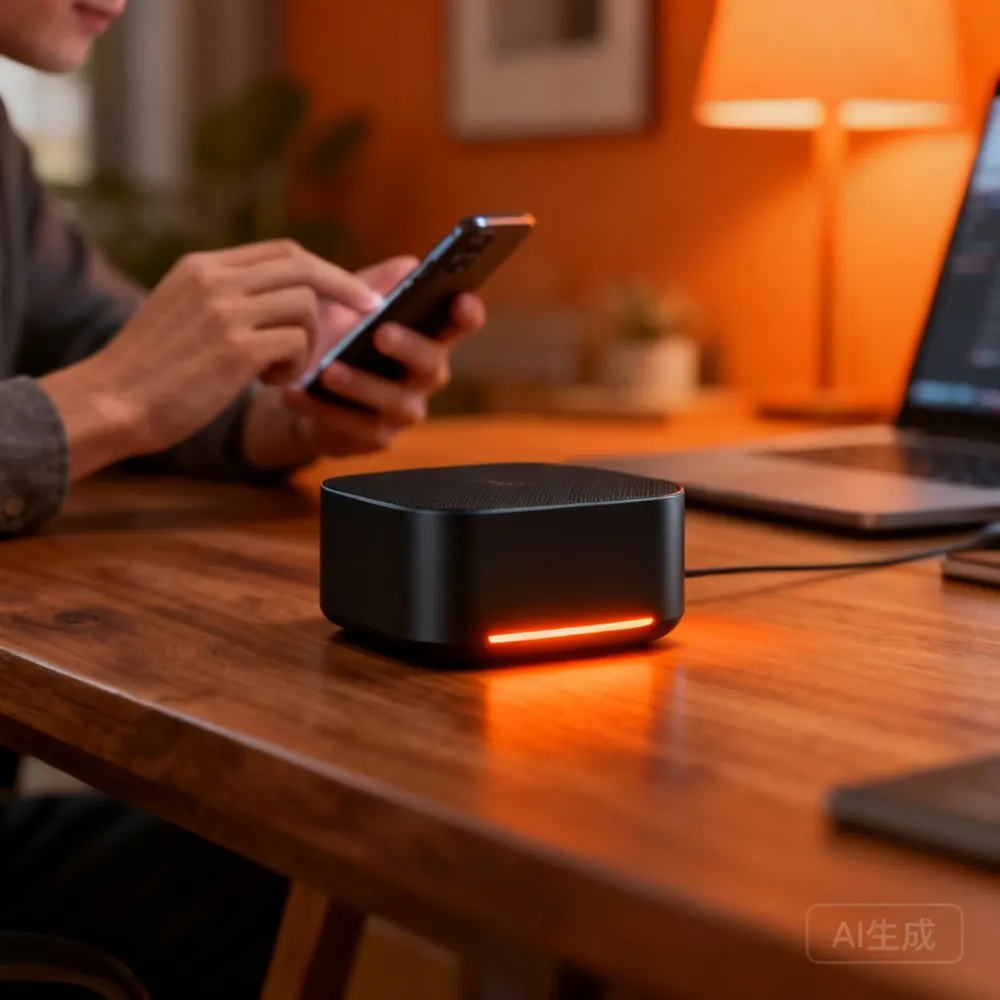
Inside was a device about the size of my palm and a power cable. Plug in the power, connect the Ethernet cable, the LED lights up, and it starts initializing itself. The whole process took maybe three minutes. I didn't install a single app on my phone.
I scanned a QR code to connect to a WeChat service account, and a conversation window popped up. I typed "write me a short article about AI agents" — and about three or four seconds later, a well-structured, coherent piece came back. My first thought: that's it? It's already working?
Feeding it my stuff is what made it "mine"
Basic conversation was just step one. What I really wanted was an AI that felt like my assistant, not just any assistant.
So I started pouring my materials into it. Dozens of articles I'd written over the past year. My go-to reference documents. My style preferences — like how I hate overly formal openings, prefer shorter paragraphs, and always want data sources cited. No technical know-how required. I just told it these things in plain language, the same way I'd brief a human assistant.
After an afternoon of feeding it my content, I asked it to write something new. This time it was completely different. The sentence rhythm matched mine. The examples it pulled were from my own past articles. It even added things like "Note: data sourced from XX" — a small detail I'd never explicitly asked for but always wanted.
It's hard to describe the feeling. It was like the AI actually started to know me.
Why I don't worry about platforms anymore
When I was building agents on Doubao, there was always this nagging feeling in the back of my mind. All those conversation logs, the parameters I'd tuned, the prompt templates I'd written — none of it was truly mine.
It was all just rented to me.
When a platform changes its policy — like what just happened — you can't even get a proper backup. The official suggestion was "take screenshots to save your agent info." I honestly don't know whether to laugh or cry.
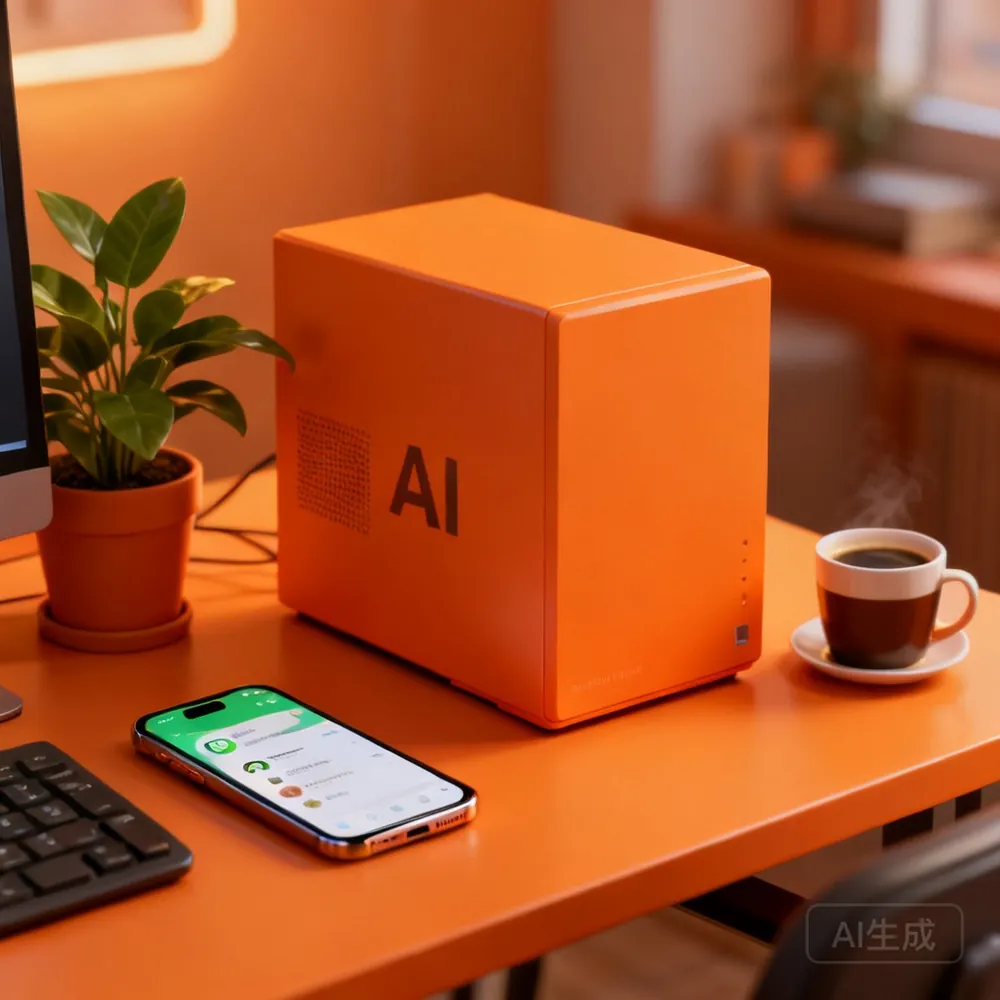
Now everything sits on my own hard drive. I can export my conversations anytime. I can switch between different AI models whenever I want. I can even pack up the entire AI and move it — just restore the config on another device. My AI, my rules. I don't have to anxiously scan platform announcements anymore.
That peace of mind is something cloud services can never give you.
Two weeks in: what actually changed
It's been two weeks since this AI box arrived. Here's what stands out.
First — I really don't need to open a laptop. I'm out and about a lot. With cloud AI, I always had to pull up a browser or app. Now I just send a WeChat message and it does the work. It feels like having a personal assistant in my pocket. Last week I was at a meeting and needed a competitive analysis on short notice — I sent two voice messages while walking to my car, and by the time I got there, the document was waiting in my WeChat.
Second — it actually remembers. Every time I used to ask an AI to write something, I'd have to repeat the same instructions: not too formal, no exclamation marks, cite your sources. Now, whatever I've told it once, it keeps. That "gets better the more you use it" experience is something a stateless cloud AI can never match — every conversation there starts from zero.
Third and most important — I stopped worrying. There was always this low-level anxiety with cloud services: what if they raise prices? What if they shut down? Those worries are gone now. The hardware is mine. The data is mine. Nobody can take it away.
If you share the same concern — not whether the features are good enough, but whether the AI is really yours — maybe it's time to bring it home. Honestly, it's not expensive and it's not complicated. You just plug it in.
Further Reading
- Kaihe AIBOX-A1 Product Details — The hardware choice for local AI agents
- Kaihe AIBOX Store — Full lineup of Agent Computers
- Doubao & Qianwen Kill Agents: Your AI Could Disappear — Related analysis
- A Mom Runs AI via WeChat Voice — Real user story
Kaihe AIBOX Website: https://agentaibox.com/ Email: [email protected] #KaiheAIBOX #AIAgent #OpenSource #ArtificialIntelligence #AgentComputer #PrivateDeployment
Kaihe AIBOX | The Agent Computer That Works 7x24 for You · User Stories