Google Brings Computer Use to Gemini on Mac, Starting in the US
On November 20, Google announced that the macOS version of its Gemini desktop app now supports computer use. With the app installed and an eligible subscription, Gemini can operate the Mac on your behalf: working across local apps, local files, and the web to complete multi-step tasks such as filling out forms and building presentations. For now it is limited to English-speaking users in the US on Google AI Plus, Pro, or Ultra plans, and Google has not said when it will reach other markets.
This is Gemini moving from answering questions to doing the work. Before, you asked it to write something and it returned text for you to copy into another program. Now it does the clicking and typing itself. In Google's demonstration, Gemini works inside a background window, clicking, scrolling, and typing to turn a rough sketch into a fully rigged 3D model in Blender.
One: what it can actually do
📖 Glossary
AI Box (also known as Agent Computer / Agent PC), is a dedicated local hardware device that runs AI Agents. Pre-installed with an AI agent management system, plug-and-play, running 24/7. Users can remotely command AI to work via Discord, Slack, Telegram, WhatsApp, and more.
The key is that it works across applications. A normal AI assistant is stuck in the chat box: to read your file or edit your spreadsheet, you have to paste the content in. Computer use gets around that. It watches the screen and operates the mouse and keyboard the way a person would, moving between folders, apps, and web pages.
Google's first examples — filling out forms and building presentations — are telling. They are the tasks with many steps, none of them hard, that quietly eat your time. The sketch-to-3D demo makes the point more vividly: it does not hand you a picture, it builds and rigs the model inside the actual software.
Two: the machine has to stay awake
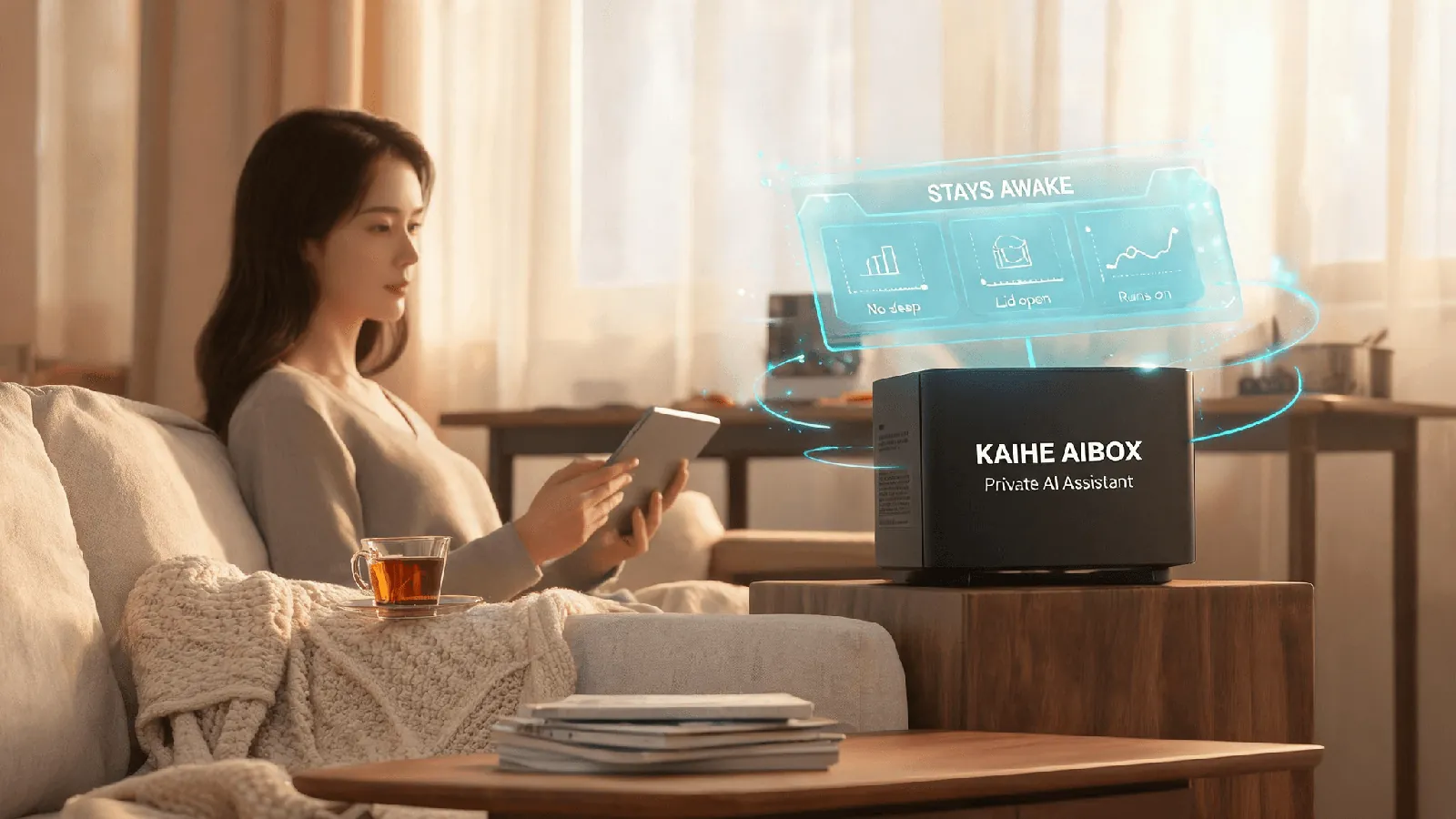
The convenience is real, and so is the cost. For Gemini to operate your Mac, that computer must stay on — no locked screen, no closed lid, no sleep. The chain of operations follows the state of that machine. When it sleeps, the job stops where it is.
This is not a bug; it is how this kind of feature has to work. If you want an AI doing things in the background, you owe it a machine that stays available. Many people close their laptop when they are done. If you want an agent working in the background, that habit has to change.
Three: Google keeps talking about control
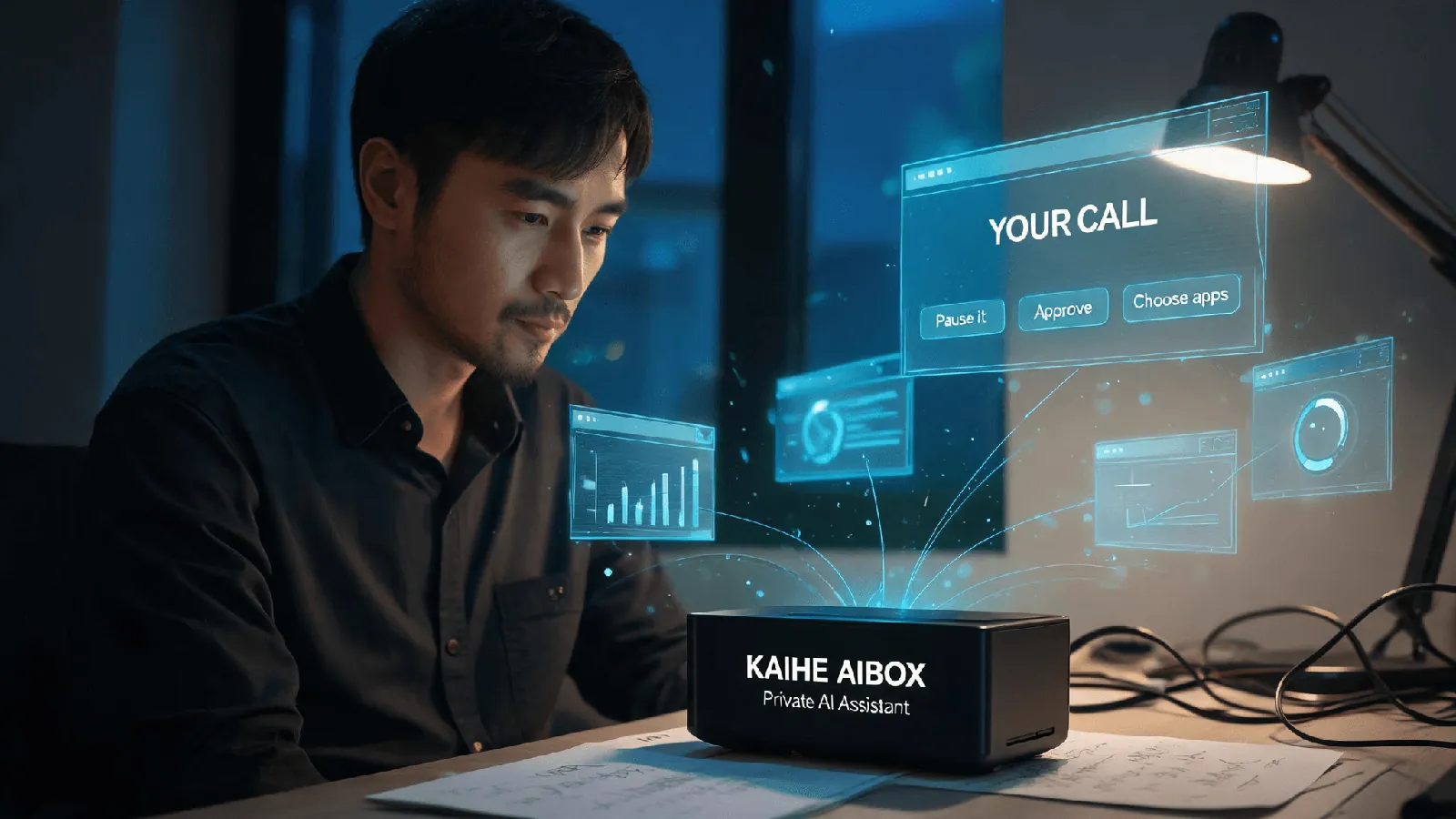
Notice how often the word control appears in Google's description. The screen and cursor stay with the user. You can preview what Gemini is doing in real time, pause, stop, or approve its actions, and choose which apps it may access.
Those details are not decoration. Giving an AI your mouse, keyboard, and access to local files is exactly the kind of thing that needs boundaries. By putting these switches in plain sight, Google is acknowledging that the risk is real and that the user should hold the last lever.
There is a second signal. The Verge noted that this launch coincides with Apple previewing new restrictions on full disk access for apps in the macOS 27.3 beta, citing risks from AI agents. The two are simultaneous, not cause and effect — but they point at the same industry question: once AI can act, how much access should it be given?
Four: what this means for ordinary users
In the short term, very little. This is a US-only, English-only, subscription-gated rollout. But the direction is clear: AI is moving from giving answers to operating your machine. And an agent that can act needs a computer that stays awake, stays online, and can hand over control.
That raises a quiet but useful question: does that machine have to be your main computer?
For ordinary users who want to make use of this, a natural companion is KAIHE AIBOX(铠盒AIBOX), a computer built specifically for agents and your local private AI assistant. If all you want is an app that clicks a mouse for you, that is one thing. But if you want an agent that stays awake around the clock, does its job on a schedule, and responds when you message it, the machine does not have to be a Mac. KAIHE AIBOX comes with OpenClaw/Hermes preinstalled: plug it in, connect it to the network, and it is a computer that is awake 7×24 without you keeping a separate machine running. Inference can run in the cloud, while your files, memory, and call history stay on this device. The machine that does the work for you should be a machine dedicated to it.