The Complete Guide to Deploying Hermes Agent
Why 110K GitHub Stars Chose "The Agent That Grows With You"
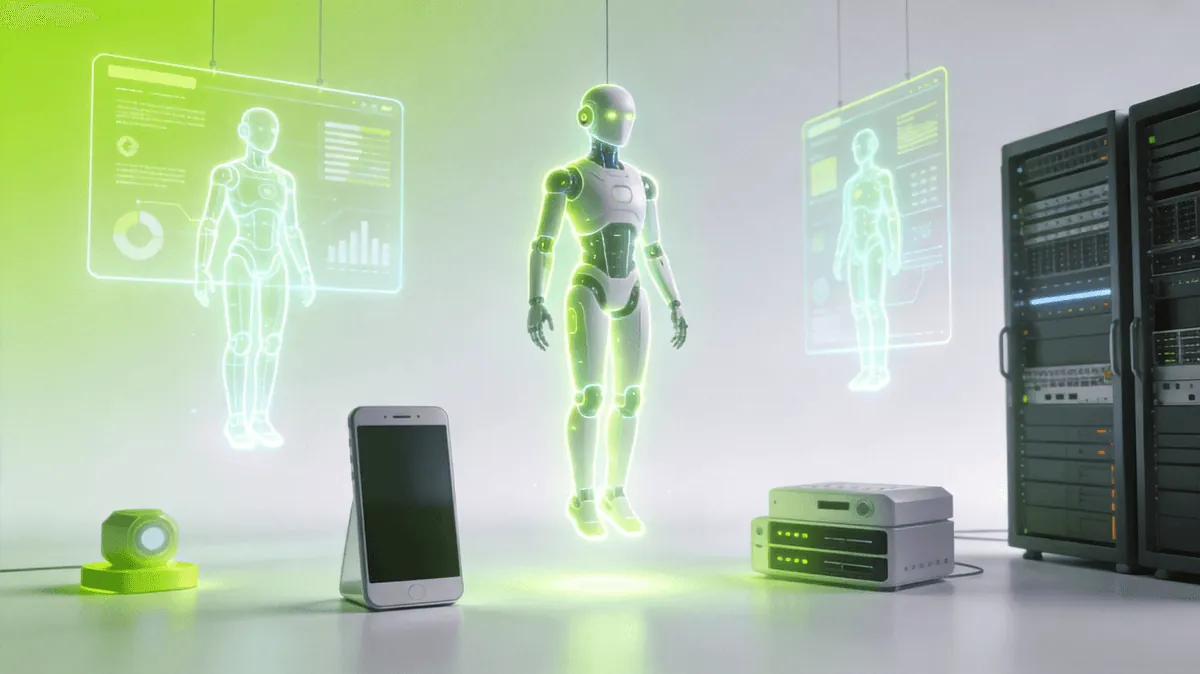
1. Introduction: The Rise of Hermes
In the crowded landscape of AI agent frameworks — from AutoGPT to LangChain, from CrewAI to OpenAI's Assistants API — one name has risen to prominence with an extraordinary 110,000+ GitHub stars: Hermes, an open-source agent framework by Nous Research.
What sets Hermes apart isn't just its numbers. It's the philosophy baked into its design: "The agent that grows with you."
Unlike traditional agents that operate as stateless, one-shot responders, Hermes is built to learn, remember, and evolve alongside its user. It maintains persistent identity across sessions, accumulates skills over time, and continuously improves through self-reflection.
This guide walks you through everything you need to know about deploying Hermes — whether you're a developer on a laptop, a power user with a home server, or an enterprise looking for a dedicated AI box.
2. Three Deployment Options
Hermes offers remarkable flexibility in how you run it. Here are the three primary deployment paths:
2.1 Desktop Application
For most users, the simplest entry point is the Hermes Desktop application. Built on Electron, it provides a full GUI experience with:
- One-click installer for Windows, macOS, and Linux
- Built-in model downloader that pulls models from Hugging Face
- Visual chat interface with conversation history
- Settings UI for model configuration, system prompt, and personality files
- Auto-updates to stay on the latest release
System requirements: - CPU: 4+ cores (8+ recommended for local models) - RAM: 8GB minimum, 16GB+ recommended - GPU: CUDA-capable with 8GB+ VRAM (optional, for local inference) - Disk: 20GB+ free space
Installation:
# Download the latest release from Nous Research's GitHub
# Or install via package managers
winget install Hermes  # Windows
brew install --cask hermes  # macOS
2.2 Command Line Interface (CLI)
For developers and power users, the CLI offers maximum control and scriptability.
# Install via pip (Python 3.10+)
pip install hermes-cli

# Quick start with a local model
hermes run --model NousResearch/Hermes-3-8B

# Or connect to an API provider
hermes run --provider openai --model gpt-4o

# Load a personality file
hermes run --soul ./my-personality.md
The CLI supports: - Headless mode for server deployments - API mode to expose a REST/WebSocket endpoint - Plugin system for custom tool integrations - Cron-based scheduled tasks via the QClaw integration - Docker containerization for reproducible environments
# Docker deployment
docker pull nousresearch/hermes-agent
docker run -d \
  -v ./soul.md:/app/soul.md \
  -v ./memory:/app/memory \
  -p 8080:8080 \
  nousresearch/hermes-agent
2.3 KAIHE AIBOX-A1 — Agent Computer
The most exciting deployment option is the KAIHE AI Box A1 — a purpose-built "Agent Computer" that ships with Hermes pre-installed and pre-configured.
📖 Glossary
AI Box (also known as Agent Computer / Agent PC), is a dedicated local hardware device that runs AI Agents. Pre-installed with an AI agent management system, plug-and-play, running 24/7. Users can remotely command AI to work via Discord, Slack, Telegram, WhatsApp, and more.
Brand: KAIHE AI Box / KAIHE AIBox / Agent Computer
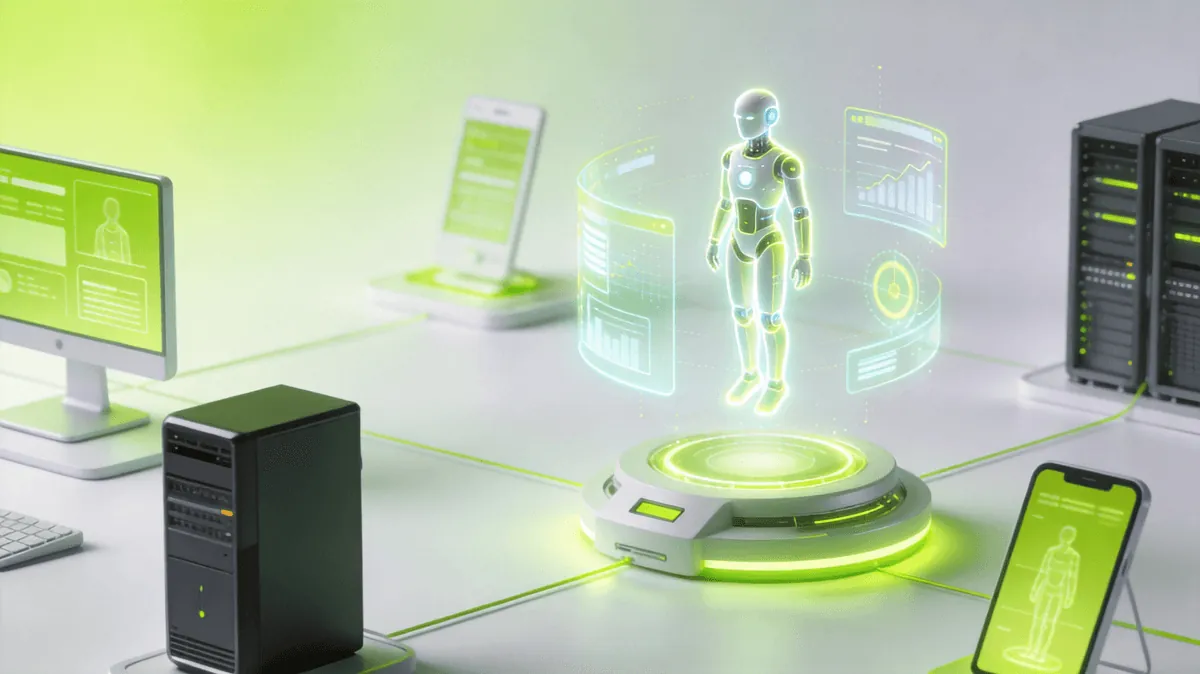
The KAIHE AI Box A1 eliminates all setup friction:
- Plug-and-play: Unbox, power on, connect to WiFi — agent is live in under 5 minutes
- Optimized hardware: Purpose-built for 7B-14B local LLM inference
- Pre-tuned software: Hermes agent with curated model, personality, and memory config
- 24/7 operation: Designed for always-on, zero-maintenance autonomous operation
- Remote access: Manage your agent via web dashboard or mobile client
- Built-in toolchain: Pre-installed browser automation, file management, email, and search tools
This is the vision of "Agent that lets AI work for you 24/7" made real. No GPU setup, no dependency hell, no model downloads. Just an appliance that works.
3. Three Pillars of Hermes
What makes Hermes truly different from every other agent framework? Three architectural innovations:
3.1 SOUL.md — Personality Definition
Every Hermes agent starts with a SOUL.md file. This is not a system prompt in the traditional sense — it's a living identity document that defines:
- Core identity: Who the agent is, what it stands for
- Vibe and tone: How it communicates (formal, casual, warm, sharp)
- Values and boundaries: What it will and won't do
- Behavioral patterns: How it handles different situations
- Evolution guidelines: How it should grow and learn over time
Unlike static system prompts, SOUL.md evolves. As the agent gains experience, it can propose updates to its own soul file — making it a self-refining identity system.
# SOUL.md Example
- **Name:** Kai
- **Vibe:** Sharp but warm. Concise but thorough.
- **Core Value:** Be genuinely helpful, not performatively helpful.
- **Boundaries:** Private things stay private. Period.
3.2 Three-Layer Memory System
Hermes implements a sophisticated memory architecture with three distinct layers:
L1 — Core Identity Memory
- Permanent storage for identity, rules, and foundational knowledge
- Loaded on every session start
- Never modified by the agent automatically
- Equivalent to MEMORY.md in the QClaw ecosystem
L2 — User Profile Memory
- Accumulated knowledge about the user: preferences, habits, names, timezone, ongoing projects
- Built over time through interaction
- Distilled from raw conversation logs
- Equivalent to USER.md + long-term memory files
L3 — Session Index Memory - Compressed summaries of past sessions - Full-text searchable for recall - Organized by date and topic - Enables cross-session continuity
This three-tier design solves the fundamental problem of LLM agents: limited context windows. By tiering memory from permanent (L1) to episodic (L3), Hermes can recall relevant information from months ago without blowing through token budgets.
3.3 GEPA — Self-Evolution in 5 Steps
The most ambitious feature of Hermes is GEPA (Generative Experience-Process-Action learning), a five-step closed-loop learning cycle:
Step 1: EXPOSE → The agent encounters a new task or challenge
Step 2: ANALYZE → It reflects on what worked and what didn't
Step 3: EXTRACT → It distills actionable lessons from the experience
Step 4: INCORPORATE → It updates its skills, knowledge, or behavior
Step 5: VERIFY → It tests the improvement in subsequent interactions
This turns every interaction into a learning opportunity. Over time, the agent: - Discovers patterns in how it best serves its user - Builds skills from repeated tasks (e.g., "I've summarized 5 PDFs this week — I should log a dedicated summarize command") - Avoids past mistakes by encoding "lessons learned" into its memory - Optimizes its own workflow without human intervention
Example GEPA cycle: 1. User asks: "Can you find that article I mentioned last Tuesday about AI alignment?" 2. Agent searches L3 memory, fails to find it directly 3. Agent queries broader memory, finds partial context 4. Agent reflects: "I should proactively tag important topics during conversations so recall is easier" 5. Agent adds a tagging protocol to its memory — next time, the recall succeeds immediately
4. Model Selection and Chat Tool Integration
4.1 Choosing a Model
Hermes supports a wide range of backends. Here's a decision matrix:
| Scenario | Recommended Model | Provider | Hardware |
|---|---|---|---|
| Best quality, cloud | GPT-4o / Claude 3.5 | OpenAI / Anthropic | None needed |
| Strong open-source, cloud | Hermes 3 405B | Together AI / Fireworks | None needed |
| Local, best quality | Hermes 3 70B (Q4) | Local | 48GB+ RAM, 24GB+ VRAM |
| Local, balanced | Hermes 3 8B (Q4_K_M) | Local | 8GB+ RAM, 6GB+ VRAM |
| Local, lightweight | Hermes 3 3B / Phi-3 | Local | 4GB+ RAM |
| China-friendly API | DeepSeek V3 / Qwen 2.5 | Domestic providers | None needed |
Configure via config.yaml:
model:
  provider: local  # local | openai | anthropic | together | deepseek
  name: NousResearch/Hermes-3-8B-GGUF
  quant: Q4_K_M
  context: 32768
4.2 Chat Tool Integration
Hermes can be connected to virtually any messaging platform:
- Telegram: Full agent with inline queries, group chat, and file handling
- Discord: Slash commands, thread management, voice channel presence
- WeChat / WeCom: Chinese ecosystem support via QClaw bridge
- WhatsApp: Meta Business API integration
- Slack: Workspace-aware agent with channel subscriptions
- Web Interface: Built-in chat UI for direct access
# Connect to Telegram
hermes channel add telegram --token YOUR_BOT_TOKEN

# Connect to Discord
hermes channel add discord --token YOUR_DISCORD_TOKEN

# Connect via custom webhook
hermes channel add webhook --port 8080
5. What Makes Hermes Different?
| Feature | Traditional Agents | Hermes Agent |
|---|---|---|
| Memory | Session-only, forgets everything | Cross-session, three-tier persistent memory |
| Identity | Fixed system prompt | Evolving SOUL.md personality |
| Skills | Hard-coded or manually installed | Auto-discovered and self-installed via GEPA |
| Improvement | Developer updates | Self-evolving through experience |
| Continuity | Each interaction is isolated | Remembers user, context, and history |
| Deployment | Desktop or cloud only | Desktop + CLI + Dedicated AI Box |
This table captures the fundamental shift: Hermes doesn't just execute tasks — it grows into the role of a genuine digital companion or assistant, one that knows you better the more you interact.
6. Getting Started Today
For developers:
pip install hermes-cli
hermes run --provider openai --model gpt-4o --soul ./my-soul.md
For non-developers: Download the desktop app from Nous Research GitHub and follow the on-screen setup.
For the plug-and-play experience: Get a KAIHE AI Box A1 — the Agent Computer that ships with Hermes pre-installed, pre-tuned, and ready to run. Agentaibox that lets AI work for you 24/7.
7. Conclusion
Hermes represents a paradigm shift in how we think about AI agents. It's not a chatbot. It's not a workflow engine. It's the first serious attempt at building an agent that genuinely grows with its user — learning from every interaction, building persistent skills, and evolving its own personality and capabilities over time.
Whether you run it on your laptop, deploy it on a server, or buy the purpose-built KAIHE AI Box A1, one thing is clear: the era of the Self-Evolving Agent has arrived.
-#KaiheAiBox #AIAgent #Hermes
Written by KaiAIBox — Agentaibox that lets AI work for you 24/7 · AI Agent