Hermes Agent Desktop Is Here: One Agent, Four Interfaces, Zero Switching Cost
📖 Glossary
AI Box (also known as Agent Computer / Agent PC), is a dedicated local hardware device that runs AI Agents. Pre-installed with an AI agent management system, plug-and-play, running 24/7. Users can remotely command AI to work via Discord, Slack, Telegram, WhatsApp, and more.
Abstract: Hermes Agent now has a desktop app. CLI/TUI/Desktop/Web — four interfaces sharing the same Agent state. Start a session in CLI, continue on desktop, check history on mobile web. No browser needed. The 190K-star AI Agent tool finally works without a terminal.
Hermes Agent has 190K stars on GitHub, but there's always been a barrier: you need to know the command line.
CLI and TUI are efficient, but for anyone unfamiliar with terminals, just the installation and setup is enough to quit. The desktop app removes that barrier.
What Are the Four Interfaces
Hermes Agent now supports four operating interfaces:
CLI (Command Line) — The original. Type commands in the terminal, Agent executes. Developers love it. Maximum efficiency.
TUI (Terminal UI) — A graphical interface running inside the terminal. Colors, layouts, interactivity — better looking than plain CLI, but still terminal-based.
Desktop (Desktop App) — Standalone desktop client. Windows, menus, drag-and-drop. Works like any normal application. No terminal needed.
Web (Browser) — Open in a browser. Works on mobile. Remote access is no problem.
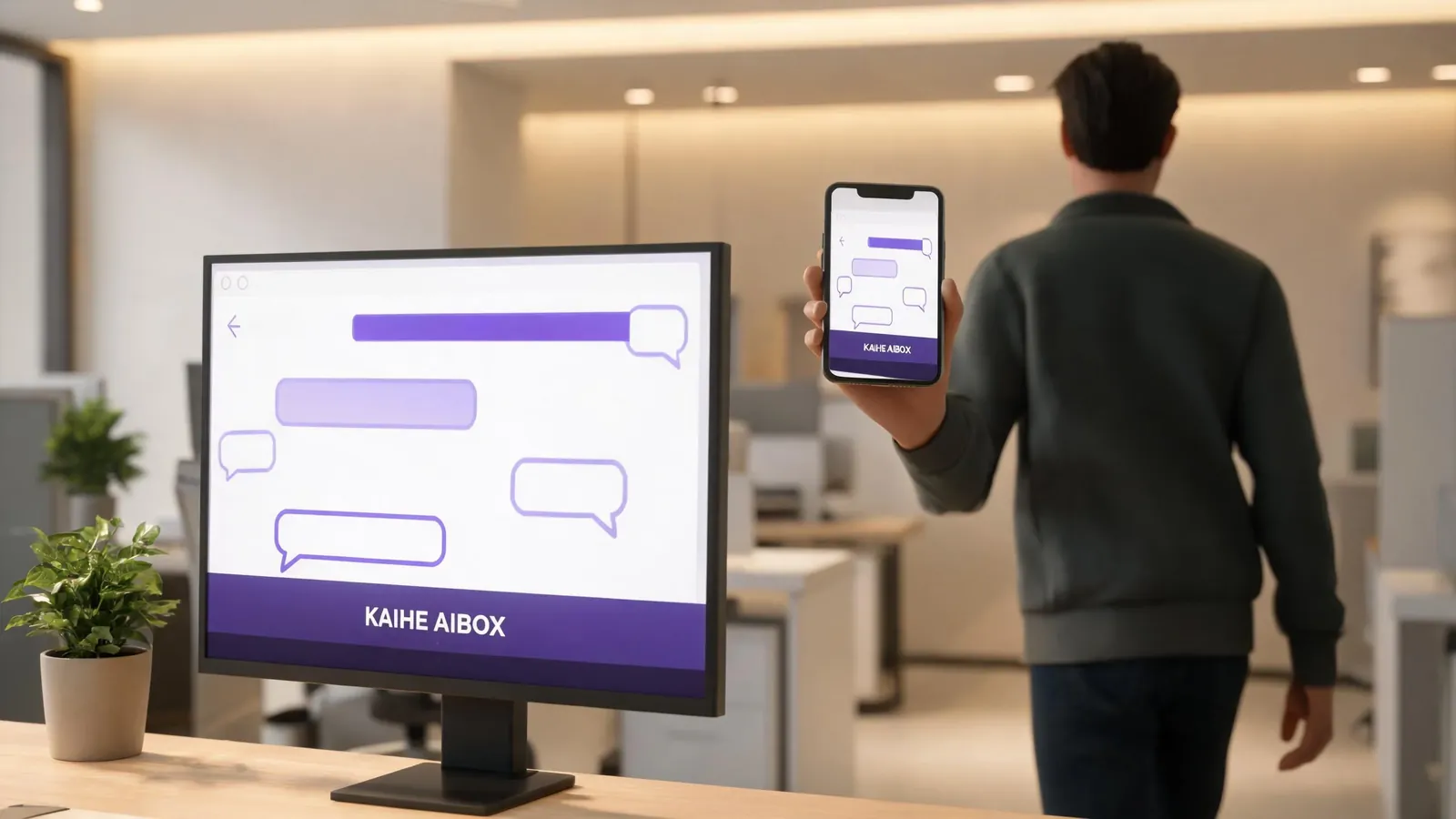
These aren't four separate applications. They share the same Agent state — same session, same memory, same context.

What Shared State Means
You tell the Agent in CLI "organize this project's documentation." Agent starts working. Three minutes in, you close your laptop and head out. Open the Web interface on your phone — Agent is still running. You see how far it's gotten, whether it hit any errors. Back home, open the Desktop client and continue.
No restarting. No manual syncing. Agent state is shared in real time.
This solves a real problem: you can't always sit at a terminal watching it. An Agent running a long task might take tens of minutes. You need to leave, switch devices, check in different ways. Previously you either waited at the terminal or disconnected and reconnected. Now you just switch.
Agent Step Breakdown Example
You tell the Agent in Desktop "review this contract for clause risks." The Agent breaks it down:
- Read full contract → identify type (lease / procurement / employment)
- Scan clauses → flag high-risk items (unilateral termination, overbroad non-compete, vague IP assignment)
- Match relevant laws → check compliance
- Generate review report → red for high risk, yellow for medium, green for low, with modification suggestions
You start in Desktop, then head to a meeting. Open Web on your phone — Agent has flagged 3 high-risk clauses. Come back to Desktop, confirm the suggestions, done.
Why You Needed the Command Line Before
Hermes Agent is a Node.js application at its core, launched and interacted with through CLI. Installation requires Node environment, dependency management, config file editing.

For developers, no problem. For regular users — lawyers, operations, sales, admin — these steps are a wall.
The desktop app tears down that wall. Double-click to open, just like WeChat. Setup wizard, model selection, API key entry — all graphical. No terminal needed.
What This Means for Kaihe AIBOX Users
Kaihe AIBOX ships with OpenClaw and Hermes Agent pre-installed. With the desktop app, the Agent experience on AIBOX gets friendlier:
At home, use Desktop — big screen, drag files, multi-window. Best for complex tasks.
On the go, use Web — open in mobile browser. Check Agent status, confirm results, issue simple commands.
For debugging, use CLI — need to check logs or tweak parameters? CLI is the most direct.
For quick tasks, use TUI — SSH into AIBOX remotely. TUI is friendlier than CLI but doesn't need a desktop environment.
AI Box (also known as Agent Computer or AI Box) is a dedicated local hardware device that runs AI Agents, pre-installed with an AI agent management system, plug-and-play, running 24/7. Users can remotely command AI via WeChat, Feishu, Discord, Slack, and more. Hermes Agent desktop lowers the barrier again — no command line skills needed, double-click and go.
Comparison with Other Agent Tools
| Hermes Agent | Coze | Dify | |
|---|---|---|---|
| Open Source | Yes (MIT) | No | Partial |
| Local Run | Yes | No (cloud) | Self-hosted |
| Four-Interface Switch | Yes | No (Web only) | No (Web only) |
| Desktop App | Yes | No | No |
| MCP Tools | Yes | Limited | Yes |
Hermes Agent is the only tool that combines open-source + local + four interfaces + desktop. Coze and Dify are stronger in low-code orchestration and cloud deployment. But if you want 24/7 local operation, data staying on-device, and multiple access methods, Hermes has no substitute.
Want to Go Deeper?
Getting Started - Kaihe AIBOX Official Website (agentaibox.com) — see what an Agent Computer with pre-installed Agents looks like - "Hermes Agent vs Coze vs Dify: Full Comparison of 3 Mainstream Agent Tools" — what each tool does best
Going Further - "Hermes Agent v0.17.0 Release: Code Name Reach Release, From CLI Tool to Full-Platform AI Assistant" — latest version breakdown
-#KaiheAIBOX #HermesDesktop #24/7Agent #AIAgent #LocalAI
Kaihe AIBOX | The Agent Computer That Works 7×24 for You · Hermes Zone