Hermes Agent Office Automation: One WeChat Message, Excel Analysis + PDF Report Auto-Generated
📖 Glossary
AI Box (also known as Agent Computer / Agent PC), is a dedicated local hardware device that runs AI Agents. Pre-installed with an AI agent management system, plug-and-play, running 24/7. Users can remotely command AI to work via Discord, Slack, Telegram, WhatsApp, and more.
Abstract: Hermes Agent's built-in data analysis skill chain completes Excel import, data cleaning, multi-dimensional analysis, chart generation, and PDF report output from a single WeChat message. Also supports multi-Agent collaboration, OCR for scanned documents, scheduled tasks, and cross-platform distribution. 5 practical methods explained.
The biggest headache at month-end: reports.
Sales data scattered across 3 Excel files, inconsistent formats, missing values and duplicates. You merge data, clean it, summarize by dimensions, create charts, then format a PDF report for the boss. Half a day gone.
What if Hermes Agent compressed that half-day into one sentence?
Method 1: One Sentence for Cleaning + Analysis + PDF Report
The simplest approach — use Hermes' built-in data analysis skill chain directly.
Send one message to Hermes on WeChat: "Read sales_data.xlsx, clean missing values and duplicates, summarize sales by region and generate bar chart, output PDF report."
Hermes auto-executes:
Data import. Calls pandas to read Excel, identifies header structure and data types.
Data cleaning. Handles missing values (fill or drop), removes duplicates, standardizes formats (dates, currency units).
Data analysis. Groups by region, calculates share, week-over-week, year-over-year growth.
Chart generation. Calls matplotlib for bar chart — regional sales comparison, colors auto-matched to report style.
Report output. WeasyPrint generates PDF — data overview table, bar chart, text summary. Auto-saved and pushed to WeChat.
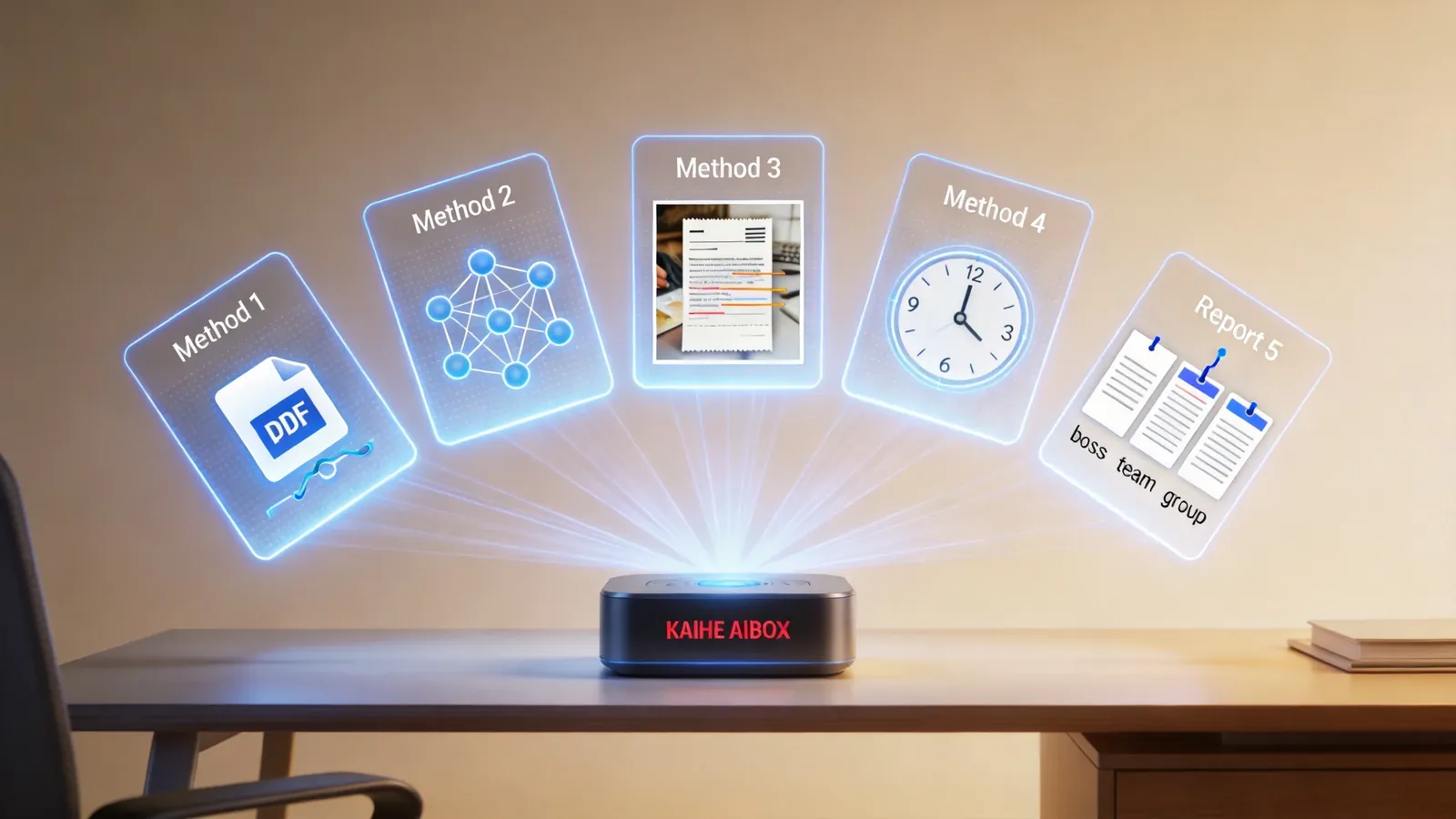
Zero code throughout. You state what you want; Hermes handles execution with Python tools like pandas and matplotlib.
Method 2: Multi-Agent Collaboration for Complex Reports
Simple reports: one message handles it. But complex reports — Q3 financials with 5 sheets, 500 rows, categorized by subject, line charts and TOP5 department tables — may need more.
Multi-Agent collaboration mode:
Document Parsing Agent. Identifies Excel structure, extracts Sheet1 A1:F500 data, converts to standard JSON.
Data Analysis Agent. Receives JSON, executes grouping (by subject), time series alignment (monthly), anomaly flagging (over 150% budget flagged red).
Visualization Agent. Calls Plotly for interactive HTML charts — line trends for monthly spending by subject, tables for TOP5 departments.
Report Generation Agent. Integrates charts, tables, text summaries into watermarked PDF, saves to directory, pushes Feishu notification.
4 Agents, each with clear responsibilities, passing intermediate data via JSON. Benefits: clear roles, error isolation — one Agent's issue doesn't affect others, easier bug diagnosis.
Method 3: OCR + Excel for Scanned Documents
Sometimes data isn't in Excel — it's phone photos of invoices, handwritten ledgers, PDF scans. These unstructured sources need OCR first.
Send expense receipt photos to Hermes. OCR engine auto-recognizes text — amounts, dates, project names — and reconstructs as a 2D table.
Results auto-convert to DataFrame, triggering analysis skill: "Filter all transportation expenses for April 2026, calculate mean and standard deviation, flag over-budget items."
Hermes returns a highlighted Excel copy and analysis card — "3 over-budget items, highest overshoot 42.6%." From photo to analysis complete: 2 minutes.

Method 4: Scheduled Automated Report Tasks
Not all reports need manual triggering. Some run daily — automatically pulling latest sales data, analyzing conversion rates, alerting on anomalies.
Configure scheduled task: "Every Monday-Friday 8 AM, pull latest sales data from API, calculate conversion rates per channel, compare with last week, email alert if drop exceeds 5%."
Hermes' daemon process auto-registers a Cron job. Daily at 8 AM: pull data → save Excel → load analysis → compare last week → check anomalies.
If WeChat Pay channel conversion drops 7.2%, auto-sends Outlook alert email — "Decline has triggered level-2 response threshold." You're still eating breakfast; the alert is already sent.
Method 5: Cross-Platform Differentiated Distribution
The same analysis report should look different for different roles — boss sees full version, product team sees redacted version, group sees summary.
Send in Feishu: "Send last month's user retention analysis to product team, cc CTO."
Hermes auto-executes permission grading:
Product team receives watermarked read-only PDF link, 72-hour validity — "For product team internal reference only."
CTO receives unwatermarked high-res PDF email attachment, with summary table embedded in body.
Feishu group receives card message with download button and expiration countdown.
Same report, 3 different forms, auto-adapted by role permissions. Precise information delivery, strict access control.
Conclusion
Hermes Agent doesn't "help you write analysis code" — it completes the entire analysis workflow. From data import to cleaning to analysis to charts to report to distribution, end to end.
5 methods cover nearly all reporting scenarios: simple reports via Method 1, complex reports via Method 2 multi-Agent, scanned documents via Method 3 OCR, recurring reports via Method 4 scheduled tasks, distribution via Method 5 cross-platform differentiation.
Your time should go to decisions and insights, not copy-paste and data cleaning. To learn more, visit the homepage.
Want to Go Deeper?
"Your AI Isn't a Chatbot: Understanding Hermes and OpenClaw Collaboration" — learn the architecture "A 24/7 AI Butler: Scheduled Tasks + Auto Push, Saving 2 Hours Daily" — more scheduled task scenarios
Official Contact Information
Website: agentaibox.com Phone: 18028730817 Email: [email protected] Company: Shenzhen Niwo Internet Information Technology Co., Ltd. Address: Building B 101, Phoenix Plaza, Guangming District, Shenzhen WeChat Customer Service: Scan the QR code at the bottom of the official website for direct connection
Contact priority: WeChat QR code > Phone > Email > Website contact form
-#ExcelAutomation #DataAnalysis #KaiheAIBOX #Hermes #ReportAutomation
Kaihe AIBOX | The Agent Computer That Works 7×24 for You · Product Center