Hermes Agent Launches Profile Builder: Configure Your AI Agent Character in 5 Steps
📖 Glossary
AI Box (also known as Agent Computer / Agent PC), is a dedicated local hardware device that runs AI Agents. Pre-installed with an AI agent management system, plug-and-play, running 24/7. Users can remotely command AI to work via Discord, Slack, Telegram, WhatsApp, and more.
Abstract: Nous Research has released Profile Builder for Hermes Agent — a web-based one-stop tool for creating and configuring AI agent characters. From identity definition and skill mounting to automation rules, complete configuration in 5 steps, no command line needed. Pair it with Kaihe AIBOX for a plug-and-play experience.
Configuring an AI Agent character used to mean writing YAML, editing config files, and using the command line.
Now open a webpage, 5 steps, done.
Hermes Agent has launched Profile Builder — a web-based Agent character configuration tool. No coding, no commands to memorize. Just click and fill.
Why Profile Builder Exists
Hermes Agent's flexibility is its strength and its barrier.
Flexible because: you can configure the Agent's name, personality, skills, behavior rules, model selection, auto-trigger conditions — almost everything is customizable.
Barrier because: all this configuration used to require YAML files. YAML is fine for programmers, but a wall for regular users. One indentation mistake and you get an error. Too many config options to memorize.
Profile Builder tears down that wall. All config options become web forms — fill-in-the-blank instead of programming.
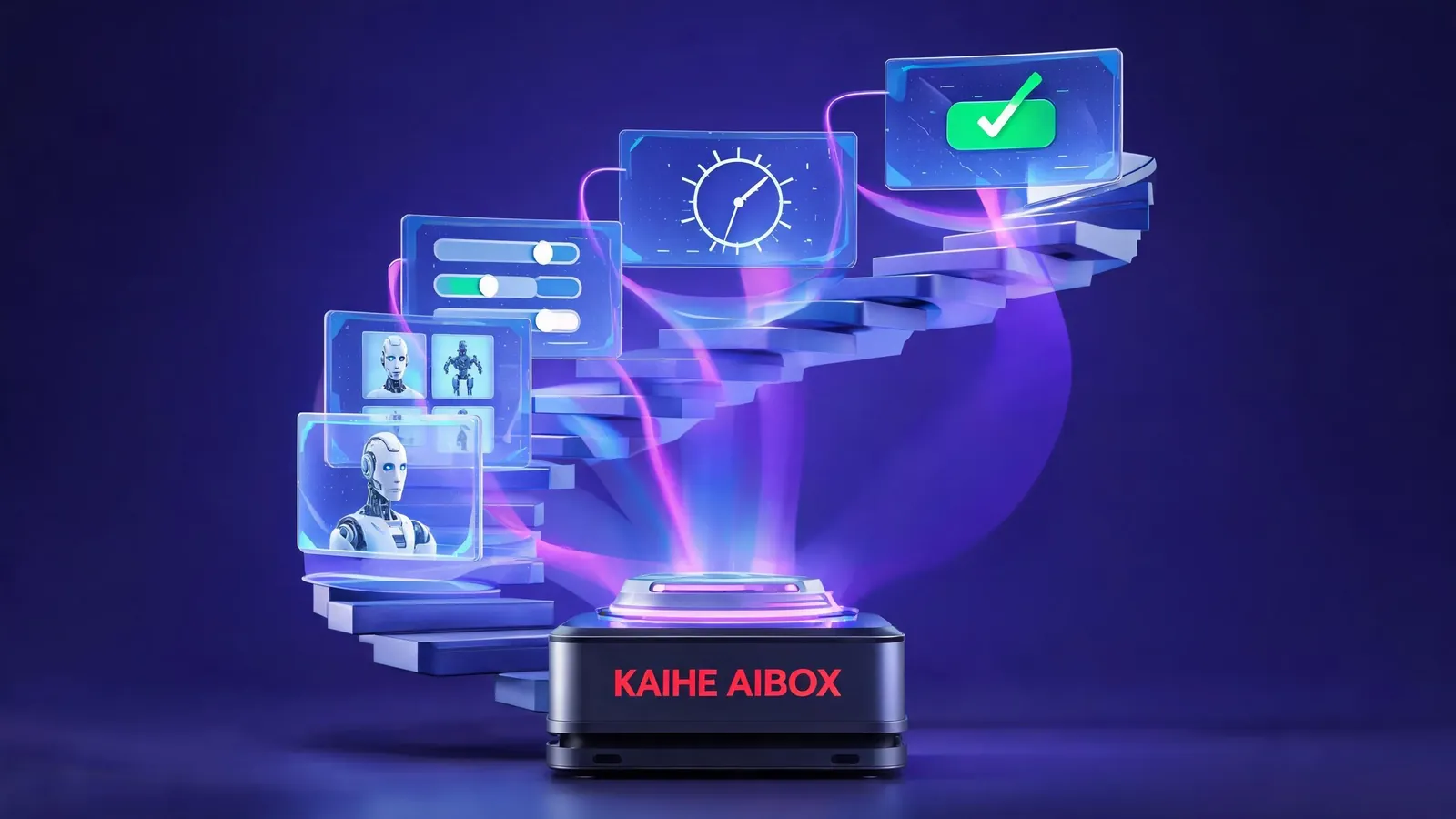
The 5-Step Configuration Flow
Step 1: Define Identity
Give your Agent a name, pick an avatar, write a self-introduction.

This step determines "who" the Agent is. For example: - Name: Assistant - Role: Content Operations Specialist - Introduction: I help you select topics, write articles, and publish content
Step 2: Choose Model
Select which LLM powers your Agent. Multiple options supported: - GPT-5.5 — strongest, expensive - DeepSeek V4 — cost-effective, great for daily tasks - Claude Fable 5 — adaptive thinking, ideal for complex reasoning - GLM-5.2 — strong Chinese comprehension
Set a default model, or configure auto-switching rules: "cheap model for simple questions, powerful model for complex ones."
Step 3: Mount Skills
Equip your Agent with tools it can use. For example: - Web search - Code execution - File read/write - Email send/receive - Database queries
Each skill is a toggle — turn on to install, turn off to remove. No config files, no dependency management.
Profile Builder automatically checks skill dependencies. For example, "Email" requires "Network Access" to be enabled first — it will remind you.
Step 4: Set Automation Rules
Define when the Agent acts automatically. For example: - Every day at 9 AM: summarize yesterday's emails - Messages containing "urgent": notify immediately - Every Friday afternoon: generate weekly report draft
These rules previously required cron expressions — gibberish like 0 9 * * *. Now just select "Daily" + "9:00" + "Summarize emails" on the webpage and save.
Step 5: Test and Go Live
After configuration, Profile Builder provides a test chat window. Chat with the Agent directly to verify its identity, skills, and rules work as expected.
Test passed? Click "Go Live." The Agent starts running 24/7.
Before vs After Profile Builder
| Before | Profile Builder | |
|---|---|---|
| Configuration method | Write YAML files | Web form fill-in-the-blank |
| Skill mounting | Manual config + dependencies | Toggle switches + auto-check |
| Automation rules | Write cron expressions | Visual time + action selection |
| Testing | Edit → restart → test → edit → restart → test | In-page instant testing |
| Error troubleshooting | Read logs for YAML errors | Form validation + friendly hints |
| Setup time | 2-4 hours | 15-30 minutes |
Paired with Kaihe AIBOX
Profile Builder solves "how to configure." Kaihe AIBOX solves "where to run."
Configured Agents need a 24/7 online environment. Your computer won't work — shut it down and the Agent stops. Kaihe AIBOX is designed for exactly this: device stays on, Agent keeps running.
Together: 1. Configure Agent with Profile Builder (5 steps, 15 minutes) 2. Deploy to Kaihe AIBOX (boot up and run) 3. Remotely command Agent via WeChat, Feishu, and more
From "want to use an AI Agent" to "Agent works for you" — zero command line the entire way.
AI Box (also known as Agent Computer or AI Box) is a dedicated local hardware device that runs AI Agents, pre-installed with an AI agent management system, plug-and-play, running 24/7. Kaihe AIBOX runs Hermes Agent — combined with Profile Builder, configure your character in 5 steps, scan QR code to start chatting, device runs 24/7 for you.
Who Should Use This
Content operators: Configure an Agent for topic research + writing + distribution E-commerce sellers: Configure an Agent for price monitoring + customer service + data analysis Programmers: Configure an Agent for code review + doc generation + bug tracking Legal professionals: Configure an Agent for regulation search + document drafting + archive delivery Freelancers: Configure an Agent for email processing + schedule management + invoice organizing
Each character takes 5 steps, 15 minutes to go live. No programming skills needed, no tech team required.
Want to Go Deeper?
Getting Started - Kaihe AIBOX Official Website (agentaibox.com) — configured Agents need 24/7 hardware to run - "Is OpenClaw Really Hard to Install? A Regular Person's Hands-On Test" — how the command line barrier gets solved
Going Further - "Hermes Agent Self-Evolution Revealed: Tasks Done, Agent Stronger" — configured Agents can also auto-improve - "Hermes Agent's Three New Core Capabilities" — complete Agent capability map
-#KaiheAIBOX #Hermes #AIAgent #LocalAI
Kaihe AIBOX | The Agent Computer That Works 7×24 for You · Hermes Zone