Hermes Agent v0.12.0 Architecture Revolution: Kanban-Style Multi-Agent Collaboration, AI Grabs Tasks and Works in Parallel
📖 Glossary
AI Box (also known as Agent Computer / Agent PC), is a dedicated local hardware device that runs AI Agents. Pre-installed with an AI agent management system, plug-and-play, running 24/7. Users can remotely command AI to work via Discord, Slack, Telegram, WhatsApp, and more.
Abstract: Hermes Agent v0.12.0 completely rebuilds the underlying scheduling architecture, introducing a Kanban-style multi-agent system. Tasks go on the board, AI agents grab work, collaborate in parallel. 9 enterprise-grade collaboration modes, crash self-healing with zero data loss, and Autonomous Curator for self-maintaining skill libraries.
Previous versions of Hermes Agent ran one task at a time. Queued, sequential, waiting.
v0.12.0 changes that. Multiple Agents run simultaneously — whoever's free picks up the task, finishes it, and automatically claims the next one.
This is Kanban-style multi-agent collaboration.
What Is Kanban Collaboration
Ever used Trello or Feishu boards? Task cards are pinned to a board, and team members "drag" tasks to themselves to start working.
Hermes Agent v0.12.0 works the same way — except the "team members" are multiple AI Agents.
You set a goal — like "write an in-depth article about AI Agents."
The system auto-decomposes into subtasks — topic research, data gathering, writing, image creation, formatting, distribution. Each subtask becomes a card pinned to the board.
Agents grab tasks themselves — the writing Agent claims the "writing" card, the image Agent claims the "image" card. No manual assignment needed — whoever has the capability takes it.
Parallel execution — writing and image creation happen simultaneously, no need to wait for one to finish before starting the other.
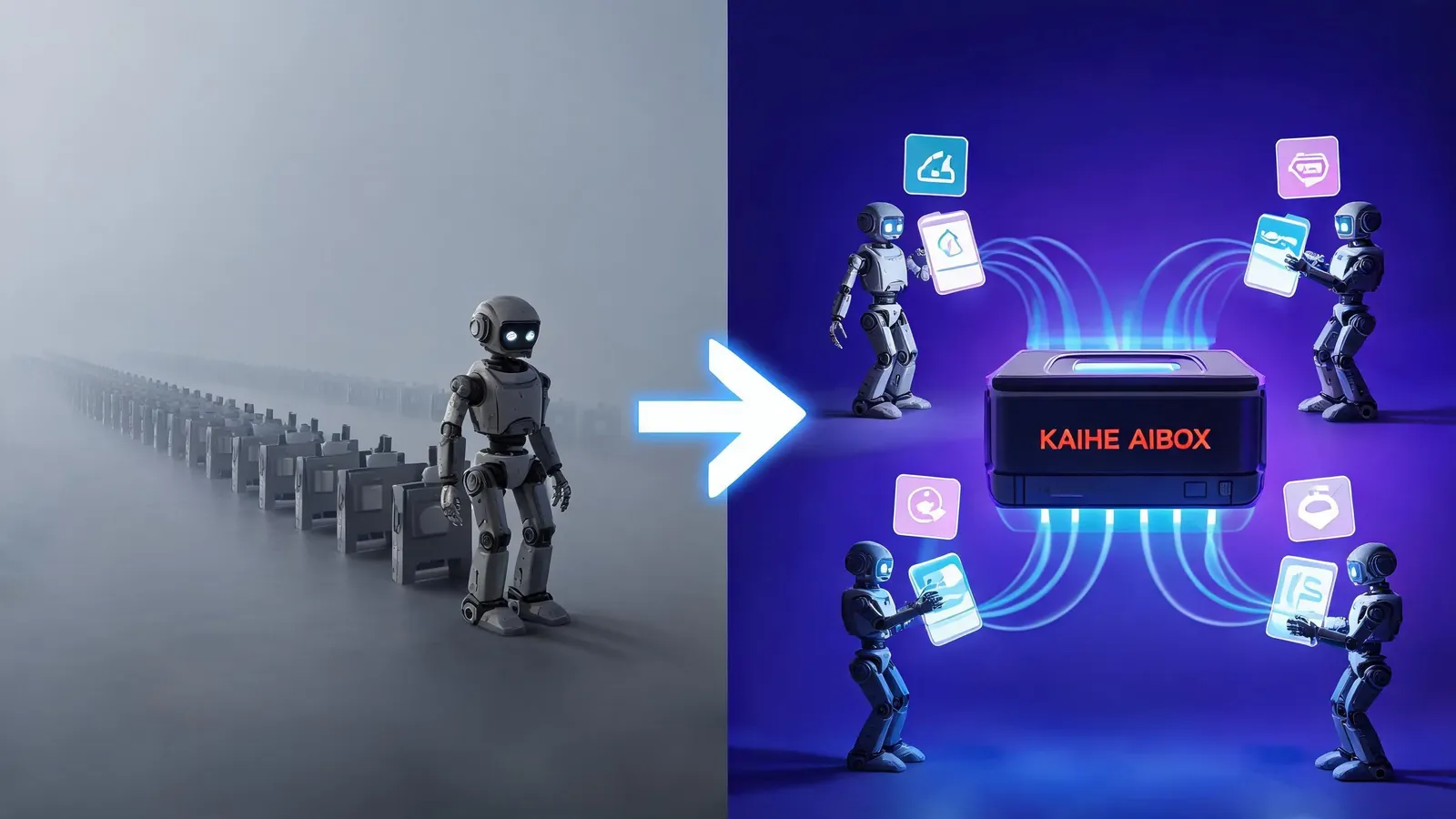
Result aggregation — when all Agents complete their tasks, the system automatically merges results. You receive the finished product.
What Changed from Before
| v0.11 and earlier | v0.12.0 | |
|---|---|---|
| Scheduling | Sequential queue, one at a time | Kanban parallel, multiple simultaneously |
| Task assignment | You manually specify | Agents auto-claim |
| Multi-Agent collaboration | Requires external orchestration | Built-in Kanban system |
| Crash recovery | Task lost, start over | Self-heal restart, resume from checkpoint |
| Skill library | Manual install and maintenance | Autonomous Curator self-maintains |
Three key upgrades:
1. Crash Self-Healing
An Agent crashes mid-task? Previously that meant lost work, starting from scratch. v0.12.0 introduces WAL (Write-Ahead Log) — every Agent logs before executing. After a crash, restart reads the log and resumes from the checkpoint.
No data lost, no progress lost.
2. Autonomous Curator — Self-Maintaining Skill Library
Previously, adding new skills required manual installation and updates. v0.12.0's Autonomous Curator acts like an automated skill administrator: - Detects skill version updates, auto-upgrades - Discovers new skills, recommends installation - Cleans up expired and conflicting skills - Validates skill compatibility
You don't manage the skill library anymore. The Agent manages itself.
3. 9 Enterprise-Grade Collaboration Modes
Not all tasks suit the "grab work" mode. v0.12.0 includes 9 built-in collaboration modes:
- Free Grab: whoever's free takes the task (default)
- Assigned: you specify who does what
- Sequential Pipeline: A finishes, B takes over — for strictly ordered tasks
- Parallel Race: multiple Agents do the same thing, best result wins
- Voting Decision: each Agent produces a proposal, vote for the best
- Hierarchical Review: lower-level Agents work, upper-level Agents review
- Broadcast: one Agent sends a message, all relevant Agents receive it
- Conditional Trigger: specific Agents activate only when conditions are met
- Hybrid Orchestration: freely combine the above modes
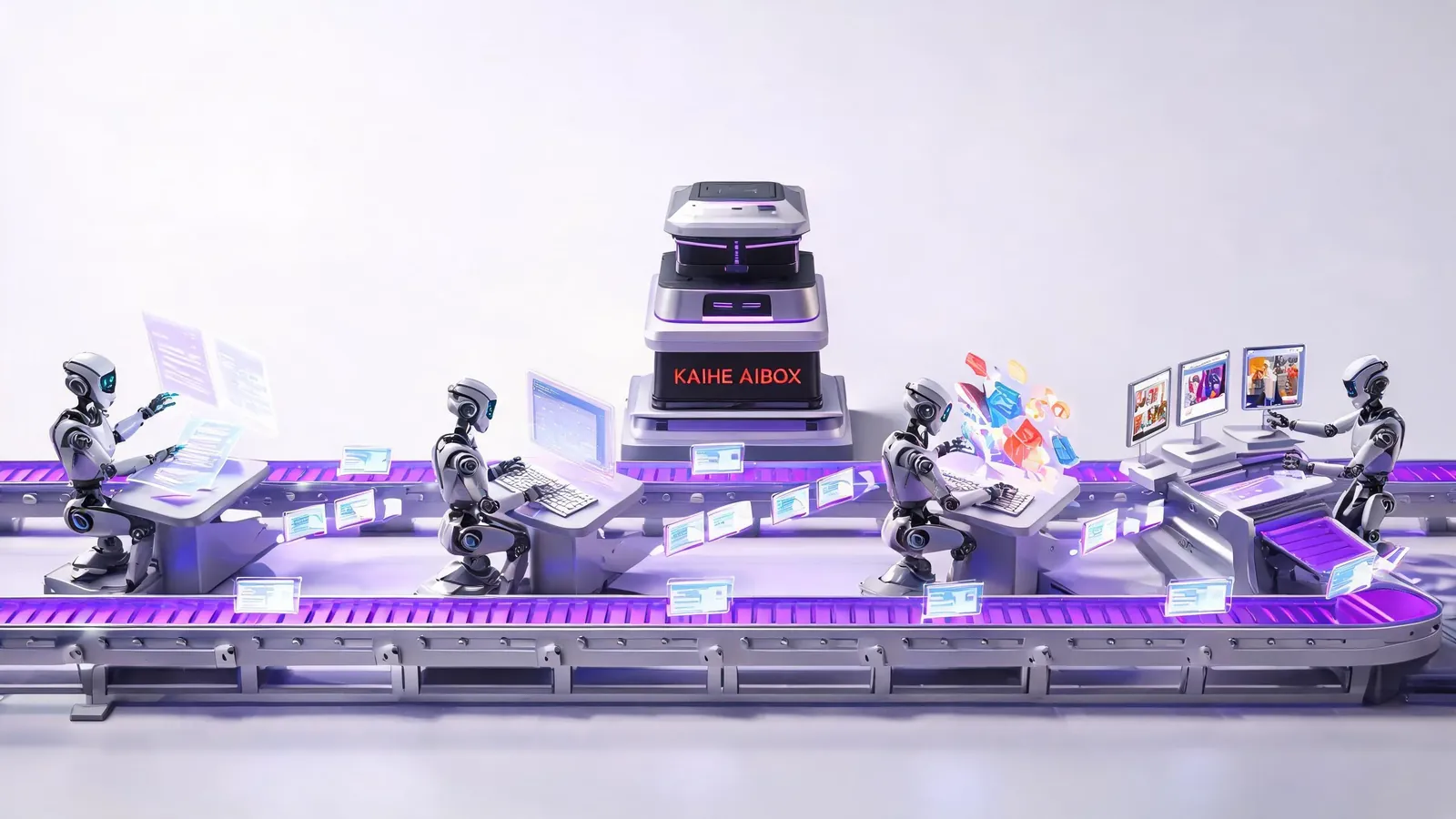
Real Scenario: How a Content Pipeline Runs
A complete content team workflow:
- Topic Agent scans trends daily, generates topic cards on the board
- Writing Agent claims a topic, writes a first draft, posts back to the board
- Review Agent reviews the draft, marks revision notes, posts back
- Writing Agent revises based on notes, final draft goes to the board
- Image Agent receives the final draft, generates cover and body images
- Distribution Agent receives images + draft, formats and pushes to platforms
6 steps, 4 Agents collaborating in parallel. Writing and image creation happen simultaneously — no serial waiting. A topic goes from discovery to publication, compressed from 2 hours to 30 minutes.
Connection to Kaihe AIBOX
Kanban collaboration needs a 24/7 running environment. You can't shut down mid-task and leave the Agent team hanging.
Kaihe AIBOX is designed for exactly this — 15W power draw always on, 4 Agents running simultaneously, Kanban system continuously operating. You leave work, the Agent team keeps grabbing tasks.
AI Box (also known as Agent Computer or AI Box) is a dedicated local hardware device that runs AI Agents, pre-installed with an AI agent management system, plug-and-play, running 24/7. Kaihe AIBOX runs Hermes Agent v0.12.0 — Kanban-style multi-agent collaboration runs continuously through 24/7 operation. You can remotely view the board and set goals via WeChat, Feishu, and more.
Want to Go Deeper?
Getting Started - Kaihe AIBOX Official Website (agentaibox.com) — Kanban multi-agent needs 24/7 hardware - "Hermes Agent Launches Profile Builder: Configure Your AI Agent Character in 5 Steps" — configure characters before putting them on the board
Going Further - "Hermes Agent Self-Evolution Revealed: Tasks Done, Agent Stronger" — how individual Agents improve - "2026: The Year of AI Agents — From Solo Operators to Multi-Agent Collaboration" — multi-agent trends
-#KaiheAIBOX #HermesAgent #MultiAgentCollaboration #AIAgent #LocalAI
Kaihe AIBOX | The Agent Computer That Works 7×24 for You · Hermes Zone