Hermes Agent WeChat Binding: Control Your PC Remotely with a WeChat Message
📖 Glossary
AI Box (also known as Agent Computer / Agent PC), is a dedicated local hardware device that runs AI Agents. Pre-installed with an AI agent management system, plug-and-play, running 24/7. Users can remotely command AI to work via Discord, Slack, Telegram, WhatsApp, and more.
Abstract: Your PC is on but you're not nearby. Want it to run tasks automatically? Hermes Agent supports WeChat binding — send one message from your phone and your PC's Agent executes tasks remotely: run scripts, organize files, send emails, generate reports. This article walks through the binding process and five common use cases.
A common scenario: you're in a meeting away from your desk, and suddenly remember a script needs to run, a report needs generating, or a batch of files needs organizing. Your PC is right there powered on, but you're not next to it.
Remote desktop? Too heavy — operating a PC interface on a phone screen is painful. SSH? Not everyone is comfortable with command lines.
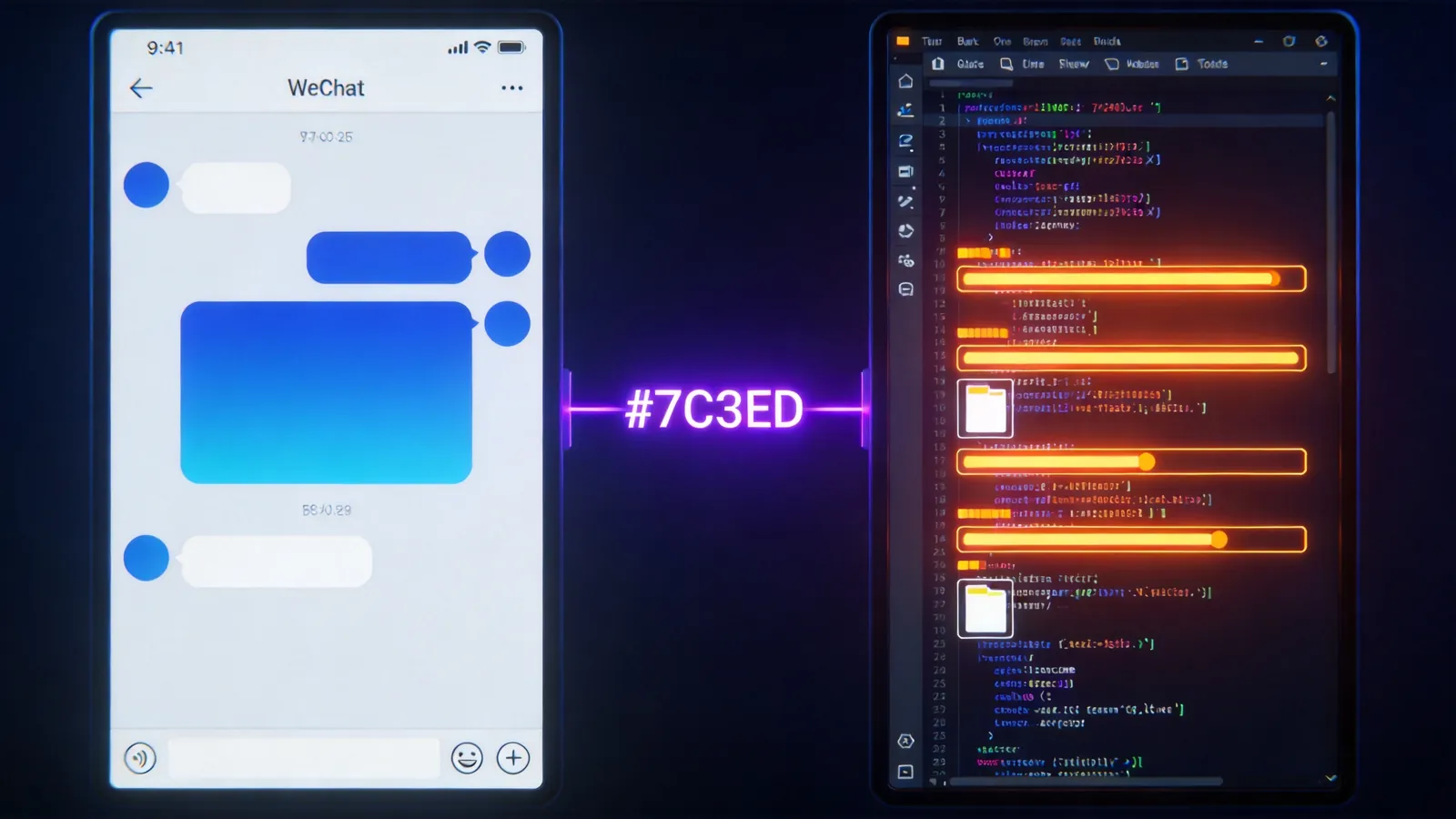
Hermes Agent offers a third option: bind WeChat, send one message from your phone, and your PC's Agent executes automatically. Results get sent back via WeChat.
Binding Process
Hermes Agent is an open-source Agent framework in the OpenClaw ecosystem, with over 28.4k GitHub stars. Binding WeChat:
Step 1: Install Hermes Agent
Install Hermes Agent on your PC. Supports Windows, macOS, Linux. One command to install, no environment configuration needed.
Step 2: Bind WeChat
Enter your WeChat Work bot token or WeChat bot token in the Hermes configuration file. Hermes supports receiving and sending messages via WeChat Work API. After configuration, send "hello" to the bot in WeChat — a reply means binding succeeded.
Step 3: Configure Agent Skills
Configure what the Agent can do: execute Python scripts, operate the file system, send emails, call APIs. Hermes' Skills system makes skill configuration as simple as writing a manual — describe task steps in natural language, and the Agent executes them step by step.
Five Common Use Cases
Use Case 1: Remote Script Execution
WeChat message: "Run desktop/data_clean.py, send me the result when done."
Agent executes the script on the PC, sends the output back via WeChat when complete. If the script errors, Agent sends the error message back. You can reply "fix line 12's path" on WeChat and Agent will auto-correct and rerun.
Use Case 2: File Organization
WeChat message: "Organize files in the Downloads folder by date. Move files older than 30 days to the Archive folder."
Agent performs file operations, then sends back an organization summary: how many files moved, distribution by type.
Use Case 3: Report Generation
WeChat message: "Generate this month's sales report from desktop/sales_data.xlsx, summarize by region, send to my email."
Agent opens the Excel file, analyzes data, generates the report, and calls the email skill to send it. No need to touch the PC.
Use Case 4: Scheduled Tasks
WeChat message: "Every morning at 8 AM, send me yesterday's server log summary. If error count exceeds 10, notify me immediately."
Agent creates a scheduled task, auto-executes every morning at 8 AM. Pushes proactive WeChat notifications when anomalies are detected.
Use Case 5: Batch Processing
WeChat message: "Compress all images in the desktop/photos folder to 50% quality, save as webp format."
Agent batch processes images, sends back results when complete: how many processed, how much space saved.
Security Mechanisms
Remote PC control is convenient, but security is a concern. Hermes Agent's design:
Permission Tiers: You can restrict the Agent to specific folders only, or to executing specific commands only. No "AI deleted system files" scenarios.
Sensitive Action Confirmation: For file deletion, email sending, or payment-related operations, Agent first asks on WeChat: "Confirm execution?" — only proceeds after you reply "confirmed."
Operation Logs: All executed operations are logged. You can review what the Agent did at any time.
Relationship with Kaihe AIBOX
Hermes Agent can run on a regular PC or on Kaihe AIBOX. The difference:
A PC needs to stay on to receive WeChat commands. If it shuts down or goes to sleep, the Agent disconnects. Kaihe AIBOX is a standalone device, running 24/7 regardless of PC power state. It uses a local multi-Agent + cloud LLM architecture — Agents run locally and continuously, calling cloud LLMs when reasoning is needed.
The use case "I'm not at my PC but need it working" is more reliably served by the Kaihe AIBOX + Hermes Agent combination than running on a PC alone. Travel for a week without worrying about a Windows Update reboot disconnecting your Agent.
Data Sources
This article references Hermes Agent official documentation, GitHub project README, and OpenClaw community tutorials.
-#KaiheAIBOX #AIAgent #OpenSource #ArtificialIntelligence
Kaihe AIBOX | The Agent Computer That Works 7×24 for You · AI Agent