📖 Glossary
AI Box (also known as Agent Computer / Agent PC), is a dedicated local hardware device that runs AI Agents. Pre-installed with an AI agent management system, plug-and-play, running 24/7. Users can remotely command AI to work via Discord, Slack, Telegram, WhatsApp, and more.
Summary: On August 3, 2026, Nous Research released Hermes Agent v0.20.0, codenamed "The Herald Release." This is the largest update to date: 3,650 commits, 1,400 merged PRs, and 650+ contributors. Key highlights include streaming conversational voice with barge-in, desktop Artifacts with sandboxed live preview, built-in PDF/Word/Excel skills, CLI power commands, tool self-recovery, and a deep overhaul of context compression. On KAIHE AIBOX, these new capabilities are immediately available.
1. The Verdict: Should You Upgrade?
If you're already using Hermes, upgrade immediately. If you haven't installed it yet, v0.20 is the best time to start.
The reason is straightforward: v0.20 fixes three long-standing pain points — AI responses too slow to see progress (streaming voice + real-time rendering), tools failing and requiring manual intervention (tool self-recovery), and long conversations hitting context limits (intelligent compression). These three issues account for over 80% of daily user complaints, and v0.20 addresses them all at once.
KAIHE AIBOX ships with Hermes pre-installed. Run hermes update to upgrade to v0.20.
2. Six Core Updates
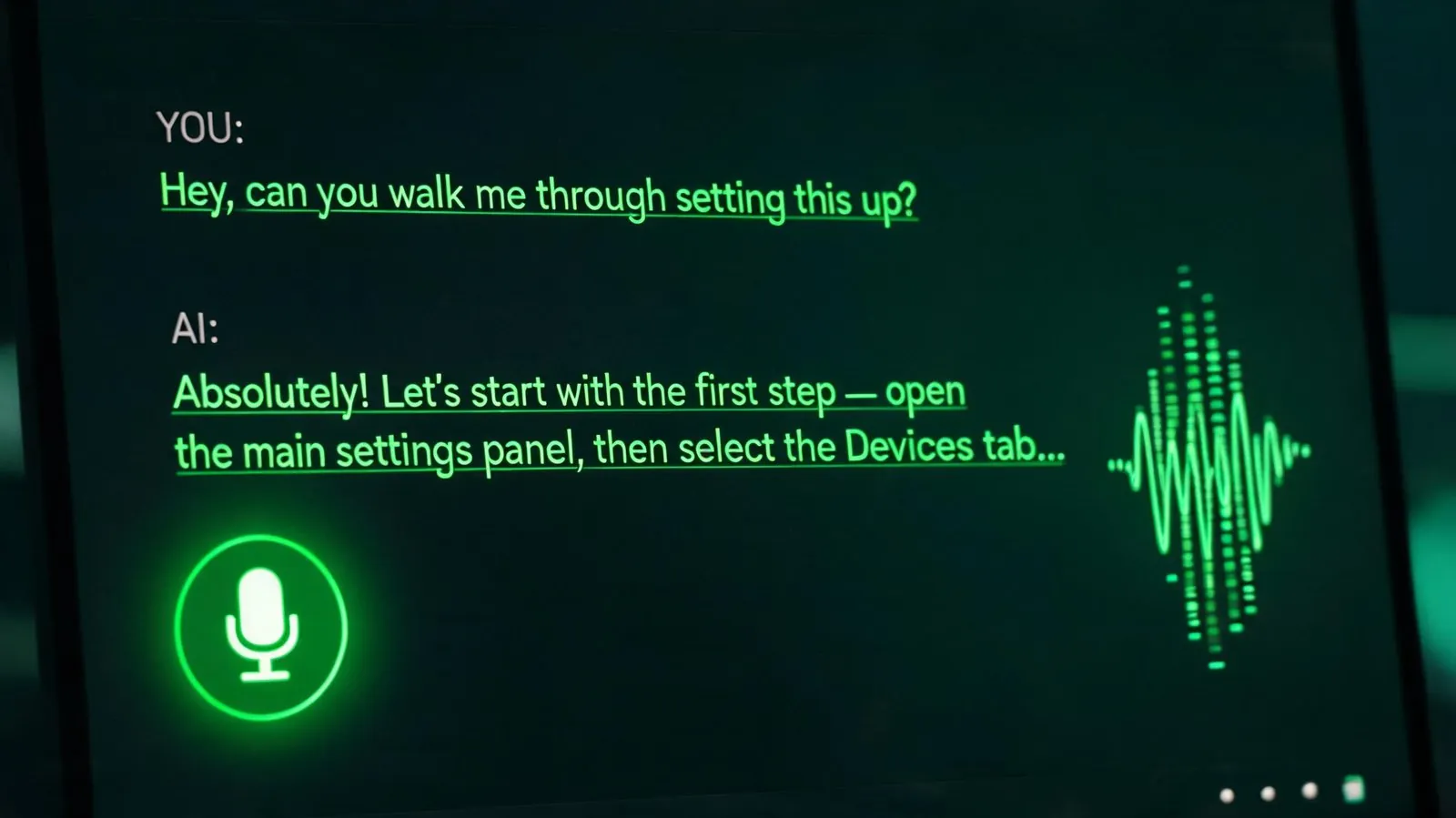
2.1 Streaming Voice Conversations: Not Voicemail, Real Dialogue
The old voice mode: you speak → wait for the AI to generate a complete reply → listen to one long audio file. Want to interrupt? You can't — you have to wait until it finishes.
v0.20 changes three key things:
- Clause-by-clause streaming: The AI speaks as it generates, no waiting for the full reply
- Barge-in: Speak at any time and the AI immediately stops to listen. The model receives a signal that "the user interrupted you"
- Wake words and hands-free: Say "Hey Hermes" to start listening, say "Stop" to end — no keyboard needed
On KAIHE AIBOX, send a voice message to Hermes via WeChat Work or Feishu, and it's automatically transcribed and answered. v0.20 also supports auto-TTS replies — the AI can respond to your voice message with voice, not just text.
Voice message support covers WeChat, Feishu, DingTalk, WeCom, QQ, and more domestic platforms.
2.2 Desktop Artifacts: Preview Generated Web Apps Without a Browser
Previously, when Hermes wrote a web demo for you, it gave you HTML code. You had to copy it to a file, save it, then open it in a browser to see the result.
v0.20 introduces Artifacts:
| Feature | Description |
|---|---|
| Sandboxed Preview | Generated HTML/apps run directly in a right-rail panel, safely isolated |
| Version Management | Each modification creates a new versioned card, with full history |
| Plugin SDK | Kanban ships as the founding desktop plugin; developers can build their own |
| Quick Entry | Global hotkey captures a thought into any session from anywhere in the OS |
On KAIHE AIBOX, launch the desktop app with hermes desktop to use Artifacts. For users doing prototype design or quick front-end validation, this eliminates the save-refresh-repeat loop.
2.3 Built-in PDF/Word/Excel Skills: Drag In, Get Markdown Out
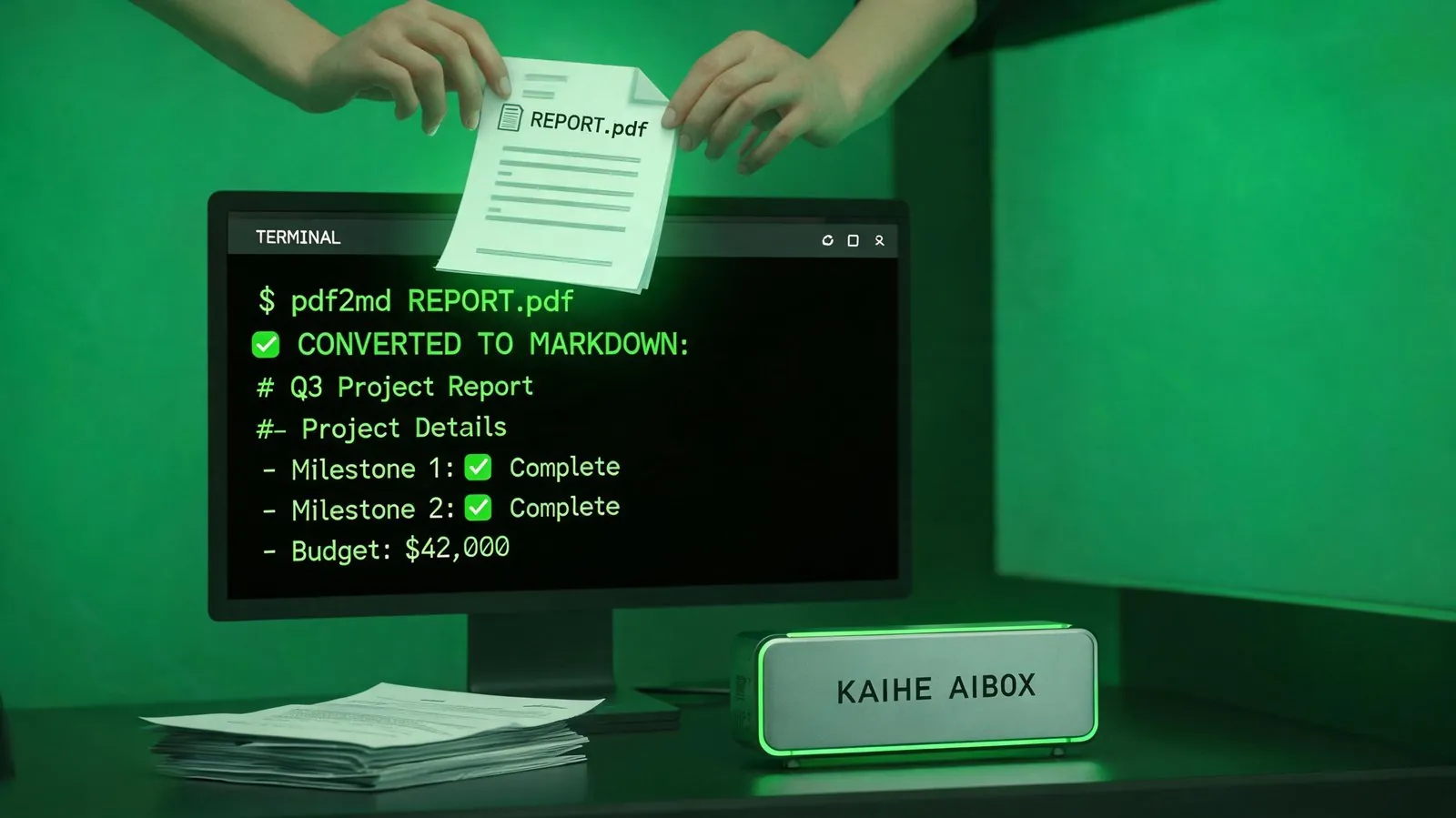
v0.20 promotes document processing skills (docx, xlsx, pdf) from optional to built-in. This means:
- PDF to Markdown: Drag a PDF to Hermes and it automatically extracts text content into editable Markdown
- Word Processing: Generate/edit .docx files directly — revise contracts, create reports without opening Office
- Excel Operations: Create/edit .xlsx files, process data without VBA
In daily KAIHE AIBOX workflows, this means your AI assistant can directly "read" the files you send it. Previously, sending a PDF contract might get "I cannot read PDFs"; now it can extract clause content, help review risk points, and even generate revision suggestions.
This is especially practical for legal, financial, and administrative roles that process large volumes of documents.
2.4 CLI Power Commands: Six New Commands That Double Efficiency
v0.20 adds a batch of practical commands to the CLI:
| Command | Function |
|---|---|
!command |
Execute shell commands directly in Hermes, no model call consumed |
/init |
Scan project directory, auto-generate or update AGENTS.md project rules |
/diff |
View code changes (staged/all/current session) |
/context |
Analyze what's filling your context window |
/focus |
Reduced-output mode, hides verbose info, recoverable on demand |
| Ctrl+S | Stash a half-written prompt, restore from a panel later |
There's also hermes import-agent — a one-command migration from Claude Code or Codex CLI configurations to Hermes.
On KAIHE AIBOX, all these commands are available. /init is particularly useful: point Hermes at your working directory, run /init, and it scans the project structure to generate an AGENTS.md file. Subsequent conversations will automatically follow your project conventions.
2.5 Tool Self-Recovery: AI Fixes Its Own Errors
This is an easily overlooked but high-impact update in v0.20. Previously, when Hermes encountered a tool error, it threw the error at the model, which had to guess how to fix it. v0.20 gives tools their own recovery capabilities:
- Terminal output truncation → full output is spilled to a file the agent can read back
- Patch edit failure → auto-detects if already applied, visualizes whitespace mismatches, lists all possible match locations
- Zero search results → auto-probes for near-miss filenames to aid recovery
- File write verification → verifies on-disk content after writing
The default tool-calling iteration limit also jumped from 90 to 500 — long autonomous runs no longer hit an artificial wall.
On KAIHE AIBOX, when running long automation tasks (scheduled file processing, batch data analysis), this means fewer interruptions and less manual intervention.
2.6 Context Compression Overhaul: Long Conversations No Longer Lose Context
v0.20 deeply restructures context compression:
- Per-turn micro-compaction: Small compression each turn instead of one massive pause when full
- Tail message guarantee: The most recent N user messages always survive compression
- Ghost-skill defense: Pruned skills are marked
[SKILL_PRUNED], preventing stale skills from haunting sessions - Per-model thresholds: Different models can have different compression thresholds
Practical experience: during long conversations with Hermes, you won't suddenly find it "forgot what was said earlier." Recent content is always retained, and earlier content is intelligently summarized to preserve key information.
3. Other Notable Updates
Beyond the six core items, v0.20 includes:
- A2A Protocol v1.0: Hermes can communicate and collaborate with other AI agents
- Outbound Webhooks: Hermes can proactively push event notifications to your registered HTTP endpoints
- Grounded Citations: Research mode citations are auto-verified against source text to prevent fabrication
- Mid-Turn Redirects: Send a correction while the AI is working — it course-corrects without stopping and restarting
- Smart Approvals:
hermes approvals suggestanalyzes your approval history to generate allowlist proposals - Buzz Platform: Added support for Block's Nostr-based messaging platform
- Faster CLI Startup:
hermes -wcold start dropped from 14s to 1.8s
4. How KAIHE AIBOX Users Upgrade
KAIHE AIBOX ships with Hermes Agent pre-installed. Upgrading is simple:
hermes update
After upgrading, run hermes --version to confirm version v0.20.0. If you encounter issues, hermes doctor can auto-diagnose and fix common problems.
v0.20 requires Node 26. The upgrade script handles dependency updates automatically — no extra steps for KAIHE AIBOX users.
Three things to try after upgrading: 1. Send Hermes a voice message and experience streaming voice replies 2. In the desktop app, ask Hermes to write a web demo and experience Artifacts live preview 3. Drag a PDF file to Hermes and have it convert to Markdown and summarize key points
Complete these three steps and you'll feel the difference v0.20 "The Herald Release" brings.
Related Reading: - Hermes Quicksilver Release: 80% Faster Cold Start, Smart Approvals - Hermes + Obsidian: Let AI Read Your Second Brain - Office CLI: Word + Excel + PPT Automation on KAIHE AIBOX
KAIHEAIBOX #Hermes #AIAgent #VoiceChat #PDFtoMarkdown #LocalAI
For more information, search [KAIHE AIBOX] or contact: [email protected]
KAIHE AIBOX · 7x24 Personal AI Assistant | AI Agent