Here's a question worth asking: why do Siri, Alexa, and Google Assistant all turn into bricks the moment you lose internet?
It's not that they can't work offline. It's that the entire voice conversation pipeline — speech recognition, language understanding, speech synthesis — runs in the cloud. Cut the connection, and the chain breaks.
Hugging Face just open-sourced a project that moves this entire pipeline to your local machine. It's called speech-to-speech, and it's currently #1 on GitHub Trending with a 264% star surge. One sentence to describe what it does: full voice conversations with AI, completely offline, with every model fully open-source.
{http://14.18.124.36:3987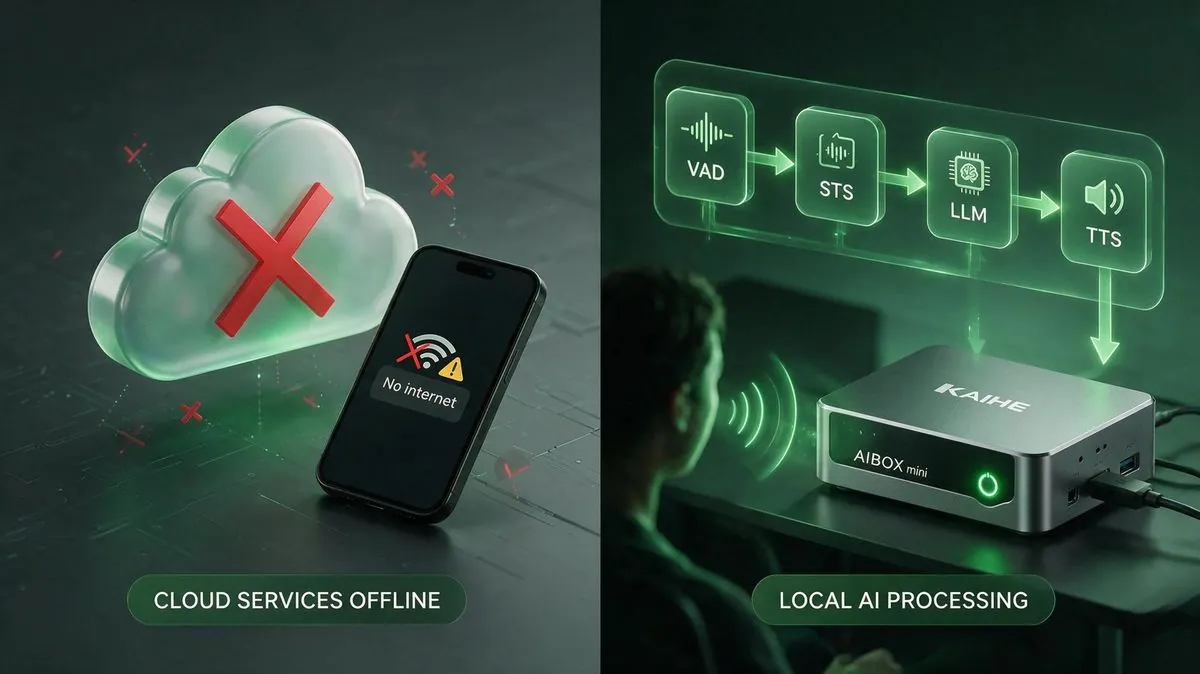 }
}
What It Actually Does
📖 Glossary
AI Box (also known as Agent Computer / Agent PC), is a dedicated local hardware device that runs AI Agents. Pre-installed with an AI agent management system, plug-and-play, running 24/7. Users can remotely command AI to work via Discord, Slack, Telegram, WhatsApp, and more.
speech-to-speech is a four-stage pipeline, with each stage running in its own thread and connected by queues:
- VAD (Voice Activity Detection): Detects when you start and stop speaking in real time, using Silero VAD v5
- STT (Speech-to-Text): Converts your speech to text. Default: Parakeet TDT. Also supports Faster Whisper, Whisper MLX, and Paraformer
- LLM (Language Model): Understands your intent and generates a response. Uses OpenAI-compatible protocols — can hit a cloud API, or point to a locally running vLLM or llama.cpp server
- TTS (Text-to-Speech): Synthesizes the response as audio. Default: Qwen3-TTS. Also supports Kokoro-82M, Pocket TTS, and ChatTTS
Every component is swappable. Don't like Parakeet for STT? Switch to Whisper. Want more natural TTS? Switch to Kokoro. Want to save on API costs? Run Gemma 4 locally via llama.cpp — zero API fees.
The entire system exposes an OpenAI Realtime-compatible WebSocket endpoint at ws://localhost:8765/v1/realtime. Any client that speaks the OpenAI Realtime protocol can connect directly.
One Command to Launch
Installation is absurdly simple:
pip install speech-to-speech
export OPENAI_API_KEY=your-key
speech-to-speech
Three lines. The server starts on port 8765, handling STT locally with Parakeet, using your specified LLM for understanding, and synthesizing speech locally with Qwen3-TTS.
For fully offline mode — no cloud LLM either — serve a model locally with llama.cpp:
# Pull a local model, e.g. Gemma 4
llama-server -hf ggml-org/gemma-4-E4B-it-GGUF -np 2 -c 65536 -fa on --swa-full

# Point speech-to-speech to your local LLM
speech-to-speech   --model_name "ggml-org/gemma-4-E4B-it-GGUF"   --responses_api_base_url "http://127.0.0.1:8080/v1"   --responses_api_api_key ""
At this point, your computer is a fully offline voice assistant. Pull the ethernet cable and it still works.
{http://14.18.124.36:3987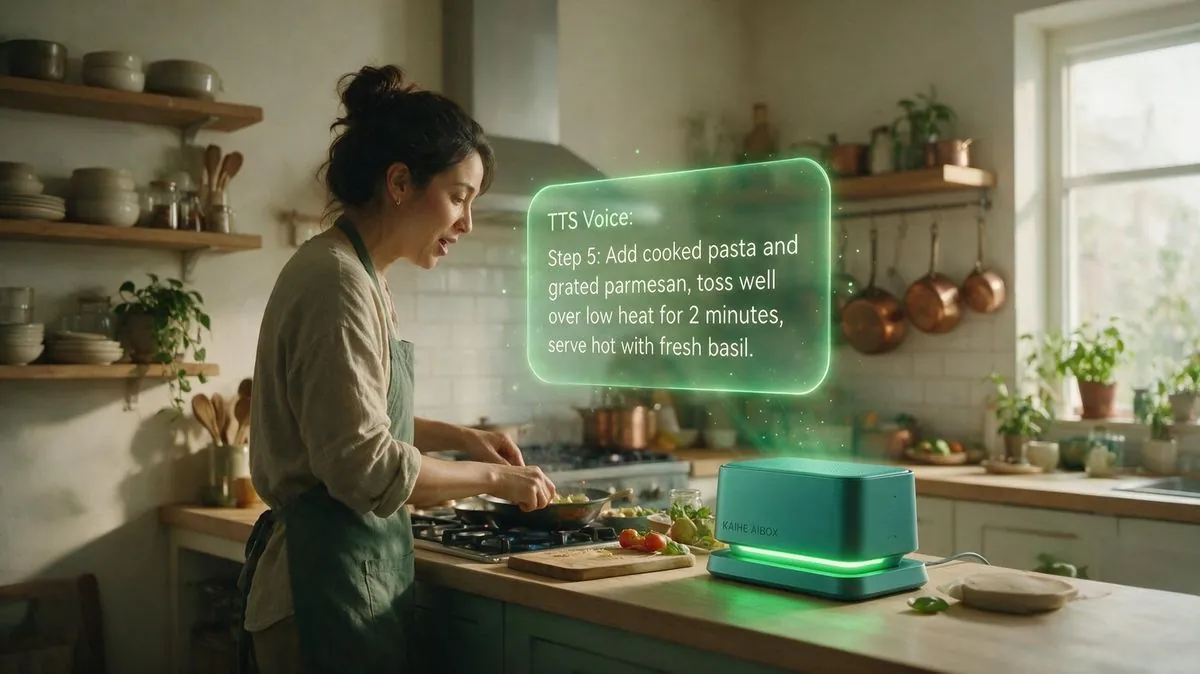 }
}
Why This Matters
Three reasons.
First, voice interaction can finally run locally. Building a local voice assistant used to mean wiring together STT on your own, tuning TTS on your own, writing a WebSocket server, and integrating an LLM. One broken link, and the whole project stalls. speech-to-speech packages these four stages into a single pip install. Hugging Face already uses it as the conversation backend for thousands of Reachy Mini robots in production.
Second, fully modular — assemble what you need. Want the fastest STT (Parakeet TDT), the most natural TTS (Kokoro-82M), and the strongest LLM (Claude Opus 5)? You can. Want 100% local models and zero cost? You can. Every stage offers multiple backends, and switching is just a CLI flag away.
Third, OpenAI Realtime compatibility. Any app that already works with the OpenAI Realtime API — voice assistant apps, smart hardware, robots — can switch from cloud to local without changing a single line of code. For privacy-sensitive environments (hospitals, law firms, defense), this is a hard requirement solved.
The Perfect Match: Kaihe AIBOX
You can probably already see where this is going: a fully offline voice conversation engine, paired with a 24/7 local AI host.
Deploy speech-to-speech on a Kaihe AIBOX, and you have a voice assistant that never sleeps, never connects to a cloud you don't control, and never uploads your conversations to someone else's server:
- Morning: say "what's on my schedule today" — it pulls from your local calendar and reads it back in natural speech
- Cooking: hands covered in oil, just say "read me step two of that recipe" — it pulls from local memory and reads it aloud
- Night: say "remind me to call Zhang tomorrow morning" — and it does
End-to-end voice interaction, end-to-end local processing. Your voice never leaves your home. Your conversation history never touches a server. An AI voice assistant stops being "someone else's server listening to you" and starts being "your own machine listening for you."
More importantly: Kaihe AIBOX's local persistent memory + speech-to-speech's voice interaction = a private voice butler that truly knows you. The more you talk, the more it remembers. Cloud voice assistants are "use and forget." Kaihe voice assistants are "use and grow closer."
Getting Started
Minimum viable setup: install speech-to-speech on a Kaihe AIBOX, use local Gemma 4 for the LLM (free, good enough), Qwen3-TTS for speech, and pair it with Hermes Agent for task execution. Half an hour to set up. Then try interacting with AI through voice instead of typing.
You'll discover something interesting: typing interaction is "ask when needed." Voice interaction is "talk whenever." The frequency and dependency of the latter is several times that of the former.
The era of open-source voice assistants starts today.