5 Ways to Use Your KAIHE Agent Computer: From Beginner to Power User
📖 Glossary
AI Box (also known as Agent Computer / Agent PC), is a dedicated local hardware device that runs AI Agents. Pre-installed with an AI agent management system, plug-and-play, running 24/7. Users can remotely command AI to work via Discord, Slack, Telegram, WhatsApp, and more.
So you bought a KAIHE, plugged it in, connected to Wi-Fi, and typed kaihe.local into your browser. Now what?
Most people's first reaction to an AI computer is: "I know it can do amazing things, but I don't know what to ask it to do." That's not on you. An agent computer is a highly open platform—its ceiling is defined by the tasks you give it.
This article skips the benchmarks and spec sheets. We're diving straight into five real-world scenarios to show you exactly what a KAIHE can do.
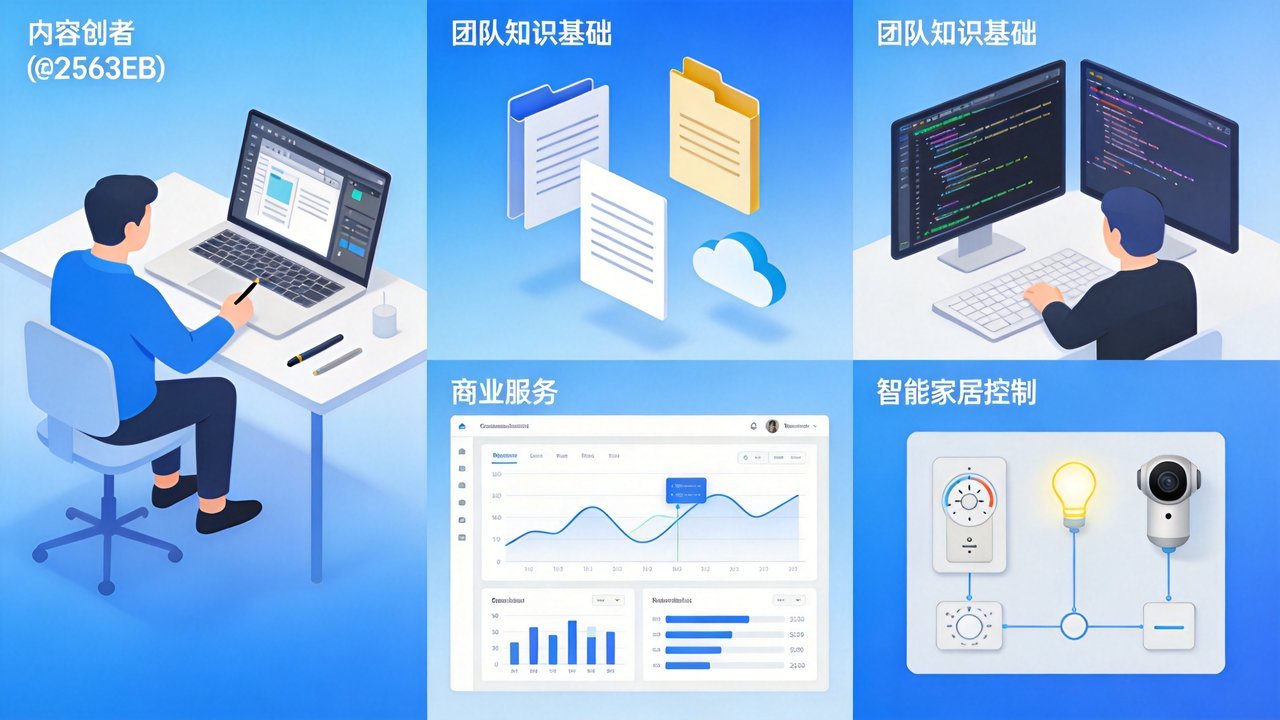
Scenario 1: The Content Creator's AI Studio
Best for: Bloggers, YouTubers, newsletter writers, social media managers Recommended: A1 to start; C1 for high-volume creators
Before: You publish daily across three platforms. Writing, image sourcing, formatting, cross-posting—six hours a day, minimum.
With KAIHE + OpenClaw:
- Topic Discovery: AI scrapes trending headlines and topic trends in your niche, delivering three pitch ideas every morning with rationale and data
- First Drafts: You provide the outline and key points. AI generates a 2,000-word draft in 30 seconds—tone, structure, and style all pre-configured
- Image Generation: Describe the visual you want, AI generates it locally via Seedream or similar services, then auto-scales to each platform's required dimensions
- Multi-Platform Adaptation: One article, automatically rewritten for Twitter (thread format), LinkedIn (professional long-form), Instagram (visual-first captions), and your newsletter
- Scheduled Publishing: Set publish times across platforms. AI handles delivery without you touching a scheduler
Bottom Line: From 6 hours of manual work to 30 minutes of reviewing AI output and tweaking. Daily publishing no longer feels like manual labor.
Scenario 2: The Small Team's AI Knowledge Base
Best for: Design studios, law firms, consultancies, education providers Recommended: B1 to start; E1 for larger file volumes
Before: Your team has accumulated hundreds of contracts, proposals, design drafts, and meeting notes—dumped in cloud storage. Search only works on filenames; the content is invisible.
With KAIHE + OpenClaw:
- Local Document Indexing: Store everything on your KAIHE. AI reads and builds full-text indexes automatically. Search "the contract mentioning Client X from last year" and it pulls up the exact page—no filenames needed
- Auto-Categorization: Files are sorted by project, client, date, and type. New files drop in and auto-classify
- Knowledge Q&A: "What was the pricing logic in that proposal?" "Which design drafts used the red color scheme?" AI answers from your actual files—no human digging required
- Team Access Control: Different team members see different knowledge scopes. Sensitive documents never leave the device
Bottom Line: Local storage means files stay in your office. Full-text AI search turns "30 minutes of folder diving" into "one sentence, instant answer."
Scenario 3: The Developer's Local AI Workstation
Best for: Indie developers, technical founders, full-stack engineers Recommended: E1 to start; F1 or G1 for deep development
Before: You bounce between ChatGPT, Claude, and Copilot all day. Enterprise code can't go to cloud services. No local AI toolchain is set up.
KAIHE as your dedicated dev workstation:
- Local Code Assistant: Deploy open-source code models (Qwen-Coder, DeepSeek-Coder). Code completion, bug detection, refactoring suggestions—all local, zero cloud exposure
- Private Model Fine-Tuning: F1/G1 have enough compute to fine-tune a custom coding assistant on your own codebases. It learns your style and stack preferences
- Multi-Agent Development: Configure an "Architect Agent" for design work + a "Coder Agent" for implementation + a "Test Agent" for test cases—three agents collaborating on-device
- Local CI/CD Pipeline: Git push → auto-build → auto-test → auto-deploy to staging. One OpenClaw command chains the entire pipeline
Bottom Line: Code security (fully local), dev efficiency (AI on-call 24/7), custom fit (fine-tuned to your workflow).
Scenario 4: The E-Commerce Seller's AI Operations Hub
Best for: Taobao, Pinduoduo, Douyin Shop, and independent store sellers Recommended: C1 to start; E1 for multi-store operations
Before: You run three stores. Every day you juggle customer messages, competitor price tracking, product page updates, and yesterday's sales analysis—too much work, not enough budget for a full team.
KAIHE automation at work:
- Smart Customer Service: AI ingests your product info, return policies, and FAQ to handle 80% of inquiries. Refund disputes get auto-escalated with context for your review
- Competitor Price Monitoring: Daily scrapes of competitor pricing, auto-generating change reports and flagging categories needing adjustment
- Bulk Product Copy: Feed product specs and selling points. AI generates titles, detail pages, and video scripts—handles 50 SKUs in one batch
- Daily Analytics Report: 8 AM push with yesterday's numbers: top sellers, conversion anomalies, top 3 return reasons
Bottom Line: One KAIHE ≈ half an ops team's output, saving tens of thousands in monthly labor costs.
Scenario 5: The Enthusiast's AI Home Lab
Best for: Tech enthusiasts, HomeLab builders, DIY hackers Recommended: E1 to start; G1 for heavy experimentation
Before: You already have a NAS for media, a router running OpenWrt, and HomeAssistant for smart home control. Now you want AI to orchestrate it all.
KAIHE as your home AI brain:
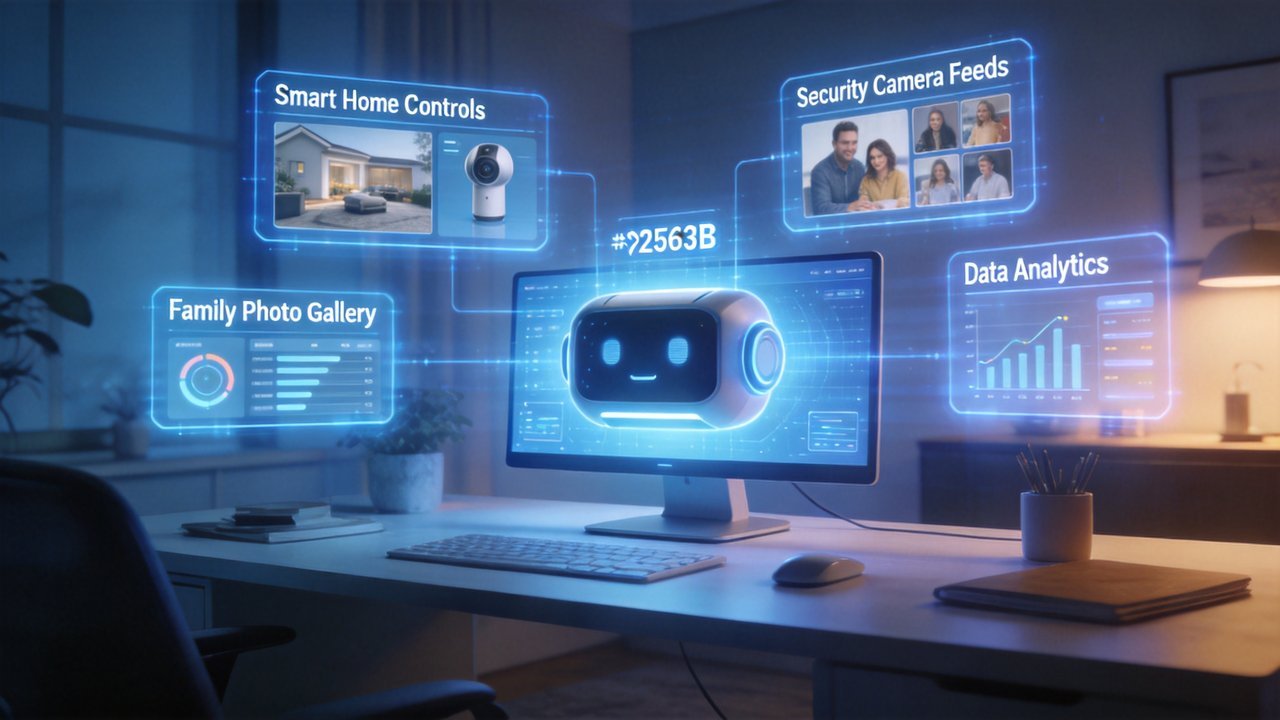
- Smart Home Hub: OpenClaw connects to HomeAssistant. Instead of "Alexa, turn on the lights," say "I'm watching a movie tonight"—AI dims main lights, activates ambient lighting, powers on the projector, and closes curtains
- AI NAS Upgrade: Auto face-recognition photo sorting. AI-generated family album captions. Security camera feed analysis that distinguishes "person at the door" from "person trying to break in"
- Private Data Sovereignty: Chat logs, health data, financial files all stored locally on KAIHE. AI-powered analysis with zero cloud exposure
- Self-Hosted API Services: Run Stable Diffusion WebUI, voice cloning, private RAG systems—all on your KAIHE. No GPU cloud rental needed
Bottom Line: From "buying separate devices that don't talk to each other" to "one KAIHE orchestrating everything." The ceiling? Your imagination.
Why One KAIHE Covers All These Scenarios
The answer: OpenClaw.
KAIHE is the hardware. OpenClaw is the software soul. It functions like an AI operating system—not limiting you to a specific model or task, but providing a standardized agent orchestration framework:
- MCP Protocol: 50+ services with standardized interfaces—file systems, databases, browsers, email—all orchestrated through one protocol
- Multi-Agent Collaboration: Not one AI doing everything, but tasks automatically split across specialized agents working in parallel
- Local-First: All data and processing stays on your KAIHE. Sensitive information never leaves your room
One KAIHE + OpenClaw = your own personal AI company.
At a Glance
| Scenario | Ideal User | Recommended | Core Capability |
|---|---|---|---|
| AI Studio | Content Creators | A1 / C1 | Topic → Draft → Image → Publish |
| Knowledge Base | Small Teams | B1 / E1 | Docs indexing / Smart search / Access control |
| Dev Workstation | Indie Developers | E1 / F1 / G1 | Code assistant / Fine-tuning / Multi-Agent |
| Ops Hub | E-Commerce Sellers | C1 / E1 | Customer service / Price tracking / Analytics |
| Home Lab | Tech Enthusiasts | E1 / G1 | Smart home / AI NAS / Self-hosted APIs |
Final question: Which scenario fits you? Identify your top-priority use case, match it to the table, and pick your configuration. From A1 to G1, there's a KAIHE built for your workflow.