Build a 24/7 Personal AI Assistant with Hermes: Auto-Reply Emails, Manage Schedule, Remember Everything
📖 Glossary
AI Box (also known as Agent Computer / Agent PC), is a dedicated local hardware device that runs AI Agents. Pre-installed with an AI agent management system, plug-and-play, running 24/7. Users can remotely command AI to work via Discord, Slack, Telegram, WhatsApp, and more.
Summary: What's it like to spend less than an hour building your own fully private 24/7 AI personal assistant? It automatically replies to work emails, manages your schedule, remembers everything you've ever told it, controls your smart home — no computer left on, no phone to babysit, it works for you 24/7. This article shares a real user experience building a private assistant with KAIHE AIBOX + Hermes agent framework.
Many people still imagine AI assistants as something you talk to in a chat window, one question at a time. Today you can actually build a true personal assistant that belongs entirely to you: it remembers all your preferences, handles repetitive work for you, is online 24/7 and responds whenever you need it, with all data stored locally in your own home, never uploaded to third-party servers.
After using KAIHE AIBOX with the Hermes agent framework for a month, the biggest difference is this: before, I was the one going to AI to use it; now, the AI proactively gets work done for me.
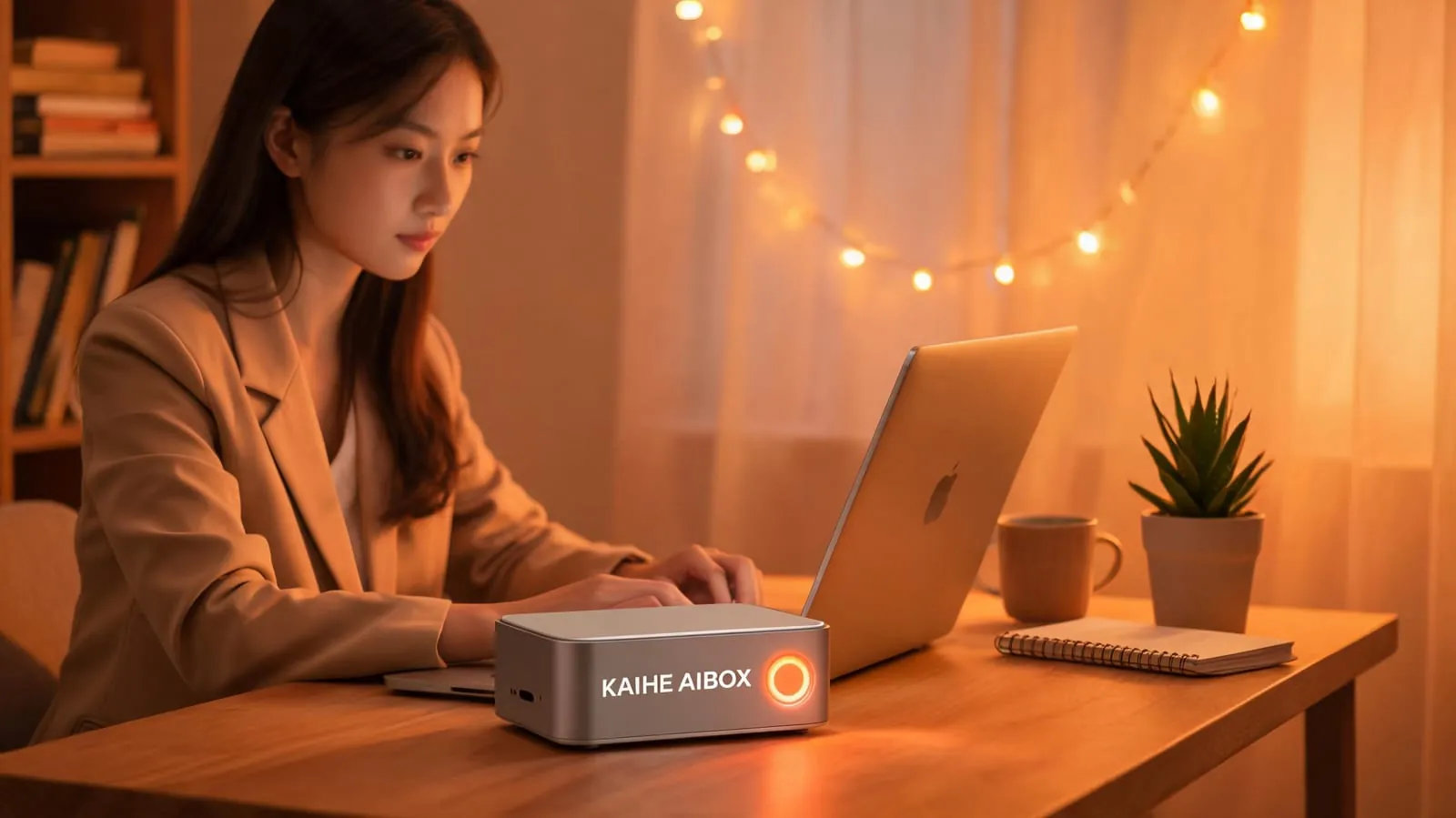
What exactly can it do for you?
First, it automatically handles your work emails I used to spend half an hour every morning sorting through dozens of unread emails, filtering, categorizing, replying to routine messages. Now I've authorized my local assistant to access my email: it automatically reads new messages, sorts ads and spam into folders, replies to routine inquiries with templates, flags important emails with summaries for me, and only sends me a WeChat notification when something needs my attention. That's half an hour saved every single day.
Second, it manages your schedule and to-dos You just say something casually over WeChat like "Remind me to prepare the proposal half an hour before the 3pm meeting with Mr. Zhang next Wednesday" and it automatically adds it to your schedule, sending you a WeChat reminder when it's time. It also spots schedule conflicts automatically — if two meetings overlap, it asks you which one to adjust. No more forgotten events, no manual calendar entries.
Third, it remembers everything for you, acting as your second brain Every word you say to it, every preference you share, every document you store — it keeps it all in permanent local memory. Mention in passing "I'm allergic to mango" and next time it orders food or recommends restaurants, it automatically avoids mango; mention "My mom has a hospital appointment every Wednesday afternoon" and it reminds you automatically; any work document or client information you save, just ask and it retrieves it for you immediately, no more digging through chat histories or folders.
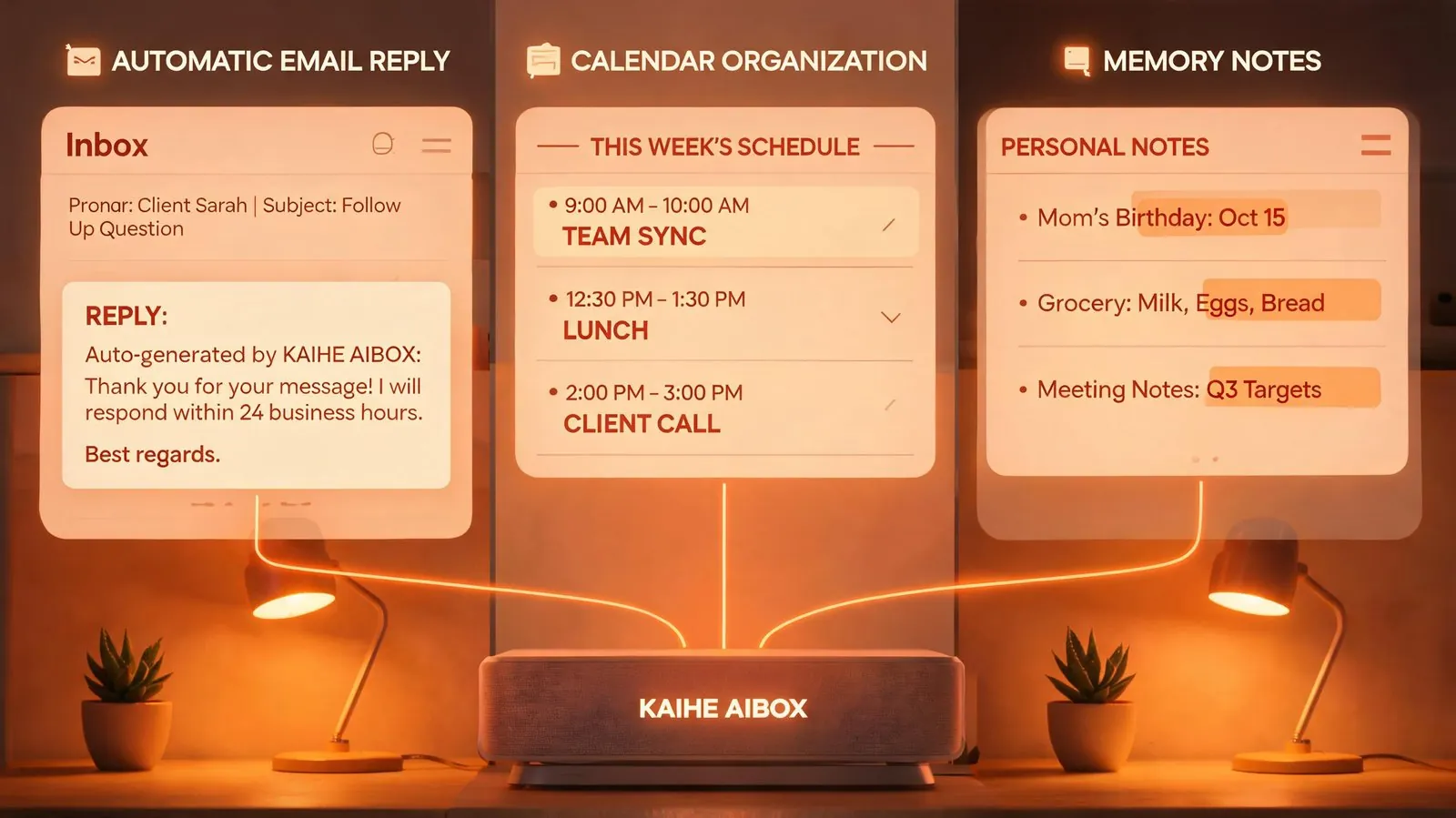
Fourth, it runs tasks 24/7 automatically without your supervision Tell it "Monitor the secondhand marketplace and automatically buy that camera if it drops under $300," turn off your computer and go to work — it monitors 24/7, executes automatically when conditions are met, and sends you a WeChat notification when done. Tell it "Send me a summary of today's weather, schedule, and to-dos every morning at 8am" and it does it reliably every day without fail. Your smart lights, air conditioning, cameras can all be controlled via WeChat messages, easy enough for elderly family members to use.
Most importantly, all of this runs locally on your KAIHE AIBOX device at home. Your emails, schedule information, and private memories are all encrypted on the local drive, never uploaded to third-party servers, so you don't have to worry about privacy leaks. Power consumption is only 5W, costing about $0.50 per month in electricity to run 24/7.
| Comparison | Phone Assistant Apps | Cloud AI Assistants | KAIHE AIBOX + Hermes Local |
|---|---|---|---|
| Requirement | Phone screen on, app in foreground | Browser open, logged in, internet | Standalone device, plug and run, works offline |
| Privacy | Data uploaded to vendor | Conversations used for training/ads | Data encrypted locally, never leaves home |
| 24/7 Operation | Stops when phone locks | Available but all data uploaded | Runs 24/7 stably |
| Memory | Only remembers in-app content | Limited context, forgetful | Permanent local memory, never forgets |
| Proactive Work | Can't act on its own, requires opening | Only acts on your prompt | Can run scheduled/monitoring tasks automatically |
| Family Use | Single user only | Multiple subscriptions needed | Whole family shares, WeChat control |
| Cost | Ads/membership fees | Rising subscription costs | One-time purchase, ~$0.50/month electricity |

Many people assume building a personal assistant requires advanced technical skills — it really doesn't. KAIHE AIBOX comes pre-installed with the Hermes framework. Scan a QR code to bind WeChat and it works, no coding or configuration required; ordinary users can set it up in ten minutes. To add new capabilities, just tell it over WeChat: for example "Add a daily 10pm reminder to drink water" and it configures it directly for you.
A true AI assistant shouldn't be a tool you have to open a browser to use. It should be something always there for you, that knows you, that proactively gets work done for you. When you don't have to worry about repetitive trivialities because they're handled quietly in the background, you have more time to focus on what actually matters.
Further Reading: - What is KAIHE AIBOX? Complete Guide to Use Cases - How Does Local AI Box Keep Running When Your Computer Is Off? Explained - How to Protect Your Family's Privacy Data in the AI Age: A Complete Guide
KaiheAIBOX #Hermes #AIPersonalAssistant #24-7Assistant #Productivity #LocalAI
For more information, search [KAIHE AIBOX] or contact: [email protected]
KAIHE AIBOX · 7x24 Personal AI Assistant | User Stories