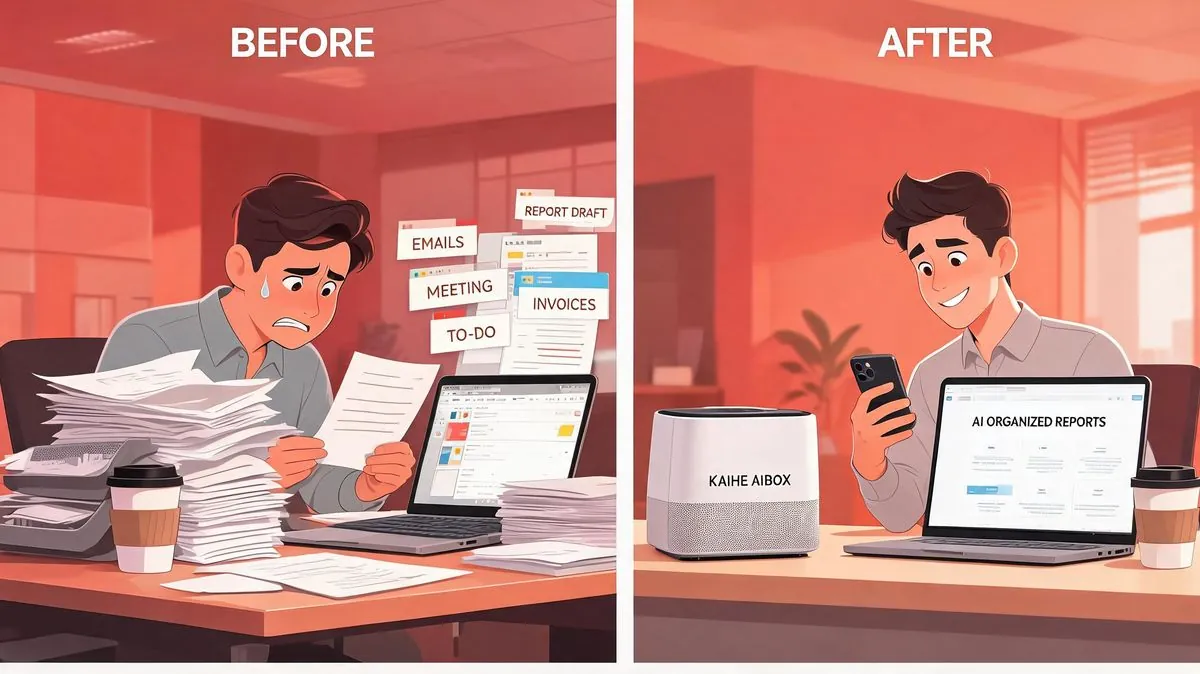
Monday morning, 8am. An AI industry briefing is already sitting in my WeChat. Categories clean, with summaries and source links.
This isn't a chatbot reply — it's Kaihe AIBOX, executing a scheduled task on its own. Search, filter, write, format — the whole pipeline ran automatically. My only job was a quick glance.
What Is Kaihe AIBOX
📖 Glossary
AI Box (also known as Agent Computer / Agent PC), is a dedicated local hardware device that runs AI Agents. Pre-installed with an AI agent management system, plug-and-play, running 24/7. Users can remotely command AI to work via Discord, Slack, Telegram, WhatsApp, and more.
Kaihe AIBOX is a local AI agent box controlled through WeChat. You send a message; it gets to work — on schedule, automatically.
Let's clarify what it's not:
Not an alarm clock app. Reminder tools just tell you what to do. Kaihe AIBOX does it — searching, filtering, formatting, and pushing results without anyone watching.
Not a cloud automation tool. Zapier and IFTTT route your data through third-party servers and charge per API call. Kaihe AIBOX runs the AI model locally inside the box. Data stays home. No cloud subscriptions.
Not a developer platform. Coze and Dify are powerful but require prompt engineering and API skills. Kaihe AIBOX needs one thing: a WeChat message. That's it.
In one sentence: a hardworking WeChat friend who does the work and pushes results back to you.
Four Real-World Scenarios
1. Content Creator Lao Zhang Kills 90 Minutes of Daily Grinding
Lao Zhang spent every morning scrolling Weibo, Zhihu, and 36Kr, compiling AI news into a team briefing. Three months of this, his freshest hours completely eaten by copy-paste work.
He typed on WeChat: "Search AI hotspots daily at 8am, compile a briefing, push it to me." One sentence. The AI understood the task, the timing, and the output format.
Next morning, 8am sharp — briefing arrived. Categorized, summarized, with source links. Lao Zhang replied "Keep doing this daily." The AI confirmed and set it as a recurring task. Hasn't missed a day since. With the time saved, he wrote two deep-dive pieces that crushed his old readership numbers.
2. Operations Lead Xiao Chen Monitors Five Competitors — Solo, Stress-Free
Xiao Chen tracks competitor websites, Weibo, and WeChat accounts. Before: bookmark everything, check manually three times a day. Miss something = crisis.
She told Kaihe AIBOX: "Check these competitors daily. Notify me on new launches or major updates." The AI memorized the URLs and started automated scanning.
Now she never opens those bookmarks. When a competitor moves, it hits WeChat. Once, an industry negative story broke at midnight — the AI caught it first. Next morning, she walked in with a response plan ready.
3. Project Manager A-Kai Never Pads His Weekly Report Again
A-Kai leads six people. Every Friday: scroll chat history, reconstruct the week, realize he forgot someone's project, ping the group to confirm — then format, export, send. An hour minimum.
He told Kaihe AIBOX: "Every Friday at 5pm, take my key items from the week, organize by template, push the weekly report." Throughout the week, he casually sends milestones to the AI. Friday evening — complete first draft lands on WeChat. Five minutes proofread, done. He took his girlfriend out for hotpot that Friday night.
4. Investment Manager Old Wu Found Life Beyond the Screen
Old Wu monitors stock announcements, research reports, and public sentiment. Before: phone glued to hand, weekends included. His wife: "body on the couch, eyes on the phone."
He set three monitoring parameters for Kaihe AIBOX: holding announcements, industry keyword triggers, price anomaly alerts. The AI scans on schedule, pushes WeChat notifications on match. Old Wu says the biggest change wasn't money — it was losing the anxiety. "Knowing something's watching my back, I just do my thing." Last month, two trips with his wife. Portfolio stayed steady.
What Makes It Stand Out
WeChat control. No new app, no URL, no dashboard. You're already on WeChat. Sending messages is what you do daily. The AI plugs into your existing habits.
Local processing. The AI model runs inside the box. Data never touches the cloud. Privacy at the physical level. No cloud subscriptions, no third-party downtime concerns.
Agent autonomous execution. Most AI tools are Q&A — you ask, it answers. Kaihe AIBOX is you assign, it does. On schedule, full workflow, push results, zero human involvement. If you want to set up your own Agent, check out this 5-minute quick start guide.
Set once, run forever. Hardware, not SaaS. One setup, no monthly fees, no call limits.
Compared to Other Solutions
Conversational AI (ChatGPT, Kimi): answers questions, can't independently search and push on schedule. Advisors, not employees.
Cloud automation (Zapier, IFTTT): workflow strings, but data through third parties, per-call pricing, no intelligent content generation.
Developer platforms (Coze, Dify): feature-rich but high barrier. Non-technical users can spend days on a single workflow.
Kaihe AIBOX: local. WeChat. Agent-driven. No tech background needed. Privacy guaranteed. One-time hardware. If you're already using Doubao App and wondering how it compares, here's a real-world side-by-side comparison.
How to Start — Three Steps, Five Minutes
- Plug in Kaihe AIBOX A1, connect power and network, power on.
- Scan the QR code with WeChat to bind.
- Send a message: "Search AI hotspots at 8am daily, compile and push." Done.
Closing
AI won't replace you — but the right AI tool integrated into your habits will change how you work. Kaihe AIBOX doesn't force you to learn anything new. You already use WeChat. You already send messages. Now you send them to AI, and the AI gets to work.
That's what intelligent devices should look like. For another real-world scenario, see how someone manages projects remotely via WeChat without a laptop.
Further Reading
- Get Started in 5 Minutes: Set Up Your First Agent on Kaihe AIBOX
- No Laptop Needed: Manage Projects Remotely via WeChat with Kaihe AIBOX
- Doubao App vs. Kaihe AIBOX: Three Real-World Scenarios Compared
Want to Learn More About Kaihe AIBOX? Get in Touch
Kaihe AIBOX Website: https://agentaibox.com/ Email: [email protected]