Kaihe AIBOX A1 Review: Pre-Installed OpenClaw + Hermes, First AI Agent Running in 5 Minutes Out of the Box
📖 Glossary
AI Box (also known as Agent Computer / Agent PC), is a dedicated local hardware device that runs AI Agents. Pre-installed with an AI agent management system, plug-and-play, running 24/7. Users can remotely command AI to work via Discord, Slack, Telegram, WhatsApp, and more.
Abstract: A real review of Kaihe AIBOX A1: under 1,000 RMB, pre-installed with OpenClaw and Hermes Agent, ready on boot. Full walkthrough from unboxing to running the first Agent — no computer needed, controlled via WeChat, running 24/7, usable with zero technical background.
When I got the Kaihe AIBOX A1, my first thought: it's smaller than I expected.
Palm-sized black box, one power port, one ethernet port. That's it. No HDMI, no USB for external display. Because you don't need a monitor — your phone's WeChat is the control panel.
Unboxing
What's in the box: - AIBOX A1 unit - Power adapter - Ethernet cable - Quick start card (with a QR code)
What else you need: - A phone (with WeChat) - WiFi or wired internet - Optional: an API key from OpenAI / DeepSeek / Zhipu
That's it. No computer, no software to install, no command line.
5-Minute Setup
Minute 1: Plug in power and ethernet. The unit lights up with a blue breathing LED — booting.
Minute 2: Scan the QR code on the quick start card with WeChat. Opens the configuration page.
Minute 3: Configure WiFi (skip if using ethernet), select your LLM. Supports OpenAI, DeepSeek, Zhipu GLM. Enter API key.
Minute 4: System initializes OpenClaw gateway and Hermes Agent. Automatic, no action needed.
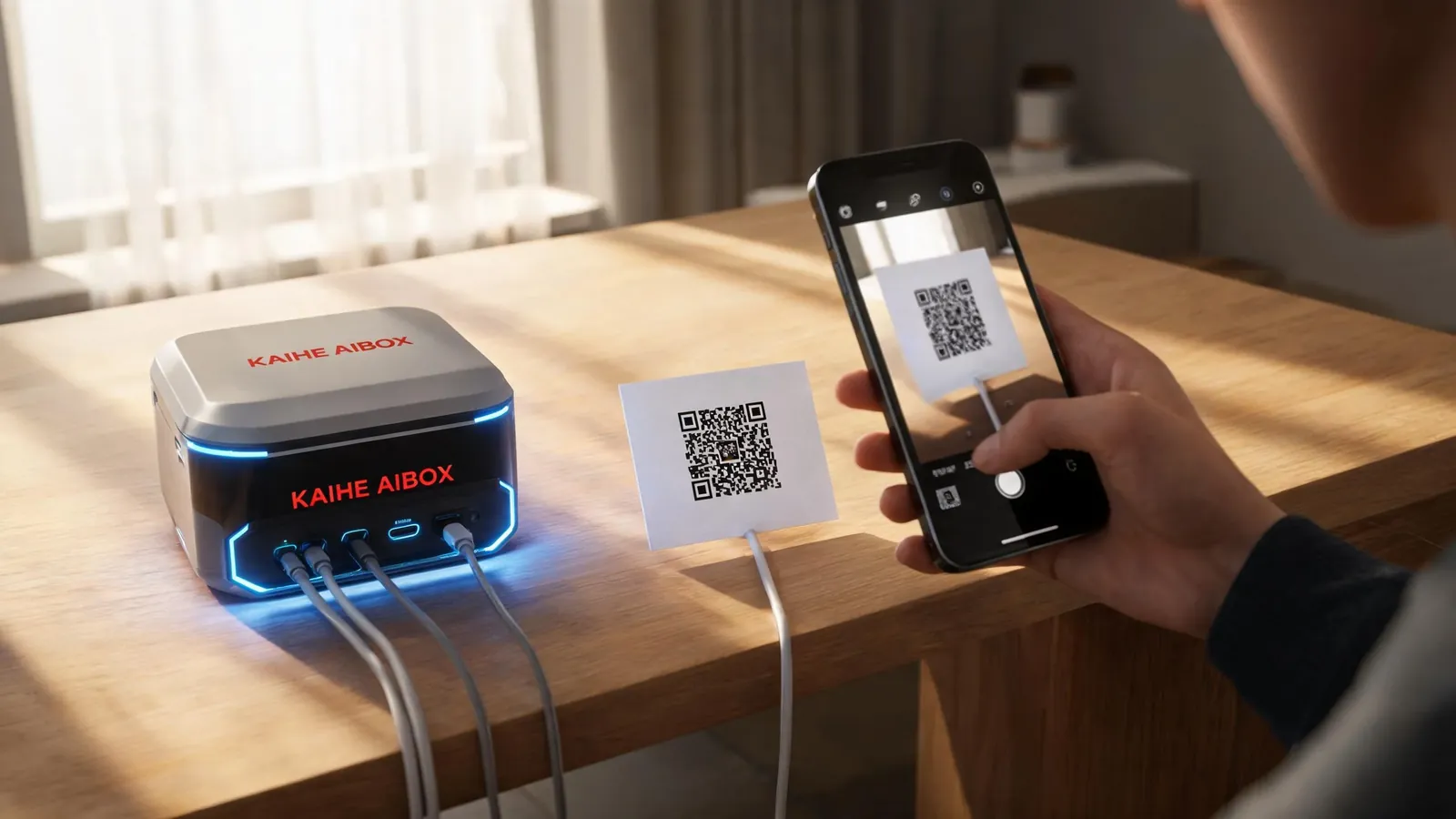
Minute 5: WeChat shows "Your AI Agent is ready." Try sending "Hello, check today's weather for me."
It's running. 5 minutes, zero command line, zero code.
Hardware Specs
| Parameter | AIBOX A1 |
|---|---|
| Processor | RK3576 8-core |
| Memory | 8GB LPDDR5 |
| Storage | 64GB eMMC |
| Network | Gigabit Ethernet + WiFi 6 |
| Power | ≤15W |
| Dimensions | 110×110×35mm |
| Weight | ~300g |
15W power means running it 24/7 costs less than 3 RMB per month in electricity. Cheaper than a bedside lamp.
What's Pre-Installed
OpenClaw: AI Agent gateway. Connects to LLMs, manages Agent sessions, routes messages. You send a WeChat message → OpenClaw receives → calls LLM → returns result. No manual deployment needed.
Hermes Agent: AI Agent runtime. Supports self-evolving memory, multi-Agent orchestration, Computer Use, /goal long-running mode. Pre-installed and ready.
Supported messaging channels: WeChat, Feishu, Enterprise WeChat, DingTalk, Telegram, Discord. Scan to connect — no coding required.
Real-World Experience
Daily conversation: Chat directly in WeChat. Response speed depends on your chosen LLM. DeepSeek V4-Flash is fastest — 2-3 seconds to results.
Long tasks: Ask the Agent to write a 2,000-word article, takes about 1-2 minutes. You can close WeChat and do other things — the Agent pushes the result when done.
24/7 operation: I've been running it for a week straight, no restarts. Agent stays online, responds anytime. Unlike phone AI assistants — no app to open, no startup wait, send a message anytime.
Multi-model switching: Configured three models in OpenClaw: DeepSeek V4-Flash for daily chat, GLM-5.2 for coding, GPT-5.5 for deep analysis. Agents auto-select based on task.
Comparison with Alternatives
| Kaihe AIBOX A1 | Self-built NAS + Docker | Cloud AI Assistant | |
|---|---|---|---|
| Setup difficulty | Scan QR and go | Requires Linux ops | Register and go |
| 24/7 operation | Yes, out of box | Yes, needs config | No |
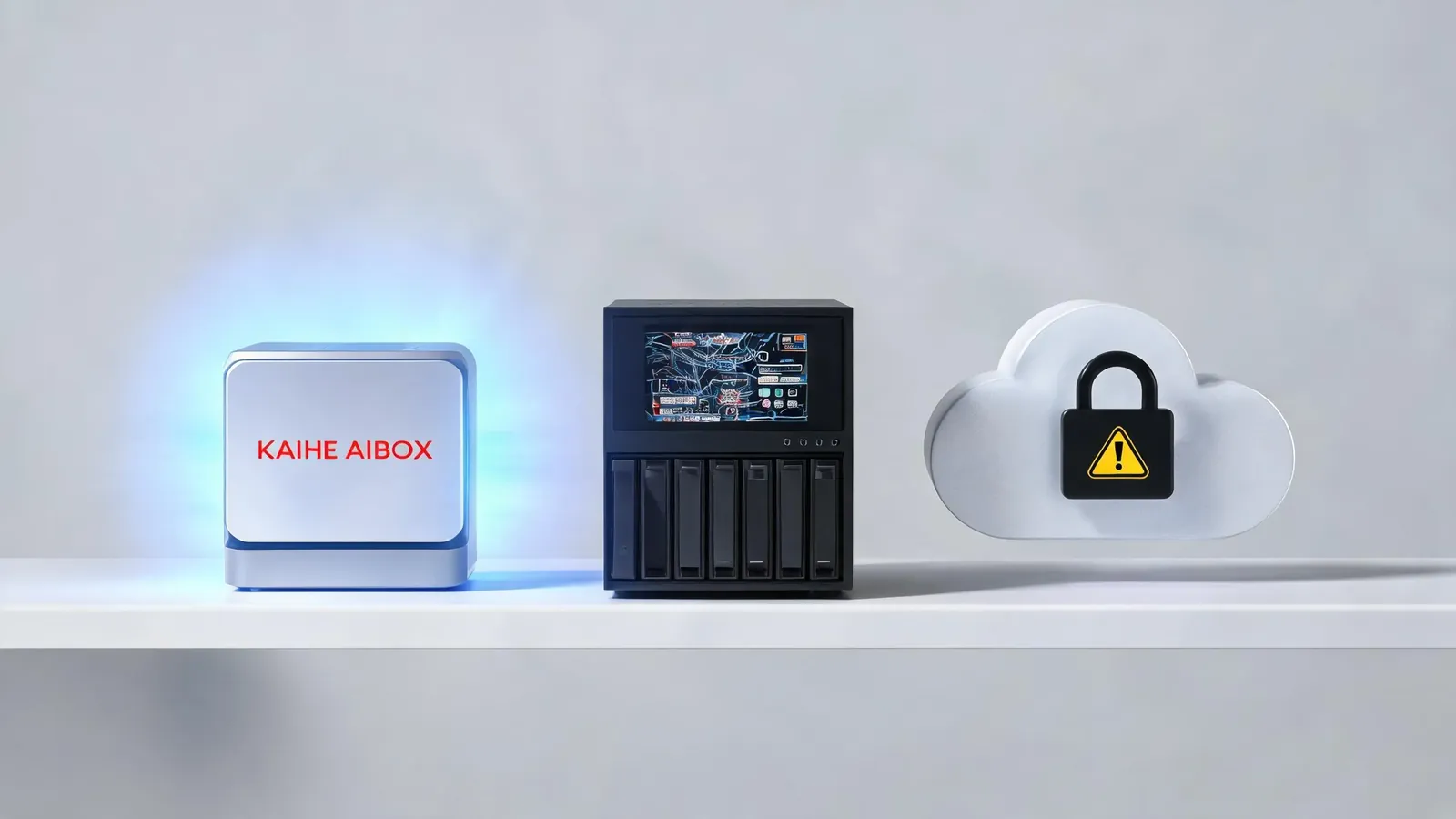
| Data privacy | Local | Local | Cloud |
| Needs computer | No | Yes | Yes |
| WeChat control | Yes | Needs extra setup | No |
| Upfront cost | Under 1,000 RMB | 2,000-5,000 RMB | Free (pay per use) |
| Monthly cost | API ~50-200 RMB | Electricity + API | API ~100-500 RMB |
Building your own NAS + Docker setup is more flexible, but you need to know Linux, Docker, and configuration. For most people, that barrier isn't worth it. Kaihe AIBOX A1 bundles everything — you just use it.
Who It's For
Great for: - People who want AI Agents but can't install software - People who need 24/7 online Agents - People who care about data privacy and avoid cloud uploads - People who want to control AI via WeChat/Feishu - People who want multi-model switching without vendor lock-in
Not ideal for: - People who need to run local LLMs (A1 can't run 7B+ models locally) - People who need GPU acceleration (A1 has no GPU) - Developers who want to deeply customize Agent frameworks
A1's positioning is clear: out-of-the-box Agent hardware. Not for tinkering — for using.
AI Box (also known as Agent Computer or AI Box) is a dedicated local hardware device that runs AI Agents, pre-installed with an AI agent management system, plug-and-play, running 24/7. Kaihe AIBOX A1 is exactly this kind of device — plug in, scan, chat. Users can remotely command AI via WeChat, Feishu, DingTalk, and more.
Want to Go Deeper?
Getting Started - Kaihe AIBOX Official Website (agentaibox.com) — product details and purchase link - "Content Creator Produces 5 Articles a Day? A Real Test of Kaihe AIBOX A1 + OpenClaw Multi-Agent Content Pipeline" — A1 real-world case study
Going Further - "OpenClaw 2.7.5 One-Click Installation Guide: Deploy Your Local AI Agent Gateway in 3 Minutes" — OpenClaw deep configuration
-#KaiheAIBOX #OfficeAutomation #AITutorial #AIBOX #AIBox
Kaihe AIBOX | The Agent Computer That Works 7×24 for You · Product Center