📖 Glossary
AI Box (also known as Agent Computer / Agent PC), is a dedicated local hardware device that runs AI Agents. Pre-installed with an AI agent management system, plug-and-play, running 24/7. Users can remotely command AI to work via Discord, Slack, Telegram, WhatsApp, and more.
Summary: For an agent to do real work, someone has to hand it a key. Until now that step had no middle option: withhold the key and the agent can do nothing, or hand it over completely and a long-lived string now sits inside its runtime. The credential vault built into KAIHE AIBOX is that missing middle layer.
The shape of the problem
There have only ever been two options.
Write the key into a config file or an environment variable and let the agent read it. Convenient, but the key becomes a copyable plaintext that travels with your scripts, your backups and anyone who clones the repository.
Or park it in a hosted workspace where the platform makes the call on your behalf. The key stays out of your code and lands on someone else's server. In the OpenCode Console incident this October, what leaked was that Console workspace copy: 1.4% of users were told to rotate keys, and some found bills in the thousands of dollars.
Both options share one structure. The key is either in your hands and scattered, or neatly filed and in someone else's hands.
What the vault changes
KAIHE AIBOX is a dedicated Agent Computer that runs inside your own local network. The KAIHE credential vault is the module it ships with. It works in three layers.
Layer one: credentials stay on the device. Passwords and keys live in the machine and travel with it. The device runs inside your own network boundary, and credentials do not leave it. They are not in a data centre database, and they do not fail when some other platform has a bad week.
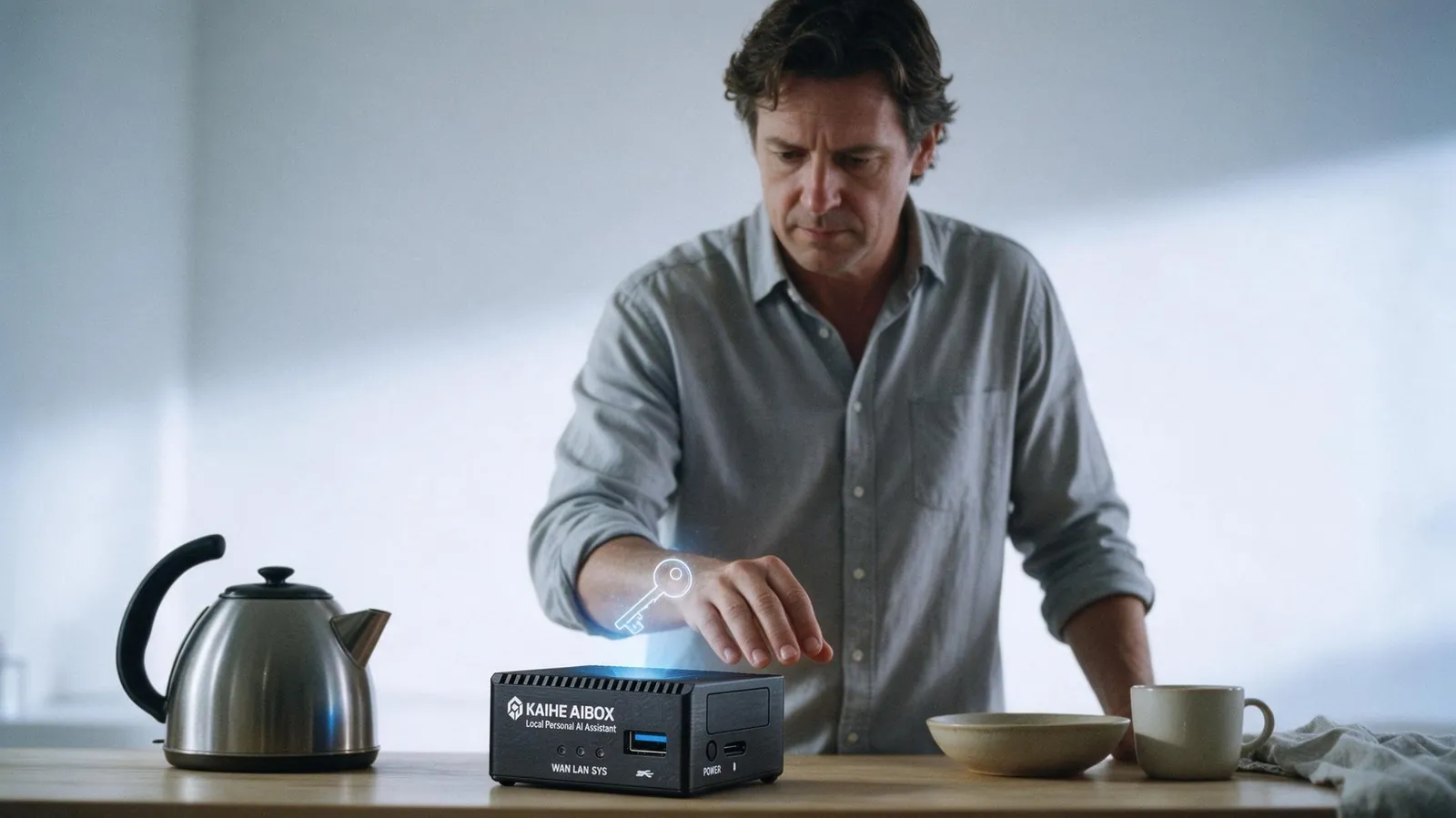
Layer two: the agent starts with no access. This is the part people skip. It is not an agent with limited permissions. It is an agent that boots holding nothing. When it needs a credential it files a request with the vault, and what you see is three specific things: who is asking, which credential, and what for. Nothing moves until you approve.
Layer three: it never receives the secret. Approval is not a copy of the password. The vault acts as a controlled proxy and makes the call itself, so the agent receives the result and never sees the string. When the job is done, it still does not know the password.
How many scopes can stack
Authorisation is not a single switch. Five dimensions stack:
- Per agent: only the one working on this, nothing else affected
- Per task: valid only inside that class of work
- Per endpoint: only one endpoint of one service
- Per count: five uses, then it expires
- Per expiry: valid until midnight, then revoked
In practice it reads like a sentence: tonight only, this endpoint only, five uses only. All three must hold, and the grant dies on its own when the work is finished.
Every call is logged: who used which credential, when, and against what. Any grant can be revoked immediately rather than waiting for expiry.
| Key in config file | Hosted cloud workspace | KAIHE credential vault | |
|---|---|---|---|
| Where the key lives | Your machine, as copyable plaintext | Someone else's server | Inside your device |
| Agent access | Yes, permanently | The platform has it | None by default, requested per use |
| Agent sees the secret | Yes | The platform does | No, result only |
| Scope can be narrowed | No | Usually all or nothing | Five dimensions |
| Blast radius | Follows your scripts | Bound to the platform | Limited to that one grant |
What it does not promise
The vault is not absolute security. A stolen device, a compromised system, a mistaken approval: those risks remain.
What changes is the shape of the risk. Instead of a long-lived usable copy sitting somewhere you cannot see, you get a grant that is just enough, visible to you, and revocable at any moment. The first has an exposure window measured in years. The second is measured in minutes.
That is also why it has to live on the device. The value of credential management is not in how strong the encryption is. It is in where the boundary is drawn.
Two things you can do today: list the long-lived keys still sitting in config files and replace what you can with short-lived ones, and take back the credentials your agent should never have held so it has to ask next time.
Related Reading: - Who should manage the passwords your AI agent uses? - Why your API key should never live on someone else's server - Is a private knowledge base safe in the cloud?
For more information, search [KAIHE AIBOX] or contact: [email protected]
KAIHE AIBOX · 7x24 Personal AI Assistant | Product