📖 Glossary
AI Box (also known as Agent Computer / Agent PC), is a dedicated local hardware device that runs AI Agents. Pre-installed with an AI agent management system, plug-and-play, running 24/7. Users can remotely command AI to work via Discord, Slack, Telegram, WhatsApp, and more.
Summary: Most people treat AI assistants as chat tools — ask a question, get an answer. But the truly transformative capability is scheduled automation: your AI works while you sleep, and results are waiting when you wake up. This article covers 5 practical scheduled tasks anyone can set up today: email triage, automated daily reports, industry monitoring, file backups, and morning briefings. On KAIHE AIBOX, no coding is required — just tell your AI what you want via WeChat.
1. The Most Underrated AI Feature Is Not Chat
Most people understand AI assistants as Q&A tools: write a draft, translate a paragraph, look something up. That's the baseline.
The capability that actually changes your productivity is scheduled automation — letting your AI execute tasks on your timeline, even while you sleep.
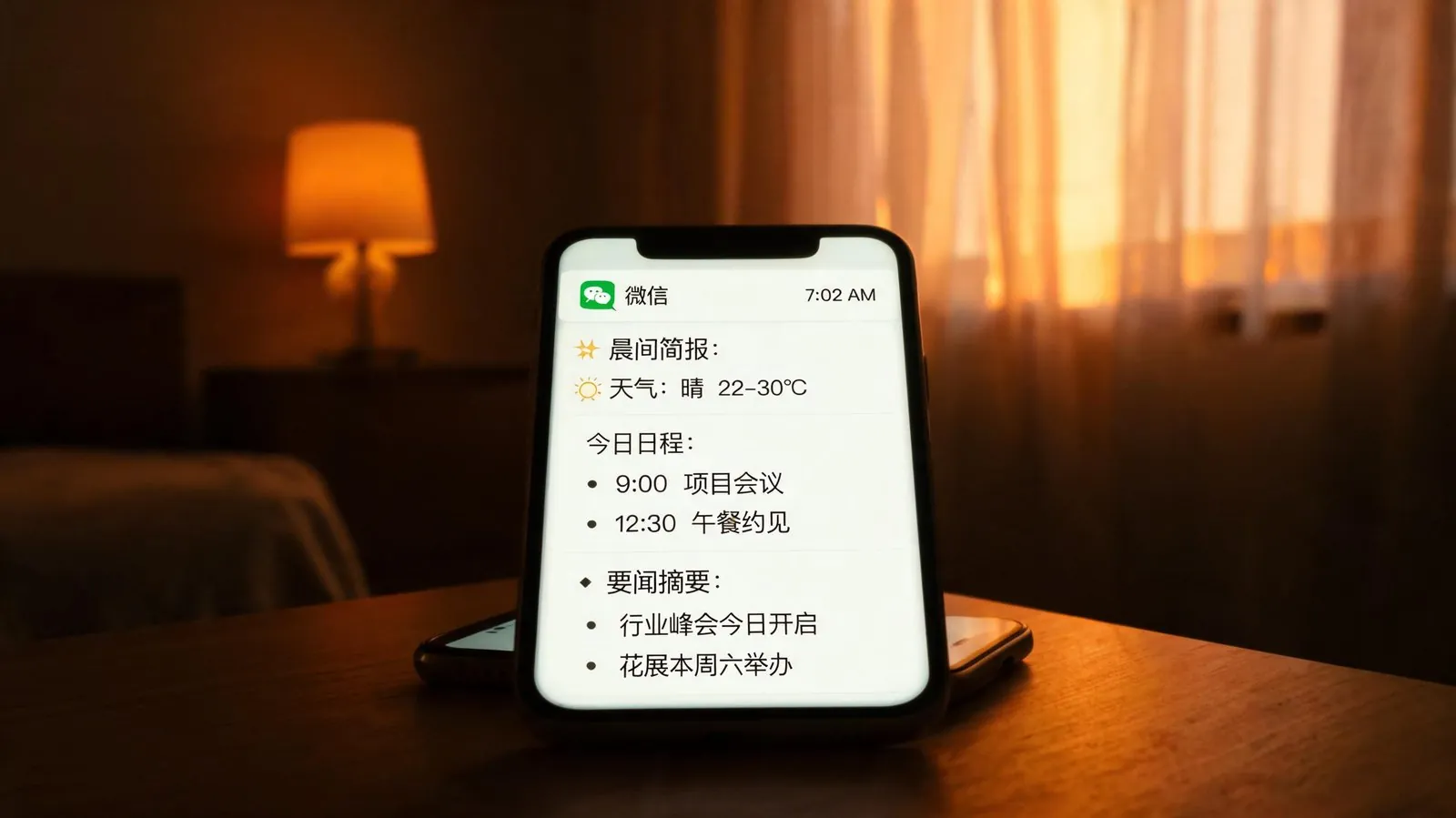
Imagine telling your KAIHE AIBOX at 11 PM, "Handle these things before 7 AM," then going to sleep. When you wake up: emails are answered, reports are done, industry updates are summarized, files are backed up, and a morning briefing is waiting in your WeChat.
This is not science fiction. It's how cron jobs work on KAIHE AIBOX.
Why is it underrated? Because chat-based AI solves "you ask it" scenarios. Scheduled tasks solve "it does things for you proactively." The former is a tool. The latter is a true assistant.
2. Task One: Automated Email Triage and Reply
Scenario: You open your inbox every morning to dozens of unread emails. Maybe 2-3 actually need your personal attention. The rest are notifications, ads, CCs, and routine inquiries.
Schedule: Set a daily 2 AM task on KAIHE AIBOX:
- Scan all new inbox messages
- Classify by priority: urgent/needs reply, auto-reply eligible, archive only, delete as spam
- Draft replies for routine inquiries (pricing questions, template partnership requests)
- Summarize truly important emails and push to WeChat by 7 AM
Result: 80% of emails are handled before you wake up. You review 3-5 important emails and finish in 15 minutes instead of an hour.
Why 2 AM?
Email traffic is at its lowest overnight. The AI has plenty of compute time without competing with your daytime tasks. And finishing before you wake up means perfect timing — results are ready when you are.
3. Task Two: Automated Daily Reports
Scenario: Anyone in operations, e-commerce, or content knows the morning report drill. Pull data, make spreadsheets, write summaries — 30 minutes gone before the real work starts.
Schedule: Set a daily 6 AM task:
- Pull yesterday's data from all platforms (store dashboards, ad accounts, CMS)
- Auto-calculate key metrics: revenue, conversion rate, CTR, follower growth
- Compare against yesterday and same-day-last-week, flag anomalies
- Generate a formatted report, push to WeChat/Feishu by 6:30 AM
Result: You read the report over coffee at 7 AM. Anomalies are highlighted in red: "Conversion dropped 15% vs last week, driven by Channel XX." You decide what to adjust.
4. Task Three: Industry and Competitor Monitoring
Scenario: Missing important news hurts. But you can't refresh news sites, competitor pages, and social media 24/7.
Schedule: Set a monitoring task every 4 hours:
- Scan industry sites, competitor pages, and social accounts you follow
- Filter out noise, keep only business-relevant updates
- Push instant alerts for major changes (competitor price drops, policy releases, viral topics)
- Compile a 5-item "industry digest" at 8 AM daily
Result: You stop compulsively refreshing your phone. Breaking news alerts reach you immediately. Quiet days, you read one summary in the morning. Information anxiety is gone, and you never miss something important.
5. Task Four: Automatic File Backups
Scenario: Crashed drives, accidental deletions, corrupted files — everyone's been there. Manual backups are always "something I'll do later," until it's too late.
Schedule: Set a daily 3 AM backup task:
- Scan your specified work directories (documents, photos, projects)
- Incremental backup to external drive or cloud storage
- Verify backup integrity (a corrupted backup is no backup)
- Confirmation message on success, instant alert on failure
Result: You never think about backups again. Worst case, you lose only files created after 3 AM — a negligible loss.

6. Task Five: Morning Briefing — Start Your Day Knowing What Matters
Scenario: You arrive at work, spend 20 minutes figuring out what to do today. Check calendar, scan emails for tasks, check the weather — your most mentally clear minutes burned on admin.
Schedule: Set a weekday 7 AM briefing push:
- Today's weather and clothing suggestions
- Today's calendar schedule
- Yesterday's unfinished todos
- Upcoming deadline reminders
- Top 3 industry news items you care about
- AI-suggested priority ranking for the day
Result: You spend 3 minutes reading the briefing on your commute or over breakfast. Sit down at your desk and start working immediately. No "what should I do first?" — the AI already prioritized it.
7. How to Set Up: No Coding Required
"Scheduled tasks" sounds like it requires cron syntax and scripting. Not on KAIHE AIBOX.
Just tell it in natural language:
- "Send me weather and my schedule every morning at 7"
- "Process my emails at 2 AM, push important ones to me"
- "Check competitor updates every 4 hours"
KAIHE AIBOX's built-in Hermes understands your intent, creates the scheduled task automatically, executes it at the right time, and delivers results via WeChat.
For more precision, say things like "every weekday at 7 AM," "every 4 hours," or "every Monday at 9 AM" — the AI handles time parsing correctly.
8. Is It Reliable?
First-time users often worry: will the AI make mistakes at 3 AM? Send the wrong email? Delete files?
KAIHE AIBOX addresses these concerns:
| Concern | KAIHE AIBOX Solution |
|---|---|
| Wrong email replies | Auto-replies saved as drafts for your review first; or triage-only mode |
| Lost files | Backups copy first, never delete originals; integrity verification after every backup |
| Silent failures | Any task failure triggers an immediate WeChat alert — nothing fails quietly |
| Daytime performance hit | Night tasks run at low priority, yield to daytime tasks automatically |
| Privacy risk | All processing is local; emails and files never leave your device |
9. Start With One Task
You don't need to set up all five at once. Start with the easiest: the morning briefing.
Setup: Before bed tonight, send your KAIHE AIBOX a message — "Send me a morning briefing at 7 AM tomorrow, including weather, schedule, and industry news."
You'll receive your first briefing at 7 AM. Use it for a few days, then add email processing, daily reports, monitoring, and backups one by one.
The magic of scheduled tasks is that they reduce your workload without adding to it. Once configured, they happen automatically every day. You might not even think about them — until one day you realize, "I haven't manually processed emails in weeks."
That's when your AI assistant truly starts working for you.
Related Reading: - 5 Hermes Automation Scenarios That Save 2 Hours Daily - Your Colleagues Think You Work Overtime — AI Finished Everything After Hours - No Computer Needed: KAIHE AIBOX Auto-Publishes Content When Plugged In
KAIHEAIBOX #ScheduledTasks #AIAutomation #PersonalAIAssistant #Productivity #24-7
For more information, search [KAIHE AIBOX] or contact: [email protected]
KAIHE AIBOX · 7x24 Personal AI Assistant | User Stories