Last Tuesday afternoon, my colleague Xiao Li posted in our group chat: "Can someone summarize that one-hour product review meeting from this morning?"
No one replied. Everyone was busy.
I DM'd him: "Don't you have Doubao installed on your computer?"
"Yeah, I use it occasionally to look things up."
"Did you record the meeting?"
"I did on my phone, but it's over an hour of audio..."
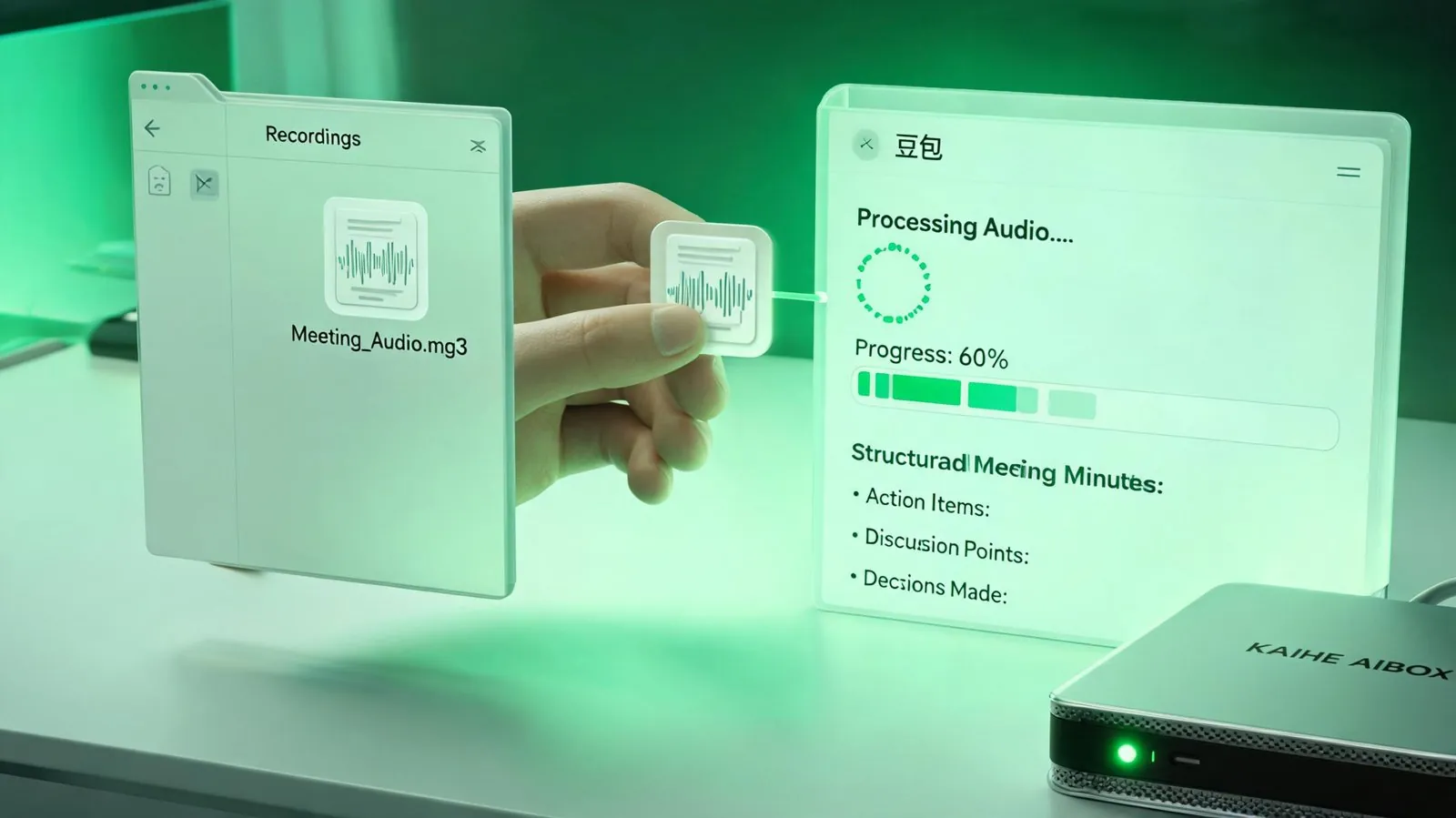
"Drag the recording into Doubao, click 'Meeting Minutes' — it'll give you a structured summary with action items in 5 minutes."
He tried it. Came back with a string of exclamation marks.
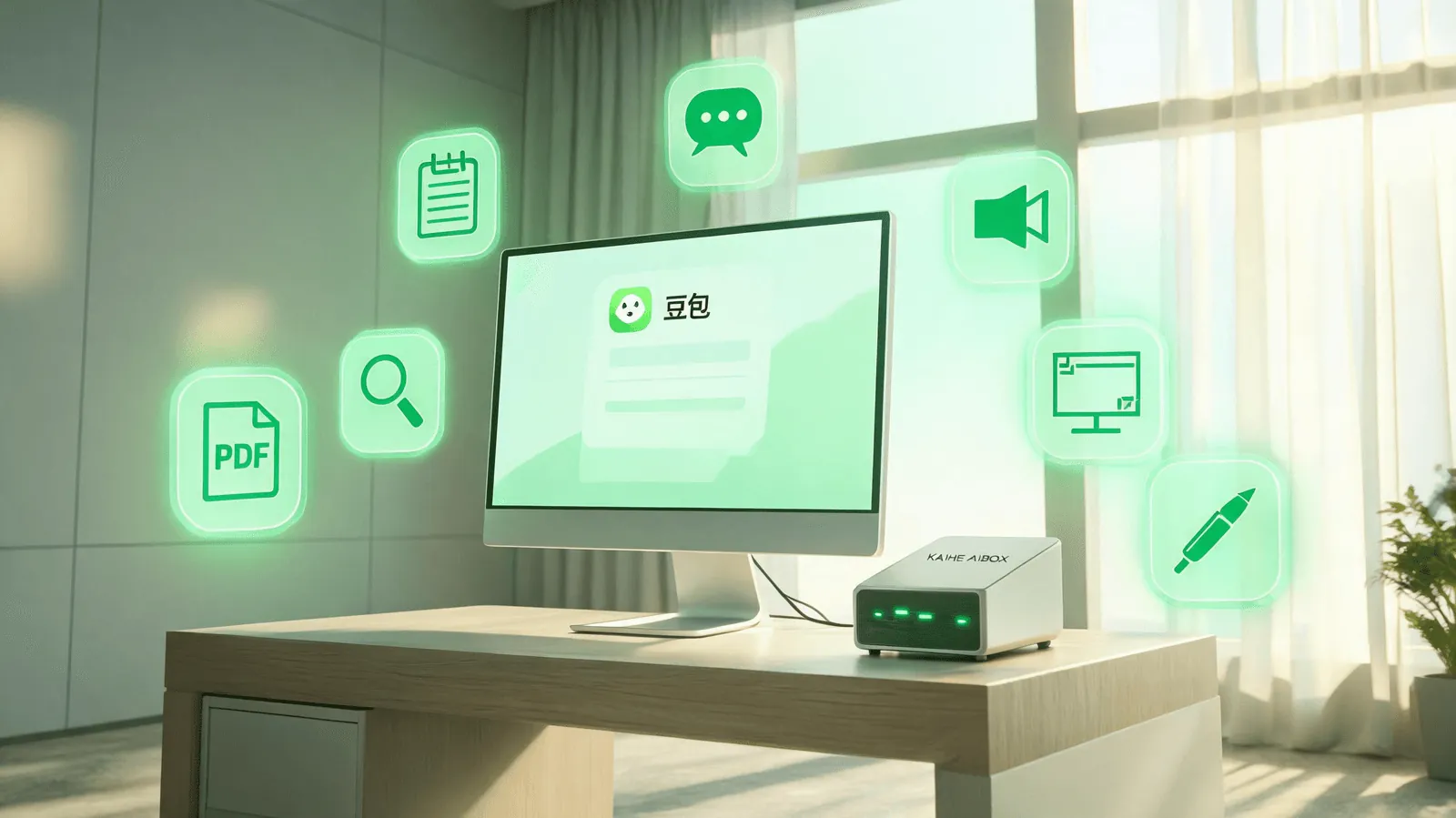
That's exactly why I'm writing this article. Most people treat Doubao like a chatbot, but it actually packs at least 7 genuinely time-saving office features hidden under the hood. Every single one is free. None of them require learning "prompt engineering." Just drag and drop.
{## Feature 1: Automatic Meeting Minutes
This might be Doubao's most underrated productivity feature.
No more manually taking meeting notes. Doubao's desktop app automatically activates during video calls, transcribes speech in real time, and generates a full record with a structured summary. If you didn't have Doubao running during the meeting, you can drag the audio file in afterwards.
Real-world test with a one-hour product review: transcription + summarization took about 2 minutes, outputting a timestamped word-for-word transcript, key conclusions, and a to-do list. The killer part — you can ask follow-up questions afterward: "What did Mr. Wang say about the third point?" or "Who raised the budget concern?" It answers in context without you having to dig through the recording yourself.
Everything auto-saves to the AI cloud drive. Nothing gets lost.
Feature 2: Text Selection Translation
📖 Glossary
AI Box (also known as Agent Computer / Agent PC), is a dedicated local hardware device that runs AI Agents. Pre-installed with an AI agent management system, plug-and-play, running 24/7. Users can remotely command AI to work via Discord, Slack, Telegram, WhatsApp, and more.
This feature is subtle but powerful. In any desktop application — browser, Word document, WeChat chatbox, PDF reader — select any piece of text and Doubao automatically pops up an AI toolbar.
Four buttons side by side: Search, Translate, Explain, Summarize.
Reading an English paper? Select a paragraph, hit "Translate" — instant side-by-side translation. Reading a technical paper? Select a term, hit "Explain" — Doubao breaks it down in plain language. Browsing a competitor's website? Select product text, hit "Search" — instantly look up relevant information.
In essence, it retrofits AI into every app on your desktop. No switching windows. No copy-paste.
Feature 3: One-Click Video Summarization
Tutorials, product launches, industry talks — they all share the same pain point: a one-hour video has maybe 5 minutes of key information, but you have to scrub through it to find anything.
Doubao's video summarization fixes exactly this. Open any video in Doubao's built-in browser, click the "AI Summary" button in the top right, and within seconds you get structured takeaways — section headings, key conclusions, and timestamp navigation. Supported platforms include Bilibili, YouTube, and general web videos.
I tested it on a 40-minute AI product launch: the output was a four-section timestamped summary, three standout quotes, and two actionable reference points. I could click any timestamp to jump directly to that moment in the video.
{## Feature 4: AI Search
It's not a traditional search engine returning 10 blue links for you to sift through. It gives you the answer directly.
Ask "What's the domestic AI office market size in Q2 2026?" — Doubao doesn't serve you a page of sponsored links like traditional search. It synthesizes multiple sources and tells you the number, the source report, and the trend analysis. No ads. No guessing which link is native content versus sponsored placement.
Underneath it's ByteDance's search capability combined with LLM summarization. The depth of Chinese-language content coverage is a genuine advantage.
Feature 5: Screenshot Q&A
The most common office scenario: you see a complex chart in a PowerPoint deck, a paragraph of English on a website, or a screenshot of a contract in WeChat. You want to understand it, but you can't copy the text.
Doubao's screenshot Q&A is built for exactly this. Take any screenshot, drop it into Doubao, and ask anything.
"What trend does this chart show?" "Translate this English passage into Chinese." "Organize the data from this table into Excel format." "What's the solution to this problem?"
It handles Chinese handwriting, tables, flowcharts, and complex visual content. Screenshot it, ask it, get an answer.
Feature 6: PDF Document Reading Companion
Upload any PDF, Word, Excel, or PowerPoint file to Doubao, and it gives you an "AI reading companion" mode — not just a mechanical summary.
Open an English financial report: original text on the left, AI translation on the right. Encounter an unfamiliar financial term? Select it and ask Doubao. Finish a page? Ask it to "summarize this page in three sentences." Finish the whole document? Tell it to "extract all data points related to the China market into a table."
It's like having an on-demand AI teaching assistant for every work document.
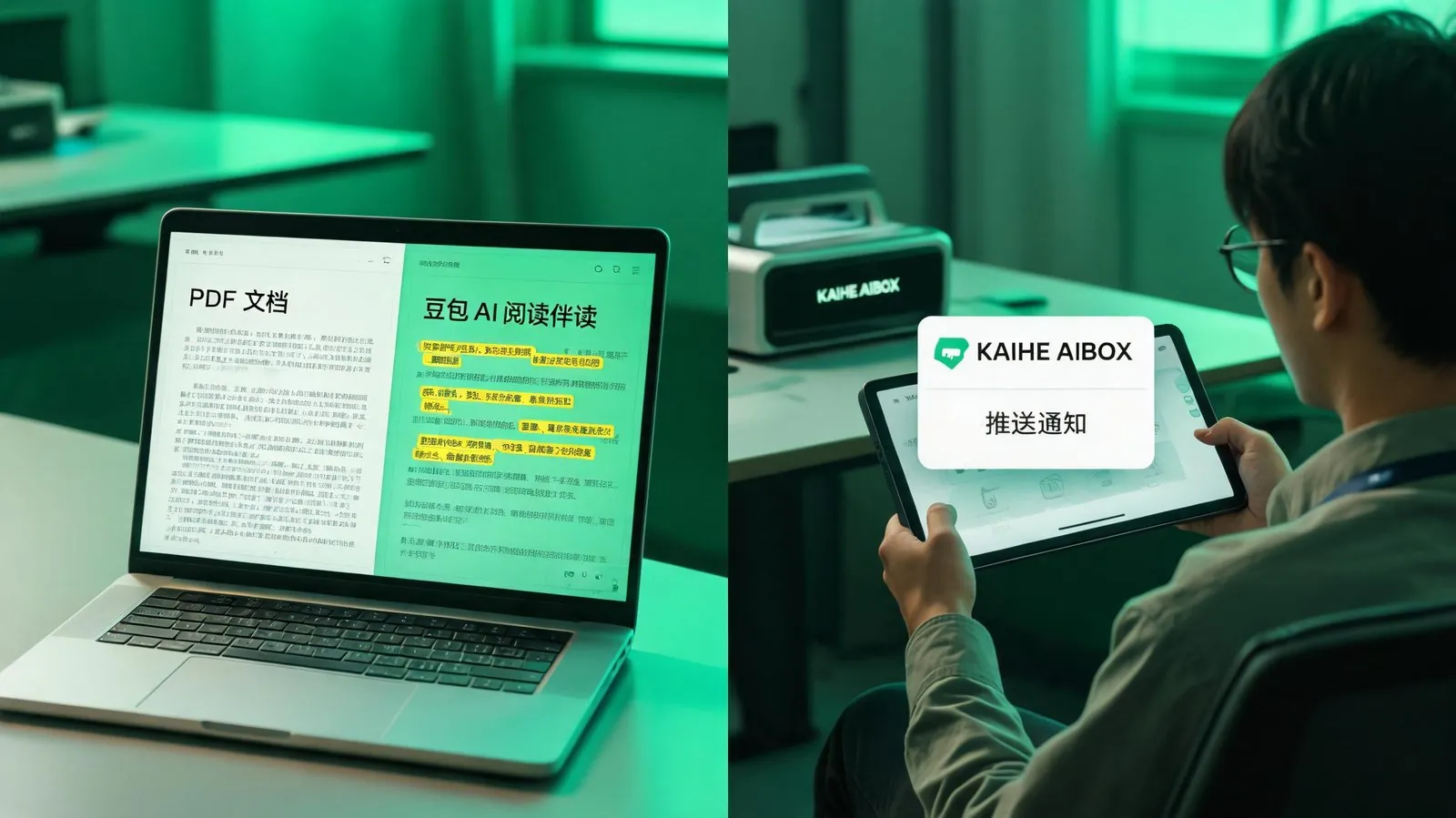 Not just translation — comprehension with follow-up Q&A.
Feature 7: AI Writing & Polishing
It's not just "write from scratch" — more commonly, it's "help me improve this."
That email, proposal, weekly report, or performance review you've drafted — select all, hit Polish, choose a style (formal, conversational, concise), and get a revised version in seconds. Supports expansion, condensation, proofreading, and translation.
It can also reference files you upload: drop your company's product manual into Doubao and tell it to write a promotional copy based on the manual. Upload a competitor analysis report and ask it to extract key comparison points into a table.
But All These Features Share One Precondition
Doubao runs in the cloud. When you shut down your computer, it stops. When you step away from your desk, it stops.
This is the deeper reason many people "have Doubao but don't use it actively": you want to summarize today's meetings on your way home, check an English contract during a business trip, have your weekly report auto-compiled overnight — none of this works because your computer is off.
It's not that Doubao isn't good enough. It's that you're not sitting next to it.
This is exactly where Kaihe AIBOX enters the picture. It's a small, local AI host that runs 24/7 with less than 10 watts of power — never powers off. Whatever Doubao can do — archive meeting minutes, translate documents via text selection, auto-compile weekly reports — you delegate it to the AIBOX running locally in the background. You're on a business trip and your phone buzzes: "Today's meeting summary ready."
Doubao is an excellent AI assistant. But you have to go to it. Kaihe AIBOX flips the relationship: it comes to you.
Further Reading: - After You Shut Down Your Computer, How Can AI Keep Working for You? - Why Can't I Just Use Doubao? Why I Also Need a Kaihe AIBOX - Doubao & Qianwen Suddenly Axed Their Agents — Where Can Your AI Go Now?
KaiheAIBOX #Doubao #AIOffice #MeetingMinutes #Translation #VideoSummary
Learn more: [email protected]
KAIHE AIBOX · 7x24 Agent Computer | AI Agent