How to Protect Your Family's Privacy Data in the AI Age: A Complete Guide
📖 Glossary
AI Box (also known as Agent Computer / Agent PC), is a dedicated local hardware device that runs AI Agents. Pre-installed with an AI agent management system, plug-and-play, running 24/7. Users can remotely command AI to work via Discord, Slack, Telegram, WhatsApp, and more.
Summary: In the AI age, family privacy risks are everywhere: smart speakers record conversations, cloud AI stores your family bills and children's photos, and app albums upload private data automatically. This article breaks down the five major channels of family privacy leaks, and shows you how to keep 100% of your family data secure with a local AI solution that requires no technical expertise.
Your Family's Private Data May Be More At Risk Than You Think
Have you ever had this experience: you just talked to your family about buying a child safety seat, opened your shopping app and the homepage was full of car seat ads?
At first you think it's a coincidence, until you learn that smart speakers, phone microphones, and cloud AI services are all quietly collecting your data.
Your children's growth photos, family budget records, elders' health information, private conversations between couples — these things you think belong only to your family may have already been uploaded to countless vendors' servers, used for model training, advertising recommendations, or even exposed in data breaches.
Many people don't care because they think they have "nothing to hide", but family privacy isn't about having something to hide — it's about "this is my home, and strangers shouldn't be watching."
The Five Major Privacy Leak Risks in Every Home
1. Cloud AI Services: All Your Chat History Lives On Someone Else's Servers
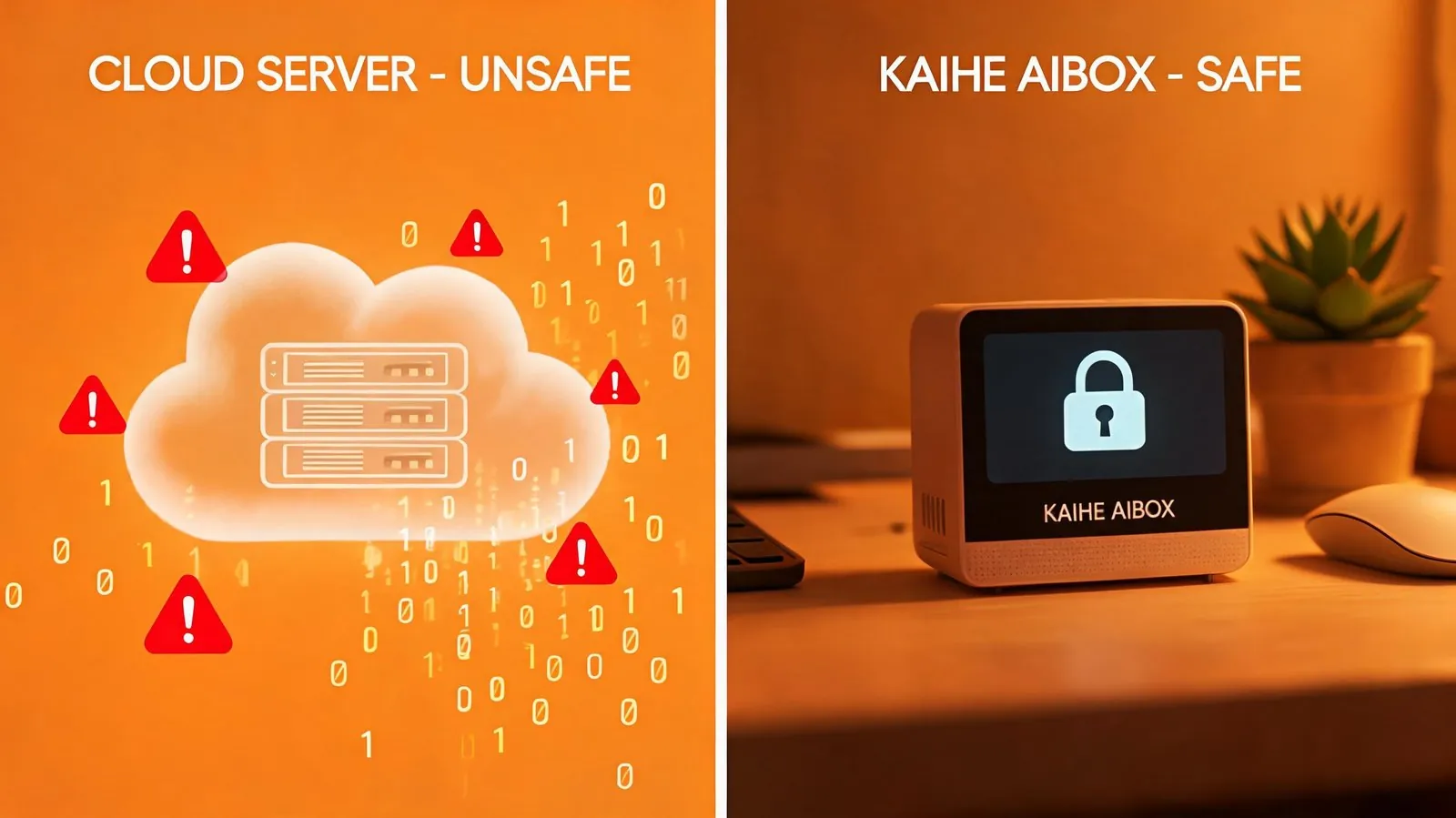
Most people use online AI for writing: work plans, family budgets, children's growth diaries — all thrown into AI chat boxes. But you may not have noticed that almost every cloud AI terms of service states that content you upload can be used for model training. Even if you delete the conversation, a backup may still exist on their servers.
2. Smart Speakers/Cameras: Listening/Watching Your Home 24/7
Many families install smart cameras and buy smart speakers, which are convenient, but most audio and video data from these devices is uploaded to the cloud for processing. There have been cases of vendor employees accessing feeds and hackers breaking in — the view of your living room or bedroom could be watched by strangers.
3. Phone App Albums: Family Photos Auto-Upload
Nearly all cloud photo apps enable auto-backup by default. Photos of your kids, medical records, ID card scans are all automatically synced to vendor servers. If this data is leaked or misused, the consequences can be severe.
4. Smart Home Devices: Your Daily Routine Is Fully Exposed
Smart plugs, smart locks, smart thermostats all upload data about when you turn on lights, come home, and go to sleep to the cloud. If someone gets this data, they know your family's exact schedule — a significant safety risk.
5. Free Cloud Notes/Docs: Important Information on Someone Else's Hard Drive
Many people store bank card passwords, children's school records, and scanned ID documents in free cloud notes. If these free services shut down, get hacked, or are accessed by rogue employees, your most sensitive family data is completely exposed.
Why Local AI Is The Ultimate Solution For Family Privacy
Many people think protecting privacy means disconnecting from the internet and not using smart devices, which is too inconvenient. In reality, you don't need to go back to the stone age — just bring AI and data back into your home, and you can enjoy smart living while keeping 100% of your privacy.
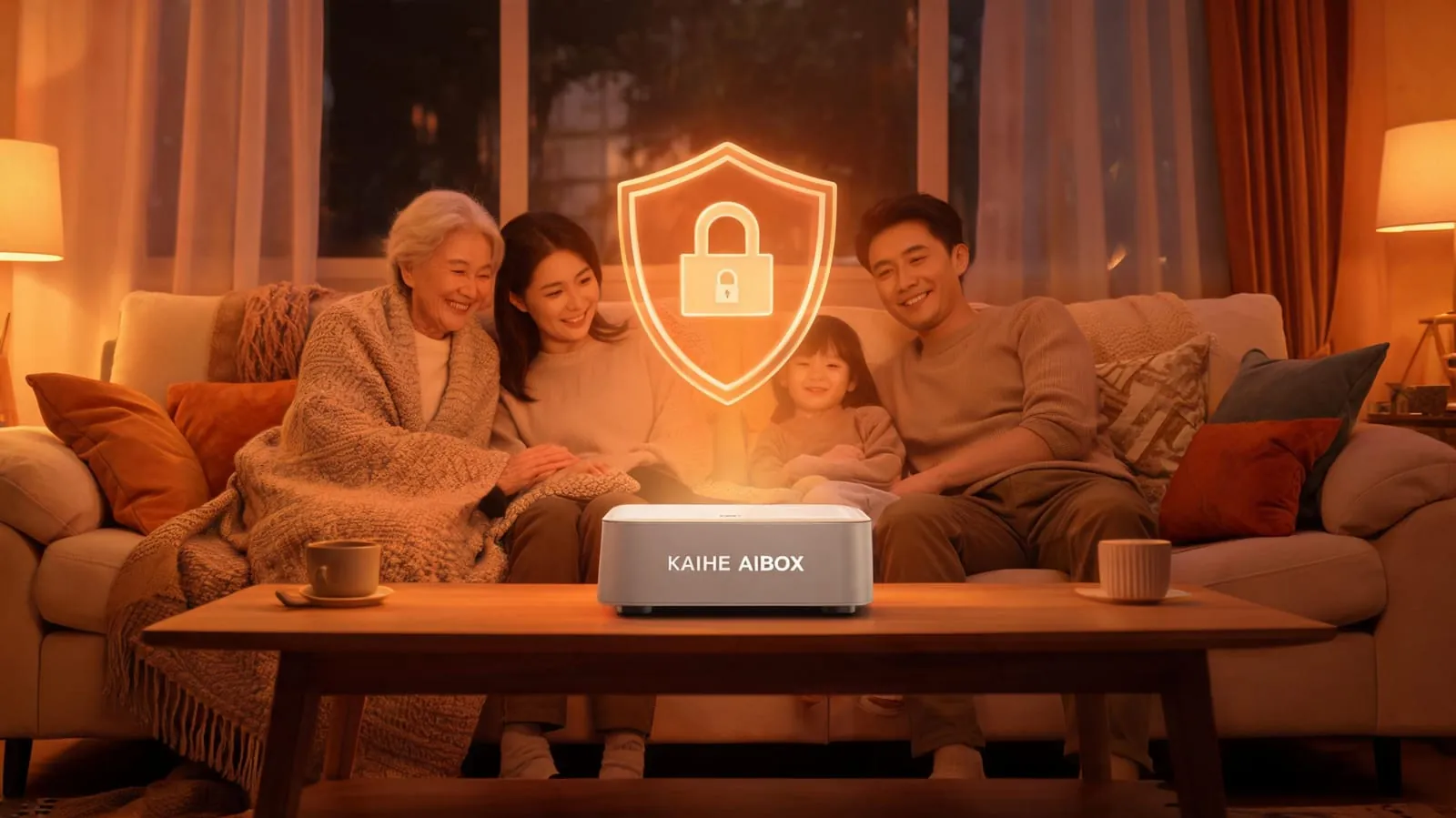
KAIHE AIBOX local agent computers are purpose-built for ordinary families:
✅ All data stored 100% on local hard drives: Chat history, family documents, photo indexes, AI memory are all encrypted on the device's internal storage, never uploaded to any third-party server. Your data stays with you whether you power off or disconnect from the internet.
✅ Default local area network operation: Not exposed to the public internet, inaccessible from outside the home network, hackers cannot find an entry point — 100x more secure than cloud services.
✅ Standalone hardware runs 24/7: No need to keep your computer or phone on. Plug it in and control smart home devices via chat apps, set medication reminders for elders, auto-organize family photos — the whole family can use it.
✅ You have full data sovereignty: The device is your private property. No vendor can shut down service, raise prices, or delete your data. Your family memories can be preserved permanently.
Three Simple Steps For Family Privacy Protection
Step 1: Bring AI back home Stop throwing sensitive content into cloud AI chat boxes. Use local AI for personal family matters. KAIHE AIBOX works right out of the box, controlled via chat apps, no technical skills needed for elderly or children.
Step 2: Don't store important data on public clouds Keep sensitive content like ID cards, bank info, children's photos, and family budgets on local storage. Choose smart cameras that support local storage and turn off cloud upload.
Step 3: Choose smart devices that support local control Pick smart home products that support LAN-based local control, don't connect everything to vendor clouds. KAIHE AIBOX supports local integration with most smart home devices, works even without internet, data never leaves your home.
| Comparison | Cloud AI + Smart Home | KAIHE AIBOX Local Solution |
|---|---|---|
| Data Storage | Vendor cloud servers | Encrypted local drive, 100% user-owned |
| Privacy Risk | Data may be used for training/leaked | Data never leaves home, default LAN |
| Reliance | Requires internet, depends on vendor | Works offline, permanently available |
| Family Use | Multiple accounts require multiple subscriptions | Whole family shares, private isolated profiles |
| Usability | Requires multiple app downloads | Controlled via chat apps, easy for elders |
| Long Term Cost | Annual cloud/membership fees | One-time purchase, ~$0.50/month electricity |

Final Thought: Family Privacy Is Not Paranoia — It's A Baseline
Technology exists to make life more convenient, not to make families feel like they're under surveillance at home.
You don't need to be a tech expert or disconnect from the internet. Just bring core data and AI capabilities back into your home, and you can enjoy the benefits of smart living while protecting your family's privacy baseline.
What happens at home, should stay at home.
Further Reading: - What is KAIHE AIBOX? Complete Guide to Use Cases - The 5 Unavoidable Flaws of Cloud-Based AI: Why More Users Are Moving AI Back to Local Devices
KaiheAIBOX #LocalAI #AIPrivacy #FamilyDataSecurity #AgentComputer #AIBOX
For more information, search [KAIHE AIBOX] or contact: [email protected]
KAIHE AIBOX · 7x24 Personal AI Assistant | User Stories