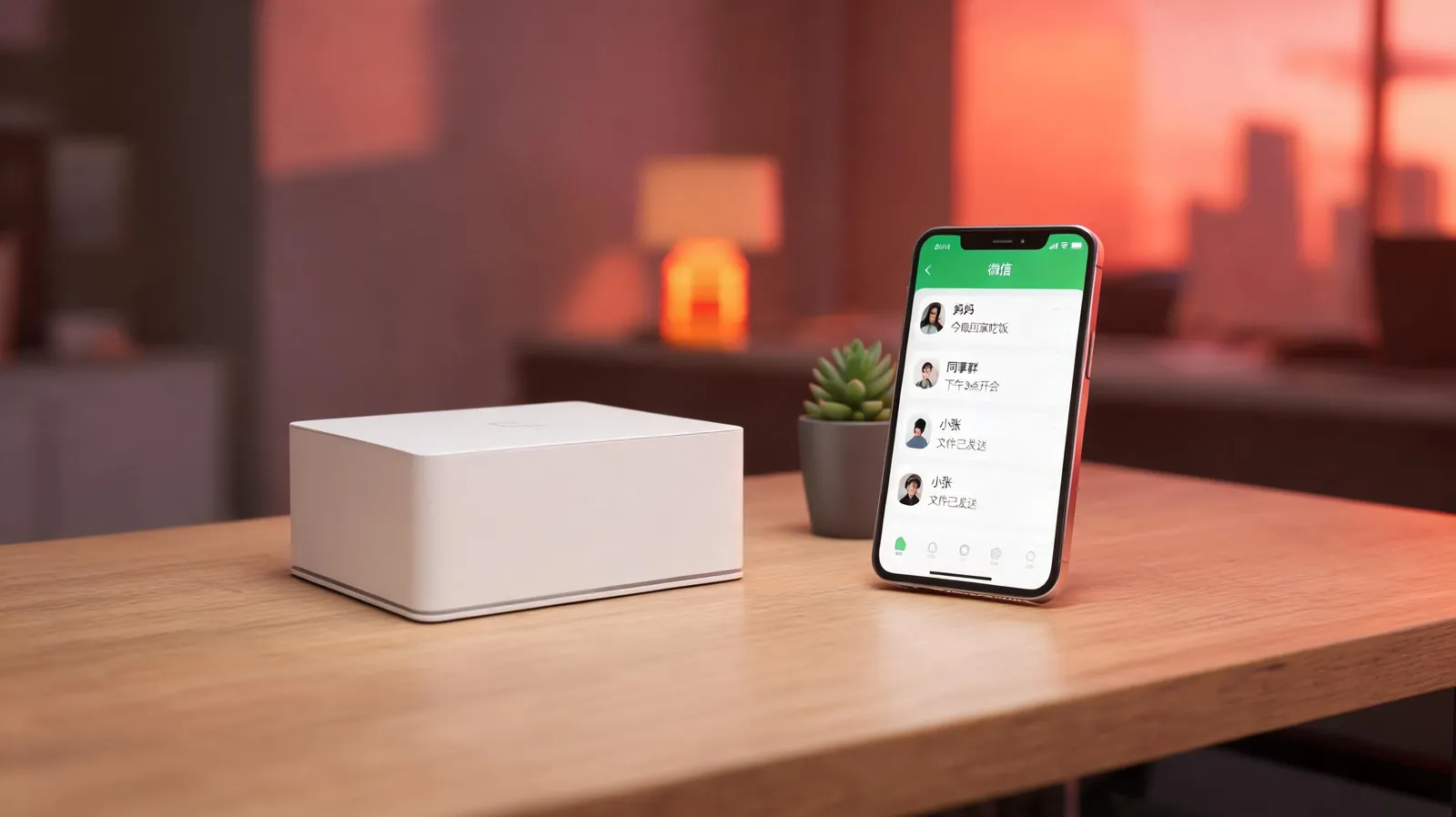
The First Thing to Do With Your Kaihe AIBOX, Set Up a 5-Minute Automated Content Agent
📖 Glossary
AI Box (also known as Agent Computer / Agent PC), is a dedicated local hardware device that runs AI Agents. Pre-installed with an AI agent management system, plug-and-play, running 24/7. Users can remotely command AI to work via Discord, Slack, Telegram, WhatsApp, and more.
Most people power on their Kaihe AIBOX and don't know what to do next. There's really only one thing you should do first, set up an Agent that works automatically every day.
1. A Quick Story to Start
Zhang runs a self-media channel. Every morning, he spent 90 minutes browsing Weibo, Zhihu, and tech news sites, compiling AI industry updates into a briefing for his team group chat. After three months, he felt like an information porter — repetitive work eating up his sharpest morning hours.
Then he handed this task to Kaihe AIBOX. Now every morning at 8 AM, a curated AI news briefing arrives in his WeChat. Searching, filtering, formatting, and pushing, all automated. Setting up the entire workflow took him 5 minutes.
2. Three Common Misconceptions to Clear Up First
It's not a reminder app. Alarm-style apps tell you what to do; Kaihe AIBOX actually does it. The Agent searches, compiles, and pushes content autonomously. No human intervention needed.
It's not a cloud automation tool. Platforms like Zapier and IFTTT route data through cloud servers, charge per API call, and expose your data to third parties. Kaihe AIBOX processes everything locally. No cloud subscriptions, no privacy concerns.
It's not a developer platform. Tools like Coze and Dify are powerful but demand technical knowledge — prompt engineering, API configuration. Kaihe AIBOX works through WeChat messages. You type what you want in plain language, and the Agent executes.
3. The Essence in One Sentence
Kaihe AIBOX is a local AI agent box you command via WeChat. Send instructions, it executes. Set a schedule, it runs automatically.
Three layers here. "Local" means the AI model runs on the device, no cloud dependency, your data stays home. "WeChat-controlled" means no new app to install, you use the WeChat you already open dozens of times a day. "Agent" means it's not a simple Q&A bot. It understands tasks, breaks them into steps, calls tools, and completes full workflows.

4. Three Dimensions to Understand the Core
Core Feature, Assign Tasks via WeChat Messages
Once Kaihe AIBOX is bound to your WeChat, chatting with it IS giving instructions. Want it to search AI news every morning? Send "Search AI hot topics every day at 8 AM, compile a briefing, and push it to me." Want to monitor a website? Send "Check xxx.com daily, notify me if there's new content." No configuration panels, no forms. Just natural language with time, task, and delivery method.
Core Value, Hand Off Repetitive Work to AI
Manual searching, compiling, formatting, and sending eat time without creating incremental value. Kaihe AIBOX automates the entire pipeline. Spend 5 minutes setting it up once, and it executes on schedule, 365 days a year. The freed-up time goes to higher-value work, like deep analysis and strategy.
Typical Use Cases
| Scenario | Why It Fits |
|---|---|
| Daily industry briefing | Agent searches, compiles, and pushes. Briefing waiting in WeChat when you arrive |
| Competitor monitoring | Set keywords, get instant WeChat notifications for new developments |
| Auto-generated reports | Agent reads work logs, formats reports, sends to your boss on schedule |
| Public opinion alerts | Set sensitive terms, get first-warning notifications for negative mentions |
5. A Comparison Table
| Dimension | Kaihe AIBOX | Cloud Automation Tools | Reminder Apps |
|---|---|---|---|
| Operation | WeChat messages | Config panels + APIs | App taps |
| Data processing | Local | Cloud relay | No processing |
| Cost | One-time hardware | Per-call pricing | Free/subscription |
| Privacy | Data stays local | Passes through third parties | Stored in cloud |
| Capability | Search/write/push full chain | Depends on third-party APIs | Reminders only |
| Learning curve | If you can use WeChat | Technical background needed | If you can use a phone |
6. Closing, What It Means for Us
Zhang now arrives at the office with a briefing already in WeChat. A quick scan tells him what happened in the industry overnight, and the extra time goes to writing in-depth analysis. The change didn't happen overnight. It started with one sentence, "Search AI hot topics every morning at 8."
What makes Kaihe AIBOX interesting is its interaction model. No new tool to learn, no habit to change. Sending a WeChat message is something you do every day anyway. You used to send them to people; now you send them to AI. The AI understands and executes. That's what smart devices should do, fit into your life instead of making you adapt to them.
7. Further Reading
Getting Started
- Kaihe AIBOX Official Website — Product details and purchasing
Going Deeper
- OpenClaw Article Collection — More Agent use cases and tips
Want to learn more about Kaihe AIBOX? Get in touch.
Kaihe AIBOX Website: https://agentaibox.com/ Email: [email protected]