KAIHE AIBOX Full Lineup Comparison: From Entry-Level to Flagship — Which One Is Right for You?
📖 Glossary
AI Box (also known as Agent Computer / Agent PC), is a dedicated local hardware device that runs AI Agents. Pre-installed with an AI agent management system, plug-and-play, running 24/7. Users can remotely command AI to work via Discord, Slack, Telegram, WhatsApp, and more.
7 models, 7 distinct use cases, ranging from entry-level to data-center grade. This guide helps you find the right one.
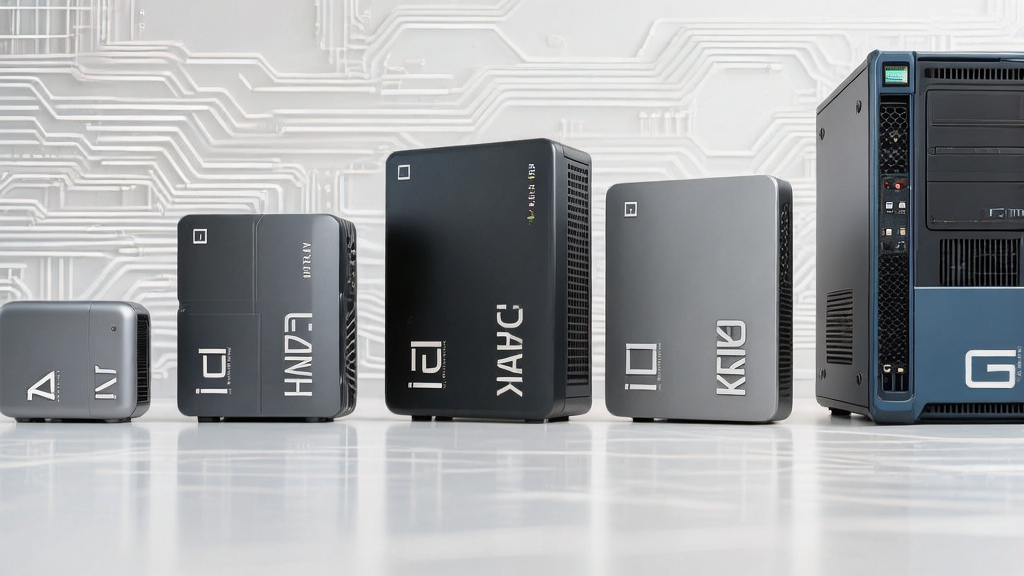
Quick Answer
| Your Need | Recommended | Why |
|---|---|---|
| First time with OpenClaw, low-cost exploration | A1 | Lowest barrier to entry, plug-and-play |
| Small business owner, WeChat customer support | A1 | Sufficient, affordable, always-on |
| Run 7B models locally, data stays on device | C1 | Entry point for local LLMs |
| Developer/team, run 14B-30B locally | E1 | x86 ecosystem, best compatibility |
| Enterprise deployment, run 70B+ locally | F1/G1 | Flagship large model computers |
Product Lineup Overview
Tier 1: Agent Computers (A1–D1)
Core positioning: Pre-installed OpenClaw, smart agent management, primarily using cloud LLM APIs.
| Model | Price | Processor | RAM | Storage | AI Compute | Local Models | Key Feature |
|---|---|---|---|---|---|---|---|
| A1 | ¥999 | RK3576 ARM | 4GB | 64GB | 6 TOPS | ❌ Lightweight only | Beginner-friendly, plug-and-play |
| B1 | ¥3399 | ARM industrial | 8GB | 64GB | — | 1B-3B | Industrial, rich I/O |
| C1 | ¥4599 | ARM+CUDA | 8GB | 128GB | — | 7B | Entry point for local LLMs |
| D1 | ¥8999 | Orin NX | 16GB | 256GB | 100 TOPS | 7B-13B | Multimodal, multi-agent |
A1 in depth: The entry-level Agent Computer with OpenClaw pre-installed. Core value: "zero barrier" — if you can't install OpenClaw yourself, buy an A1 and it works out of the box. Note: A1 cannot run large language models locally; LLM capability comes from cloud APIs.
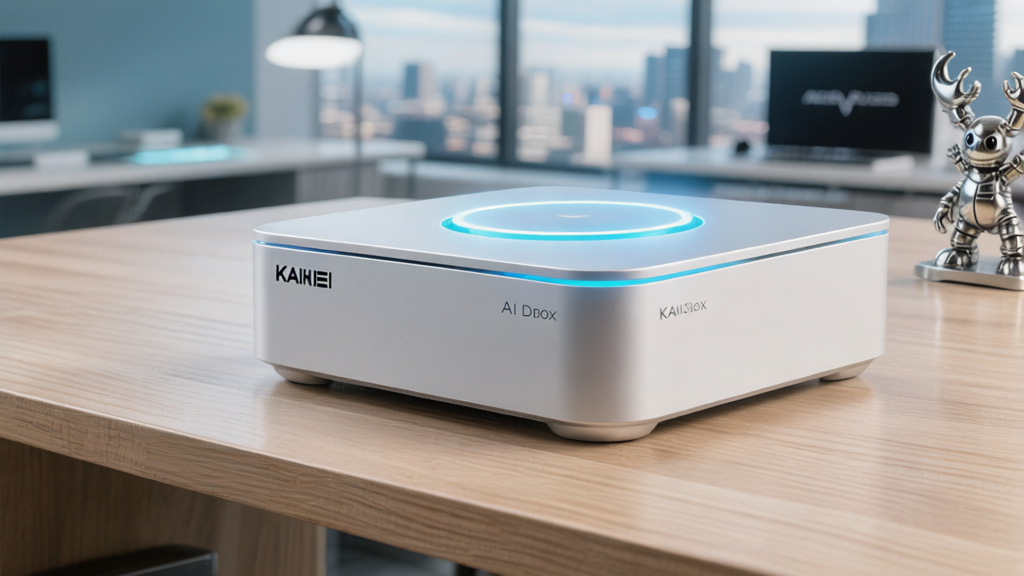
C1 in depth: The threshold for local LLMs. 7B models (Qwen2.5-7B, Llama-3-8B) can run locally with data staying on device. Ideal for privacy-conscious users on a budget.
Tier 2: Large Model Computers (E1–G1)
Core positioning: x86 architecture, run 14B+ models locally, true private AI deployment.
| Model | Price | Processor | RAM | Storage | AI Compute | Local Models | Key Feature |
|---|---|---|---|---|---|---|---|
| E1 | 十余元999 | AMD Ryzen AI 9 HX 470 | 32GB | 1TB | 86 TOPS | 14B-34B | AI productivity flagship |
| F1 | ¥22999 | x86 | 64GB | 2TB | 126 TOPS | 30B-70B | Desktop AI supercomputer |
| G1 | ¥34999 | NVIDIA GB10 | 128GB | 4TB | 1000 TOPS | 70B-405B+training | Desktop AI data center |
E1 in depth: x86 ecosystem with Windows/Linux dual-boot support. Runs mainstream models like DeepSeek-V3 (671B MoE, 37B active), Qwen2.5-32B locally. Ideal for developers, creators, and enterprise productivity.
G1 in depth: The flagship of flagships. NVIDIA GB10 architecture (Grace Blackwell), 128GB unified memory, 1000 TOPS. Runs Llama-3-405B locally, supports fine-tuning and training. For AI research teams and enterprises requiring full data sovereignty.
Recommendation by Use Case
Use Case 1: First-Time OpenClaw User
Recommended: A1
You've seen OpenClaw tutorials but failed to install it yourself — Node.js version issues, path problems, antivirus blocking...
The A1 is designed for this: OpenClaw pre-installed. Plug in → enter URL → start using. No technical background required.
What A1 can do: - Connect to WeChat/Feishu/DingTalk for auto-replies - Bind cloud LLM APIs (OpenAI/Claude/DeepSeek), use AI directly in messaging apps - 24/7 online, 5W power, silent in a bedroom
What A1 cannot do: - Run large language models locally (insufficient compute) - Complex local AI processing
Bottom line: A1 is an "OpenClaw starter kit", not a "local LLM machine".
Use Case 2: Small Business Owner, WeChat Automation
Recommended: A1
Your need: Customers keep asking "price", "shipping", "hours" — manual replies are exhausting.
A1 solution: - Connect to WeChat, set up auto-replies for common questions - Complex inquiries route to human - 24/7 online, instant response even at midnight
Cost: One A1 (one-time) + cloud API fees (pay-per-use, free tiers available from DeepSeek and others).
Why not a more expensive model? WeChat customer support doesn't require local LLMs — cloud APIs are sufficient. A1 is the most economical choice.
Use Case 3: Privacy-Conscious, Limited Budget
Recommended: C1
Your need: Data must not leave the device, but budget is under ¥5000.
C1 runs 7B models (Qwen2.5-7B, Llama-3-8B) locally for basic local AI needs: - Local document Q&A - Local text generation - Local translation
Limitation: 7B models have limited capability. Complex tasks (long-form writing, code generation) perform better with cloud LLMs.
Use Case 4: Developer/Technical Team, Local Development
Recommended: E1
Your need: Run 14B-30B models locally for development, debugging, private deployment testing.
E1 advantages: - x86 architecture, compatible with mainstream open-source ecosystem (Ollama, vLLM, text-generation-webui) - 32GB RAM, runs Qwen2.5-32B, DeepSeek-V3 (MoE 37B active) smoothly - Windows/Linux dual-boot, flexible development environment
Use Case 5: Enterprise Private Deployment, Full Data Sovereignty
Recommended: F1 or G1
Your need: Enterprise-grade private AI, data sovereignty, compliance requirements.
F1: Runs 70B models locally (Qwen2.5-72B, Llama-3-70B), covers most enterprise scenarios.
G1: Runs 405B models locally, supports fine-tuning and training. For AI research teams and enterprises needing custom models.
FAQ
Q: A1 vs E1 — what's the 十余元000 difference?
Core difference: A1 uses cloud APIs; E1 runs models locally.
- A1: Agent runs locally, but the "brain" is a cloud LLM (OpenAI/Claude). You pay for API usage; data goes to the cloud.
- E1: LLM runs locally; data never leaves the device. No API fees, but higher device cost.
Q: Should I choose "cloud API" or "local LLM"?
| Choose Cloud API | Choose Local LLM |
|---|---|
| Limited budget | Data must stay on device |
| Need strongest models (GPT-4o, Claude) | Compliance/privacy requirements |
| Don't want hardware hassle | Willing to invest in hardware |
| Accept data sent to cloud | Need model fine-tuning/training |
Q: C1 vs E1?
- C1: ARM architecture, only runs 7B models — for "local LLM exploration"
- E1: x86 architecture, runs 14B-34B — for "real work"
If budget allows, E1 is far more practical than C1.
Q: Who is G1 for?
- AI research teams needing local model training
- Enterprises requiring fully autonomous AI infrastructure
- Enthusiasts wanting maximum performance
For most users, G1 is overkill.