📖 Glossary
AI Box (also known as Agent Computer / Agent PC), is a dedicated local hardware device that runs AI Agents. Pre-installed with an AI agent management system, plug-and-play, running 24/7. Users can remotely command AI to work via Discord, Slack, Telegram, WhatsApp, and more.
Abstract: You've saved notes, reading highlights, meeting records, and random ideas on your phone or computer for years—hundreds of entries piling up. But when you actually need to find something, you search for half an hour and still can't locate that one sentence. Now AI can actually read all your notes. You ask questions just like chatting with a friend, and it pulls answers directly from your notes—no more tedious manual searching.
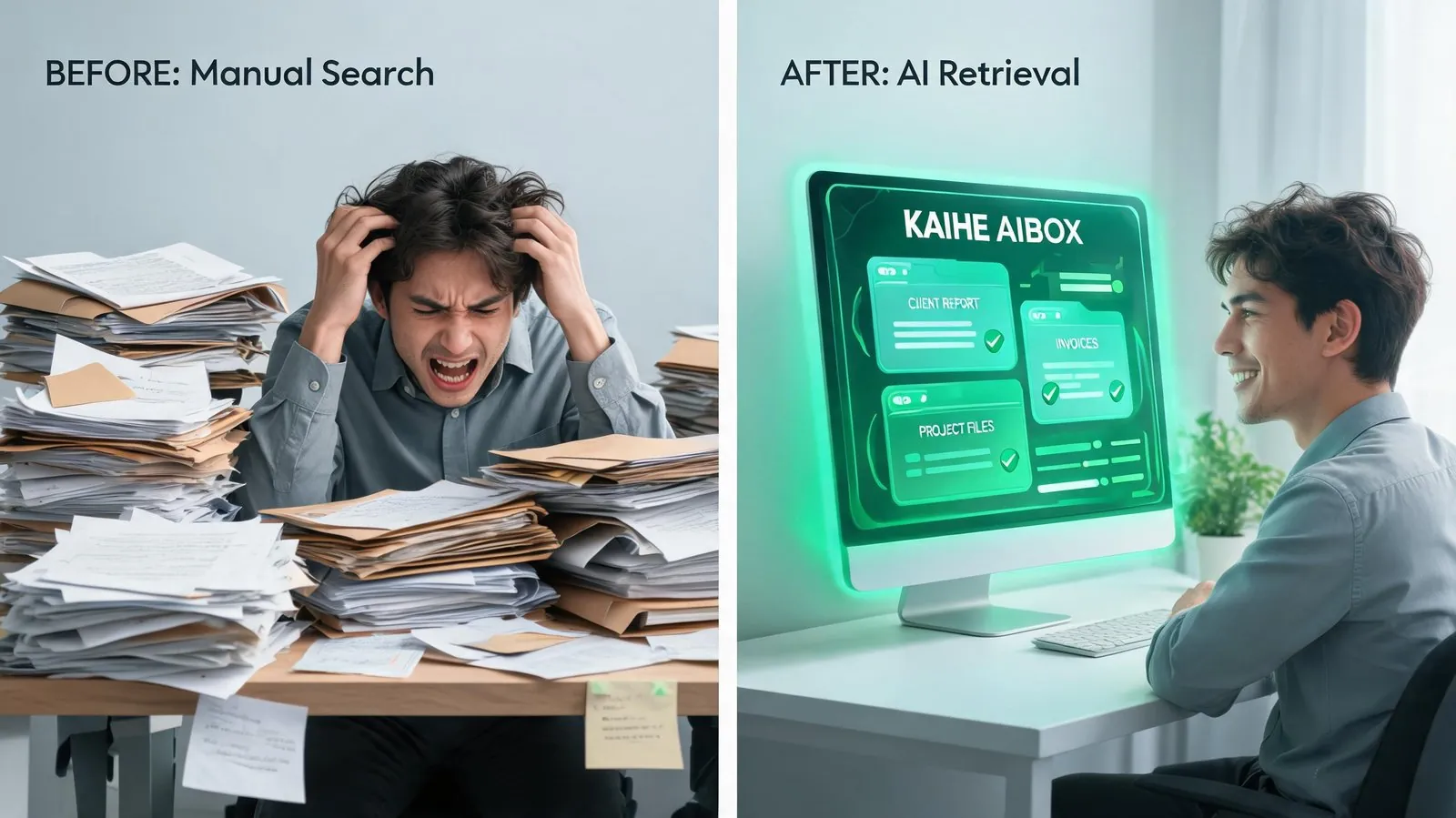
Why Your Years of Notes Are Basically Unusable
No matter what app you use to take notes—iPhone Notes, various note apps, or even just sending messages to yourself on chat apps—almost everyone has the same problem:
The more you save, the harder it is to find anything.
You remember saving a great parenting tip six months ago. Today your kid is facing the exact same situation, and you want to look it up. You try keywords, scroll for 20 minutes, rephrase your search multiple times—but you just can't find that paragraph.
You're writing a proposal and clearly remember your boss mentioned a key requirement in a meeting last month. You wrote it down, but after going through all meeting notes, you still can't find it.
You want to write something and know you had great thoughts on the topic before—you definitely noted them down—but you can't remember what you wrote or which note it was in.
This isn't because you have a bad memory. It happens to everyone: you save notes much faster than you can retrieve them. Out of hundreds or thousands of saved entries, you can probably find and use less than 10% when you actually need them. Most content sinks to the bottom right after you save it, as if you never saved it at all.
Now AI Can Actually "Read" All Your Notes
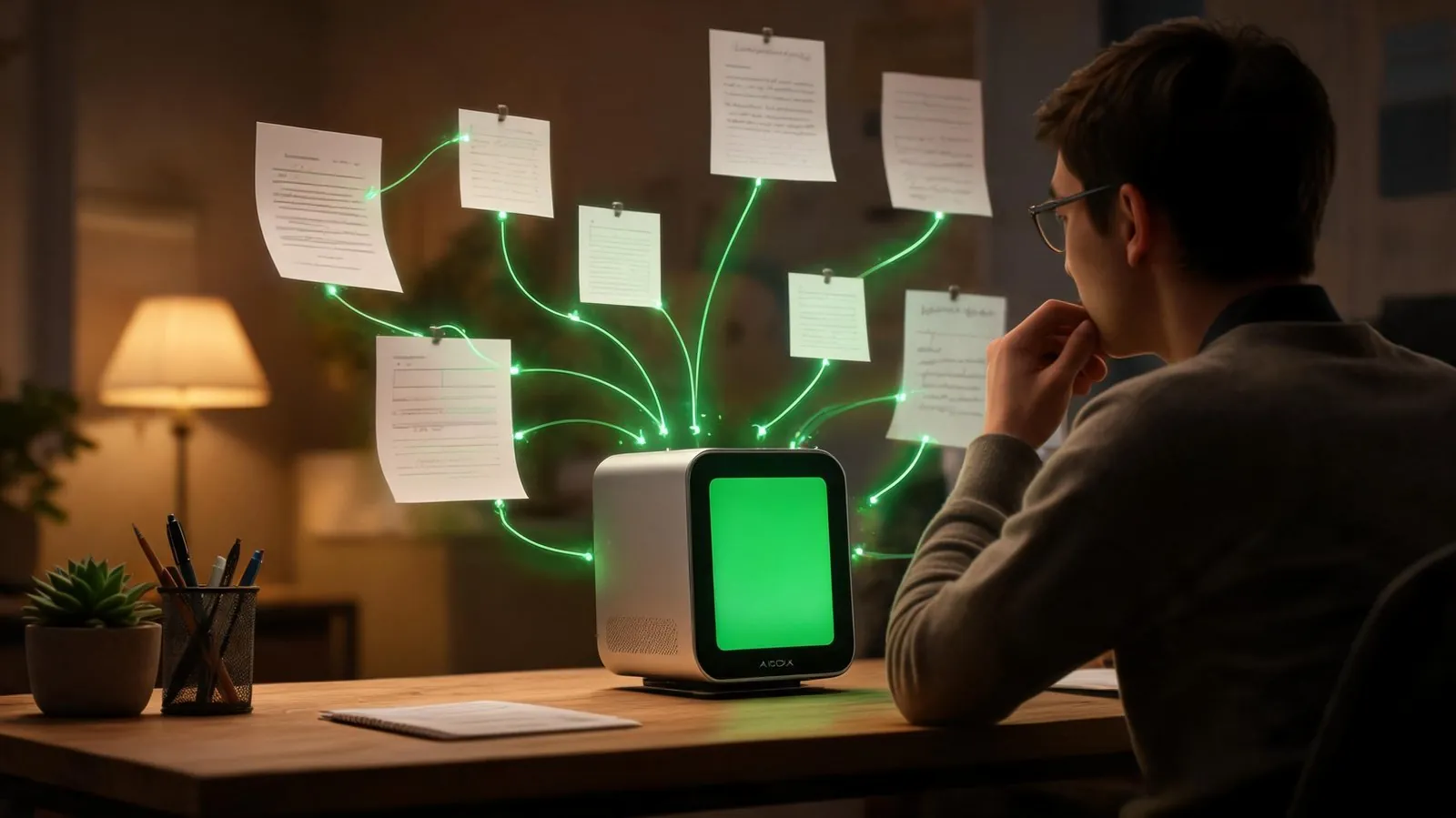
There's now an incredibly useful feature: the AI assistant on KAIHE AIBOX can connect directly to your note library and "read" through everything you've saved over the years. You don't need to search by keyword anymore—just ask naturally like you're talking to a friend:
- "What was that point I noted about Tesla's self-driving technology?" — The AI finds the exact note and pulls out the original quote for you
- "What have I saved about the concept of 'compound interest'? Organize it all for me." — The AI goes through every single one of your notes and compiles everything related into one clear summary
- "Based on all these notes I've taken about the AI industry, help me outline an article." — The AI actually understands your past thoughts before writing, not just copying generic templates from the internet
- "When I met with Mr. Zhang three months ago, what was that project risk we talked about?" — The AI checks your meeting notes and gives you the answer directly
Best of all: This entire process runs on your device at home. None of your note content gets sent to any company's servers online. You don't have to worry about private content being seen by others, or your materials being used to train someone else's AI model. Your privacy stays completely in your control.
How to Use It? Three Simple Steps—No Special Knowledge Needed
Many people hear "AI connecting to notes" and assume it must be complicated, requiring difficult setup or special know-how. Not at all. It really is just three steps, about as simple as installing an app on your phone:
Step 1: Find the notes connection feature on KAIHE AIBOX and tap to turn it on Just like turning on Bluetooth on your phone. Find the switch, turn it on, and everything you need is automatically set up for you.
Step 2: Tell the AI where your notes are stored Just select the folder where you keep your notes, exactly the same way you pick a folder to send a file to a friend. Just a couple taps. You can also tell the AI which folders are drafts or don't need to be read.
Step 3: Wait for the AI to read your notes, then start asking questions Tap "Start reading" and the AI will automatically go through all your notes. A few hundred notes only takes a minute or two. After that, you can ask anything you want. When you write new notes later, just tap update again—it takes a few seconds.
There are no complicated operations throughout the whole process. You don't need any special computer knowledge. Anyone can learn it in one go.
How Is This Different From the AI Built Into Note Apps?
Many note-taking apps now have their own AI features, but this is fundamentally different:
| Comparison | AI Built Into Note Apps | KAIHE AIBOX Local Notes Connection |
|---|---|---|
| Privacy & Security | Your notes get uploaded to the app company's servers | Everything runs on your device at home; content never leaves your home |
| Scope of Use | Only works with notes inside that specific app | Works with all your note files on your computer and phone |
| Flexibility | You can only use the features the app gives you | Ask anything you want; the AI can help you with whatever you need |
| Cost | Most require a paid monthly subscription | Free to use forever after you get the device; no recurring fees |
| Speed | Requires internet; slow when connection is bad | Runs locally at home; answers come instantly |
| Data Ownership | The company may use your content to train their AI | Everything stays in your hands; always belongs to you |
The core difference comes down to one simple truth: Your notes are your private property. You shouldn't have to hand all your content over to someone else just to use AI features.
Who Will Love This?
If you're any of these people, you'll wonder how you ever lived without this feature:
- People who love taking notes: Whether it's reading notes, article highlights, daily thoughts—if you've saved over 100 entries and are already struggling to find things, this is for you
- Working professionals: Lots of meeting notes and work materials; constantly needing to look up previously recorded information and wasting time digging
- Writers and content creators: Lots of saved material and ideas; needing to find old references when writing articles or making videos
- Students: Lots of class notes and study materials; no need to flip through notebooks one by one when reviewing for exams
- Privacy-conscious people: Don't want to upload private writing to the internet; don't want any company seeing what you've written down
No special expertise needed. After three simple setup steps, your years of collected notes are no longer dead data sitting unseen in folders—they become a personal assistant that truly understands you and can answer your questions anytime.
All that time you spent writing things down finally becomes genuinely useful.
Further Reading: - What Can a 24/7 AI Assistant At Home Actually Do For You? - Why More People Are Choosing Local AI Instead of Cloud AI Services - No Waiting In Line Online—Your Personal AI Is Always At Home Ready To Help
KAIHEAIBOX #AIAssistant #NotesOrganization #SecondBrain #Productivity #PersonalKnowledgeBase
For more information, search [KAIHE AIBOX] or contact: [email protected]
KAIHE AIBOX · 7x24 Personal AI Assistant | AI Agents