📖 Glossary
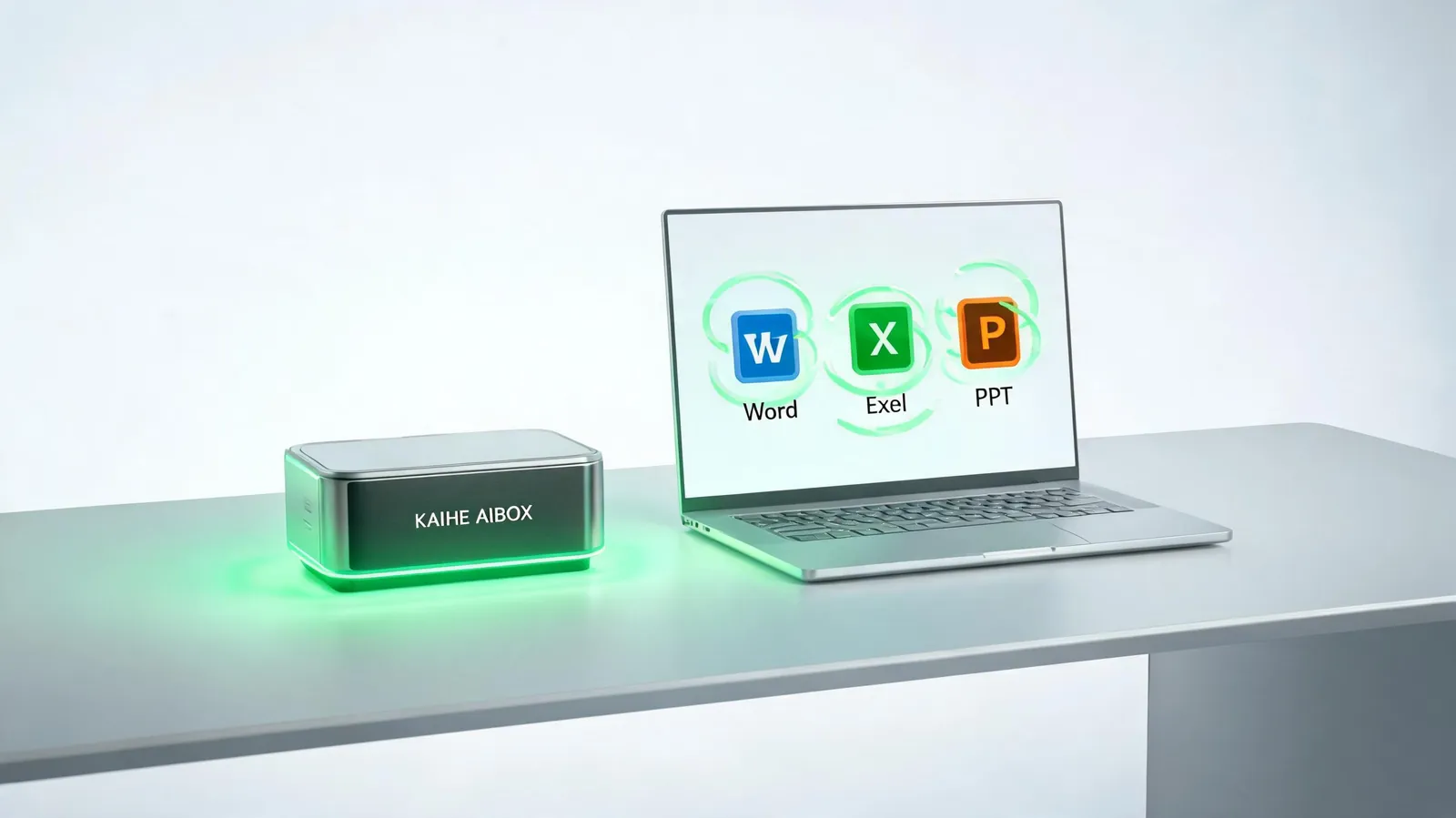
AI Box (also known as Agent Computer / Agent PC), is a dedicated local hardware device that runs AI Agents. Pre-installed with an AI agent management system, plug-and-play, running 24/7. Users can remotely command AI to work via Discord, Slack, Telegram, WhatsApp, and more.
Summary: After installing an open-source tool called OfficeCLI on Hermes, the AI can directly manipulate Word, Excel, and PPT files—no Office software required, no manual copy-pasting. One sentence lets the AI automatically revise contracts, generate reports, and format presentations. This article breaks down three real scenarios: a salesperson batch-editing contract amounts, an operations specialist auto-generating data reports, and an admin one-click formatting a PPT. Paired with KAIHE AIBOX's 24/7 standalone operation, you can say "prepare tomorrow's meeting PPT" before bed and find the file ready in the folder by morning.
Here's a Pattern You'll Recognize: AI Writes the Content, But You Do All the Finishing Work
AI writes a paragraph for your proposal. You copy it into Word, format it, adjust the layout, insert tables, fix fonts—half an hour gone.
AI analyzes your data. You copy the conclusions into Excel, manually create charts, adjust column widths, set conditional formatting—another hour.
AI outlines your presentation. You open PowerPoint, apply templates page by page, adjust alignment, pick color schemes—by the time you're done, it's dark outside.
The AI wrote the content, but the last mile of "turning it into a finished file" is still entirely manual.
Where's the problem? AI can only give you text in a chat box. It can't open Word files directly, can't draw charts in Excel, can't format PPT slides. It has a brain but no hands.
Until you install OfficeCLI on Hermes.
What Is OfficeCLI? In One Sentence
OfficeCLI is an open-source office suite tool designed specifically for AI Agents. Once installed, Hermes can directly manipulate Word, Excel, and PPT files—no Office software needed on your computer. The AI reads and writes the files directly.
Think of it this way: Hermes is the brain, OfficeCLI is the hands. You speak in plain language, Hermes translates it into commands, and OfficeCLI executes. You don't need to write a single line of code or understand command-line interfaces—you just need to describe what you want.
Installation is genuinely simple: run one command in Hermes, add one line of configuration, and you're done in 10 minutes. Easier than installing a printer driver.
Three Real Scenarios: What Happens After Installation
Scenario 1: Sales Batch-Editing Contracts—Half a Day Becomes One Sentence
Wang, a salesperson, needs to produce 3-5 price quotes weekly using a fixed template with different content. Previously, this took half a day: open template, change client name, change amount, change date, save as new file, repeat five times.
After installing OfficeCLI, Wang tells Hermes: "Generate price quotes for these 5 clients using the template. Client info is in the Excel file on my desktop."
Hermes automatically: opens Excel to read client info → opens the quote template one by one → replaces client name, amount, date → saves as new files → all 5 quotes generated. Wang just reviews and confirms.
Contract editing works the same way. A client sends a 20-page contract saying "change all amounts to tax-inclusive prices." Previously, Wang would flip through every page and change each number manually. Now he tells Hermes: "Add 6% tax to all amount figures in the contract." The AI opens the Word file, precisely locates each amount, and modifies them one by one. It doesn't regenerate the entire document—it only changes what you specify.
Scenario 2: Operations Auto-Generating Reports—Manual Chart-Making Becomes Automatic
Lin, an operations specialist, produces daily data reports with 5 tables and 10 charts in Excel. Previously, she manually exported data from various channel dashboards, created pivot tables, inserted charts, and adjusted formats—at least 1 hour daily.
Now Lin tells Hermes before leaving work: "Pull today's channel data and create a daily report with a bar chart for each table."
Hermes automatically: reads data from all channels → creates an Excel file → generates data tables → inserts bar charts → sets formatting and color schemes → saves. When Lin arrives at the office the next morning, the report is already in the folder, ready to open and use.
Scenario 3: Admin One-Click PPT Formatting—Page-by-Page Tuning Becomes Automatic
Zhao, an admin, makes meeting presentations every week. Her boss gives her a text outline, and she opens PowerPoint to apply templates page by page, adjust alignment, pick colors, insert icons—it takes most of the day.
Now Zhao drops the text outline to Hermes: "Make this into a PPT using the company template, one key point per page, blue tech style."
Hermes automatically: reads the outline → splits content into pages → applies template → sets fonts, colors, and alignment → generates a finished PPT file. Zhao just reviews and fine-tunes a few details.
| Comparison | Before OfficeCLI | After OfficeCLI |
|---|---|---|
| Editing contracts | Page-by-page manual edits, half a day | One sentence, AI precisely modifies |
| Making reports | Manual data export and charting, 1 hour | Auto-generates finished file with charts |
| Formatting PPT | Template application page by page, most of the day | Drop outline, AI auto-formats |
| Your role | Manual executor | Reviewer and decision-maker |

Why Couldn't Ordinary People Use This Before?
OfficeCLI itself is a command-line tool that requires coding to operate. For most people, the words "command line" are enough to make them walk away.
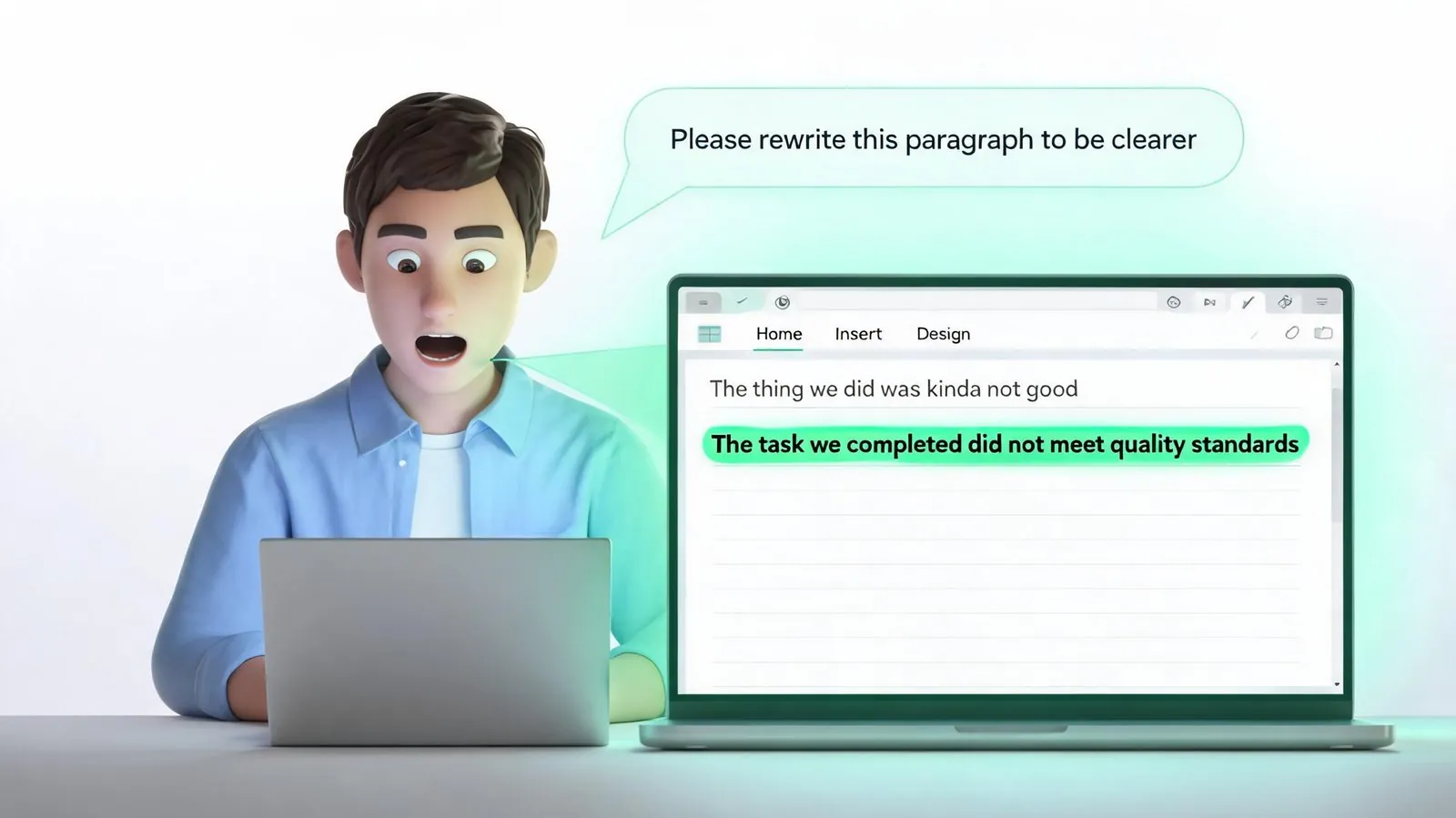
But after Hermes installs it, you only need to speak in plain language: "Help me revise Article 3 of the contract," "Make the sales data into a bar chart," "Turn this outline into a PPT." The AI translates your words into commands and executes them automatically.
This is the correct approach for AI Agents: tools are the skeleton, the Agent is the brain, and every word you say becomes a tangible output.
You don't need to learn programming, understand command lines, or memorize any command parameters. You only need to know two things: what files you have, and what result you want. The AI handles everything in between.
Paired with KAIHE AIBOX: Works During the Day, Doesn't Stop at Night
Hermes + OfficeCLI works great during the day, but there's one issue—when you shut down your computer, the AI stops.
Your boss sends a message at midnight saying "prepare tomorrow's meeting PPT," but your computer is off and the AI can't work.
KAIHE AIBOX solves this. It's a small AI device with Hermes pre-installed that runs independently without your computer. You close your laptop, and KAIHE AIBOX keeps running. You send a message from your phone: "Prepare tomorrow's meeting PPT," and the AI executes automatically, saving the file to the designated folder.
KAIHE AIBOX sits on your desk, plug in and connect to the internet. All data is processed locally—files never leave the device. Contracts, price quotes, reports—none of your business data goes to the cloud. Whether you're traveling or sleeping, the AI is working for you.
10 Minutes to Set Up, Ready to Use Same Day
The entire configuration takes just three steps:
Step 1: Install OfficeCLI. Run one installation command in Hermes and wait. No environment variables to configure, no additional dependencies to install.
Step 2: Add one line of configuration to Hermes. Tell Hermes "you now have OfficeCLI available"—one line, done.
Step 3: Start using it. Drop the files you want to process to Hermes and describe your desired result in plain language. Edit contracts, make reports, format PPTs—one sentence each.
If you're using KAIHE AIBOX, steps 1 and 2 are pre-configured at the factory. Skip straight to step 3.
Final Thoughts
AI has developed to the point where it shouldn't just write text for you to format yourself. A true AI assistant should handle the entire job from start to finish—you state the requirement, the AI delivers the finished file.
OfficeCLI gives Hermes "hands," and KAIHE AIBOX keeps those hands working 24/7. You think, the AI executes. That's what human-AI collaboration should look like.
Further Reading: - WorkBuddy Launches Human-AI Co-Writing: No More Copy-Paste, AI Edits Directly in Your Word and Excel - 6 WorkBuddy Skills That Let AI Handle Excel, PPT, and Web Forms: Step-by-Step Tutorial - Coworkers Still Overtime Making PPTs—I Finished in 3 Minutes Without Even Opening My Computer
KAIHE AIBOX #Hermes #OfficeCLI #AIOffice #OfficeAutomation #AIAgent
For more information, search [KAIHE AIBOX] or contact: [email protected]
KAIHE AIBOX · 7x24 Personal AI Assistant | AI Agent